The Invoicing Toolkit for Commercial Contractors
Get paid faster with the free invoicing toolkit
Shops that invoice within 10 days get paid significantly faster. Wait past 20, and you could add a full month to your payment cycle. This free toolkit gives you the checklists, timing strategies, and templates built from thousands of real contractor invoices.
INSIDE THE TOOLKIT
Everything you need to get paid on time

The 10-day invoice window
Why timing is your single biggest lever for cash flow.

Ready-to-use payment tools
Templates, checklists, and a payment tracker.

Client segmentation guide
Sort clients by payment behavior and follow up the right way.
Cash Flow Control
What happens when invoicing falls behind work
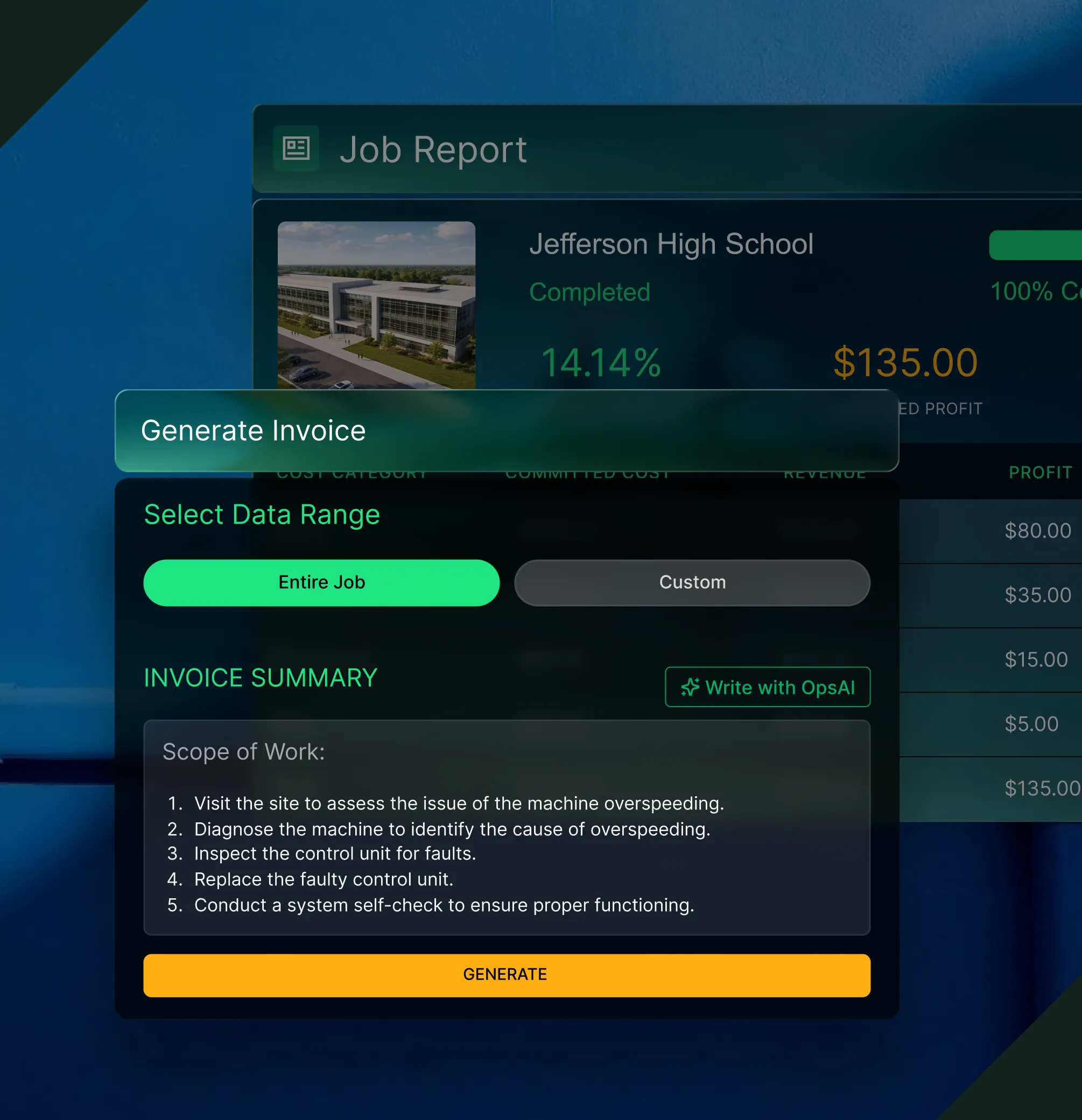
Close the gap from job to invoice
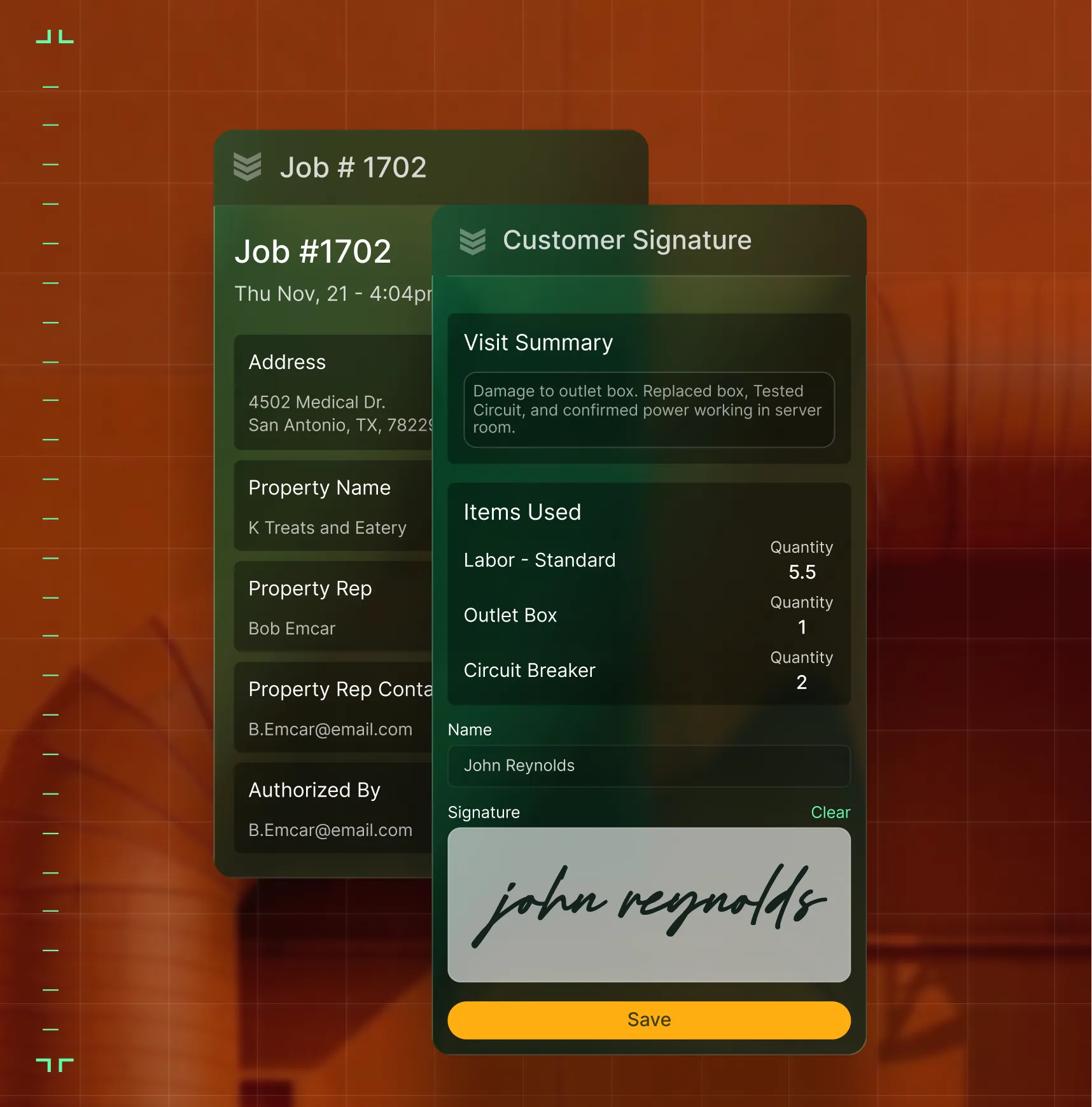
When field notes arrive by text and materials live on paper, invoices wait. The toolkit's 9-step guide connects the dots from job completion to invoice sent — in 10 days or less.


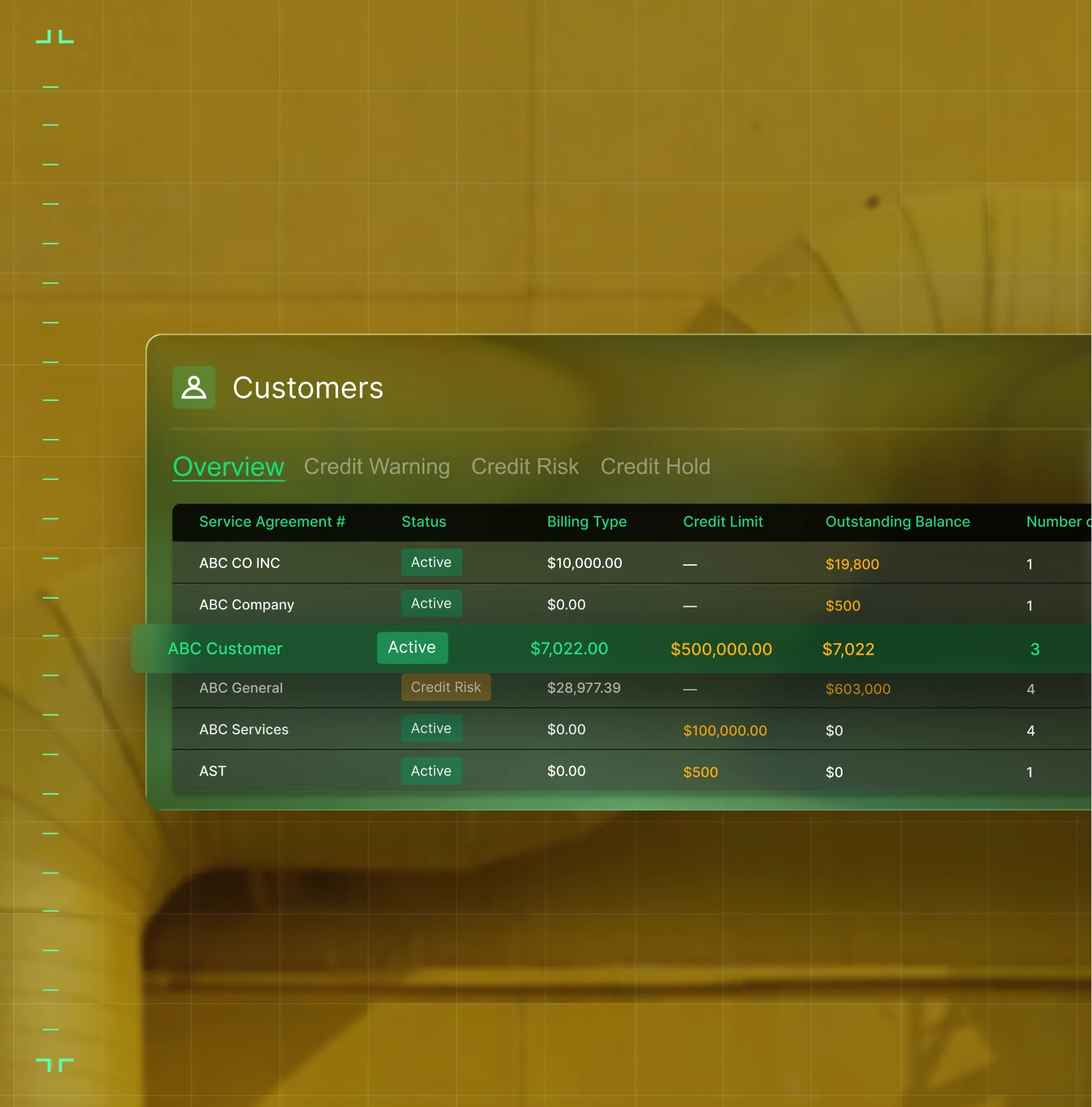
Know which invoices need attention — now
Stop digging through spreadsheets to find what's overdue. The toolkit includes a payment tracking sheet that shows every invoice status — sent, followed up, paid — so your billing team acts on facts, not hunches. Spot late payers before they become a pattern.
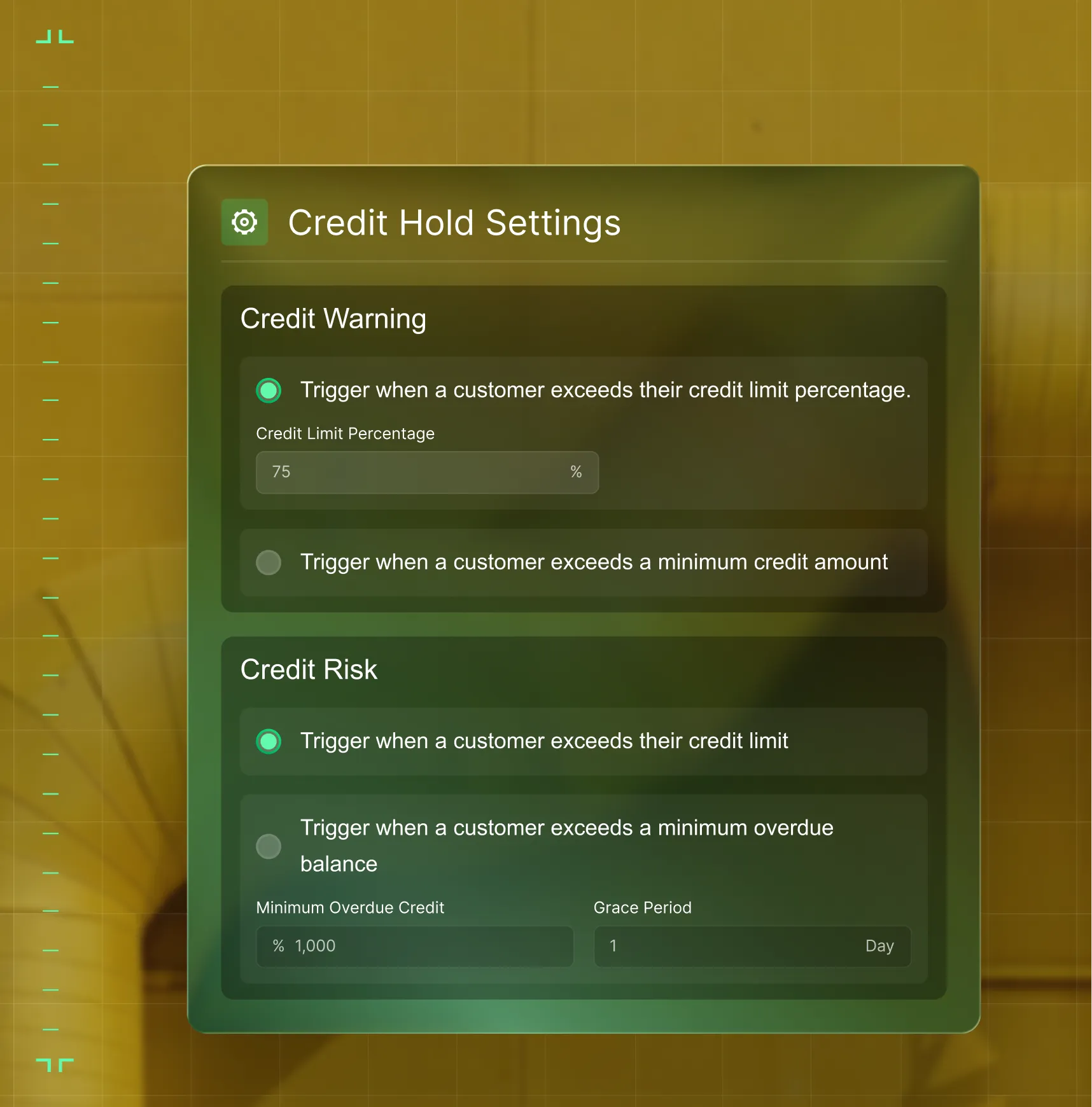
Treat different clients the way they pay
Not every customer needs the same follow-up. The toolkit's segmentation guide helps you sort clients into early, on-time, and late payers, so you can tailor reminders, adjust terms, and focus your energy where it moves the needle most.
Access the toolkit
Take control of your payments
Don’t let delays slow you down. Download your free toolkit now and start getting paid on time.
Common Questions
Your questions on invoicing, answered
What's included in the invoicing toolkit?
A best practices checklist, a nine-step invoicing guide, a customer segmentation framework for tailoring follow-ups by payment behavior, and a ready-to-use payment tracking spreadsheet. Every tool is built on insights from real contractor data.
What happens when I submit the form?
You'll be immediately directed to the toolkit download and a copy will be emailed to you. No waiting, no sales call required. You can start using the checklists and templates today.
What's the single most important thing I can do to get paid faster?
Send invoices within 10 days of job completion. Our data from thousands of contractor invoices shows this is the sweet spot. Wait past 20 days and you could add a full month to your payment timeline. The toolkit walks you through exactly how to make that happen.
How does BuildOps help contractors get invoices out faster?
BuildOps connects field data — time entries, materials, POs, and job notes — directly to invoicing. OpsAI drafts invoice summaries from job data automatically. The result: contractors regularly cut invoicing lag from weeks to days.
What about integrating with my accounting system?
BuildOps features bidirectional sync with QuickBooks, Sage Intacct, Vista, and more. Data flows from field to ledger without manual re-entry — keeping your financials current and your invoicing accurate without double work.
Can BuildOps handle both service invoicing and project progress billing?
Yes. BuildOps supports T&M invoicing, flat-rate billing, progress billing, partial invoicing, and recurring maintenance billing — all from one platform. Service and project billing run on shared data, so nothing falls through the cracks.
