Field Service Invoicing Software
Invoice the moment the job is
done
Turn completed work into clean invoices backed by field data. Time, materials, and photos all attached. No more chasing techs for details or billing from memory.

Trusted by 1,500+ commercial contractors across North America















Built for Billing Teams
Stop chasing payments. Start getting paid

Job-backed invoicing
Every invoice pulls time, parts, and job notes from the field automatically. Nothing gets left blank.

Flexible billing models
Quoted, T&M, unit price, or progress billing. One system handles all of them without workarounds.

Faster cash collection
Invoices go out the day the job closes. Not three weeks later when the details start to fade.
How Billing Should Work
Billing that keeps pace with the field
When time, materials, and job notes flow into the invoice automatically, billing stops being a bottleneck. Your team reviews, sends, and gets paid without reconstructing what happened.
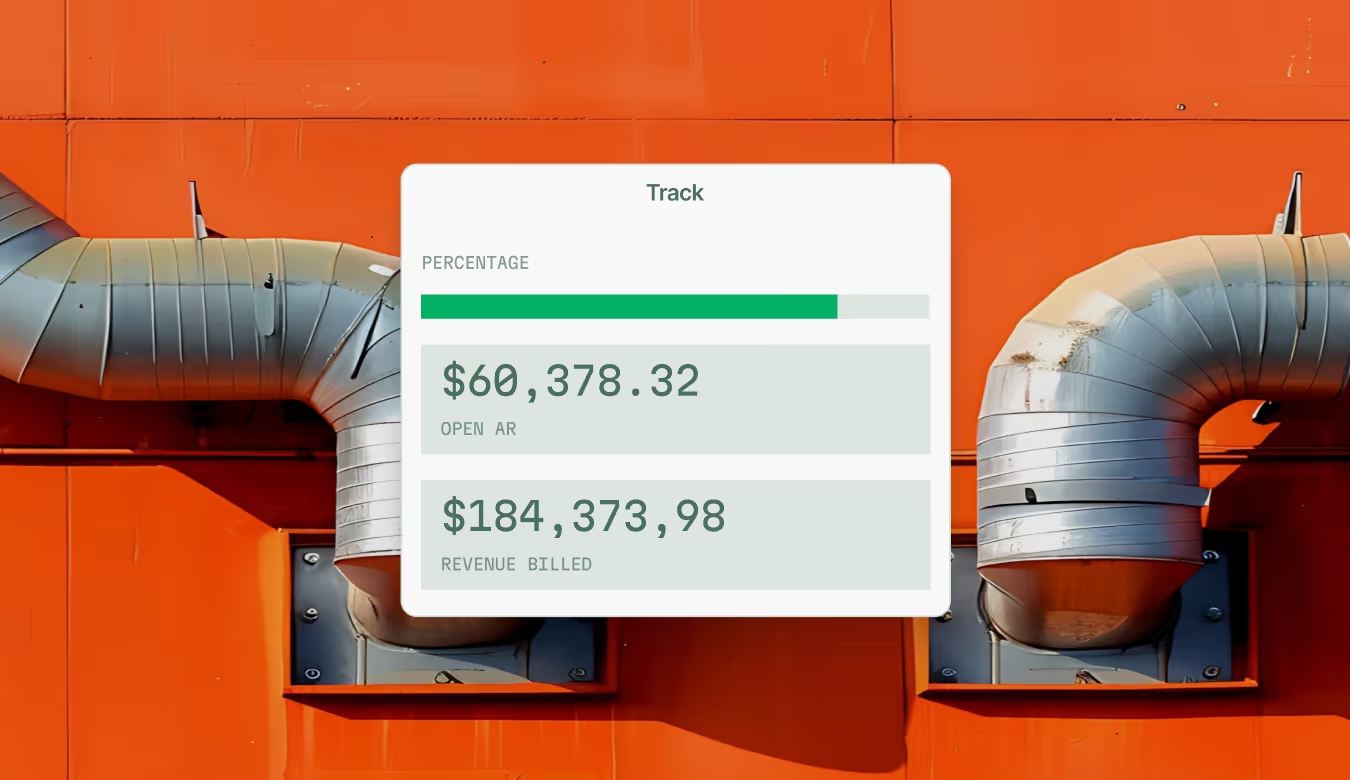
Bill Where the Work Happens
Bridge the gap between work complete and cash collected with invoicing workflows built for the speed and complexity of commercial trades.

AI Invoice Summaries
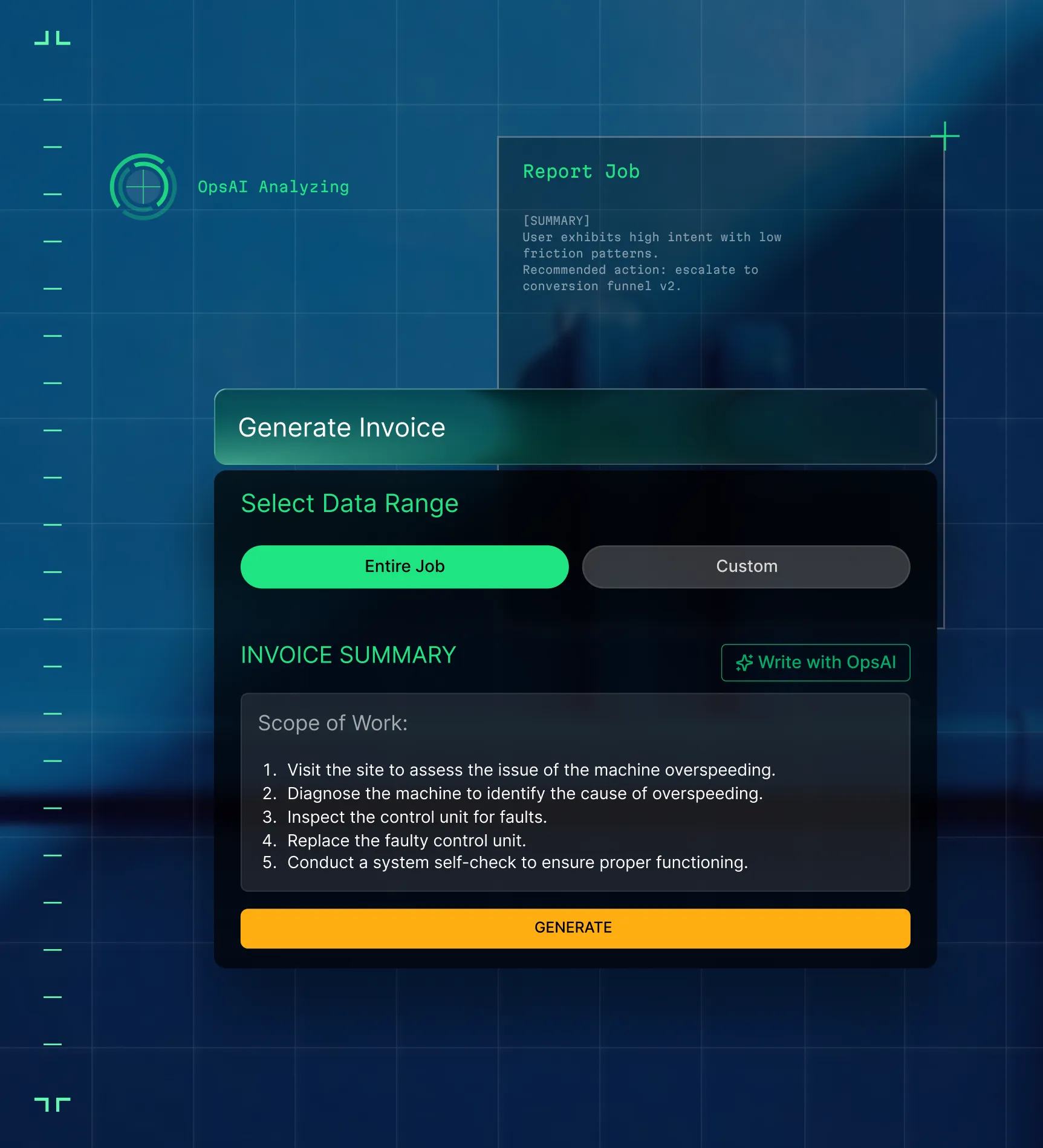
OpsAI reads field notes and writes the invoice summary. Review it, adjust if needed, and send. No blank page, no missing context.

Mobile Invoicing for Field Crews
Techs can review billable work and send invoices on-site. The customer gets the bill before the truck leaves the parking lot.

Built for everyone on the job
Same invoice, same data, every team

"Jobs close, invoices go. I don't chase paperwork, it's already in the system."
Close jobs and invoice the same day, every day.

"Invoices match the job report. No more calls to the field for missing details."
See margin before the invoice goes out, not after month end.
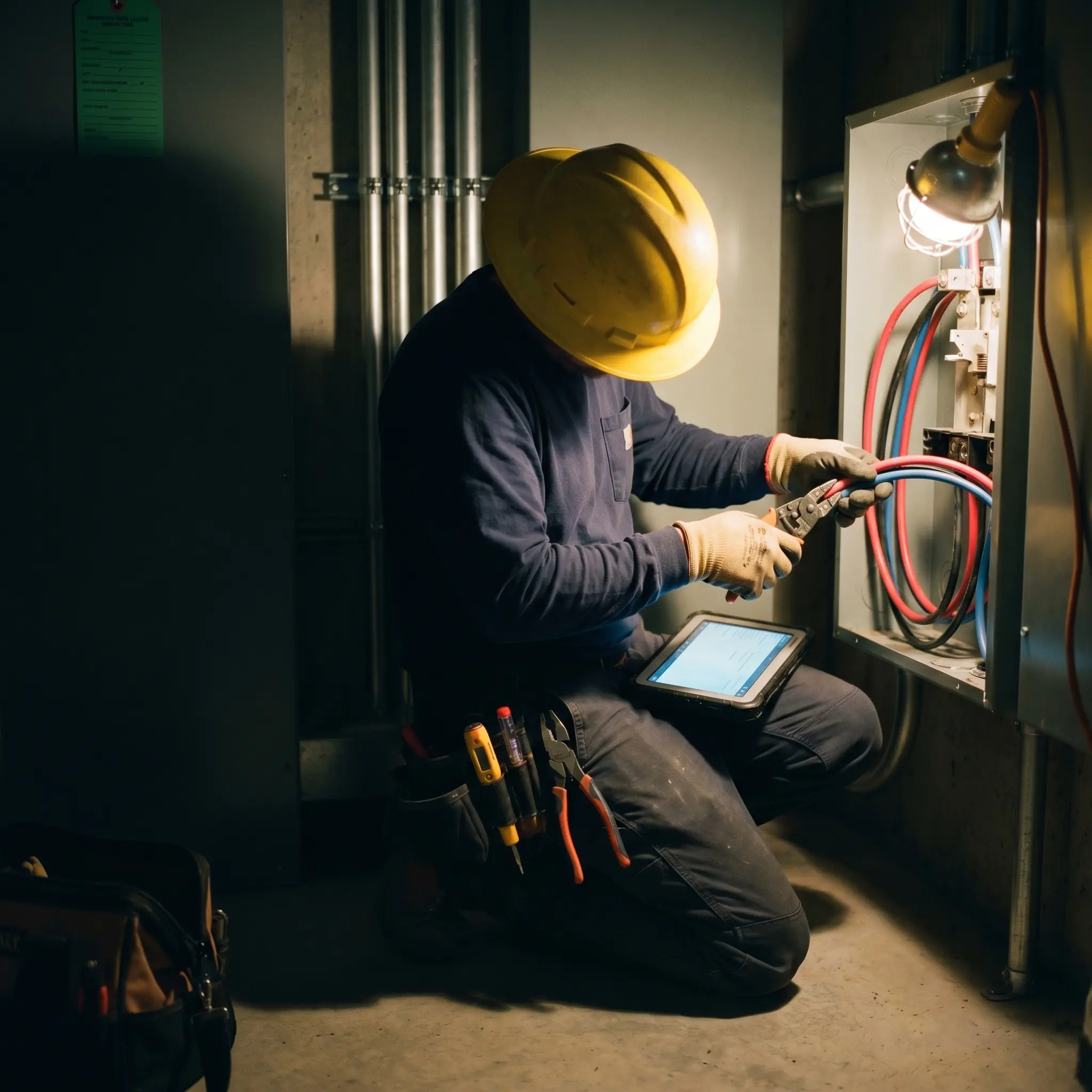
"We cut receivables from 120 days to 30 days with BuildOps."
Faster invoicing means less waiting, which means more cash in your hands.

By the numbers
Real-world impact for commercial billing teams


"We've seen an increase in day-to-day operations efficiencies that's going to add up to significant savings in time and energy over the course of a year."

"If we didn't have BuildOps and the additional cyber security they give our company, we would be dead in the water."
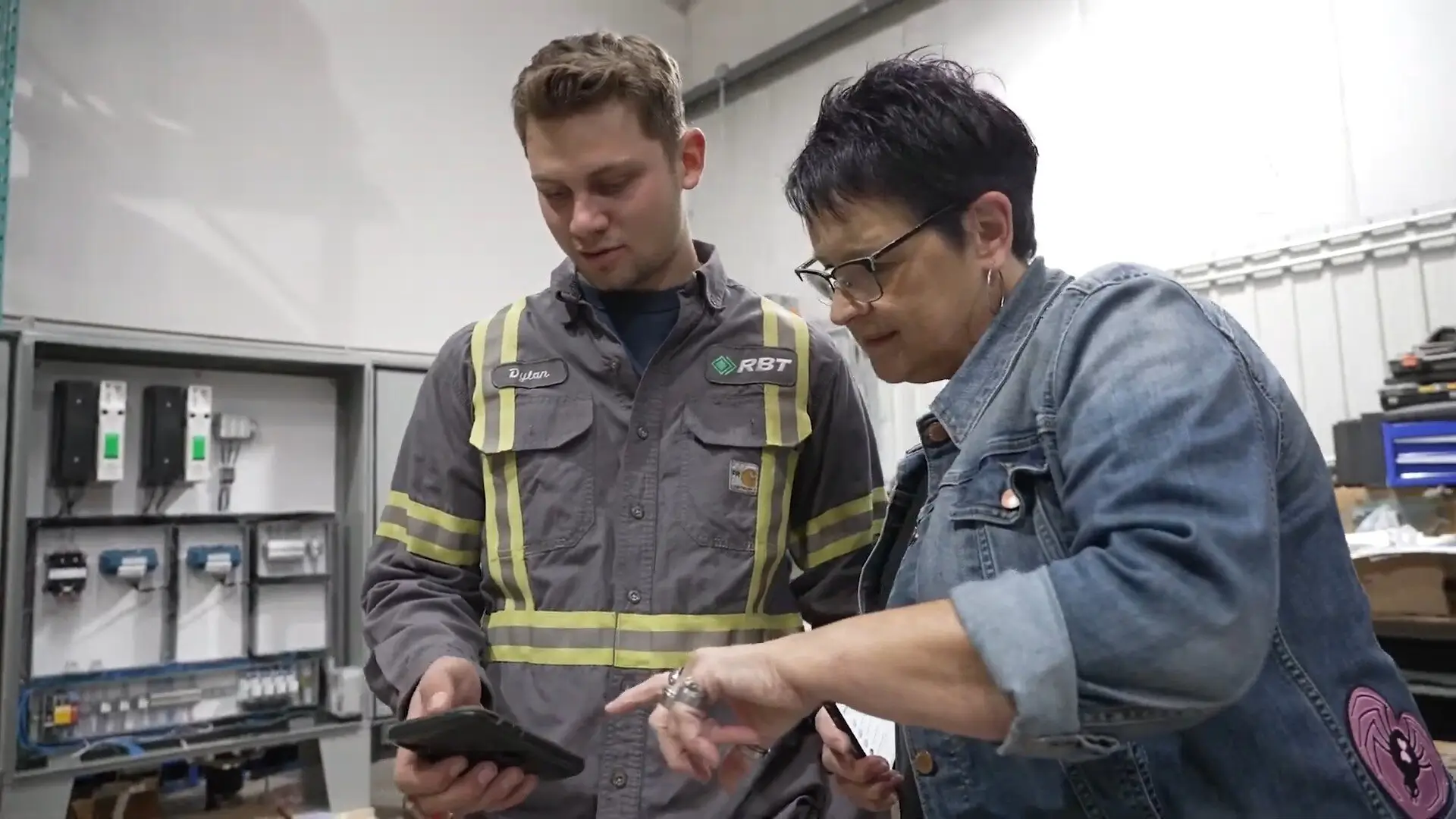

"The ability to produce reports either on an individual job basis, a quarterly basis, or a project basis is something we'd never seen before in other software that we've used."
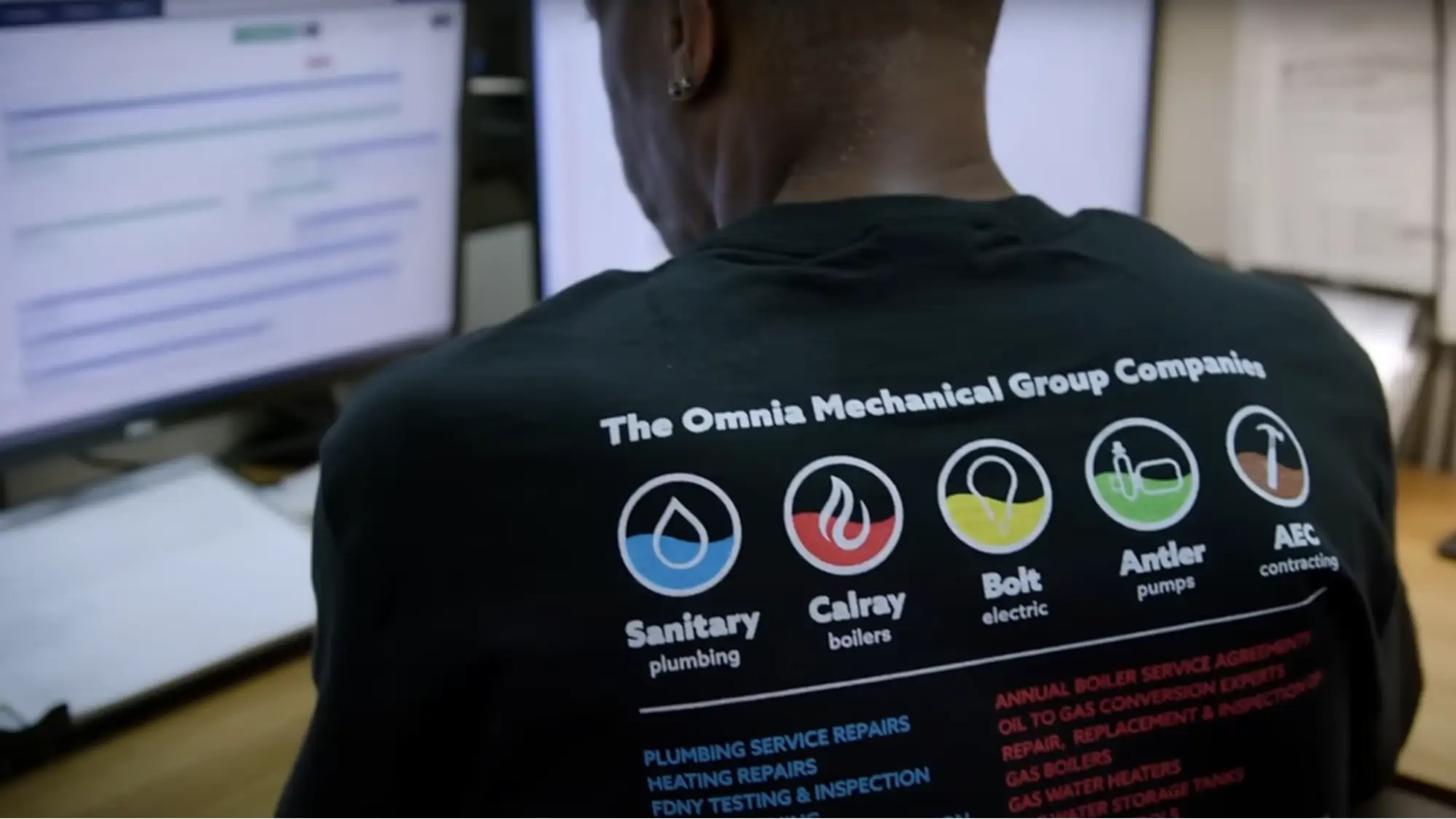

"We've cut down in our receivables from about 120 days to 30 days on average."


"Before we knew it, we were seeing quicker turnaround times on job closeout and a huge improvement in the time it took for quotes to be accepted by our customers."


"With BuildOps, we feel like we can go after anything. The sky is the limit as far as the size of the project."
.webp)

"BuildOps gave us an all‑in‑one system for both service and projects. Once we saw that, it was a no‑brainer."

"With the integration of BuildOps and Sage Intacct, our accounting system, we've been able to speed up the time it takes for us to bill customers."


"Our consulting division increased 300% because we were able to free up more time from the office to help other customers."
![Service First Logo]](https://cdn.prod.website-files.com/69cad9cd3a5ef3196ea9bb65/69fa0ca0adc28a56d26717c9_Service%201st%20white.webp)
"Sometimes systems promise you the moon, then you use them and see the weaknesses. It's been the exact opposite with BuildOps. Everything we wanted it to do, it could do."

"We used to be two weeks behind on job costing. Now we're up to date daily."
What makes BuildOps different
Built from the ground up for contractors who run projects, service, and everything in between. Not adapted. Made for the work.
Commercial work isn't an add‑on
Most platforms started in residential and stretched to fit. BuildOps starts with the complexity of commercial work.
Run the work in one connected system
Field, office, finance, and sales — all in one place. No duct-taped tools, no double entry, no dropped balls.
OpsAI is built in, not bolted on
OpsAI is already in your workflows. It recaps the day, calls out risks, and gives every role a clear next step.

The Bigger Picture
Invoicing is just the beginning
Billing data feeds your job costing, procurement, and project financials. Explore the other modules that turn invoicing into cash flow you can actually see and plan around.






Common Questions
Your questions on field service invoicing software, answered
What is field service invoicing software?
Field service invoicing software connects the work that happens on a job site to the invoice that gets sent to the customer. Instead of techs filling out paper tickets and office staff manually entering data, the system pulls field time, parts, and job notes into a ready-to-send invoice automatically.
BuildOps invoicing does this in real time so invoices can go out the same day the job closes. This significantly cuts down the billing cycle, improves how quickly you get paid by customers, and lowers the amount of cash sitting in AR.
What field service software features matter most to commercial shops?
Commercial contractors need invoicing that connects directly to field data. That means time tracking tied to jobs, materials pulled from purchase orders, and automated invoice generation the moment a work order closes.
BuildOps gives you all of that in one system, so billing stops being a separate task and starts happening as part of the job.
What are the key benefits of using field service invoicing software?
For the complexity of commercial work, a field service invoicing software can’t be a separate tool. By far, the most important “feature” is that invoicing is directly connected to other aspects of the entire field operation, as this is what automated the billing cycle for field teams. Look for a field service invoice software that also has these features tied directly to invoicing:
- CRM & Sales Ops Handoff to Field—Move customer details through the pipeline into the field when work is approved so there’s no starting from scratch, and then leverage field notes and customer details directly into invoice generation.
- Technician Mobile App—Techs fill in completed work right on site, making sure everything is tracked in real-time, and even collect signatures on site so work can be closed out the same day.
- Payments—Collect payments right from customers, offering them multiple ways to pay. Apply payments directly against invoices in your platform.
- Integrations with Top Financial Tools—Make sure the platform integrates with any essential financial tools you use, like QuickBooks, Sage Intacct, NetSuite, or Viewpoint.
- Time Tracking—Enter job details and time spent on work instantly in the app, so everything is accounted for right in the moment.
- Procurement—Track POs, receipts, and vendor bills from the field directly to your ERP so a job's true cost is always visible right now, not weeks after the project is done.
- Purchasing Inventory—Field teams see what's on hand, can create POs from the field, and log exactly what was used without ever leaving the app.
- Document Control—Manage RFIs, submittals, and drawings in a single platform so every document is linked to the right project and ready to defend work scope to your customers.
- Project Financials—Connect field activity directly to the bottom line with real-time visibility into costs, billing, and margins to catch drift before it becomes a problem.
- AI-Powered Recommendations—AI that can flag potential credit risks for your customers, or summarize who hasn’t paid and suggest next actions.
What is the best field service invoicing software for commercial teams?
For commercial contractors managing service and construction, BuildOps is the only field invoicing software that was purpose-built for that complexity. It handles T&M, quoted, progress, and unit-price billing in one system and connects invoicing to scheduling, procurement, and job costing.
Residential-focused tools exist for smaller shops, but they tend to fall short when jobs scale up.
Do you have any proof of BuildOps making a direct impact on the invoicing cycle for your customers?
We have so much proof of that. Unifying invoicing with other field operations that directly map to commercial-scale work is one of the biggest reasons our customers choose us and love us. Here are some examples of commercial shops that saw great improvements to their invoicing and billing:
- JL Minter Inc. slashed billing time by 73%
- Omnia Mechanical Group reduced their accounts receivable period by 75%, from 120 days down to just 30
- Dane Electric cut invoicing time by over 30%
- Certified Fire monthly service billing rose 54%
- Service 1st saw 2x faster invoicing
There’s a clear reason that scaling commercial teams choose BuildOps for invoicing and field operations.
How does BuildOps handle integration with my existing ERP?
BuildOps integrates with many of the tools frequently used by commercial field service business financial teams including QuickBooks and Sage, and has a bidirectional sync with these tools, so data can flow from the field directly into your accounting system, job costing, payroll, and other tools, cutting out the need for manual double or triple entry.
We see BuildOps as the operational backbone you can build your financial department and field operations on top of, no matter what other tools you need in your tech stack.
What does the implementation timeline look like for commercial service financial departments?
Most businesses are up and running on BuildOps within 8-12 weeks. We map your legacy data, configure custom workflows that match your specific field operations and the work you do, and we train your crew—finance team and field techs alike. Our integration specialists will be with you every step of the way to help you build out your new operational architecture.
BuildOps was created specifically for commercial companies, and continues to be guided by input from financial teams, service departments, business owners, managers, dispatchers, and field techs.
What are some ways financial departments can automate operations with OpsAI? Is OpsAI ready now?
BuildOps already has OpsAI solutions available today across the full workflow, supporting teams from the field to the office with solutions like Smart Dispatch, Smart Recap, Purchasing Document Scanner, Revenue Finder and more.
Our customers have seen results like 80% less data entry using our PO scanning tools, have saved hours every month using our Smart Dispatch and invoice automation, and love the ability to turn tech voice notes into structured field notes in seconds—all powered with OpsAI.
OpsAI learns from your jobs and project data to flag issues, identify recommended work, suggest next actions, and cut busywork, getting sharper with every visit. It turns your legacy system of record (showing you the history of what was done) into a modern system of action, guiding every team member from field to office on what steps to take next.
More specifically, here are the key ways OpsAI can enhance operations within a financial department:
- Leverage Field Work Notes—Techs can capture voice notes and turn them into work summaries, which can be leveraged directly into customer-facing invoice summaries.
- Spelling & Grammar Suggestions—Help clean up field notes to make them customer-facing automatically without the need for extra checks from office admin.
- Match Bulk Payments to Open Invoices—No more hunting for information and trying to line things up.
- PO Scanner—Pull line items from PO photos to cut down on manual data entry and reduce the need for double entry.
- Surface Risk—Identify potential customer credit risks or other things on a project that may cause a billing issue (leaving you enough time to fix it before invoices need to go out).