Integrations
Keep your tools. Lose the double entry
BuildOps connects your ERP, fleet, inspections, payments, and procurement into one operational backbone. Your data moves with the work, so there's no re-keying, no toggling, no guesswork.
.webp)
HOW IT CONNECTS
Built to work with the tools you already run

One entry, everywhere
Data captured in the field flows to your ERP, your fleet, and your invoicing, without the double entry.

Field to finance
Time, POs, invoices, and payments sync between BuildOps and your accounting system. Your books stay clean without the busywork.

More than accounting
Fleet tracking, compliance inspections, procurement, payroll, and expense management, all connected to the same jobs your crews work.
One System, Every Workflow
Connected tools across your workflows
BuildOps integrates with the tools your team already runs — from ERPs and fleet tracking to inspections and procurement — so every system talks to the same source of truth.

ERP & ACCOUNTING
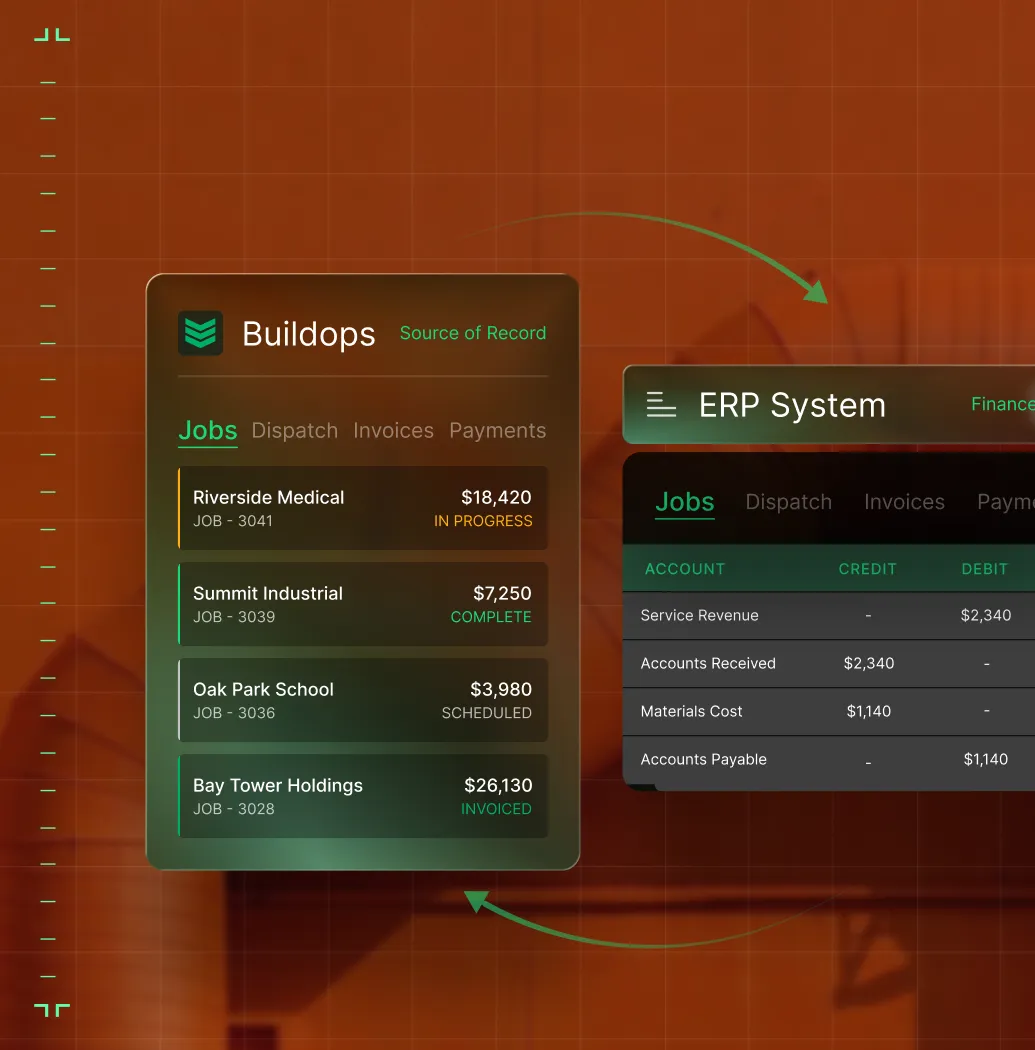
Connect invoices, POs, payments, and job costs with ERPs like **QuickBooks**, **Sage**, **Vista**, **Spectrum**, and **NetSuite**. Your controller and your field team stay in sync without the double entry.
FIELD INTELLIGENCE
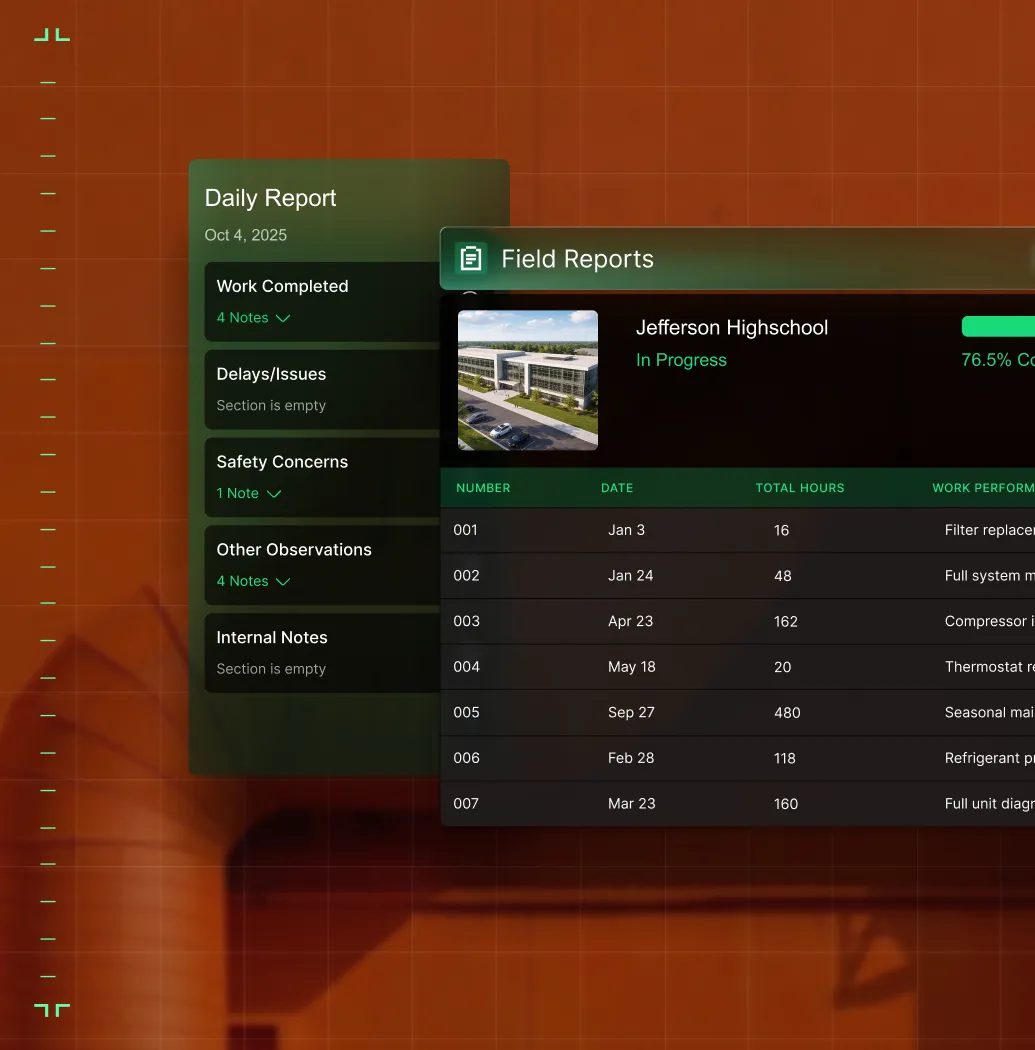
**Bluon** puts AI-powered troubleshooting in your tech's hands. **Inspect Point** ties compliance inspections to quoting and service. **ServiceChannel** syncs work orders both ways.
EXPENSE & PAYROLL
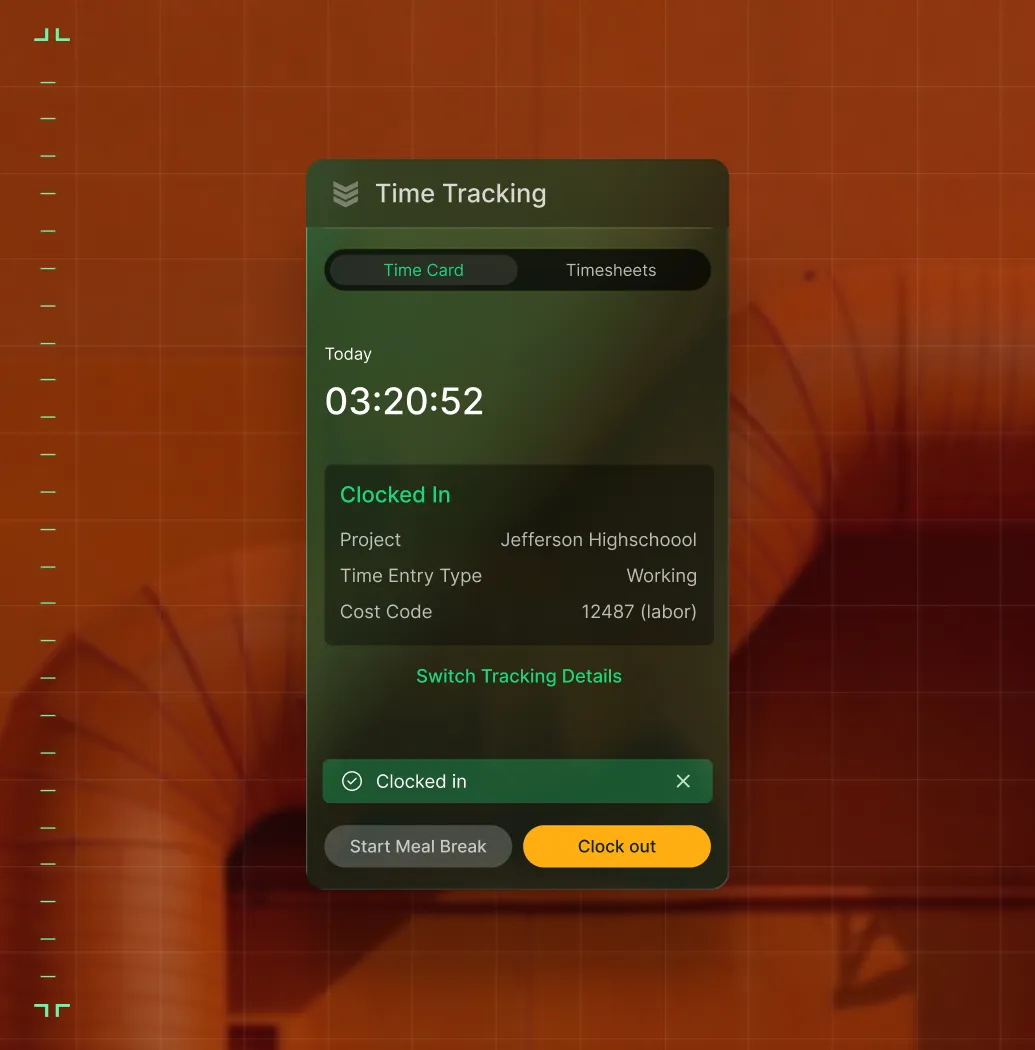
**Coast** syncs field spending to jobs. **Miter** ties time data to trade-specific payroll. **Avalara** handles tax calculations across invoices and POs. Goodbye manual lookups.
PROCUREMENT
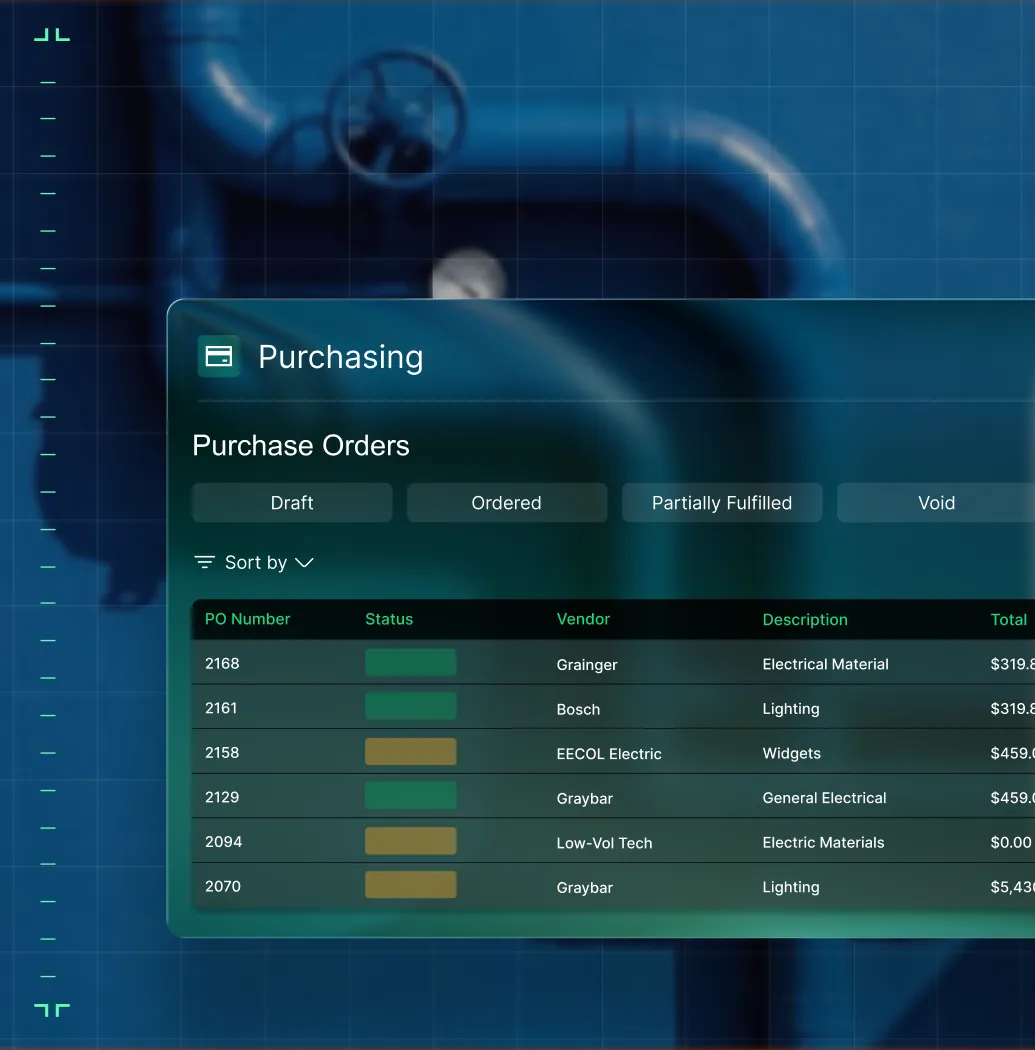
**Kojo** connects material ordering to your jobs so field requests become tracked POs without the back-and-forth. Your purchasing data stays tied to the work, not trapped in email.
Common Questions
Your BuildOps integrations questions, answered
How does BuildOps integrate with my existing ERP?
BuildOps integrates with many of the tools frequently used by commercial field service businesses and has a bidirectional sync with these tools, so data can flow from the field directly into your accounting system, job costing, payroll, and other tools, cutting out the need for manual double or triple entry.
BuildOps integrations have a bidirectional data sync? What does that mean?
Bidirectional simply means that when the data is updated in one tool (like QuickBooks), and you have that tool integrated with something else (like BuildOps), the data is updated in both places. That way the entire team is unified under a single source of truth, and they don’t need to jump between tools double and triple entering data to keep it up to date. BuildOps integrations are bidirectional with their data sync.
Which tools does BuildOps currently integrate with?
For ERPs and finance, BuildOps currently has integrations with all the biggest tools commonly used by commercial field service businesses. BuildOps integrates with QuickBooks, Sage, NetSuite, Viewpoint Spectrum, and Viewpoint Vista.
When it comes to specific trades, BuildOps has an integration with Bluon, which helps boots on the ground HVAC techs pull up specs, troubleshooting, and take suggested next actions right then and there. And for fire and life safety service teams, BuildOps has an integration with Inspect Point, unifying fire safety service work, creating a seamless link between field inspections, asset data, deficiencies, and workflows.
When it comes to other commonly used service, expense, payroll, and procurement tools, BuildOps also integrates with Coast, Miter, Avalara, ServiceChannel, and Kojo.
We see BuildOps as the operational backbone you can build your operation on top of, no matter what other tools are in your tech stack.
How does BuildOps manage integrations during onboarding and implementation?
We work with you during onboarding to determine exactly what kind of custom setup and integrations your team needs before you go live with BuildOps, and we work with you to set them up (but we handle the heavy lifting!) We map the integrations to your custom workflows and operations needs, we test it, and then we go live.
How do I ensure all my integrations are working properly before I go live with BuildOps?
Before going live, we run a series of test work orders through a sandbox environment to verify that the integration is set up properly and is working as expected. We can also stagger the go-lives across different areas if needed to minimize downtime.
What does the timeline for a BuildOps integration look like for commercial teams?
Most businesses are up and running on BuildOps within 8-12 weeks. We map your legacy data, configure custom workflows that match your specific field service ops and the work you do, and we train your crew—office staff and field techs alike. Our integration specialists will be with you every step of the way to help you build out your new operational architecture.
BuildOps was created specifically for commercial companies, and continues to be guided by input from service and finance departments, business owners, managers, dispatchers, and field techs.
