BuildOps for Finance
Know where every dollar stands
Stop chasing paperwork after the job is done. BuildOps connects labor hours, materials, and invoicing to every job as work is logged, so finance sees what's happening mid-job, not weeks later.




PEOPLE OVER PAPERWORK
Your numbers should match the work

Bill the day the job closes
Labor hours, materials, notes, and progress come in from the field and tie to pay apps. Ready when the work closes, not weeks later.

Stop cleaning up data
What field teams log on-site flows straight to invoicing or job costing. No re-keying, no chasing, no end-of-week surprises.

See the margin mid-job
Know if a job is making or losing money while the work is happening — whether it's a service call or a multi-month project — not weeks later in a spreadsheet.

Built for the trades, not the masses
BuildOps was designed for commercial service and project billing — T&M, fixed price, progress billing, AIA pay apps, and service agreements. Not adapted from tools built for someone else's business.

Field and office on the same number
Every hour, every part, every PO ties back to the job. Finance and ops finally agree on the same data.

OpsAI handles the manual steps
Invoice Summary Generation creates billing descriptions automatically. Bulk Payment Recognition matches incoming payments to open invoices.
ALL IN ONE PLACE
One system. The whole job
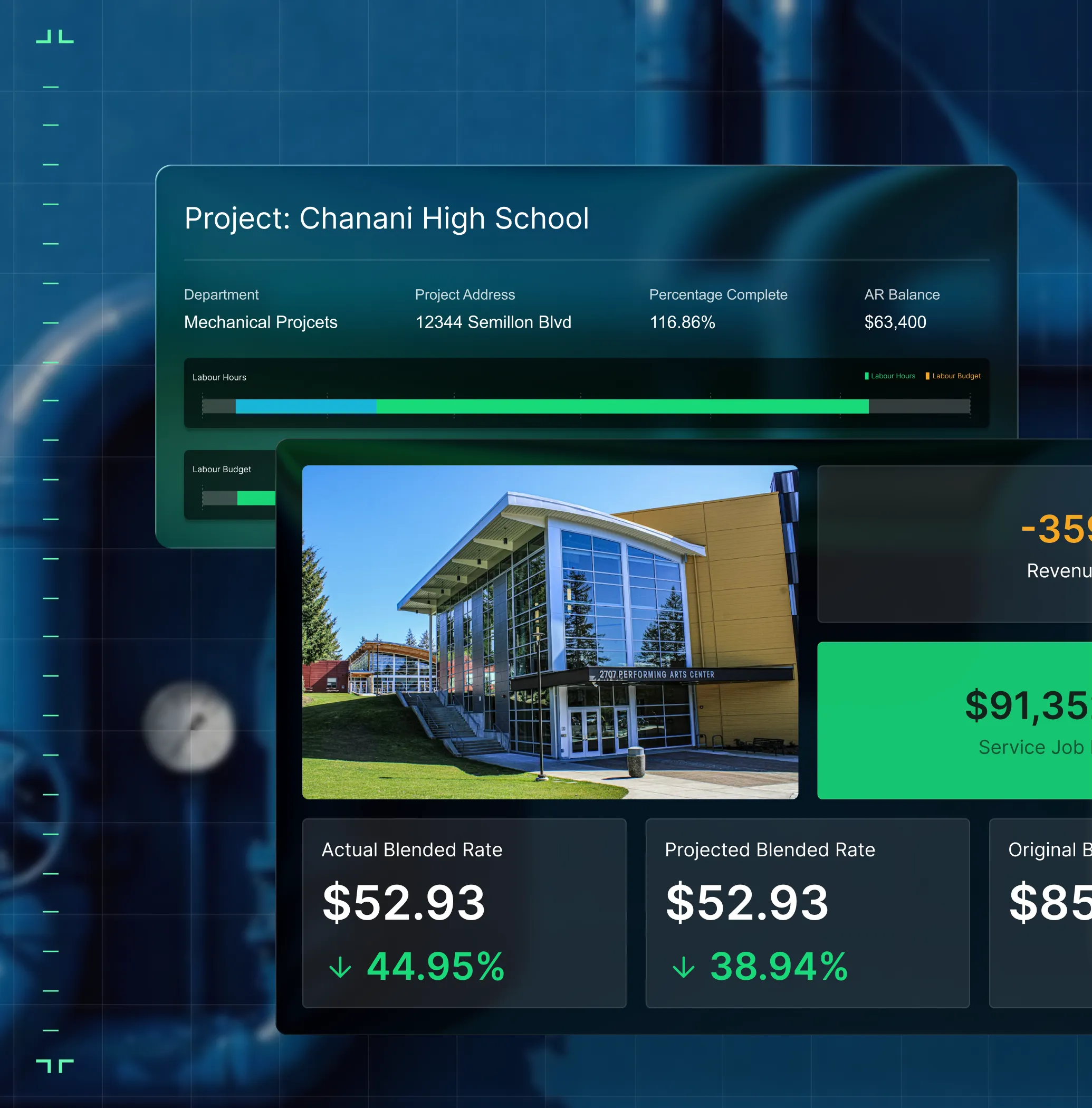
Projects, in real time
From contract to closeout, the BuildOps gives you the financial and field visibility that multi-phase commercial construction demands.


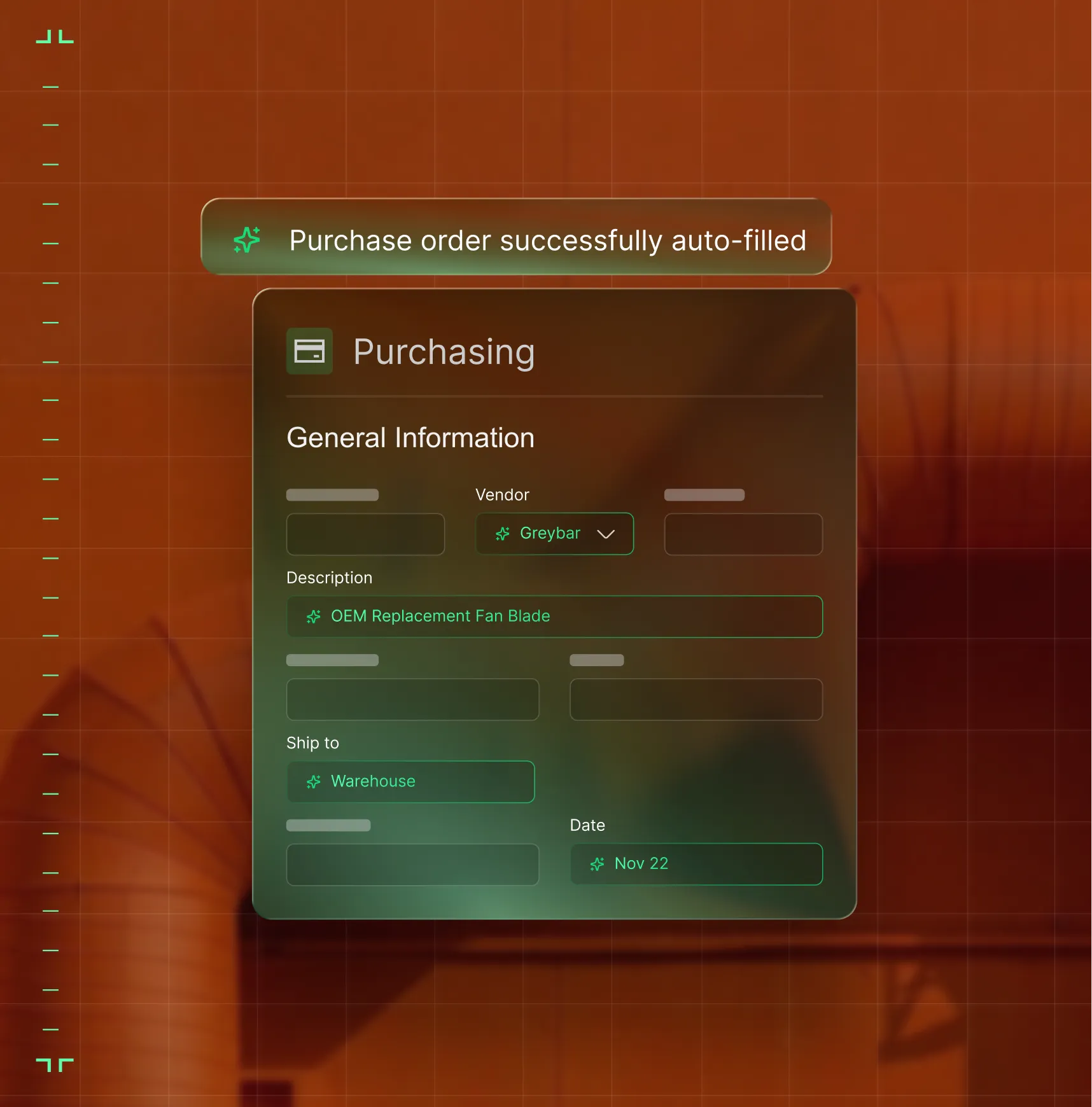
Service that scales
Every service job on track from first dispatch to final invoice. Match the right tech to the right call, track SLAs, manage assets, and close out work orders without the fire drill.


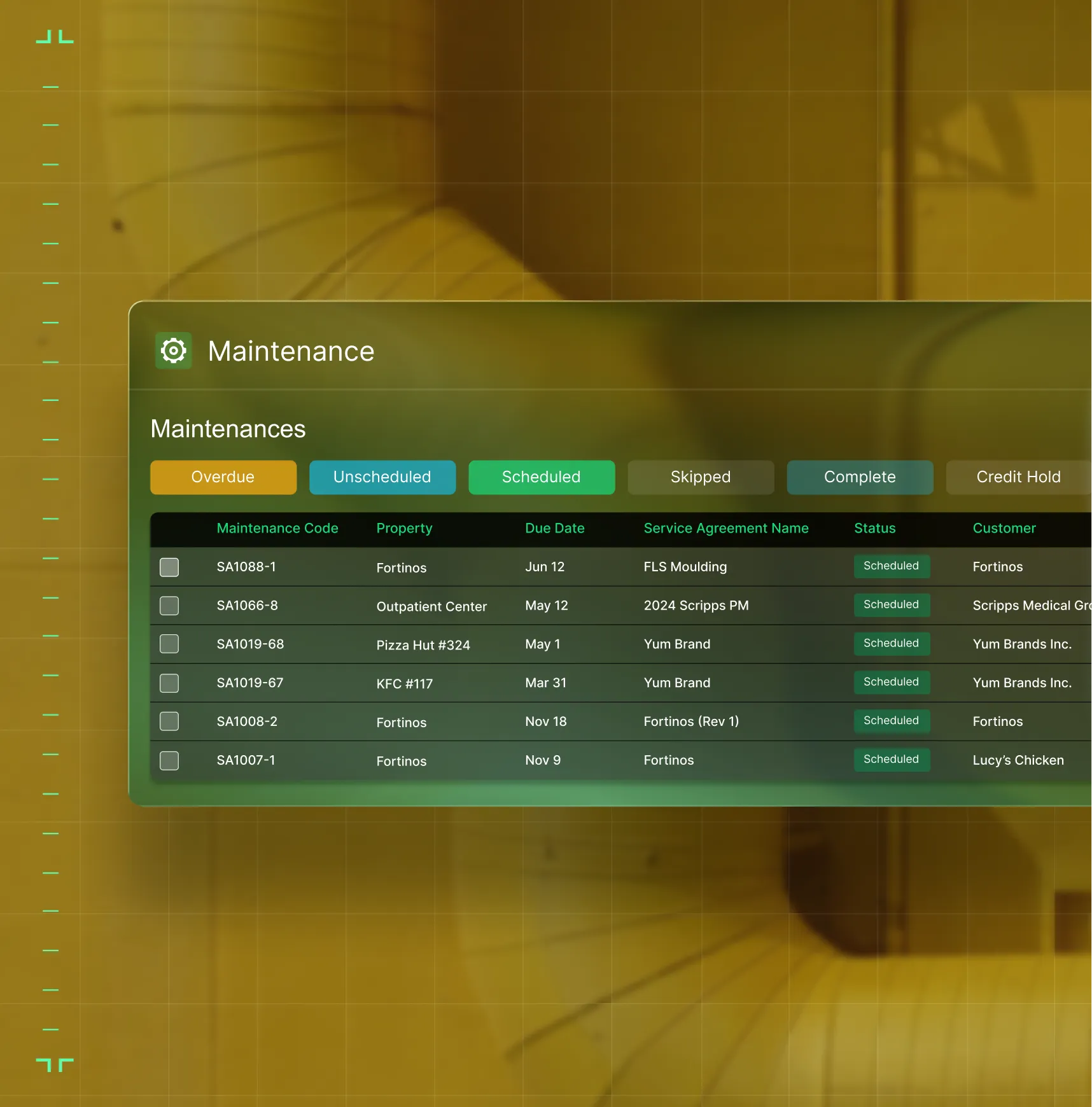
Field to invoice
Labor hours, materials, and POs flow from the field to the books as work completes. Invoices go out the day the job closes, not three weeks later. Stop chasing paper and let the money follow the work.


Quote to close
Quote faster. Follow up before the customer calls someone else. Close the work and hand it to ops with full context so nothing gets dropped.


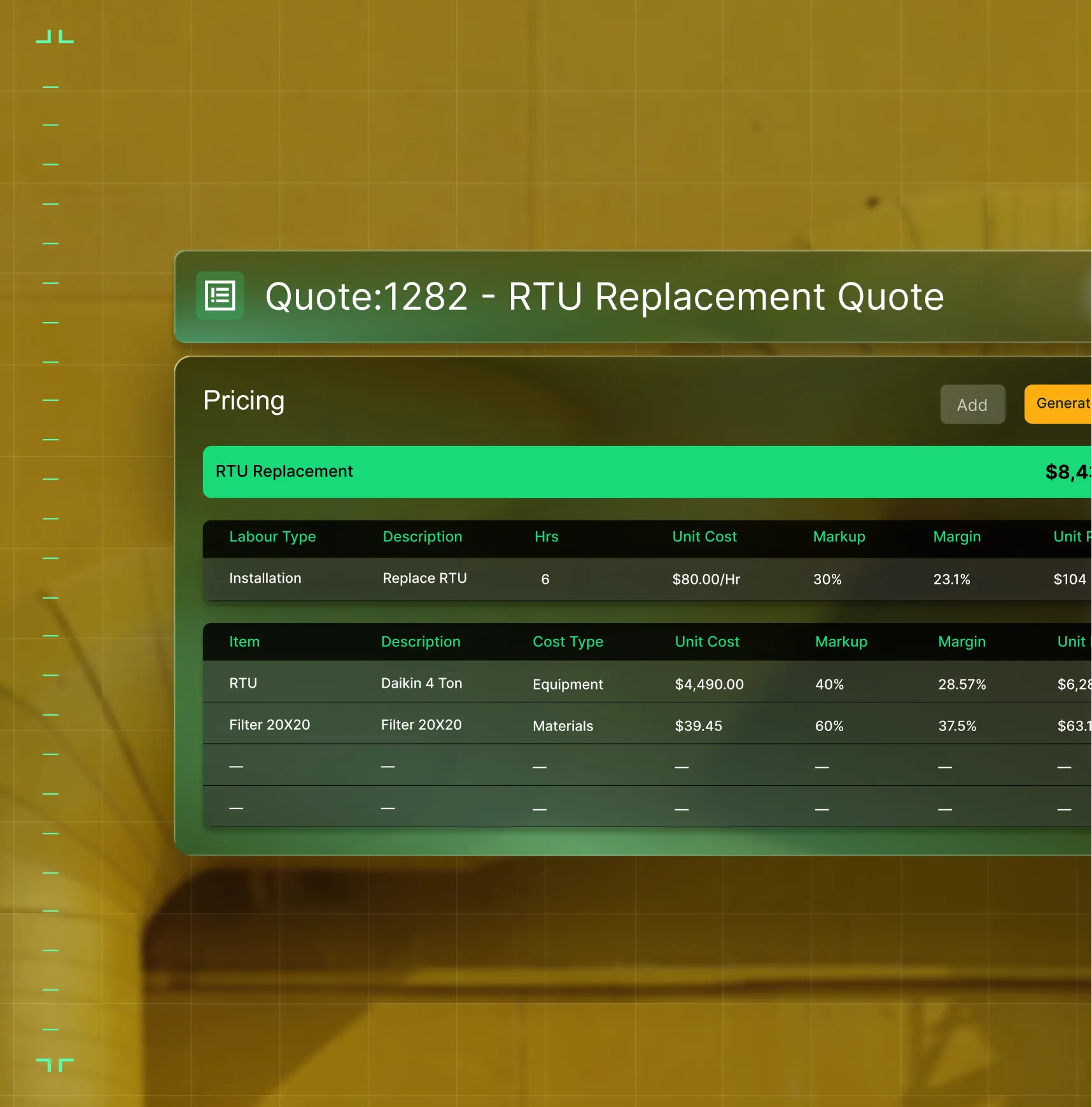
AI that's built in, not bolted on
OpsAI is built into your workflows. It summarizes field activity — from service visits to daily reports — so your team gets the story without reading every entry. Less time on admin, more time on the work.


What Changes
Get paid faster. See the real cost

Invoices and pay apps go out when work closes
One contractor cut billing time from 30 days to 8. Another went from 120-day receivables to 30. The difference: service invoicing and progress billing that move with the work.

See WIP before month-end
Track labor hours, materials, and subcontractor costs by phase as work happens — so Controllers can trust WIP reports before the close, not after.

Your ERP stays clean without the cleanup
Field data syncs to your ERP automatically. No double entry. No mismatched GL codes. No month-end fire drills to fix what should have been right from the start.

Hours come in right the first time
Time comes in from the field with the right job, the right rate, and the right code. Export it to payroll without rekeying or arguing over hours.

.webp)
"We've cut down our receivables from about 120 days to 30 days on average. BuildOps is infinitely better than any system we've used. We're able to see the big picture all in one place no matter where we are."
What makes BuildOps different
Built from the ground up for contractors who run projects, service, and everything in between. Not adapted. Made for the work.
Commercial work isn't an add‑on
Most platforms started in residential and stretched to fit. BuildOps starts with the complexity of commercial work.
Run the work in one connected system
Field, office, finance, and sales — all in one place. No duct-taped tools, no double entry, no dropped balls.
OpsAI is built in, not bolted on
OpsAI is already in your workflows. It recaps the day, calls out risks, and gives every role a clear next step.
CONNECTED ACROSS YOUR BUSINESS
Every team on one system

Service Operations
Service techs see the full asset history and parts they'll need. Crews show up informed, so work gets completed right the first time.

Field Technicians
Full job history, asset data, and parts info on mobile, so techs fix it right the first time.
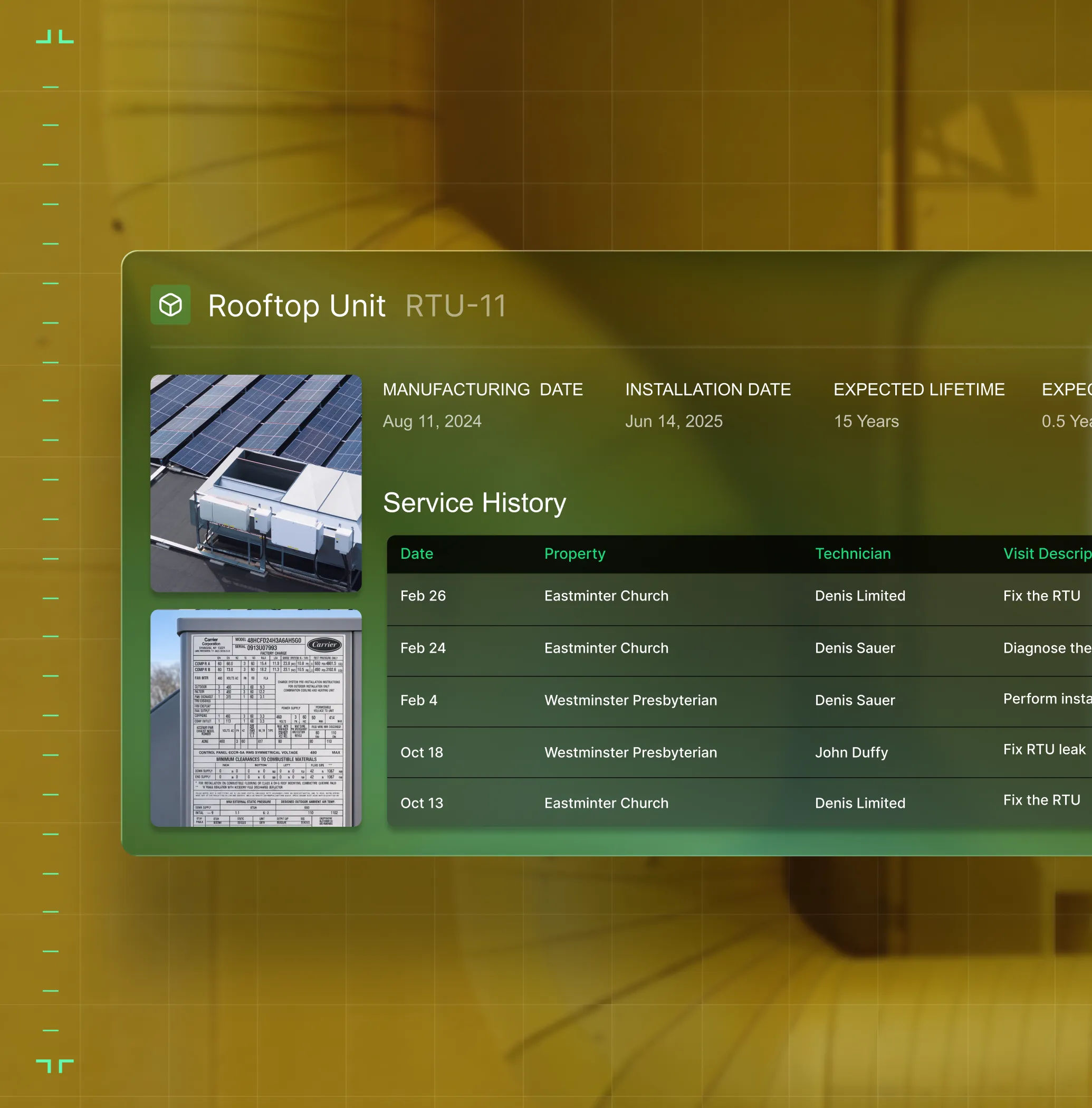
Construction Operations
Track costs, schedules, subs, and field progress across every phase of a commercial build.
Sales & Marketing
Track every lead from first call to signed contract. Hand off to ops with the full picture.

Owners
Revenue, margins, and crew performance across service and projects in one view.

Common Questions
Your questions on
finance software,
answered
What features in commercial construction software are most essential to the finance department?
If you’re in the finance department, a construction software should have core features that can handle the complexity of that specific type of work done by your business. Here are the key things that are especially useful to finance departments:
- 3-Way PO Matching: In commercial construction, it’s critical to have a system that can take the original PO and match it to material receipts and vendor bills without entering the data 3 times.
- Real-time Data Sync When Work is Completed—Once a tech completes the job onsite, their field notes are instantly synced at back office so you can take next steps on invoicing immediately. Field notes automatically translate to invoice summaries. Onsite photos and videos can be attached. Full service history is accessible to the customer. You can close out the work instantly without waiting days for techs to finish their notes, and invoices go out faster, so receivables come in faster.
- WIP before month end: Track labor hours, materials, and subcontractor costs by phase as work happens so all stakeholders have faith in WIP reports before work closeout and aren’t waiting until it’s too late to take action.
- Integrations with finance tools and ERPs: Quickbooks, Sage, Viewpoint, and whatever else you need. Your construction finance software should be able to integrate with these other financial tools you need, and create a bidirectional sync of data so you don’t need to double or triple enter anything, and you have a single source of truth.
- Advanced Financial Reporting & Custom Dashboards—Commercial work requires the ability to look at the smallest data point all the way to the big picture. In BuildOps for example, you can build your own reports using every single data input in the platform. You don’t have to piece together out of the box reports that come with software that are built for owners or finance teams. Build the reports you need, your way.
Is BuildOps the best construction finance software for commercial crews?
For commercial service teams, BuildOps is a finance software that’s purpose-built for multi-trade service and construction teams. It was designed from day one to handle the complexities of commercial construction work and financial planning, and we believe it comes out on top when it comes to the needs of commercial field service operations. This is primarily due to its Project Management tools, customizable dashboards and reporting, and OpsAI-powered features that significantly improve project margins and cut down on the manual tasks for finance teams.
We recommend doing your own research to find the construction finance software that’s the best fit for your team. Construction finance software is not all the same, and not built for the same use cases. If you're a residential-only team, tools designed for simpler financial closeouts may be a better fit.
What are the primary benefits of using commercial construction finance software?
Commercial construction finance software cuts down on manual financial data entry tasks, reduces mistakes, and flags issues you might not have noticed otherwise. More specific to field service teams, you should see benefits like this across your entire operation if you integrate a construction finance software:
- Real-time job and project visibility helps you prevent small issues from becoming big problems
- Work is closed out faster because signatures are captured on-site and paperwork is already completed as soon as the job ends
- Faster invoicing with more detailed summaries that actually make sense to your customers, and get paid faster
- Access to real-time job data helps you make decisions that are based on what’s actually happening out in the field, or on the project right now, so you can take action based on real numbers and information, acting faster
- Grow revenue by increasing profit margins through data collection that comes from real work, so you can do more of the things that are working, and less of the things that aren’t making you money
- Fewer mistakes across the operation, especially because double or triple data entry across team members is no longer necessary
- Fewer callbacks from customers because they have access to detailed service records, and techs followed custom workflows and didn’t skip any steps
- Less drive time, and reducing mistakes of techs clocking in at the wrong jobs, or arriving without the tools and parts they needed
- Faster and more accurate Quotes that leverage real service history data, photos, videos, and field notes
- Increase team-wide compliance with company procedures by unifying all team members in one system with guidelines clearly set out, so you don’t have to tell techs one at a time what they need to be improving
How does BuildOps handle complex billing models?
BuildOps supports T&M, fixed price, progress billing, AIA pay applications, service agreement billing, and milestone billing. Each job or project can use a different model, and they all flow to the same ledger. Integration with your ERP (Sage Intacct, Viewpoint Spectrum, Viewpoint Vista, QuickBooks, NetSuite) ensures job costs stay aligned.
Can BuildOps manage both service billing and project billing in one system?
Yes. In BuildOps, service jobs and construction projects use the same financial backbone. Time, costs, and invoices all roll up to one view so your team isn't reconciling between two different systems.
Can BuildOps process payroll?
BuildOps tracks labor hours by job, cost code, and classification, then exports payroll-ready data to your payroll system. For certified payroll, prevailing wage, and union rules, BuildOps exports structured time data that works with the payroll platform your business already runs.
Does BuildOps support three-way matching for AP?
BuildOps supports three-way matching workflows, as POs created in the field flow to material receipts and vendor bills. How the data syncs to your ERP depends on your integration setup, but our team configures this during onboarding to match your AP process.
How does BuildOps handle subcontractor billing?
Subcontractor invoices tie to subcontract purchase orders and schedule of values (SOV), with progress tracking and retainage management. Compliance workflows including lien waiver tracking and certificate of insurance management are currently handled via manual attachments and are planned for future releases.
Do you have any proof of how BuildOps has helped finance department teams?
We have tons of examples, because finance teams love the improvements BuildOps brings to their system. Using BuildOps:
- Omnia Mechanical Group reduced their accounts receivable period by 75%, from 120 days down to just 30
- JL Minter Inc. slashed billing time by 73%
- Service 1st went from 3-4 systems down to 1, saw 2x faster invoicing, and had a record year
- Certified Fire saw monthly service rise 54% with an incredible 250% increase in profit margins
- Dane Electric cut invoicing time by over 30%
There’s a clear reason that finance departments love BuildOps.
How do I ensure high adoption rates of BuildOps across the entire team? Finance can’t be the only ones using it.
When your field techs and other team members see how much BuildOps is going to cut down the manual time on tasks they do every day, they’ll jump at the chance to use it. When field techs see how nameplate scanner or voice notes turn into field notes, they’ll get on board. When sales sees how pull through work is identified on the spot and quotes can go out so much faster, they’ll jump at the chance to get that extra revenue. When business owners see how they can set up perfectly and uniquely customized dashboards that show exactly where the company is making and losing money, they’ll be wondering why they didn’t have BuildOps before.
The BuildOps platform was built so even the least tech-savvy field tech can use it effectively, and most team members become comfortable with BuildOps with only 1-2 training sessions. During implementation, we help you build the custom workflows your business actually uses, so when your techs are getting started with the platform, they’re learning how to use it to complete the exact type of work they are going to do out in the field, so you can ensure compliance team-wide, without constant reminders from finance to close out work faster.
How does BuildOps integrate with QuickBooks, Sage, or my existing financial systems and software?
BuildOps integrates with many of the tools frequently used by commercial field service finance teams including QuickBooks and Sage, and has a bidirectional sync with these tools, so data can flow from the field directly into your accounting system, job costing, payroll, and other tools, cutting out the need for manual double or triple data entry.
We see BuildOps as the operational backbone you can build your finance department and service operations on top of, no matter what other tools you need in your tech stack.
What does the timeline for a BuildOps integration look like for commercial finance teams?
Most businesses are up and running on BuildOps within 8-12 weeks. We map your legacy data, configure custom workflows that match your specific field operations and the work you do, and we train your crew—finance, office admin, and field techs alike. Our integration specialists will be with you every step of the way to help you build out your new operational architecture.
BuildOps was created specifically for commercial companies, and continues to be guided by input from finance departments, business owners, managers, dispatchers, and field techs.
What are some ways finance departments can automate operations with OpsAI? Is OpsAI ready now?
OpsAI is live and in production today. Teams are using it now across dispatch, field documentation, asset capture, invoicing, and payment matching. It ships as part of BuildOps, not as a separate add-on.
Our finance teams have seen results like 80% less data entry using our PO scanning tools, have saved hours every month using our invoice automation, and love the ability to turn tech voice notes into structured field notes that convert to invoice notes in seconds—all powered with OpsAI.
OpsAI learns from your jobs and project data to flag issues, identify recommended work, suggest next actions, and cut busywork, getting sharper with every visit. It turns your legacy system of record (showing you the history of what was done) into a modern system of action, guiding every team member from field to office on what steps to take next.
More specifically, here are the top ways finance departments enhance a field service operation using OpsAI to automate financial tasks:
- Take tech field voice notes and turn them into customer-facing invoice summaries that customers can actually read and understand
- Match bulk payments to open invoices across multiple lines
- Pull information from PO photos, extracting vendor, date, and line items to fill in records
How does role-based access work in BuildOps? What does finance see vs field techs? How is the data secured?
Role-based permissions ensure your team only sees what they need to, and you are in full control of that. You can set permissions for finance, for contractors, for dispatchers, for leadership, for business owners—whatever you need. BuildOps is a platform where all the data is accessible to anyone, whether they’re using a desktop or using their phone, but you are in total control of who sees what.
Maybe you want to build a custom report for each field tech to see their individual job performance stats, but you want a different dashboard for finance to compare job profitability across all ongoing projects. BuildOps lets you do that.
BuildOps is also SOC 2 compliant with enterprise-grade encryption for data in transit and at rest, so you can be assured: your data is secure, and your data stays yours.
