Field Execution Software
Crews keep building. Data keeps flowing
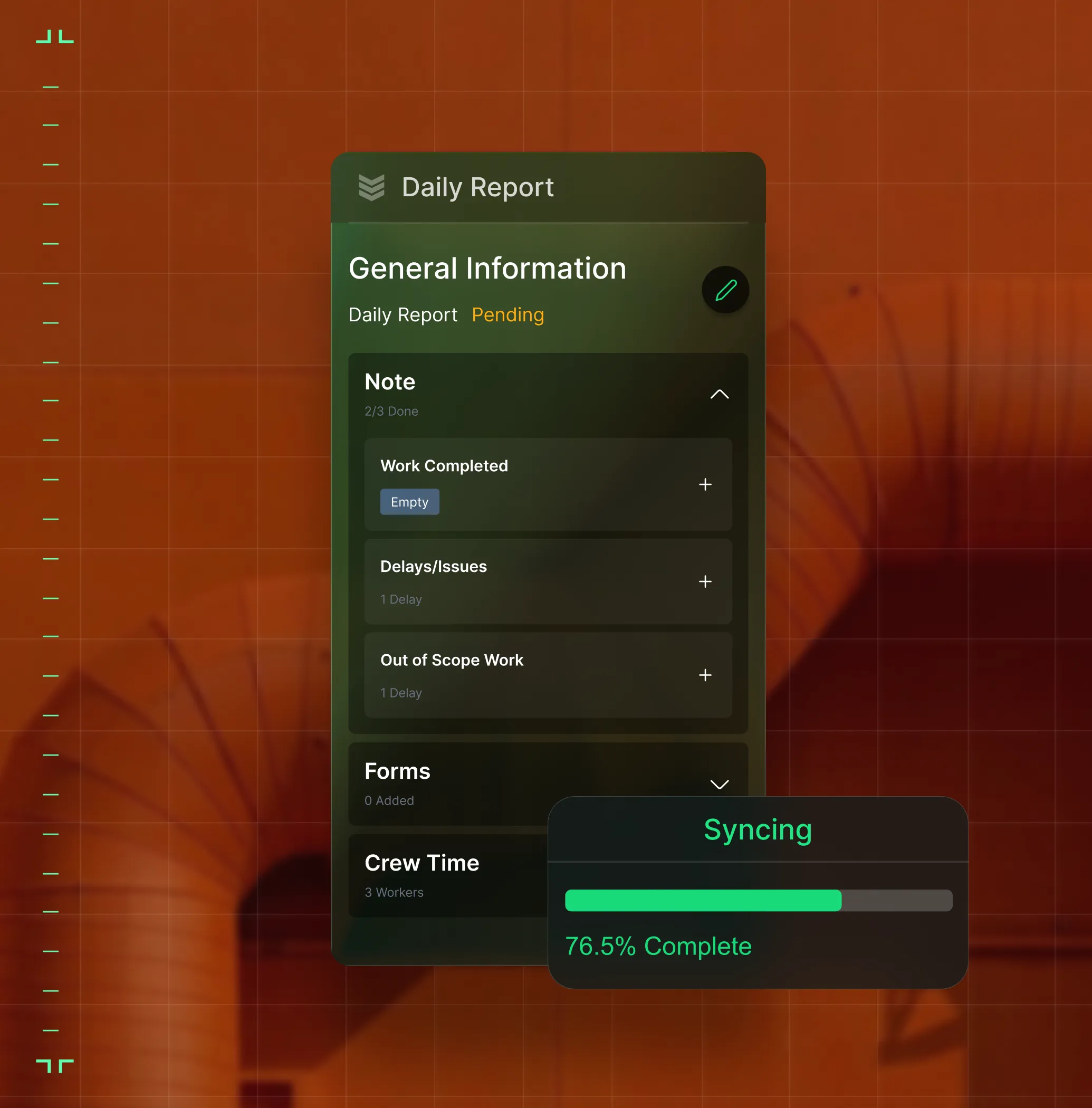
Turn daily site activity like labor by cost code, installed quantities, photos, and issues into structured project data without slowing crews down or waiting for end-of-week paperwork.

Trusted by 1,500+ commercial contractors across North America














From the jobsite up
Built for foremen, not just the front office

Issues captured in context
Create punch items and issues with photos and location context so crews and PMs stay aligned.

Daily reports that move
Capture labor, quantities, and blockers from the field, so PMs react same-day, not month-end.

Structured project records
Digital forms capture consistent data across every project, so documentation is structured, searchable, and tied to the job.
Where the work actually happens
Built for the jobsite, not just the back office
In a patchwork toolkit, field data dies in text threads and camera rolls. In BuildOps, daily reports, lists, and forms feed workforce planning, project financials, and your ERP automatically.

Offline-Ready, Always Current
No signal on the jobsite? Crews complete daily reports, capture photos, and fill forms offline. Everything syncs the moment connectivity returns.
Lists, Tasks, and Punch
Turn every site walk into an actionable list. Track ownership, status, and resolution in one shared view.

Mobile-First Projects
A project experience designed for foremen and crews, so entering data is part of doing the work, not extra admin.
Field and office, connected
One source of truth
for
every role

"Every walk turns into a list—and the office sees it before I'm back at the truck."
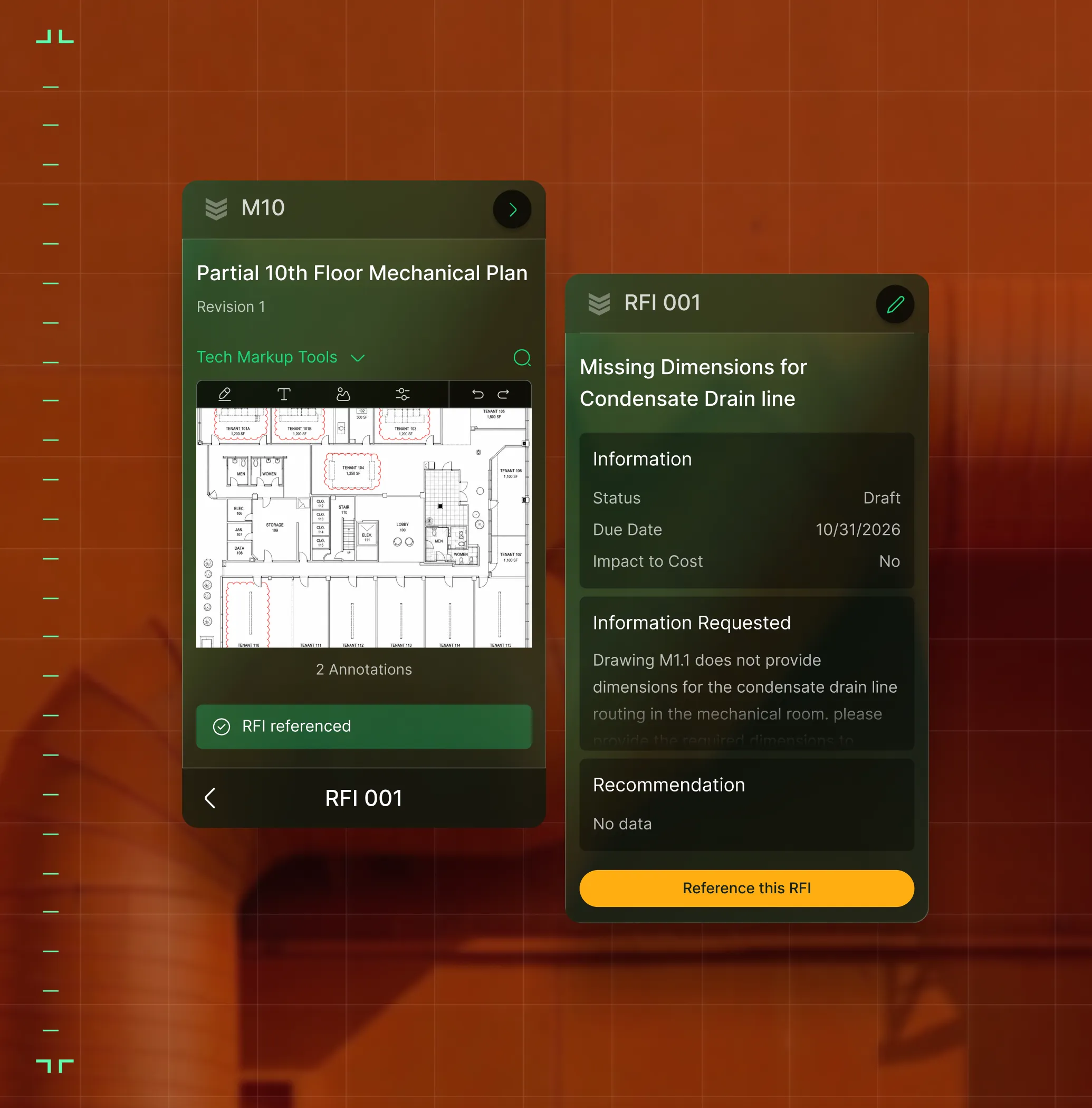
Create punch items from drawings and close them with photos and notes.

"I see daily labor by cost code and production by area—I catch problems the same day they start, not at WIP."
Track progress, blockers, and costs without a site visit.

"My daily reports and punch items land in the system before I leave the site—no chasing."
Capture daily reports and close punch items with photos and notes from the field.

Proven Results
Real results from commercial contractors


"We've seen an increase in day-to-day operations efficiencies that's going to add up to significant savings in time and energy over the course of a year."

"If we didn't have BuildOps and the additional cyber security they give our company, we would be dead in the water."
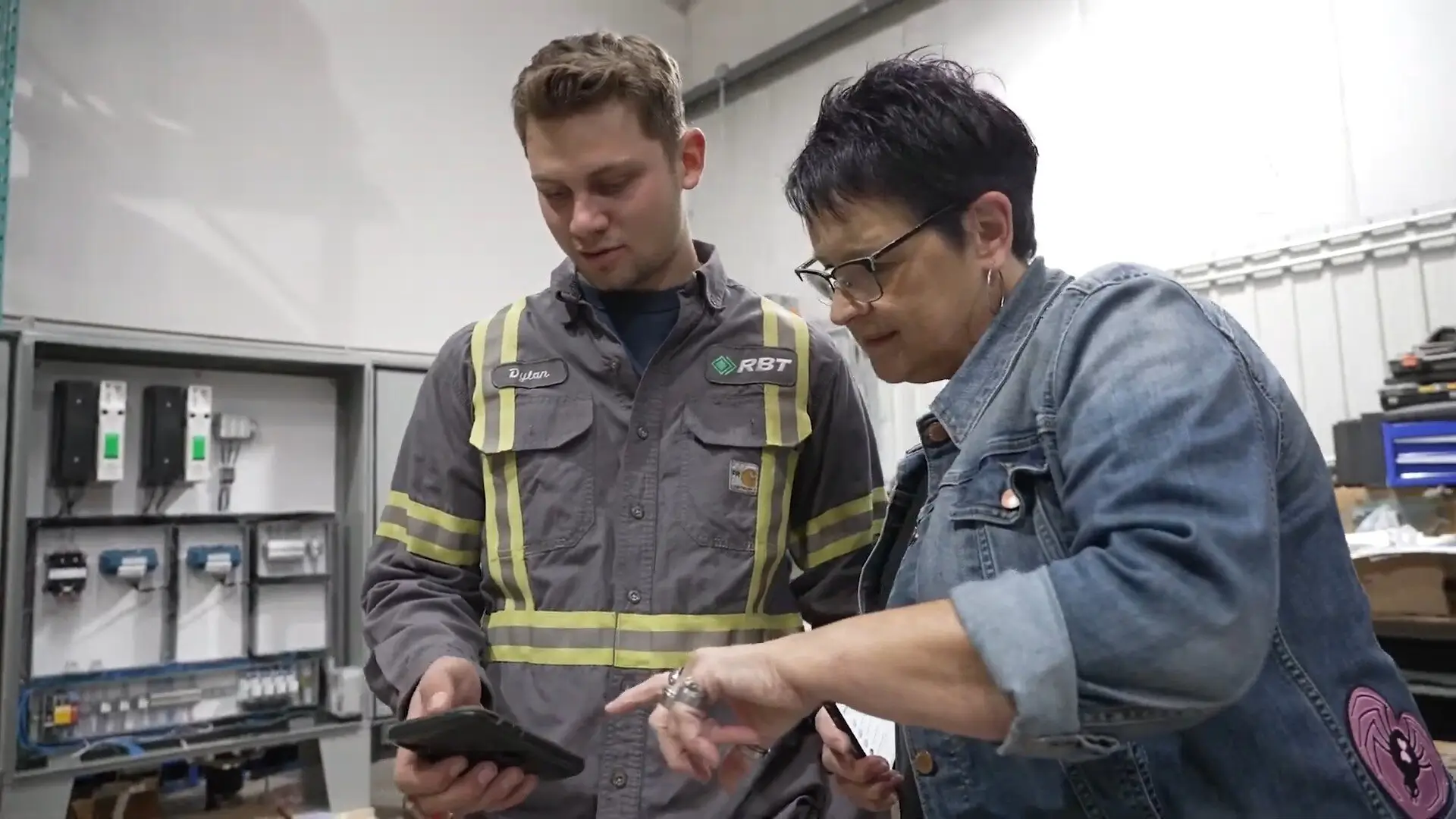

"The ability to produce reports either on an individual job basis, a quarterly basis, or a project basis is something we'd never seen before in other software that we've used."
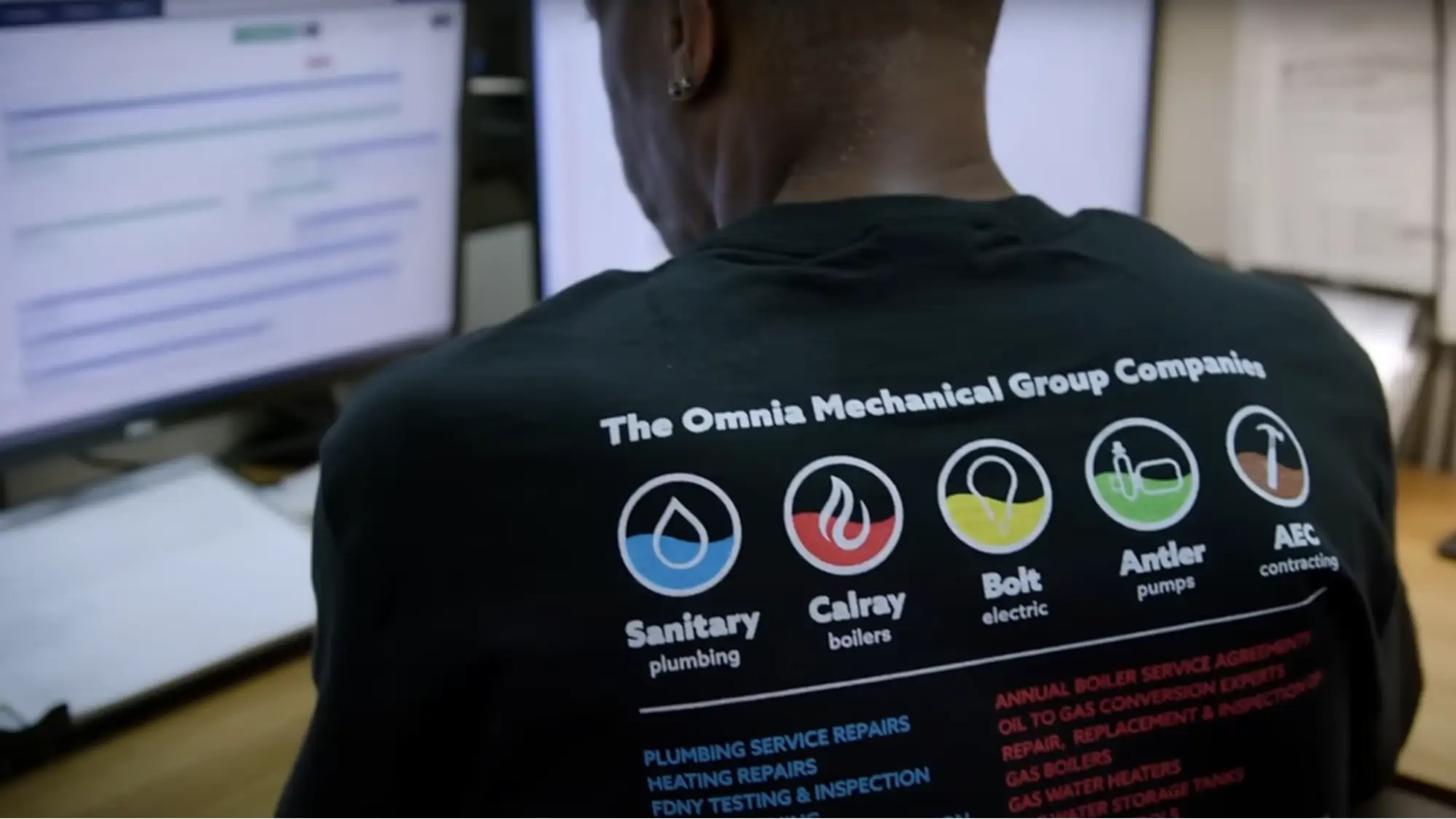

"We've cut down in our receivables from about 120 days to 30 days on average."


"Before we knew it, we were seeing quicker turnaround times on job closeout and a huge improvement in the time it took for quotes to be accepted by our customers."


"With BuildOps, we feel like we can go after anything. The sky is the limit as far as the size of the project."
.webp)

"BuildOps gave us an all‑in‑one system for both service and projects. Once we saw that, it was a no‑brainer."
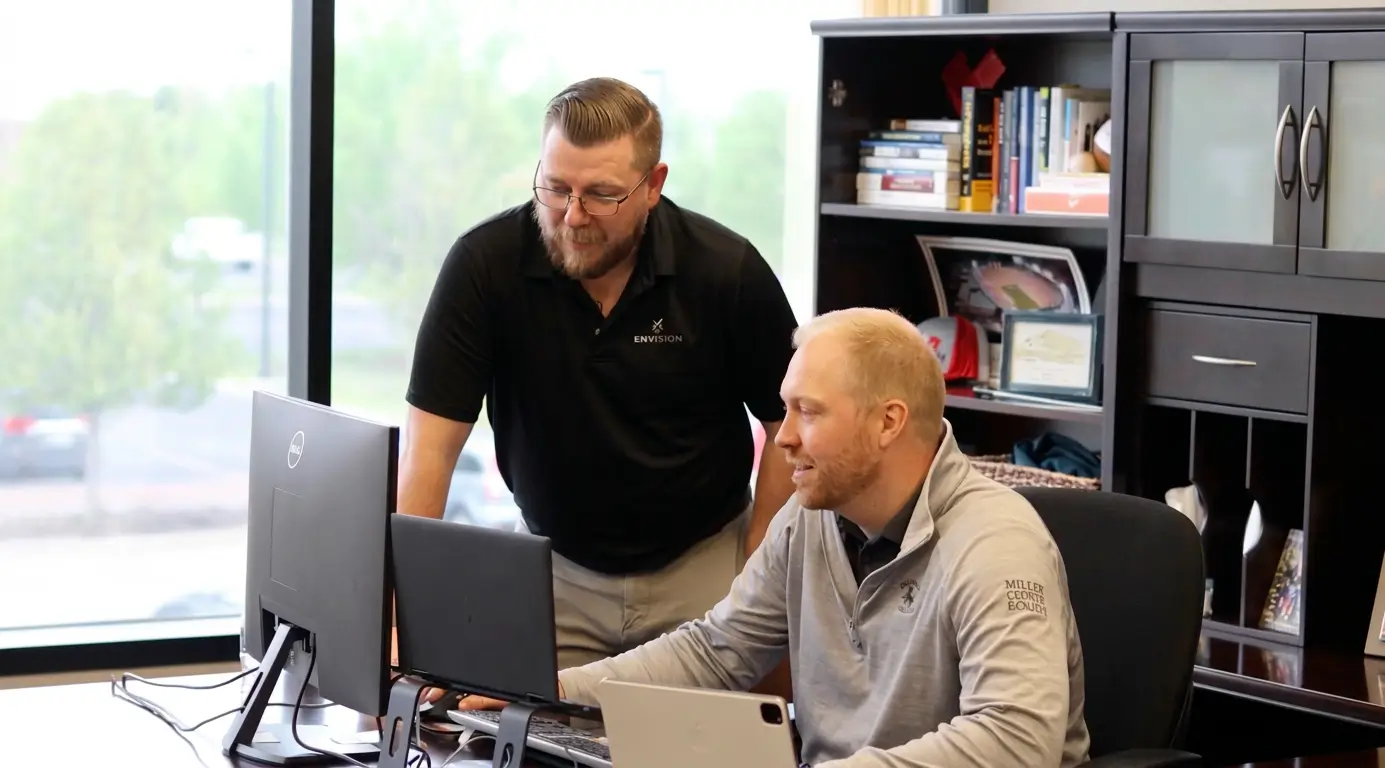

"With the integration of BuildOps and Sage Intacct, our accounting system, we've been able to speed up the time it takes for us to bill customers."


"Our consulting division increased 300% because we were able to free up more time from the office to help other customers."
![Service First Logo]](https://cdn.prod.website-files.com/69cad9cd3a5ef3196ea9bb65/69fa0ca0adc28a56d26717c9_Service%201st%20white.webp)
"Sometimes systems promise you the moon, then you use them and see the weaknesses. It's been the exact opposite with BuildOps. Everything we wanted it to do, it could do."

"We used to be two weeks behind on job costing. Now we're up to date daily."
What makes BuildOps different
Built from the ground up for contractors who run projects, service, and everything in between. Not adapted. Made for the work.
Commercial work isn't an add‑on
Most platforms started in residential and stretched to fit. BuildOps starts with the complexity of commercial work.
Run the work in one connected system
Field, office, finance, and sales — all in one place. No duct-taped tools, no double entry, no dropped balls.
OpsAI is built in, not bolted on
OpsAI is already in your workflows. It recaps the day, calls out risks, and gives every role a clear next step.


Data that flows through everything
Field execution is just the beginning
Field data doesn't stay in one place. It drives the entire Project Management platform. Daily reports feed workforce planning. Forms feed document control. Labor feeds project financials and WIP reporting.
Project Management features






Common Questions
Your field execution software questions, answered
What is field execution software for commercial contractors?
Field execution software is a unification tool at its core. It helps entire field service teams across all roles including field techs, office admin, project managers, dispatcher, foremen, and business owners do their jobs more effectively by unifying every aspect of the operation in a single tool that helps you actually take next steps and execute on work faster. It does this primarily by surfacing powerful daily reports, and tracking scope against long-term projects.
For commercial contractors, it’s especially important that a field execution software understands the complexity of commercial field operations, which are very different than residential. This means customizable commercial-focused workflows, large-scale and long-term project management capabilities, and built in financial and WIP reporting.
What field execution software features matter most for commercial field teams?
A field execution software that works for commercial teams would need to have these essential features built-in to actually empower field operations in a meaningful way:
- Reporting & Analytics—Create custom reports and dashboards that work for you based on the exact type of work you do and how you’re trying to scale.
- Resource Planning—See every crew, every project, and everything you need in one platform where everything is connected to your project plans and your people.
- Project Financials—Connect field activity directly to the bottom line with real-time visibility into costs, billing, and margins to catch drift before it becomes a problem.
- Purchasing Inventory—Field teams see what's on hand, can create POs from the field, and log exactly what was used without ever leaving the app.
- Procurement—Track POs, receipts, and vendor bills from the field directly to your ERP so a job's true cost is always visible right now, not weeks after the project is done.
- Technician Mobile App—Sync data instantly right from field to office, across all team members, in real-time.
- Document Control—Manage RFIs, submittals, and drawings in a single platform so every document is linked to the right project and ready to defend work scope.
- Asset Management—Full service history of every RTU, chiller, and panel your team touches, accessible to anyone, anywhere.
- AI-Powered—Providing daily summaries and surfacing potential risks from your reports that you can act on.
- Integrations—With any other tools that are essential to you, or works properly within your ERP.
What are the key benefits of using field execution software?
For commercial teams, these are the biggest benefits of integrating a field execution software in your operation:
- Take Critical Action Faster—When the software can summarize work done in daily reports including specificities like labor, quantities, and blockers from the field, project managers can take action that very day to make an impact, not wait until the monthly meeting to be given a spreadsheet they still need to dig into and interpret.
- Internal Alignment Across Roles—When Project Managers have key context at their fingertips like punchlist items, photos of work done, and issues already flagged, they have much better insight across all jobsites, projects, and the entire operation.
- You Don’t Have To Ask—With step-by-step custom workflows built into every tech’s app, a PM doesn’t need to ask for constant updates. They can just track progress in the app, and follow up as needed when things don’t line up with expectations.
- Never Lose Track of Scope Again—When project margin scope is being checked every day, small issues never become big problems you have to deal with later.
- Maintain Customer Trust—When change orders are tracked instantly and approved by customers, you always have proof to back up your work, ready to show customers at any time.
What is the best field execution software for commercial contractors?
We think it depends most on the type of work you do.
For commercial field service contractors in HVAC, electrical, plumbing, fire & life safety, and refrigeration, BuildOps is built specifically for you. It's the only field execution software that was designed from day one for how commercial trades actually operate, connecting service management, project management, financials, and AI in a single system.
For residential contractors focused primarily on home service and repair, tools like Jobber or Housecall Pro may be a better fit for simpler field workflow tracking. Those platforms are designed around the residential workflow with shorter jobs, homeowner-facing features, and lighter documentation requirements.
The key difference: residential tools weren't built to handle the complexity of commercial construction like multi-phase schedules, GC coordination, complex reporting, long-term margin scope tracking, or formal document control. If your work involves any of that, you need a field execution software that actually speaks the language of commercial projects.
Do you have any proof of BuildOps customers who saw clear improvements from field execution features?
Of course we do, we have tons! Here are some commercial teams that saw huge improvements to their field ops using BuildOps:
- Certified Fire saw service employee billable time increase from 75% to over 95%, monthly service billing rose 54%, and an incredible 250% increase in profit margins
- Classic Electric unified their whole operation in a single platform, achieving 300% growth
- Jackson Mechanical saw a 100% increase in tickets handled with no headcount added, a 50% reduction in time taken to create a job and get it scheduled, and a 30% growth in revenue
- Service 1st went from 3-4 systems down to 1, saw 2x faster invoicing, and had a record year
- Jolma Electric saw a 50% leap in overall efficiency
There’s a clear reason why scaling commercial shops trust BuildOps to unify their field operations.
How does field data from daily reports actually connect to project financials and WIP in BuildOps?
Daily reports capture labor hours by cost code and installed quantities. That data feeds directly into your project budget and cost tracking, so PMs and finance see progress and cost exposure in real time, not just at month-end WIP.
What components of field execution can crews capture on the BuildOps mobile app?
Crews log daily reports with labor, quantities, and photos. They create and close punch items. They fill digital forms, flag blockers, and submit field orders all from a mobile app that works offline and syncs when connected.
How is BuildOps field execution different from what we get in Procore?
GC tools capture data for the GC. BuildOps captures it for you. Daily reports, lists, and forms feed your workforce planning, your project financials, and your ERP, so you own a continuous project record across every GC and every job.
Will foremen and crews actually use it, or is BuildOps another app that collects dust?
The BuildOps platform was built so even the least tech-savvy field tech can use it effectively, and most team members become comfortable with BuildOps with only 1-2 training sessions. During implementation, we help you build the custom workflows your business actually uses, so when your techs are starting out with the platform, they’re learning how to use it to complete the exact type of work they are going to do out in the field.
The BuildOps mobile app is built for people who'd rather build than type. Dailies use structured fields, not blank text boxes. Offline mode means no dead zones. Crews adopt it because it fits the way they already work on-site.
What happens to field data after it's captured? Does it just sit in the BuildOps app?
Nothing sits idle. Labor hours feed workforce planning and cost tracking. Photos and forms become part of your project record for closeout and claims. Blockers surface to PMs for same-day action. Data flows to your ERP for job costing and payroll.