Field Asset Management Software
Know every unit before you arrive
Every RTU, chiller, and panel your team touches — with full service history and specs at their fingertips. No hunting through old tickets. No walking in blind.

Trusted by 1,500+ commercial contractors across North America















Built for the Tech in the Field
Show up knowing the unit,
not guessing at it

Complete unit context
Full history, specs, and past work on every unit, before you start.

Less time on paperwork
Point the camera, say what you found, and get back to work without taking gloves off. BuildOps captures it and moves on with you.

Arrive already informed
OpsAI recaps every unit's service history — parts used, issues found, last tech out — so your team walks into the job with context, not questions.
In the Field, Not at a Desk
The job brief lives in your pocket
You shouldn't have to call the office to know what's been done on a unit. BuildOps puts the full service history, past parts, and previous work on your phone before you touch the first bolt.

Work Anywhere, Sync Everywhere
Update asset details on mobile whether you have signal or not. Scans, photos, and notes sync when you're back in range. Nothing gets lost.
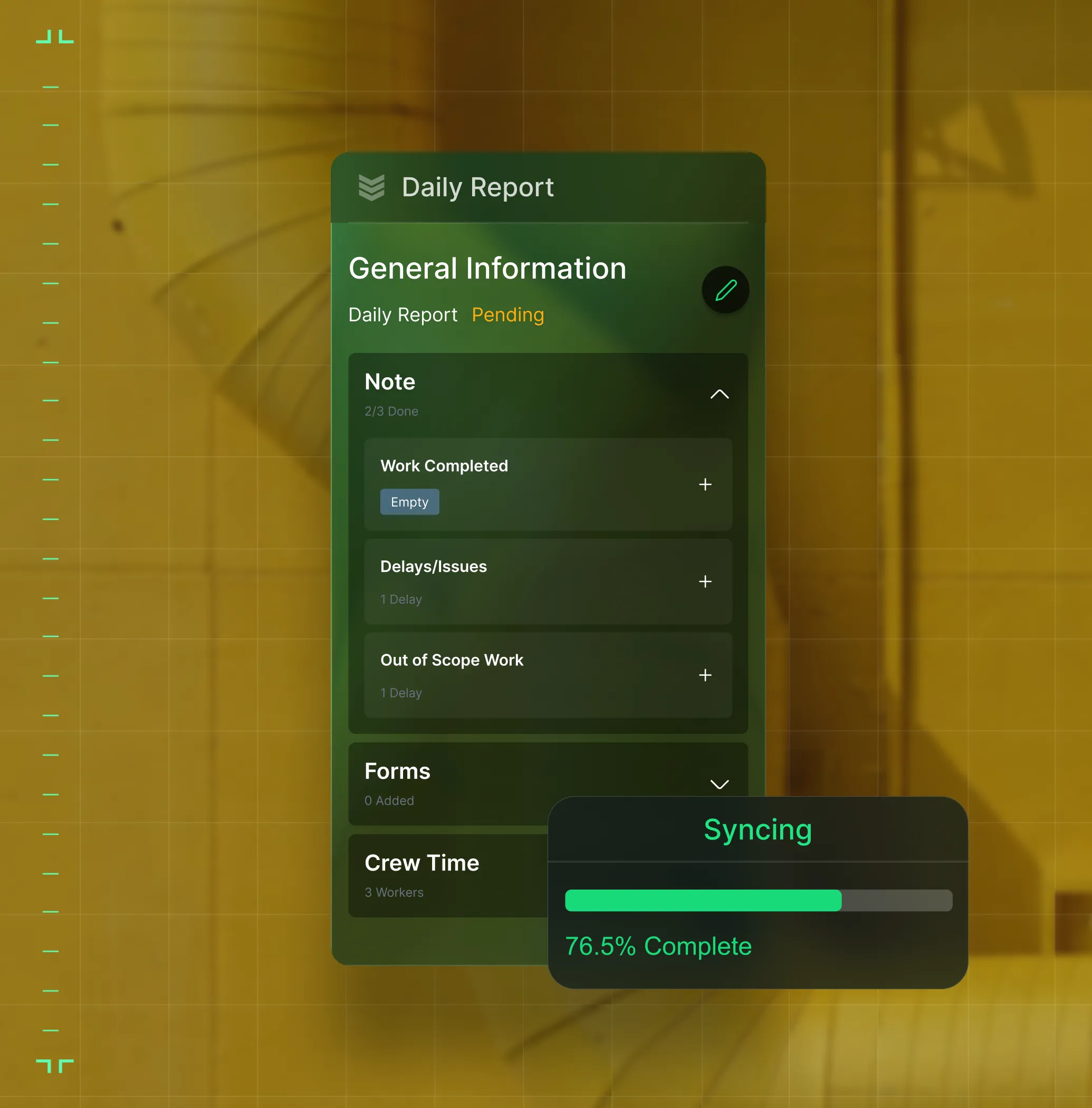
Smart Recap for Assets
OpsAI summarizes every job, part, and tech on a unit. You the full work story in seconds, not scrolls.
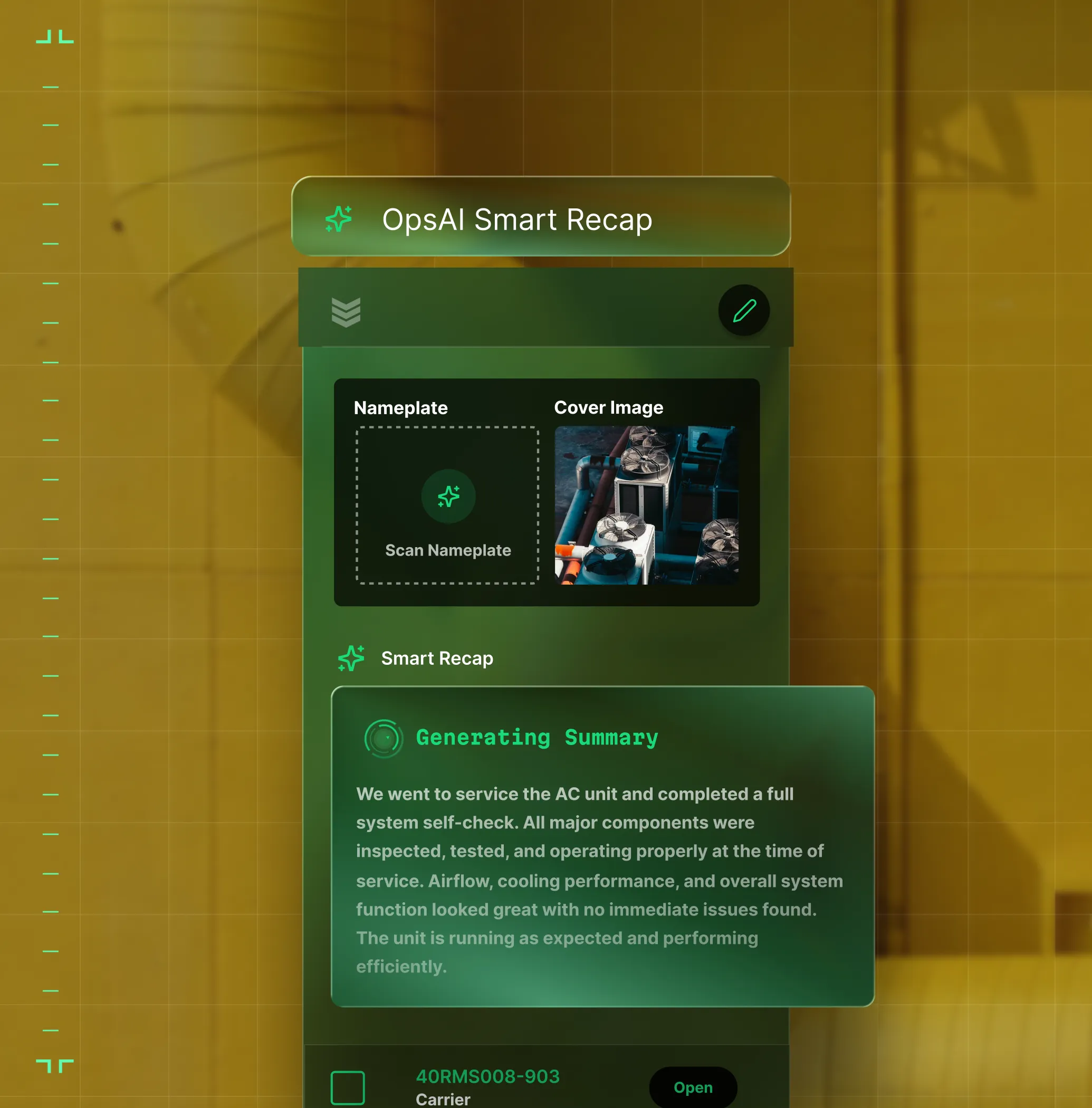
Nameplate Recognition
Point the phone at a nameplate. OpsAI reads the make, model, and serial instantly, even offline, and syncs it to the asset record.

One Record, Every Role
The unit tells the whole story to everyone who needs it

"I stopped calling the office for unit history. It's all on my phone now."
See full unit history, past parts, and specs before the visit.

"I see every unit across every property — what's been done, what's due, and what's at risk."
See aging units and at-risk assets across every property in one view.
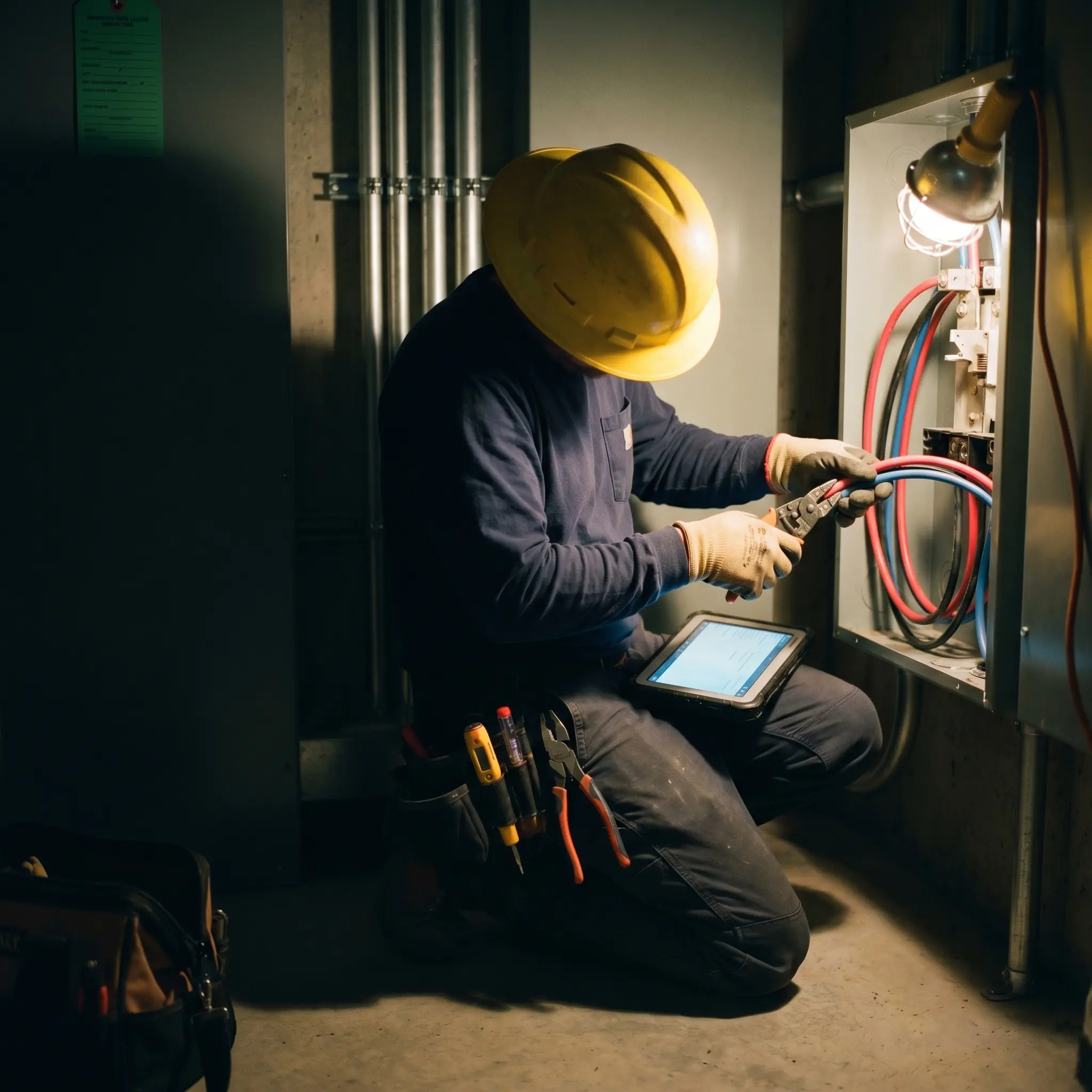
"Right tech, right unit — every time. No guessing."
Match asset history to tech skills for better dispatch.

From the Field
Real results from real service operations


"We've seen an increase in day-to-day operations efficiencies that's going to add up to significant savings in time and energy over the course of a year."

"If we didn't have BuildOps and the additional cyber security they give our company, we would be dead in the water."
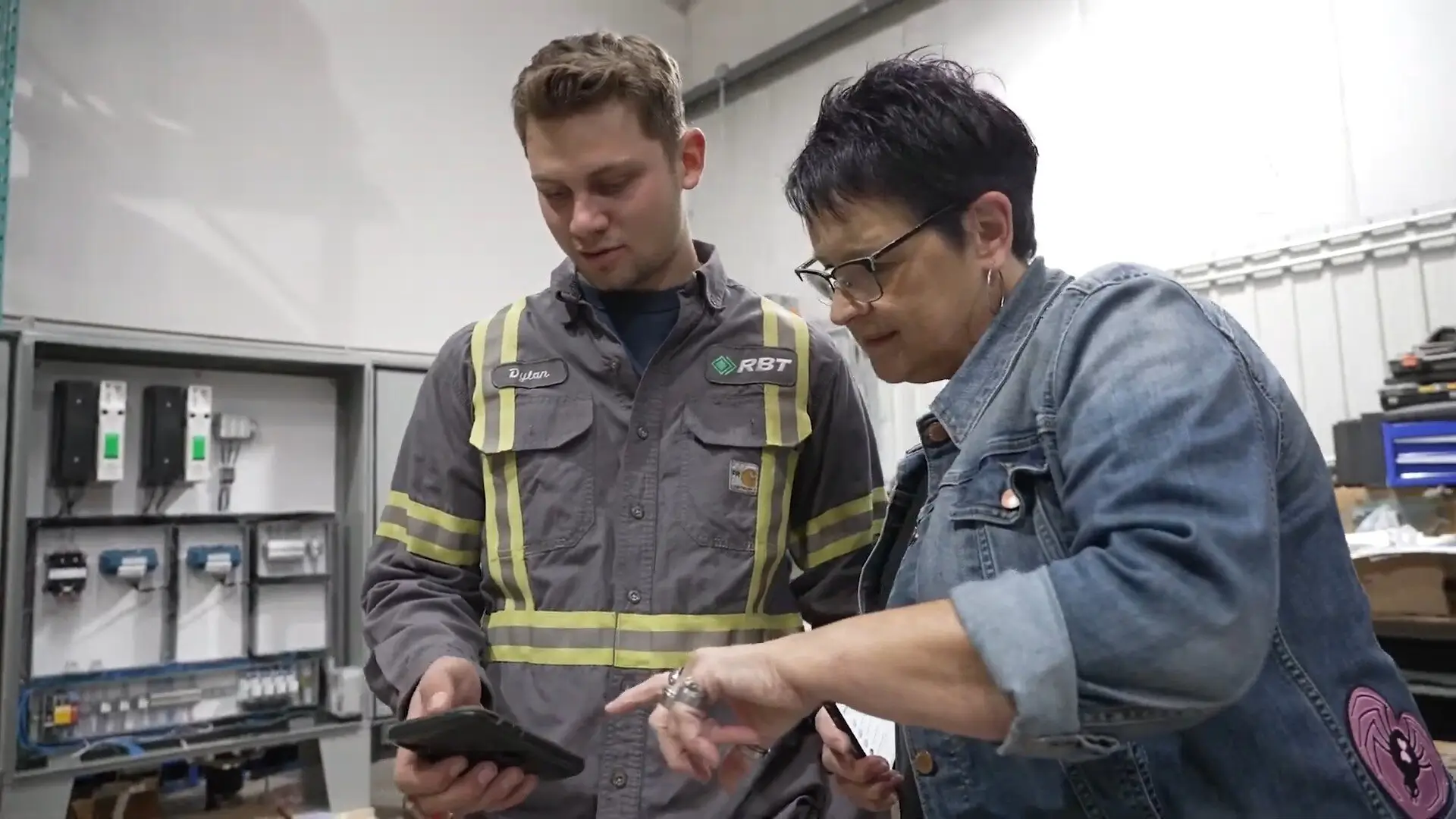

"The ability to produce reports either on an individual job basis, a quarterly basis, or a project basis is something we'd never seen before in other software that we've used."
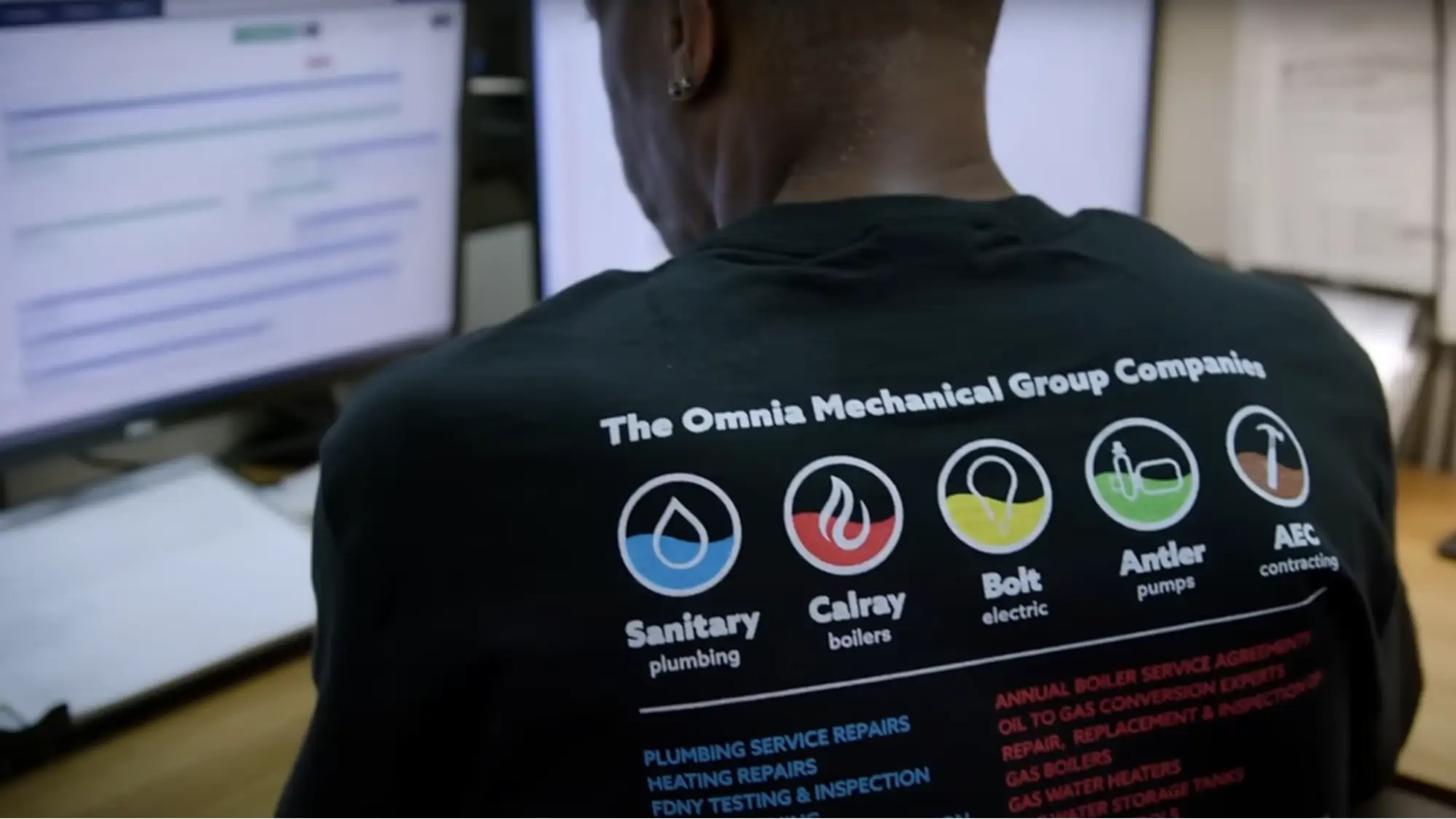

"We've cut down in our receivables from about 120 days to 30 days on average."


"Before we knew it, we were seeing quicker turnaround times on job closeout and a huge improvement in the time it took for quotes to be accepted by our customers."


"With BuildOps, we feel like we can go after anything. The sky is the limit as far as the size of the project."
.webp)

"BuildOps gave us an all‑in‑one system for both service and projects. Once we saw that, it was a no‑brainer."
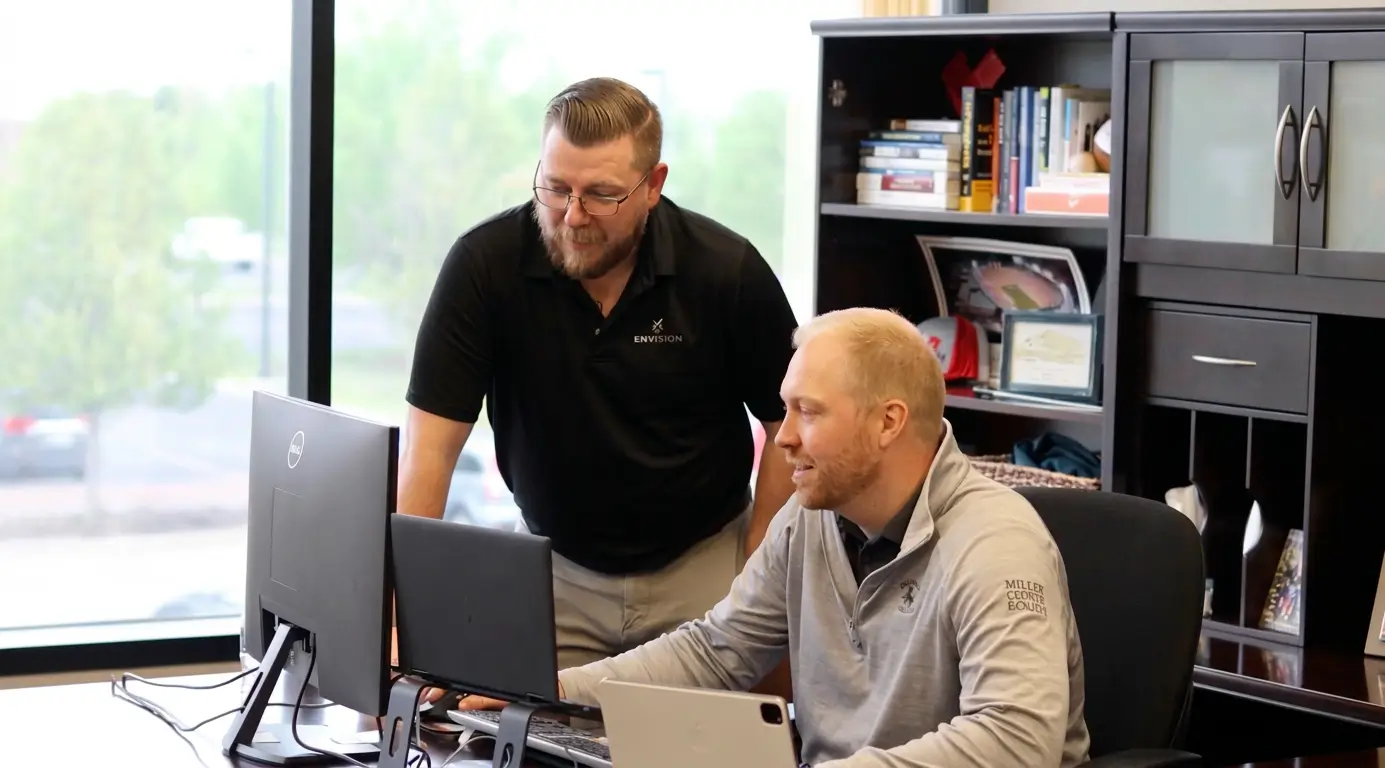

"With the integration of BuildOps and Sage Intacct, our accounting system, we've been able to speed up the time it takes for us to bill customers."


"Our consulting division increased 300% because we were able to free up more time from the office to help other customers."
![Service First Logo]](https://cdn.prod.website-files.com/69cad9cd3a5ef3196ea9bb65/69fa0ca0adc28a56d26717c9_Service%201st%20white.webp)
"Sometimes systems promise you the moon, then you use them and see the weaknesses. It's been the exact opposite with BuildOps. Everything we wanted it to do, it could do."

"We used to be two weeks behind on job costing. Now we're up to date daily."
What makes BuildOps different
Built from the ground up for contractors who run projects, service, and everything in between. Not adapted. Made for the work.
Commercial work isn't an add‑on
Most platforms started in residential and stretched to fit. BuildOps starts with the complexity of commercial work.
Run the work in one connected system
Field, office, finance, and sales — all in one place. No duct-taped tools, no double entry, no dropped balls.
OpsAI is built in, not bolted on
OpsAI is already in your workflows. It recaps the day, calls out risks, and gives every role a clear next step.

Where Asset Data Goes to Work
Asset tracking is just the beginning
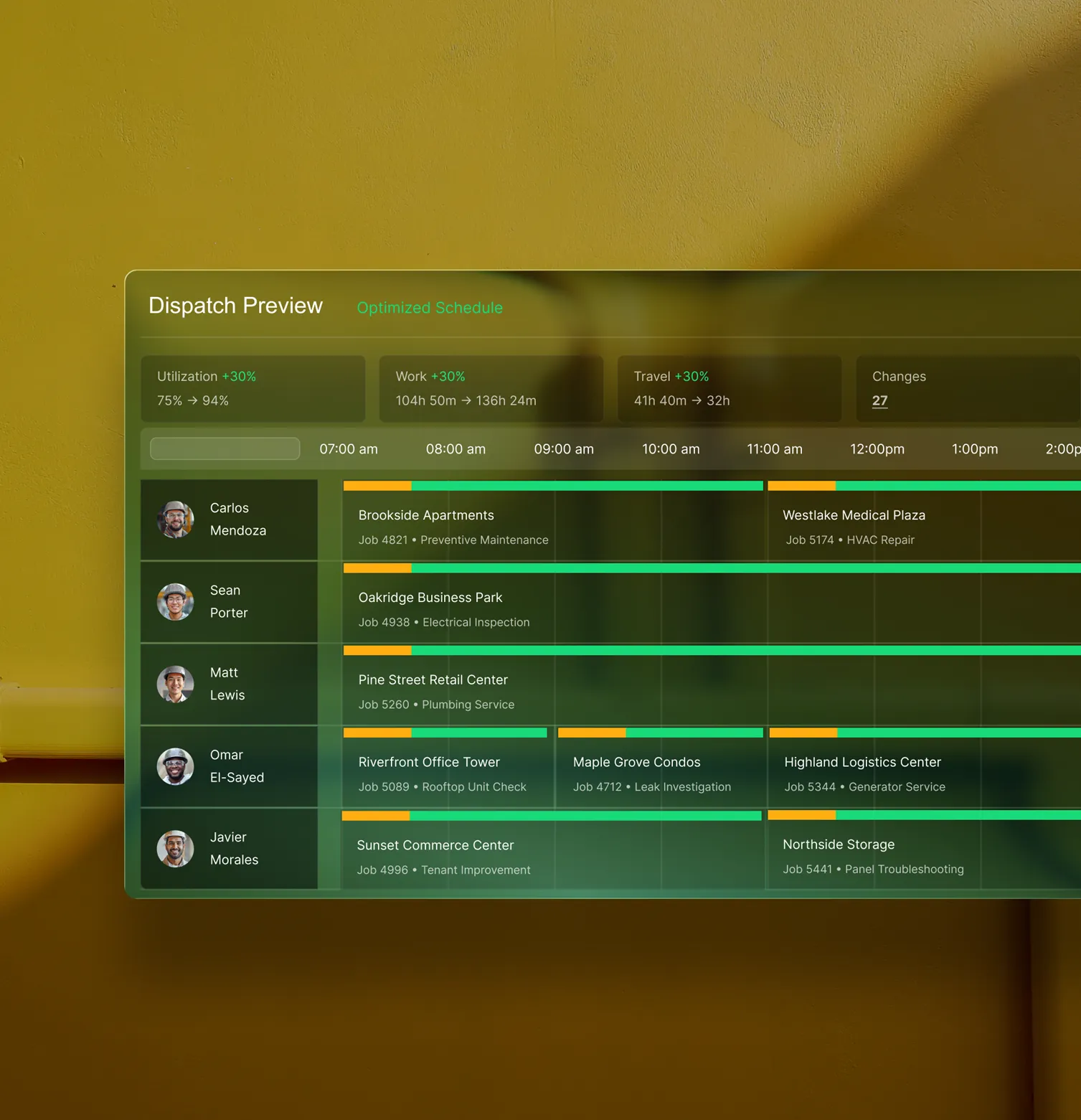
Asset records don't live in a silo. They're the foundation that powers dispatch, billing, service agreements, and reporting across the entire Service Management platform.
Service Management features






Common Questions
Your questions on field asset management software, answered
What is field asset management software for commercial contractors?
Field asset management software helps field service contractors track the equipment they service, storing unit history and specs so that field team members like contractors or project managers know what they’re dealing with before they show up to a jobsite. Everything from RTUs and chillers to panels and backflow preventers is stored in a central location, with up-to-date records of service history so all team members have the information instantly, rather than calling back office to get details.
For commercial contractors, it’s especially important that asset tracking is built-in to a comprehensive field service management platform, so it can capture data from the field in real time, connect to your dispatch and invoicing workflows, and give every role (tech, dispatcher, service manager, etc.) exactly what they need to do their job well.
What field asset management software features matter most for commercial contractors?
For the complexity of commercial work, these features are by far the most important when it comes to a field asset management software:
- Completed Service History—On every single unit, accessible at any time by anyone with access to the platform.
- Asset Nameplate Capture—Snap a photo and the app fills in information like model and serial number for you.
- Connects to Dispatch, Work Orders, & Service Agreements—Assets don’t live in a silo, but link to the other aspects of the work that needs to be completed.
- Creates Customer-Facing Service Record—Can show customers the full history and proof of exactly what work was done on a unit in the field, using step-by-step workflow checklists, photos, and videos.
- AI-powered Summaries—AI can present a summarized unit history to a tech arriving at the job so they don’t have to dig through old tickets and work orders.
- Strong Mobile App—An asset management tool is virtually useless if it doesn’t work for techs in the field when they are the ones who will use it most. It should also work in the app when offline, in case techs lost their signal on the job.
What are the benefits of using field asset management software for commercial teams?
The biggest benefit to a field asset management software is that your techs stop walking into jobs blind. When every unit has a full history attached to it including service records, past parts, and nameplate data, and your team can pull it up on their phone before the first wrench comes out, you will see faster diagnosis, fewer callbacks, and better conversations with customers about what their unit actually needs.
What is the best asset management software for commercial contractors?
We think it depends most on the type of work you do.
For commercial field service contractors in HVAC, electrical, plumbing, fire & life safety, and refrigeration, BuildOps is built specifically for you. It's the only field service software with asset tracking that was designed from day one for how commercial trades actually operate, connecting assets, service management, project management, financials, and AI in a single system.
For residential contractors focused primarily on home service and repair, tools like Jobber or Housecall Pro may be a better fit for simpler asset tracking needs. Those platforms are designed around the residential workflow with shorter jobs, homeowner-facing features, and lighter documentation requirements.
The key difference: residential tools weren't built to handle the complexity of commercial construction asset tracking like multi-phase schedules, GC coordination, formal document control, multi-location asset information, or handling asset details when commercial sites change hands. If your work involves any of that, you need a field asset management software that actually speaks the language of commercial projects.
Do you have any proof of customers improving efficiency using BuildOps?
We have tons! Using BuildOps, our customers have seen these kinds of efficiency improvements:
- Jackson Mechanical saw a 100% increase in tickets handled with no headcount added, a 50% reduction in time taken to create a job and get it scheduled, and a 30% growth in revenue
- JL Minter Inc. slashed billing time by 73%
- Service 1st went from 3-4 systems down to 1, saw 2x faster invoicing, and had a record year
- Jolma Electric saw a 50% leap in overall efficiency
- Dane Electric cut invoicing time by over 30%
There’s a clear reason scaling commercial teams use BuildOps to improve operations efficiency.
How does field asset software actually save time for techs on the job?
Field asset software cuts down on manual tasks in the field that are typically time consuming in 2 big ways: by letting techs point their phone camera at an asset and automatically fill in information, and by providing a full history of work done on a unit without having to glean that information by manually searching through old work orders. Both of these tasks can typically take a field tech over 10-15 minutes to complete manually, but by using field asset management software, that time can go down to just 2-3 minutes.
How can using field asset software better prepare techs and team members before they arrive at a jobsite?
A field asset software unifies all the information in a central location, which is updated in real-time as soon as work is completed on an asset. For techs, this helps them arrive to a jobsite prepared because they can look up the unit before leaving to make sure they have all the parts and tools they need to do the work that’s necessary. AI-powered asset summaries can also brief the foreman or project manager so they have an understanding of what work has been completed already.