Purchasing and Inventory
Right part. Right job. Every time
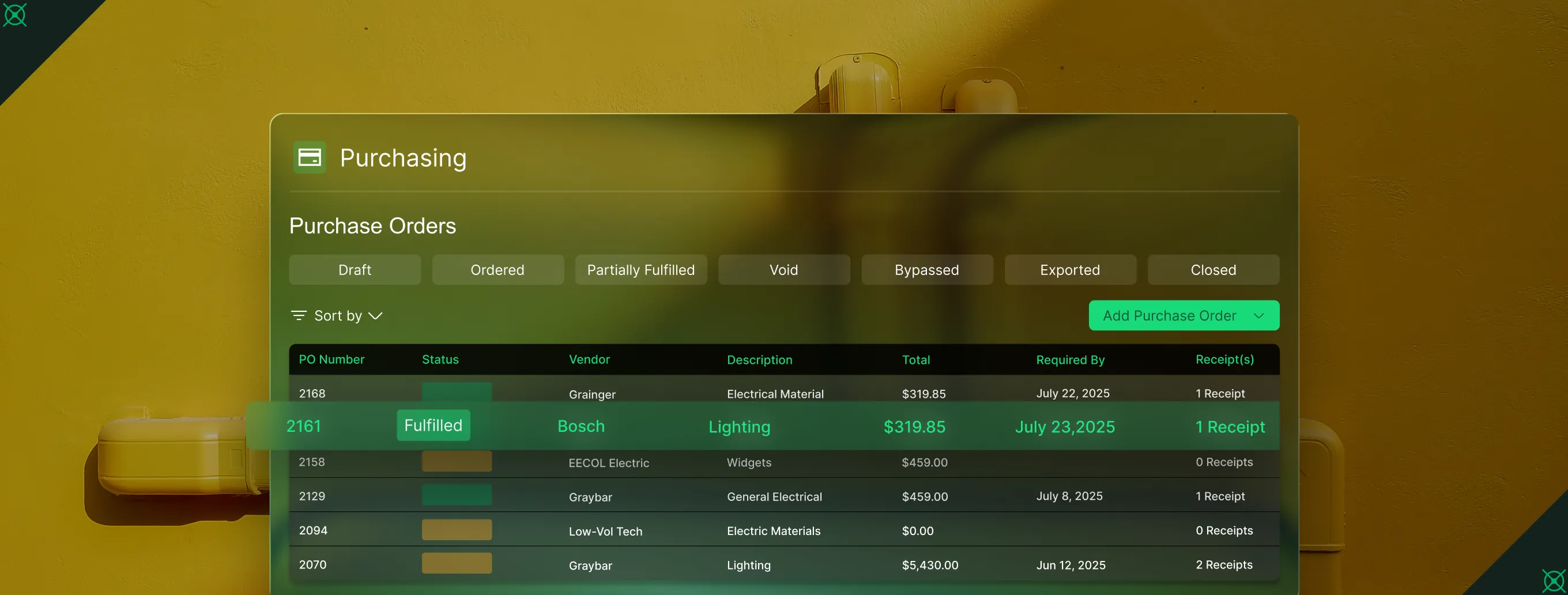
From the warehouse to the truck to the job site, field teams see what's on hand, create POs from the field, and log what was used without leaving the app. Every part captured. Every cost tied to the job. Nothing to reconstruct at the end of the week.
Trusted by 1,500+ commercial contractors across North America















Built for Service Teams
Parts move. Costs follow. Nothing falls off the job report

What's on the truck
Techs see what's been logged on their truck before they head out right from the app. Spot a gap? Request from the warehouse before the first job starts.

POs without the pain
Snap a receipt photo on mobile. OpsAI fills in vendor, items, and costs.

Costs that close with the call
Every part logged on a job flows to the invoice and job report. No re-keying.
Built for the field
Purchasing connected to the job
A tech shouldn't have to call the warehouse to find out what's on the truck. In BuildOps, stock visibility, PO creation, and parts logging all live in the same app they're already using, so the field runs without the back-and-forth.

AI PO Scanning on Mobile
Snap a photo of a PO or receipt in the field. OpsAI reads vendor, dates, and line items and fills it all in. Review, adjust, save in seconds.

Stock Visibility Across Every Location
Set min/max thresholds. See what's on hand, reserved, and low across every location.

Warehouse Transfers
Move parts between warehouses, trucks, and job sites. Every transfer tracked, every location updated

Field, Warehouse and Office, aligned
One system for parts, POs, and costs

"I check my truck before I leave. Need a part? I know before I roll."
Check truck stock and log parts used right from the mobile app.

"I know what's low, what's reserved, and what needs to move—without a spreadsheet."
Track counts, run transfers, and set reorder thresholds from one screen.
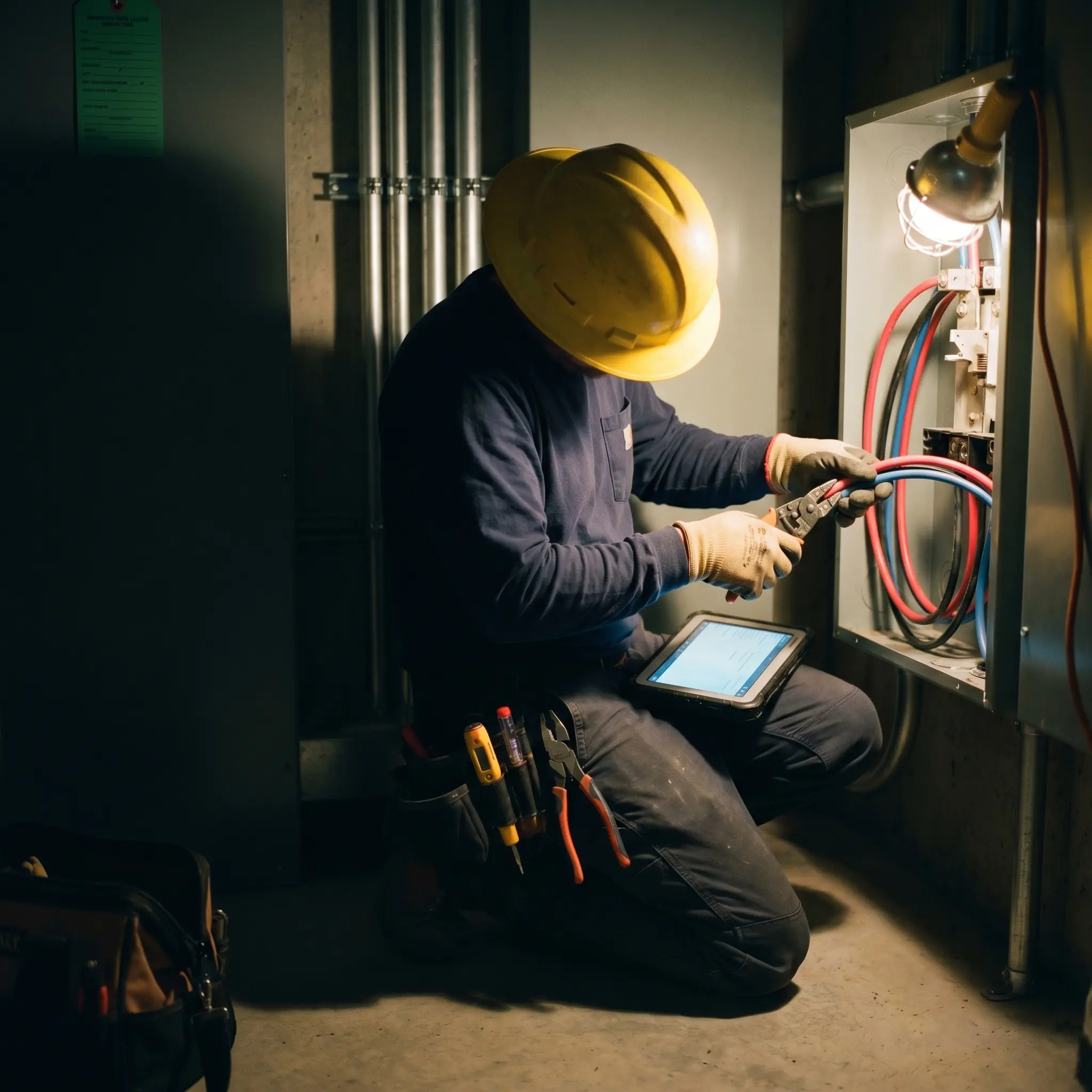
"Material costs used to be the last thing I'd find out about. Now I see them close with the job before billing even starts."
Material costs that close with the job, no hunting, no re-keying.

Proven Results
Real-world impact for commercial leaders


"We've seen an increase in day-to-day operations efficiencies that's going to add up to significant savings in time and energy over the course of a year."

"If we didn't have BuildOps and the additional cyber security they give our company, we would be dead in the water."
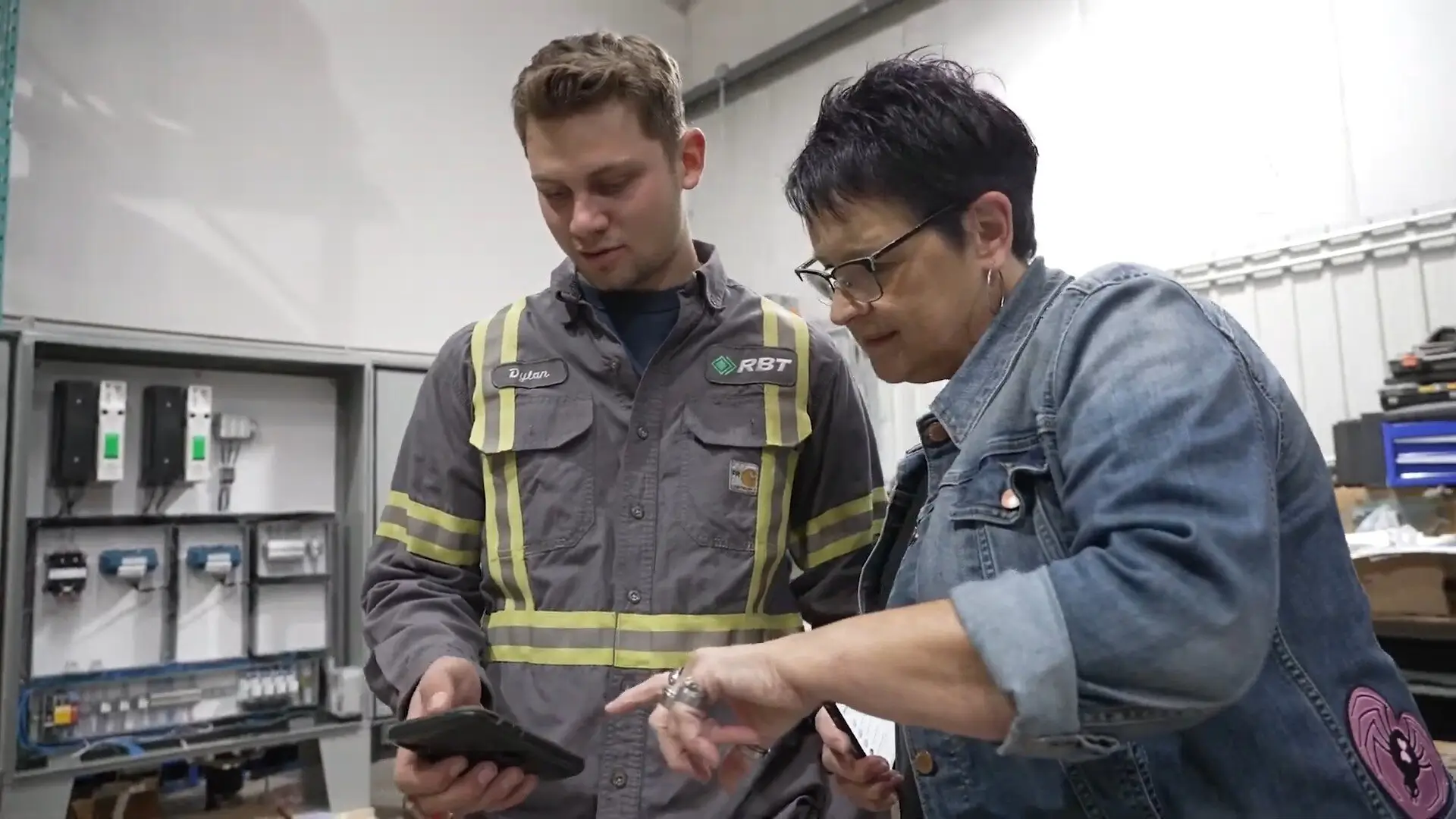

"The ability to produce reports either on an individual job basis, a quarterly basis, or a project basis is something we'd never seen before in other software that we've used."

"We've cut down in our receivables from about 120 days to 30 days on average."


"Before we knew it, we were seeing quicker turnaround times on job closeout and a huge improvement in the time it took for quotes to be accepted by our customers."


"With BuildOps, we feel like we can go after anything. The sky is the limit as far as the size of the project."
.webp)

"BuildOps gave us an all‑in‑one system for both service and projects. Once we saw that, it was a no‑brainer."

"With the integration of BuildOps and Sage Intacct, our accounting system, we've been able to speed up the time it takes for us to bill customers."


"Our consulting division increased 300% because we were able to free up more time from the office to help other customers."

![Service First Logo]](https://cdn.prod.website-files.com/69cad9cd3a5ef3196ea9bb65/69fa0ca0adc28a56d26717c9_Service%201st%20white.webp)
"Sometimes systems promise you the moon, then you use them and see the weaknesses. It's been the exact opposite with BuildOps. Everything we wanted it to do, it could do."

"We used to be two weeks behind on job costing. Now we're up to date daily."
What makes BuildOps different
Built from the ground up for contractors who run projects, service, and everything in between. Not adapted. Made for the work.
Commercial work isn't an add‑on
Most platforms started in residential and stretched to fit. BuildOps starts with the complexity of commercial work.
Run the work in one connected system
Field, office, finance, and sales — all in one place. No duct-taped tools, no double entry, no dropped balls.
OpsAI is built in, not bolted on
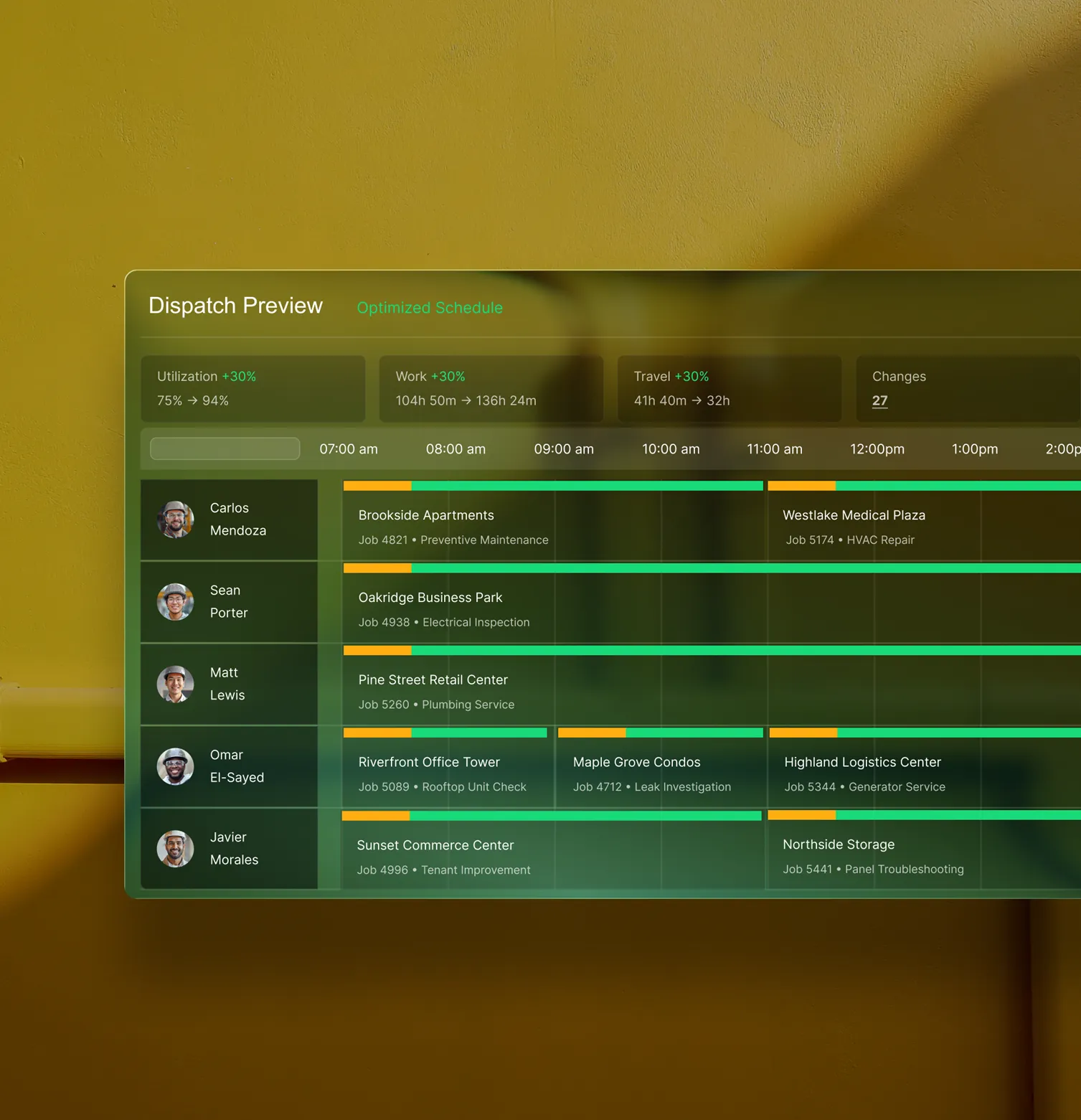
OpsAI is already in your workflows. It recaps the day, calls out risks, and gives every role a clear next step.

Total Platform Synergy
Purchasing is just the beginning
Material costs flow from the job to the invoice, tied to every service call and PM visit in the system. Explore the modules that keep service operations running and billing closing on time.
Service Management features





Common Questions
Your questions on purchasing and inventory, answered
What is purchasing and inventory software for field service contractors?
Field service purchasing and inventory software unifies all the necessary purchasing aspects of managing field service projects with the other aspects of the operation, primarily to keep project budgets and spending on track. The software tracks POs, materials, labor, vendor commitments, change orders, and submittals as they are going through, and then summarizes the information to track against budget, project scope, and profit margins.
What are the most important features to look for in a field service inventory software?
If you work in commercial field service, large-scale projects require much more complex inventory tracking due to change orders and submittals. To enable this kind of large-scale commercial project, you need an inventory software with these kinds of features:
- Techs can create POs directly from the field using their mobile app
- Parts can be tracked anywhere in the operations, whether on jobsites, in the warehouse, or in a truck
- Auto-filled records in the platform from PO photos or vendor bills
- Mobile app allows inventory access or status updates to all team members instantly
- Real-time data sync so all team members see the same source of truth
- Direct and automated connection of inventory (parts used on job) to invoice (what’s billed to customer)
- Stock visibility and min/max thresholds across every inventory location
How does field service inventory software help protect project margins?
When purchasing is tied to a project, phase, and cost code, you can see committed costs against the budget before the invoices hit AP. That early visibility helps PMs and finance catch overruns while there's still time to act, rather than waiting until the end of the month for a team meeting, or even worse the end of the project when it’s already too late to do anything.
Can field service purchasing software lower contractor costs?
When purchasing connects to the job, you stop buying on gut feel. Contractors use field service inventory and purchasing software to get clear visibility into what was ordered, received, and used so cost decisions are grounded in data, not tribal knowledge. Field service teams see fewer surprise overruns, fewer redundant orders, and job reports that reflect what actually happened.
How does field service inventory software stop parts from going missing?
When you can track every transfer, issue, and adjustment across warehouses, trucks, and job sites and techs log parts directly from their mobile app, the office sees it instantly. One shared record. No hunting down what moved where.
How does OpsAI help teams automate procurement? Is OpsAI ready now?
OpsAI is live and in production today. Teams are using it now across dispatch, field documentation, asset capture, invoicing, and payment matching. It ships as part of BuildOps, not as a separate add-on.
Finance teams primarily use OpsAI to pull information from PO photos, extracting vendor, date, and line items to fill in records, and to match bulk payment to open invoices across multiple lines.
Finance teams have seen results like 80% less data entry using our PO scanning tools, have saved hours every month using our invoice automation, and love the ability to turn tech voice notes into structured field notes that convert to invoice notes in seconds.
How does BuildOps handle integration with my existing ERP (Sage, Viewpoint, etc.)?
BuildOps integrates with the ERPs frequently used by commercial field service teams including Sage, Viewpoint, and Quickbooks. BuildOps syncs field data (time tracking, POs, invoicing, etc.) directly with your ERP's job costing and payroll modules. Data flows both ways, keeping financials accurate without manual re-entry.
BuildOps is an operational backbone for commercial construction teams to build on top of, no matter what other tools are in your tech stack.
What inventory costing methods are used in the BuildOps platform?
BuildOps supports Standard, Weighted Average, FIFO, and LIFO, and different methods can be applied per item within the same tenant. Costs calculate automatically at receipt and issuance based on the method assigned, keeping job and project actuals accurate as materials move through the system.
Can field techs create POs from the job site using the BuildOps app?
Yes. Field teams can create POs from mobile and scan receipts with AI PO recognition. OpsAI reads vendor info, line items, and dates so field purchases hit the system fast.
How does three-way PO matching work in BuildOps?
Three-way matching in BuildOps connects the PO (what you ordered), the receipt (what arrived), and the vendor bill (what you're being charged), so AP only pays for what was actually ordered and received. Discrepancies surface in the bill review before payment is processed. Three-way matching is available for Sage Intacct, NetSuite, and Spectrum. Our team confirms configuration requirements during implementation.
Can I track inventory across multiple locations in BuildOps?
Yes. BuildOps tracks stock across warehouses, trucks, and job sites. When field teams log parts used on a job, inventory quantities and costs update accordingly, giving office teams visibility into what's on hand, what's been used, and what needs to be replenished. Stock counts reflect what's been entered and physical counts require a manual reconciliation step.
Can BuildOps handle high-volume service and construction procurement?
Yes. BuildOps handles purchasing across service operations and construction projects in the same platform, including multi-job POs, field orders, and drop-ship purchases all tracked alongside job costs. For contractors running both service and projects, purchasing data flows to the same job costing and ERP layer without maintaining separate systems.