Work Order Closeout
Close the job. Bill the same day
Gated workflows require photos, notes, parts, and time before a job can close. The office gets billing-ready data the day the tech leaves the site. No chasing, no delays.

Trusted by 1,500+ commercial contractors across North America















Purpose-built for closeout
Stop the billing lag before it starts

Nothing gets missed
Gated workflows block closeout until photos, notes, and time are done.

Notes that make sense
OpsAI turns field notes into billing-ready records. No follow-up calls.

Bill the job on close
Time, parts, and photos sync to the office the moment the job closes.
Close clean, every job
Built for techs, not data clerks
Disconnected systems mean chasing missing info for days. In BuildOps, gated workflows walk techs through every required step so the office gets billing-ready jobs the same day.

OpsAI Clarity Assist
Short, vague notes? OpsAI cleans them up by clarifying intent, fixing grammar, and filling blanks from job context. Works in English and Spanish.

Voice-to-Text Reporting
Techs speak their notes. OpsAI turns them into clean visit summaries. No typing, no rewriting.

Gated Field Validation
Missing a photo? Forgot to log time? BuildOps flags it before the tech can close, so nothing slips through.

Every role, one standard
One closeout standard for every role

"I close the job from my truck. Paperwork's done before I leave the site."
Gated workflows and voice-to-text on mobile make closeout fast and complete.

"We're twice as fast getting invoices out on BuildOps."
Jobs flow to billing clean, without calls or rework.
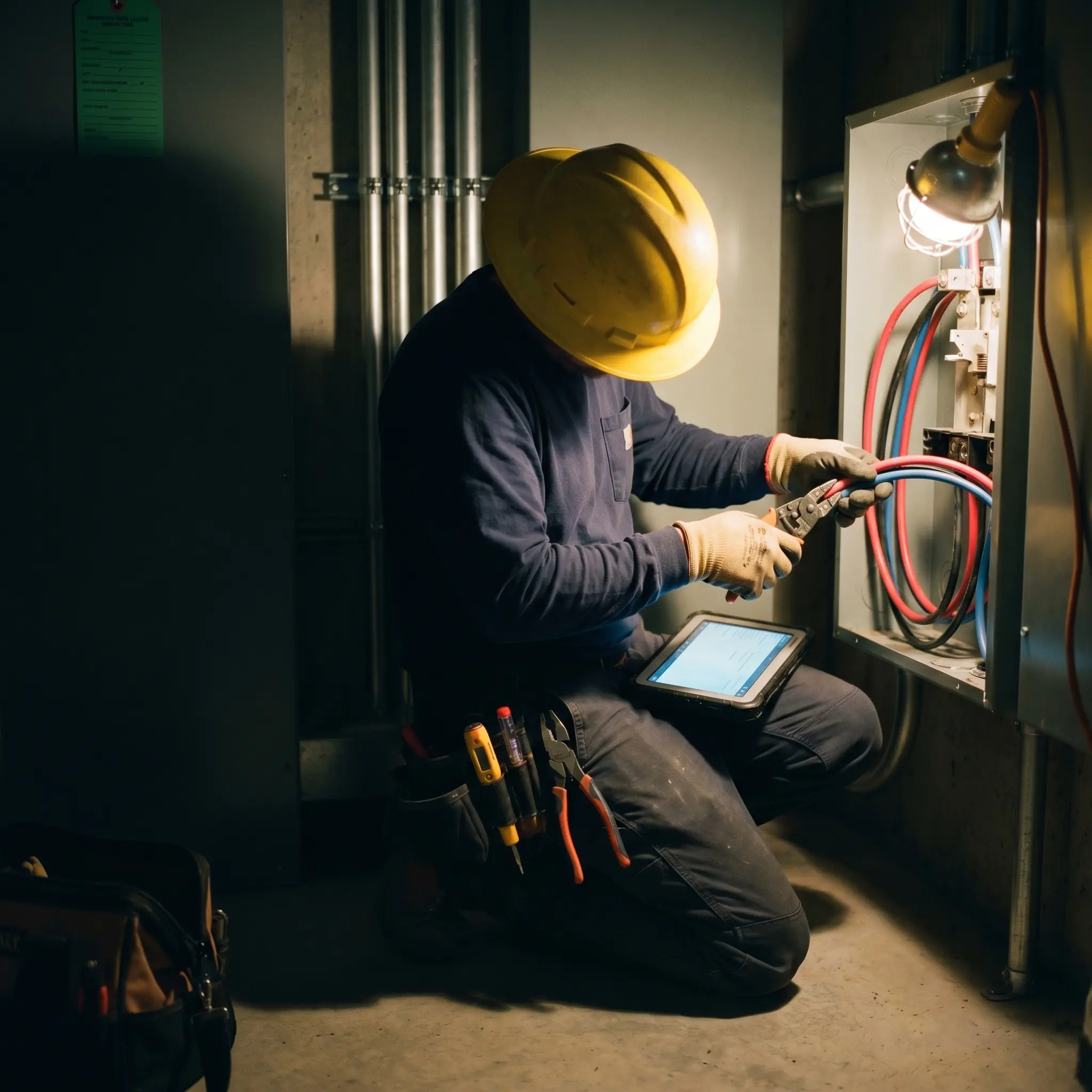
"The time a job is closed to invoicing, was 14.2 days. I've gotten paid from customers before I got the actual invoice from the supplier that supplied the part."
Close the job today. Invoice today. Cash flow improves.

Proven Results
Real-world impact for commercial leaders


"We've seen an increase in day-to-day operations efficiencies that's going to add up to significant savings in time and energy over the course of a year."

"If we didn't have BuildOps and the additional cyber security they give our company, we would be dead in the water."

"The ability to produce reports either on an individual job basis, a quarterly basis, or a project basis is something we'd never seen before in other software that we've used."
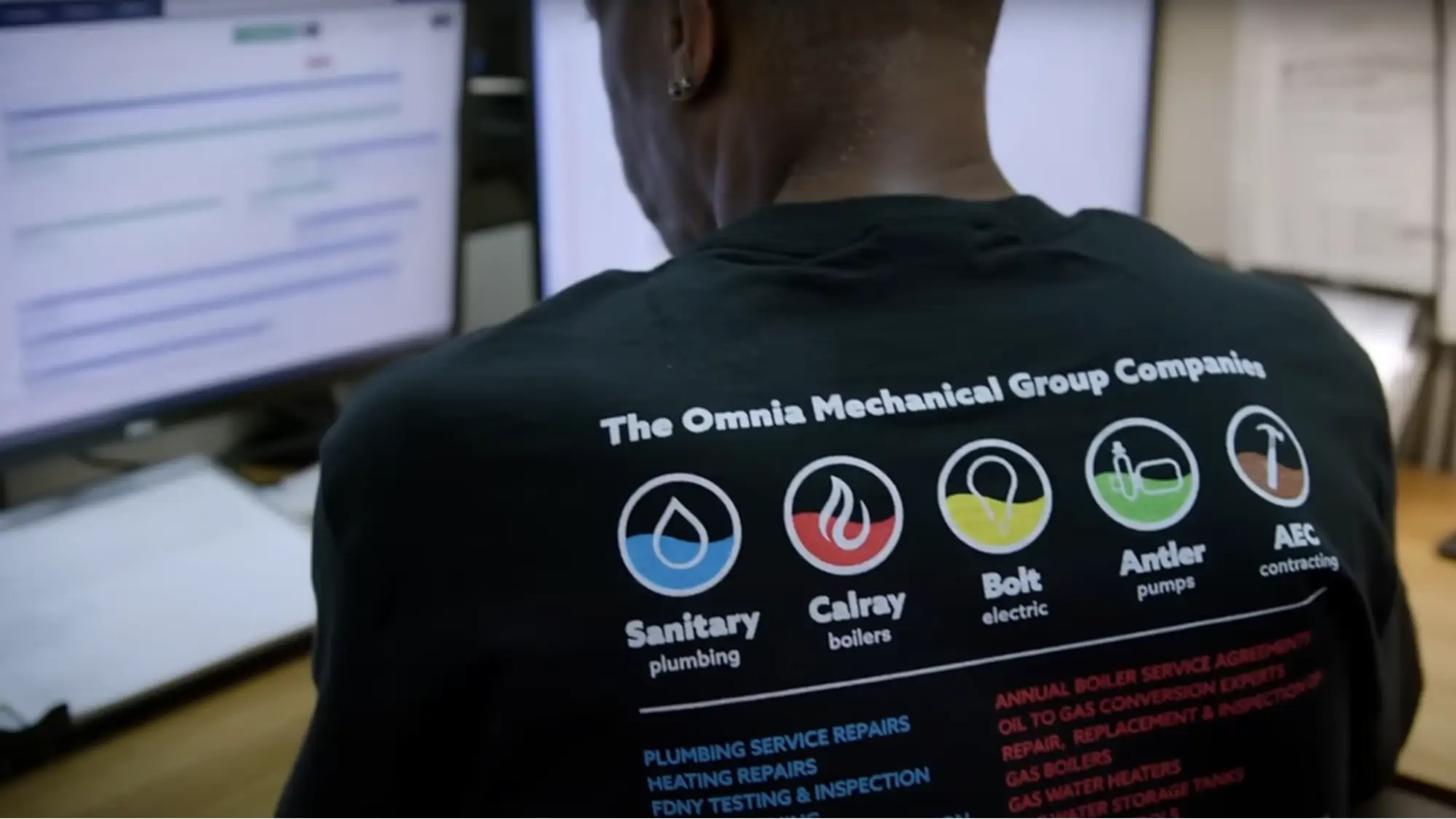

"We've cut down in our receivables from about 120 days to 30 days on average."


"Before we knew it, we were seeing quicker turnaround times on job closeout and a huge improvement in the time it took for quotes to be accepted by our customers."


"With BuildOps, we feel like we can go after anything. The sky is the limit as far as the size of the project."
.webp)

"BuildOps gave us an all‑in‑one system for both service and projects. Once we saw that, it was a no‑brainer."
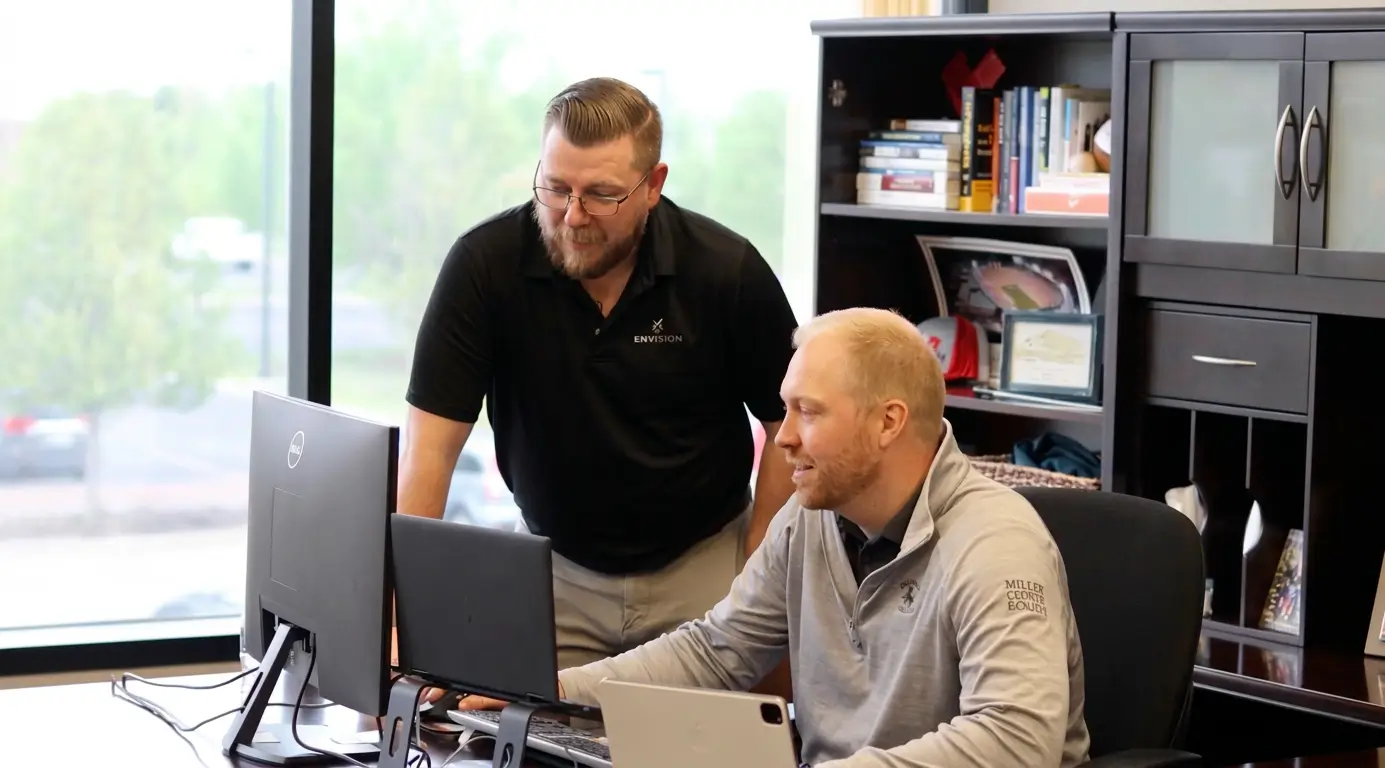

"With the integration of BuildOps and Sage Intacct, our accounting system, we've been able to speed up the time it takes for us to bill customers."


"Our consulting division increased 300% because we were able to free up more time from the office to help other customers."
![Service First Logo]](https://cdn.prod.website-files.com/69cad9cd3a5ef3196ea9bb65/69fa0ca0adc28a56d26717c9_Service%201st%20white.webp)
"Sometimes systems promise you the moon, then you use them and see the weaknesses. It's been the exact opposite with BuildOps. Everything we wanted it to do, it could do."
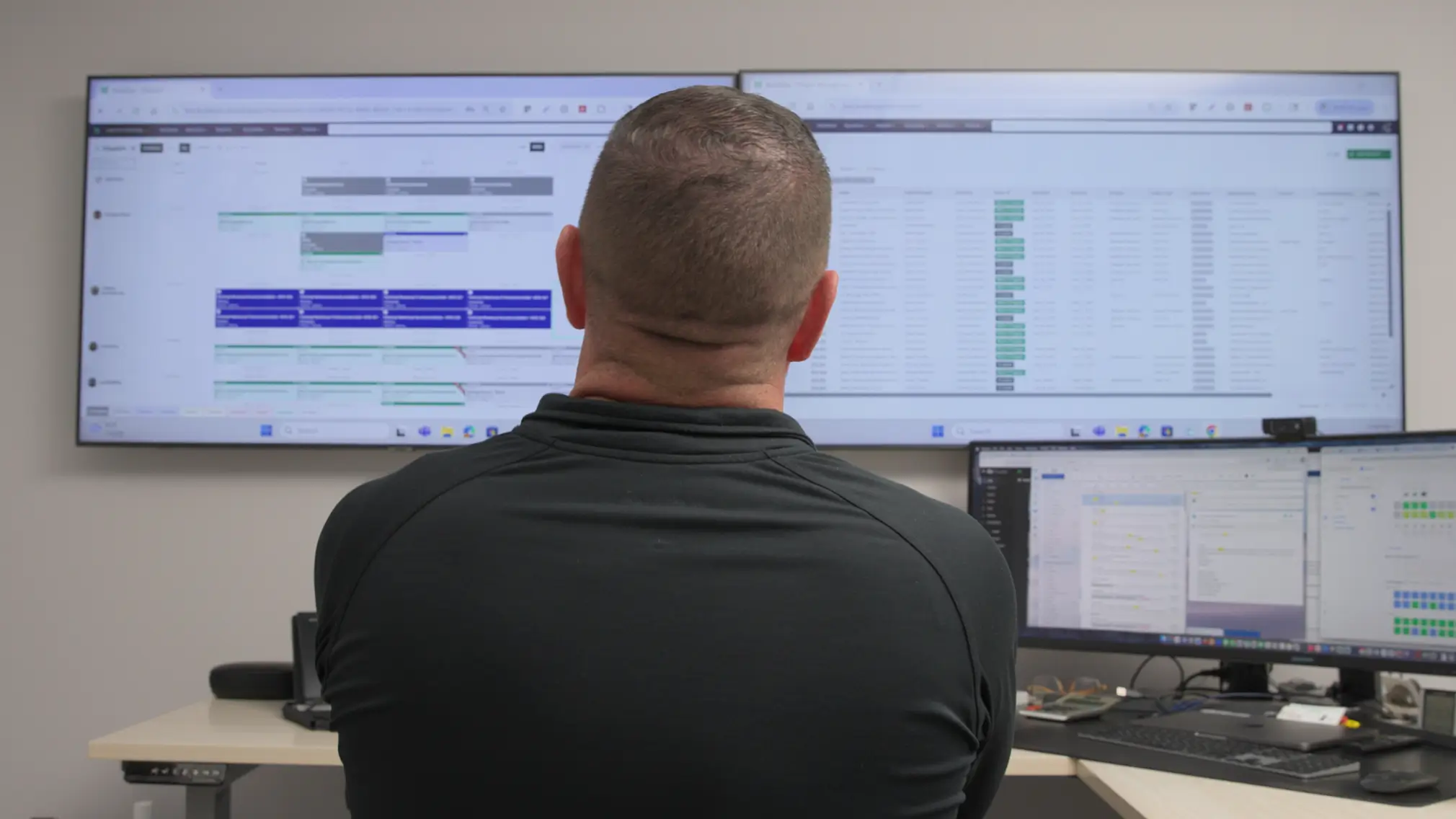

"We used to be two weeks behind on job costing. Now we're up to date daily."
What makes BuildOps different
Built from the ground up for contractors who run projects, service, and everything in between. Not adapted. Made for the work.
Commercial work isn't an add‑on
Most platforms started in residential and stretched to fit. BuildOps starts with the complexity of commercial work.
Run the work in one connected system
Field, office, finance, and sales — all in one place. No duct-taped tools, no double entry, no dropped balls.
OpsAI is built in, not bolted on
OpsAI is already in your workflows. It recaps the day, calls out risks, and gives every role a clear next step.

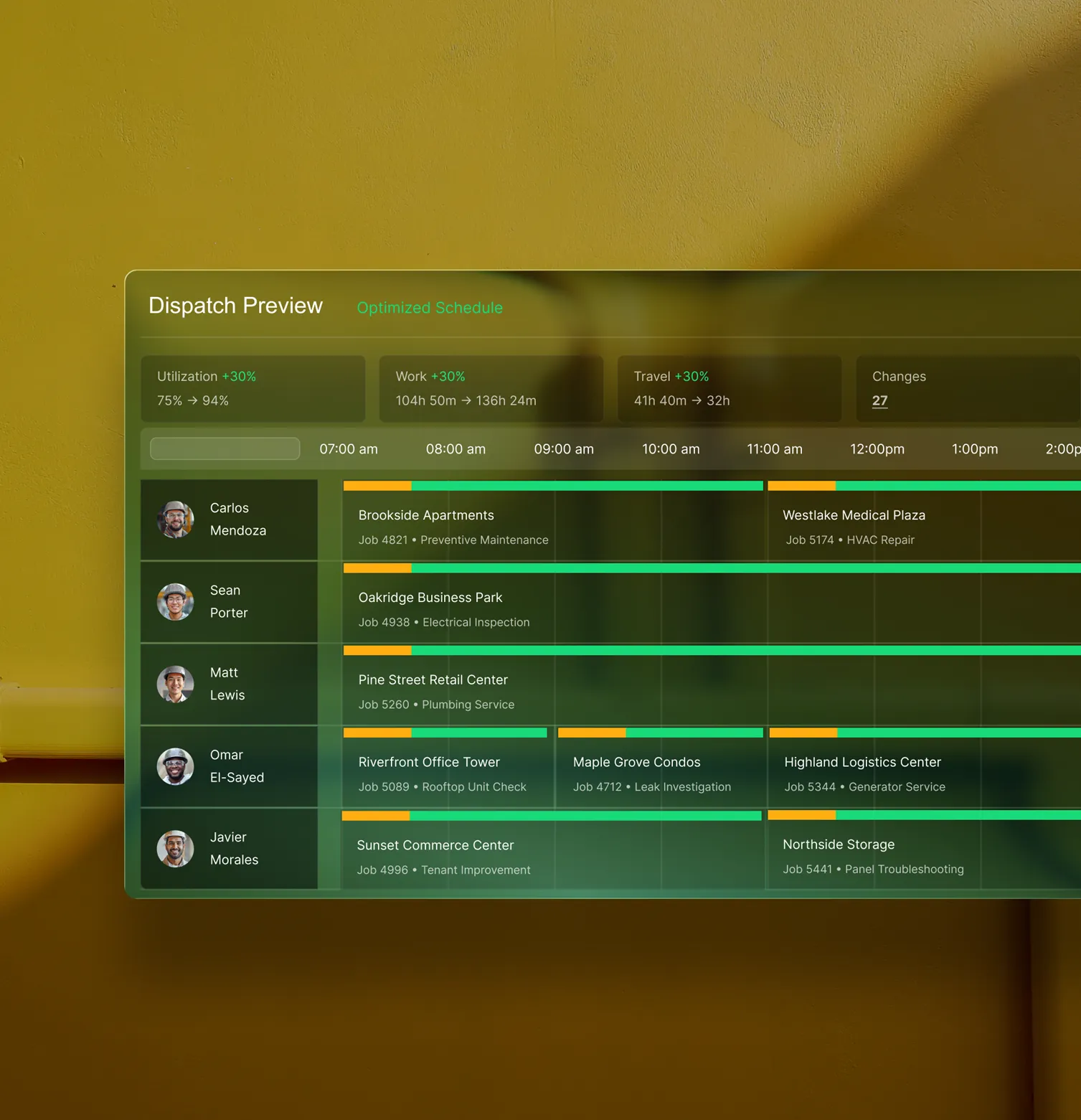
One Connected System
Closeout is just the beginning
Clean closeout data triggers invoices, feeds job costing, and flows to your ERP. Explore the modules that turn field-ready jobs into financial clarity across every crew and customer.
Service Management features






Common Questions
Your questions on field service work order closeout software, answered
What is work order closeout software for commercial contractors?
Field service work order closeout software manages job creation, dispatch, documentation, all in a single tool. By unifying all the aspects of a field service operation required to complete work orders all the way from first customer contact to collecting payments, the software provides features that enable faster work closeout, which means you can move on to new work faster, and spend less time waiting to send out invoices to customers.
What field service work order closeout software features matter most to commercial teams?
When it comes to the complexity of commercial field service work orders, these are the features that matter the most, and separate a residential work order tool from a software more useful for commercial teams:
- Gated Workflows—A step-by-step workflow checklist built into the app your techs use on the job. As they complete each step, they check it off, confirming a perfect record of required work and making sure all job scope is fulfilled.
- Voice-To-Text Field Notes—Techs speak, app listens, notes are written. These notes can be leveraged directly into customer-facing invoice summaries so there’s no billing lag, and no double entry by office admin when creating the invoice.
- Photo & Video Capture—Techs snap a photo or take a video on the job to prove the work was completed. When attached to an invoice, they tend to get paid a lot faster by customers who don’t have to question the work.
- Same-day Billing Capability—When all of this is built in and synced in real time, finance can get the invoices out, sometimes before the techs even pull away from the jobsite.
- ERP Integration—The tool should integrate with whatever other financial tools you use or your ERP, with a bidirectional data sync so you never have to double or triple enter data across different team members and always have a single source of truth.
What are the key benefits of using work order closeout software for commercial teams?
Using a field operations software that specifically enables faster and better work order closeout is likely to yield these kinds of benefits:
- Invoices Get Out Faster—Put the invoices in front of your customers quickly, and they get paid more quickly, according to our research.
- Shortens the Billing Cycle—Cut down your billing cycle from months to just weeks or even days.
- Reduces Amount of Money in AR—Because customers are paying invoices faster, you have less money sitting in AR.
- Unlocks Cashflow Faster—With less money sitting in AR, that means it’s available to you to re-invest in the things that are making you money in the business, and you can proceed with further work more quickly.
- More Accurate Data—When techs have what they need built in the app with step-by-step custom workflows, fewer mistakes are made.
- Builds Customer Trust—If you attach photos, videos, and detailed work summaries to invoices, customers are less likely to ask about the work done, and will pay invoices faster.
What is the best field service work order closeout software for commercial contractors?
We think it depends most on the type of work you do.
For commercial field service teams in HVAC, electrical, plumbing, fire & life safety, and refrigeration, BuildOps is built specifically for you. It's the only field service work order closeout software that was designed from day one for how commercial trades actually operate, connecting every aspect of work order completion—like service, projects, financials, and AI—in a single system.
For residential contractors focused primarily on home service and repair work orders, tools like Jobber or Housecall Pro may be a better fit for simpler work orders. Those platforms are designed around the residential workflow with shorter jobs, homeowner-facing features, and lighter documentation requirements.
The key difference: residential tools weren't built to handle the complexity of commercial construction work orders in multi-phase, long-term projects, so if your work involves any of that, you need a commercial work order closeout software that actually speaks the language of commercial projects.
Do you have any proof of how BuildOps has helped teams manage their work orders closeout more effectively?
Yes, we have lots! Using BuildOps, our customers have seen significant operational efficiency improvements across their work order lifecycles, including:
- Omnia Mechanical Group reduced their accounts receivable period by 75%, from 120 days down to just 30
- JL Minter Inc. slashed billing time by 73%
- Dane Electric cut invoicing time by over 30%
- Jackson Mechanical saw a 100% increase in tickets handled with no headcount added and a 50% reduction in time taken to create a job and get it scheduled
- Jolma Electric saw a 50% leap in overall efficiency
There’s a clear reason commercial field teams trust BuildOps with their work order closeout.
What is the typical implementation timeline for BuildOps?
Most businesses are up and running on BuildOps within 8-12 weeks. We map your legacy data, configure custom workflows that match your specific field operations and your work orders, and we train your crew—office staff and field techs alike. Our integration specialists will be with you every step of the way to help you build out your new operational architecture.
BuildOps was created specifically for commercial companies, and continues to be guided by input from service departments, business owners, managers, dispatchers, and field techs.