AI for Service Management
Know the unit before you crack
the panel
OpsAI gives your techs full work history and instant nameplate capture so every visit starts with context, not guesswork. Less time hunting for answers, more time doing the work that matters.
Trusted by 1,500+ commercial contractors across North America















Smarter Before the Wrench
Every tech walks in with the full picture

Full history, one glance
Every service call on that unit, parts, visits, and open items are summarized before the tech starts work.

No more manual asset entry
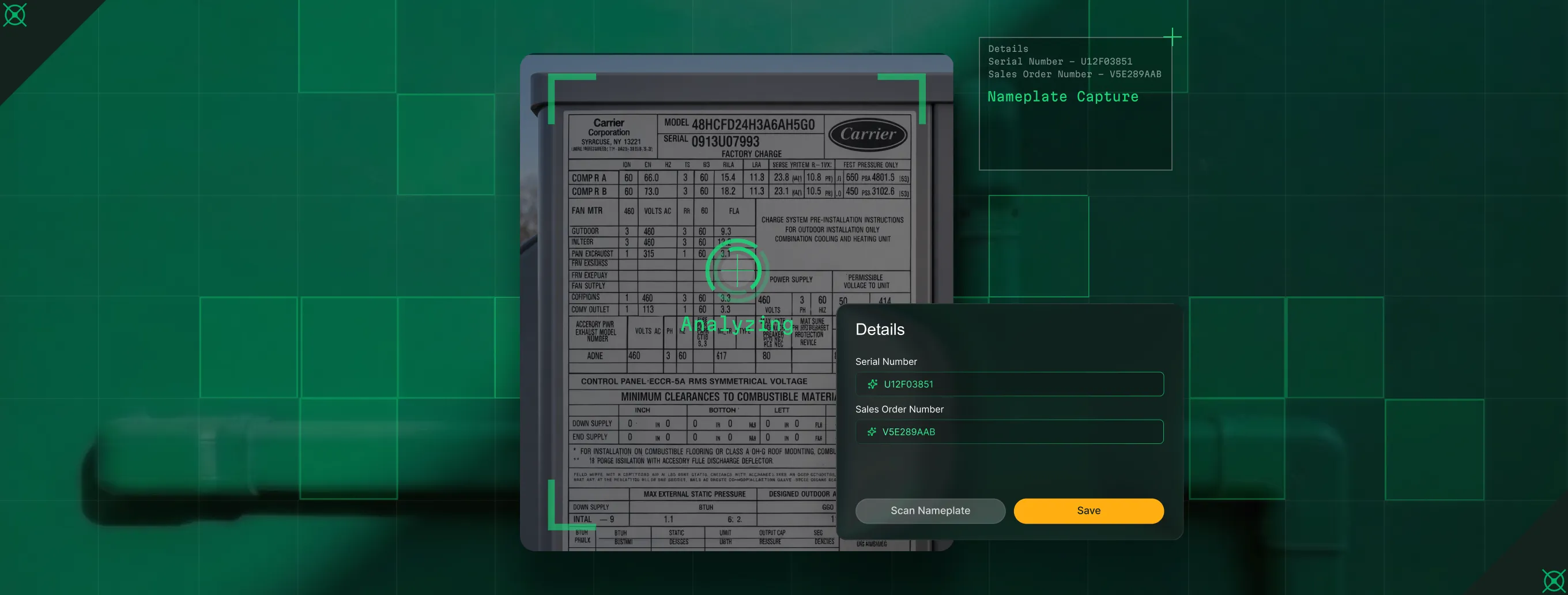
Snap the nameplate. OpsAI reads model, serial, and specs into the record. One photo, done.

Fewer repeat visits
When techs see what's been tried before and what's still open, they fix it right the first time, not the third.
AI That Knows Your Assets
Built for the unit, not the user manual
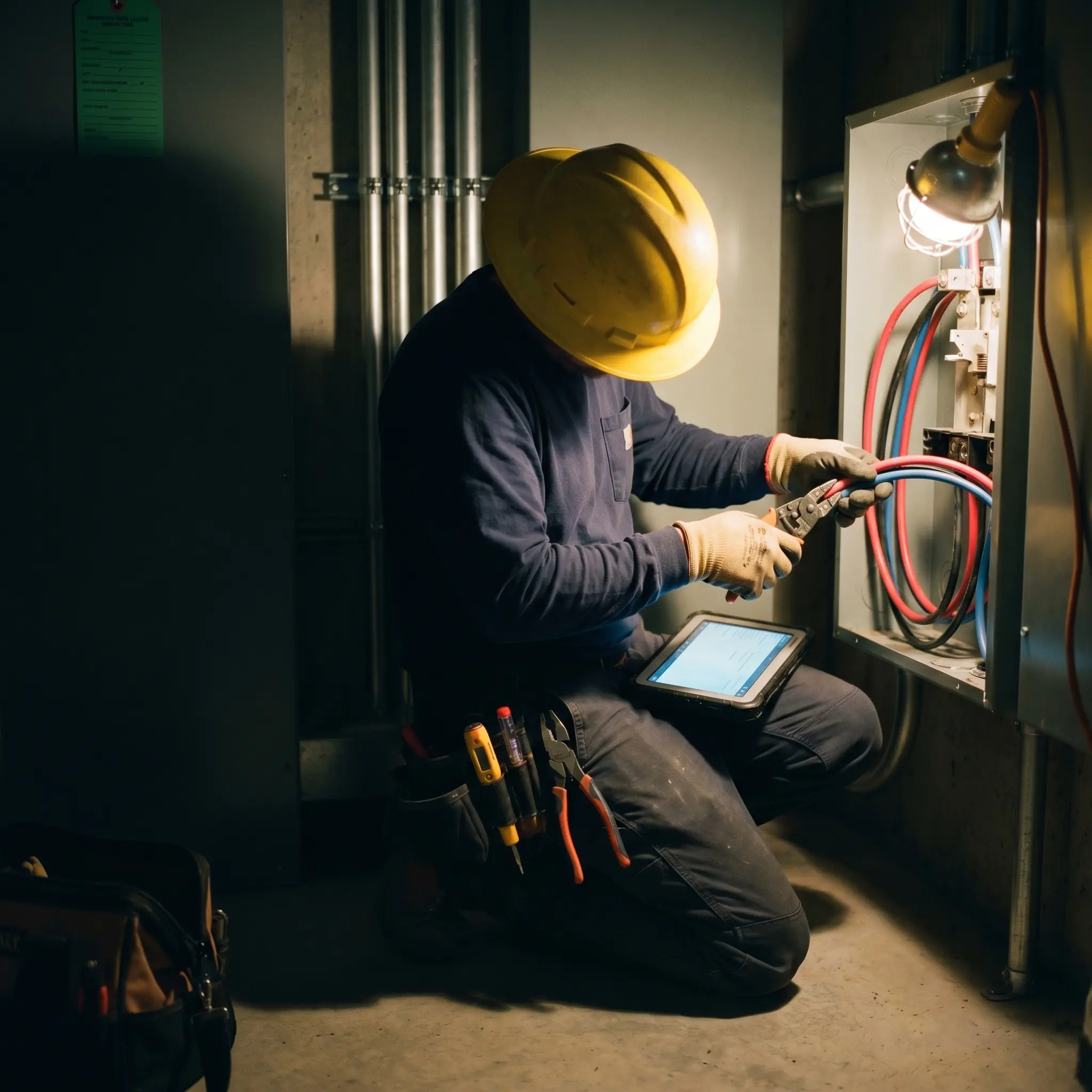
Most asset data lives in a filing cabinet or someone's head. OpsAI puts complete service history and nameplate data at the point of work, on your tech's phone, before they open a panel or pull a filter.

Asset Nameplate Scanning
Techs snap a photo of any nameplate. OpsAI reads model, serial number, and equipment specs then builds a complete asset record. No typing. No transcription errors. Accurate data from day one.

Smart Recap
OpsAI summarizes every past visit on that asset, parts used, work done, and open items, in one clear view before the tech touches anything.

Visit Correction
OpsAI cleans grammar, corrects spelling, and translates field notes into professional, customer-ready language — so the office gets usable documentation without chasing techs for rewrites.

From the Unit to the Office
One asset record, every team aligned

"I used to flip through old work orders in the truck. Now I see the full unit history on my phone."
Walk in knowing what was done, what failed, and what's still open.

"We stopped sending techs in blind. OpsAI gives them the full story on the asset before the truck rolls."
Fewer calls from the field. Fewer surprises at the unit.
"Our asset data used to be a mess. Now it builds itself from the field."
Accurate asset records without chasing techs for missing info.

Proven Results
Real-world impact for service teams


"We've seen an increase in day-to-day operations efficiencies that's going to add up to significant savings in time and energy over the course of a year."

"If we didn't have BuildOps and the additional cyber security they give our company, we would be dead in the water."
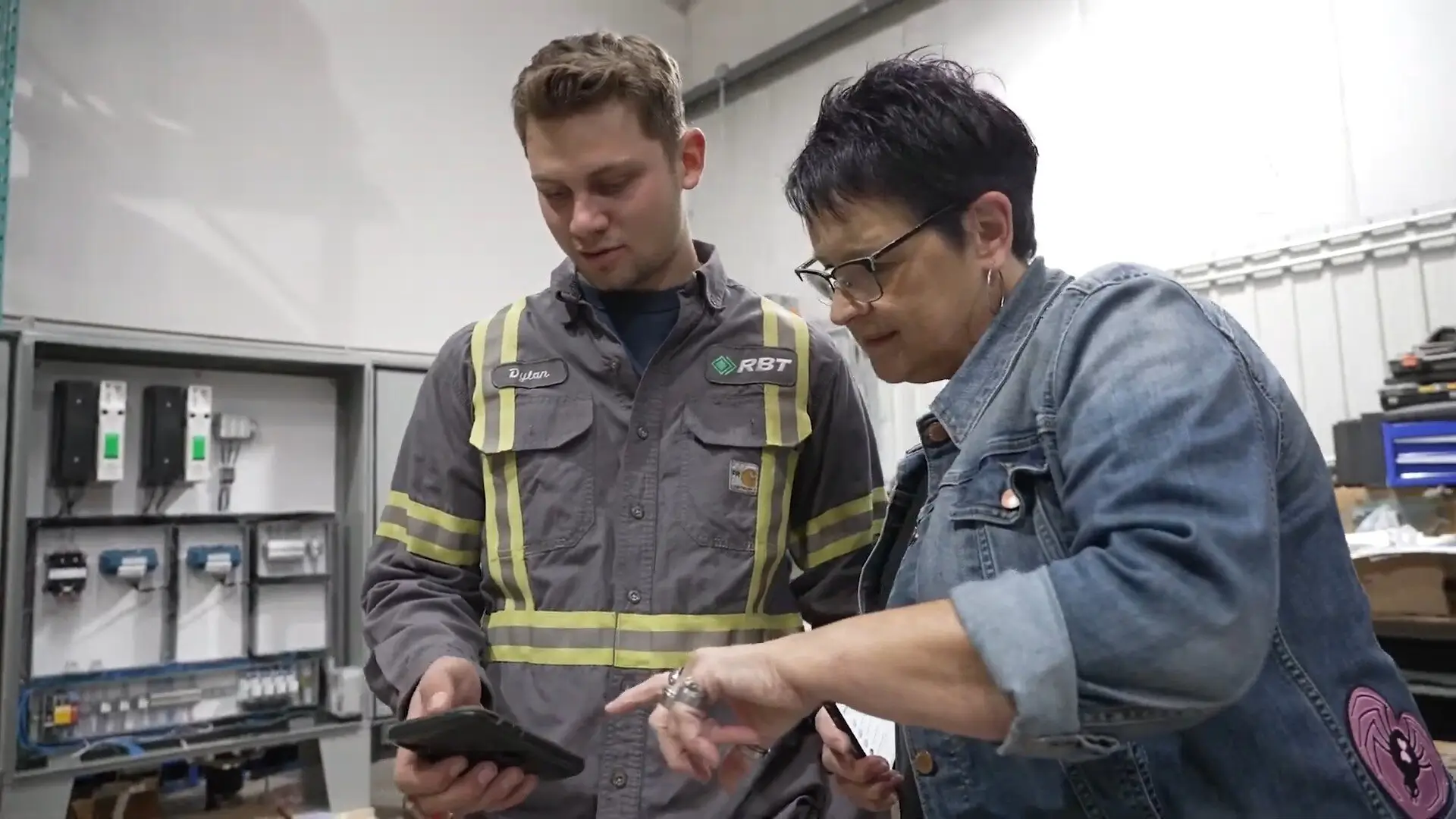

"The ability to produce reports either on an individual job basis, a quarterly basis, or a project basis is something we'd never seen before in other software that we've used."

"We've cut down in our receivables from about 120 days to 30 days on average."


"Before we knew it, we were seeing quicker turnaround times on job closeout and a huge improvement in the time it took for quotes to be accepted by our customers."


"With BuildOps, we feel like we can go after anything. The sky is the limit as far as the size of the project."
.webp)

"BuildOps gave us an all‑in‑one system for both service and projects. Once we saw that, it was a no‑brainer."

"With the integration of BuildOps and Sage Intacct, our accounting system, we've been able to speed up the time it takes for us to bill customers."


"Our consulting division increased 300% because we were able to free up more time from the office to help other customers."
![Service First Logo]](https://cdn.prod.website-files.com/69cad9cd3a5ef3196ea9bb65/69fa0ca0adc28a56d26717c9_Service%201st%20white.webp)
"Sometimes systems promise you the moon, then you use them and see the weaknesses. It's been the exact opposite with BuildOps. Everything we wanted it to do, it could do."

"We used to be two weeks behind on job costing. Now we're up to date daily."
What makes BuildOps different
Built from the ground up for contractors who run projects, service, and everything in between. Not adapted. Made for the work.
Commercial work isn't an add‑on
Most platforms started in residential and stretched to fit. BuildOps starts with the complexity of commercial work.
Run the work in one connected system
Field, office, finance, and sales — all in one place. No duct-taped tools, no double entry, no dropped balls.
OpsAI is built in, not bolted on
OpsAI is already in your workflows. It recaps the day, calls out risks, and gives every role a clear next step.


Beyond the Service Call
Your asset data powers every workflow
When a tech snaps a nameplate, that record feeds dispatch decisions, drives maintenance agreements, and surfaces replacement opportunities. One capture, every workflow.
OpsAI features






Common Questions
Your questions on
service AI, answered
How does Asset Nameplate Scanning actually work in BuildOps?
Your tech snaps a photo of any asset nameplate. OpsAI reads the model, serial number, and equipment specs, and then builds or updates the asset record in BuildOps. No typing, no transcription errors, no follow-up from the office. It’s that easy.
How does Smart Recap help techs with service history?
Smart Recap summarizes every past service call on a specific asset including parts used, work performed, and open items into one clear view. Your tech knows the full story on the unit before they open the panel.
How does OpsAI help with workforce planning?
OpsAI helps with workforce planning by helping teams make faster staffing decisions, recommend the right technician for the job, surface scheduling conflicts, and catch issues earlier inside the workflows they already use.
How does OpsAI improve reporting for Service team members?
OpsAI surfaces patterns your team would otherwise have to dig for: overdue invoices, upsell signals, productivity gaps, and job data that feeds cost tracking and reporting. Instead of spending time sorting through data, your team acts on what OpsAI already surfaced.
Can OpsAI for Service work alongside OpsAI for Field, Sales, and Finance?
Yes, that is how OpsAI is built. Won deals from sales turn into jobs. Field visit notes feed invoice generation. Job data from service or project work informs billing. Payment matching closes the loop on AR. One intelligence layer, one source of truth across every workflow.
How does OpsAI for Service help businesses scale without adding headcount?
OpsAI handles the busywork across service, projects, and finance including dispatch, notes, data entry, and invoicing, so your team runs more work without growing back-office overhead. The more data flows through, the smarter it gets.
Is the platform's AI (OpsAI) ready for use now?
Yes. BuildOps already has AI solutions available today across the full workflow, supporting teams from the field to the office with solutions like Smart Dispatch, Smart Recap, Purchasing Document Scanner, Revenue Finder and more.