Pull-Through Work
Your techs see the work.
Now close it
Turn every service visit into a revenue opportunity. BuildOps gives your techs a direct path from field observation to quoted work. No phone calls, no sticky notes, no revenue left on the table.
Trusted by 1,500+ commercial contractors across North America














From field eyes to office action
Stop losing revenue between the truck and the office

Field-identified revenue
Techs log pull-through from the jobsite in seconds. Photos, labor estimates, and asset details all attached.

No more dropped leads
Every opportunity for more revenue hits a central list the office can act on. Nothing dies in a text thread or voicemail.

Service becomes pipeline
Your crew has more customer face time than your sales team. BuildOps turns those touchpoints into quoted work.
Where Sales Meets the Field
From observation to quote in minutes
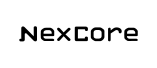
Your tech spots a cracked condenser on a PM visit. In BuildOps, they log it as a Recommendation with photos, the asset, and a labor estimate. The office sees it immediately and can send a quote the same day.

Quote From the Field
Techs can create and send quotes from the mobile app. Recommendations flow into quotes with customer info, asset details, and pricing already attached. Your proposal reaches the customer while the tech is still on-site.

OpsAI Catches What's Missed
Techs don't always use the dedicated Recommendations section. Sometimes they bury upsell opportunities in their work order notes. OpsAI can scan those notes and surface hidden pull-through opportunities so nothing falls through the cracks.

Pull-Through Dashboards
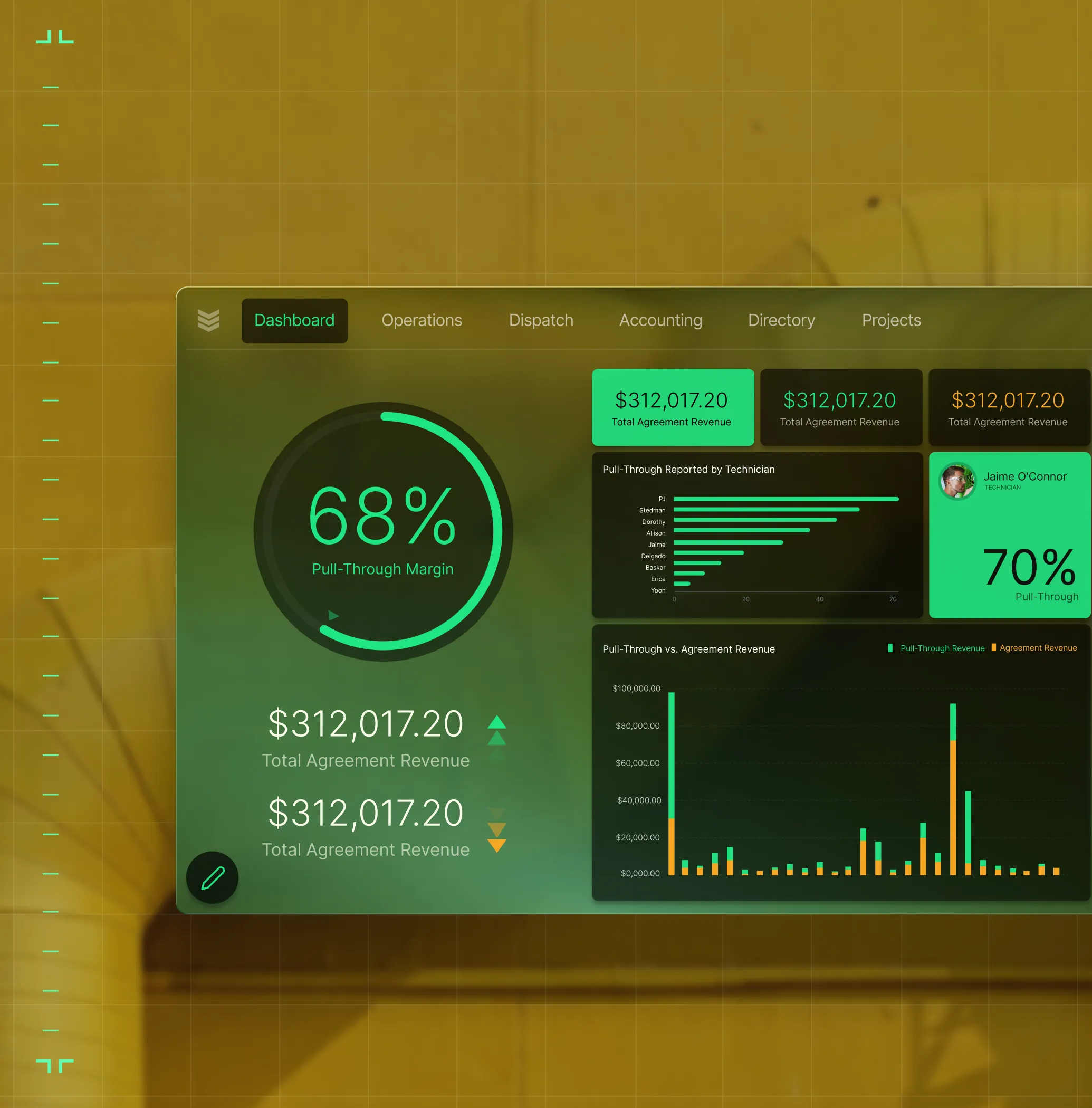
See pull-through revenue by technician, customer, and agreement. Track conversion rates from the field to quoted work. Know which techs are driving the most added revenue and which customers are saying yes.
Sales, Operations and Finance, together
One workflow. Every role covered

"Now, we flag opportunities that we would have missed before."
Log Recommendations from the mobile app with photos, assets, and labor estimates in seconds.

"BuildOps makes it easy to turn recommendations into quotes and follow on work."
Review, tag, and route Recommendations from a central list. No calls needed.

"With the pull-through dashboards in BuildOps, I have all the data I need, when I need it."
Track pull-through revenue by tech, customer, and agreement in real time.

Proven Results
Real revenue found by real crews in the field


"We've seen an increase in day-to-day operations efficiencies that's going to add up to significant savings in time and energy over the course of a year."

"If we didn't have BuildOps and the additional cyber security they give our company, we would be dead in the water."
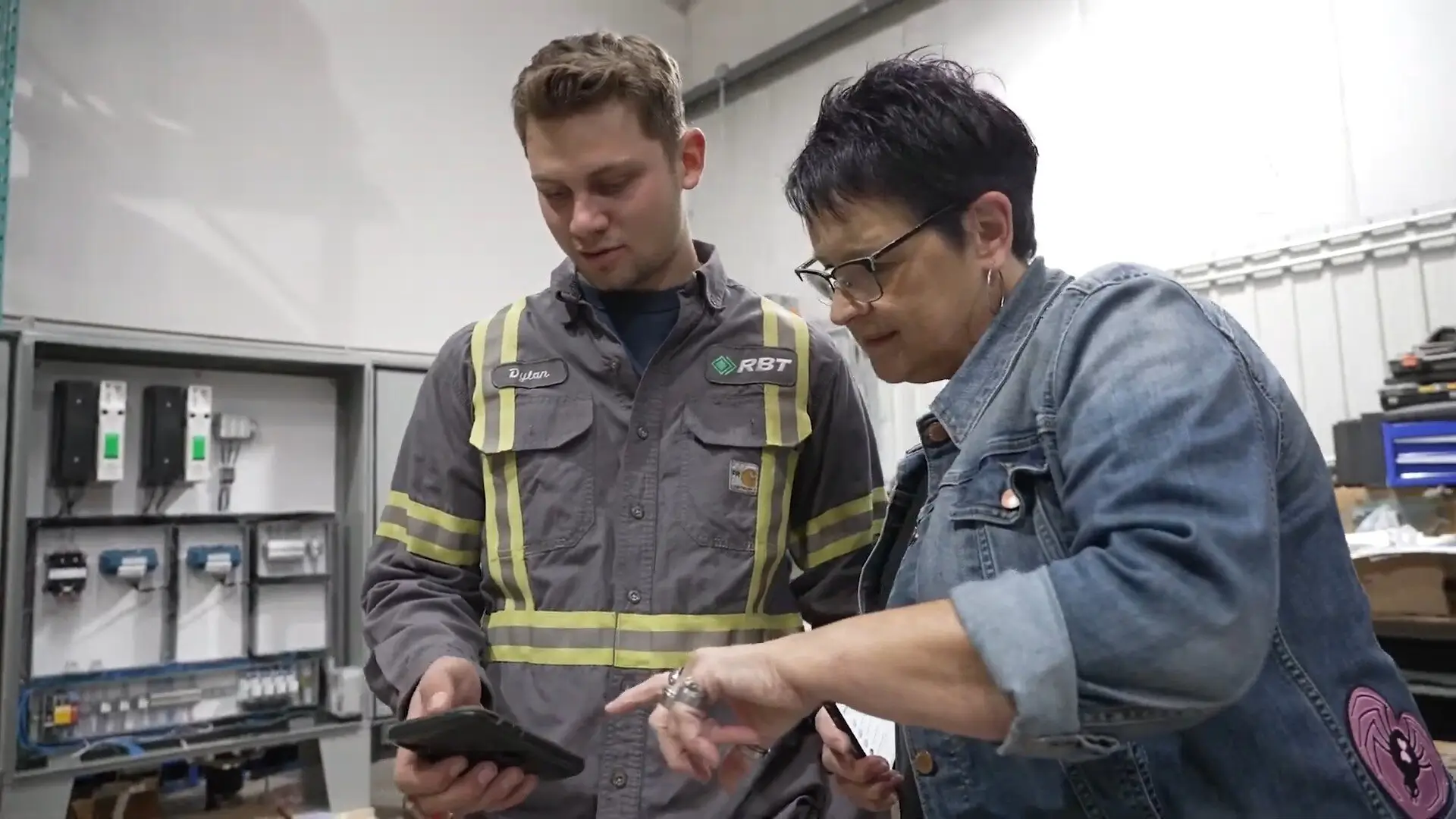

"The ability to produce reports either on an individual job basis, a quarterly basis, or a project basis is something we'd never seen before in other software that we've used."

"We've cut down in our receivables from about 120 days to 30 days on average."


"Before we knew it, we were seeing quicker turnaround times on job closeout and a huge improvement in the time it took for quotes to be accepted by our customers."


"With BuildOps, we feel like we can go after anything. The sky is the limit as far as the size of the project."
.webp)

"BuildOps gave us an all‑in‑one system for both service and projects. Once we saw that, it was a no‑brainer."
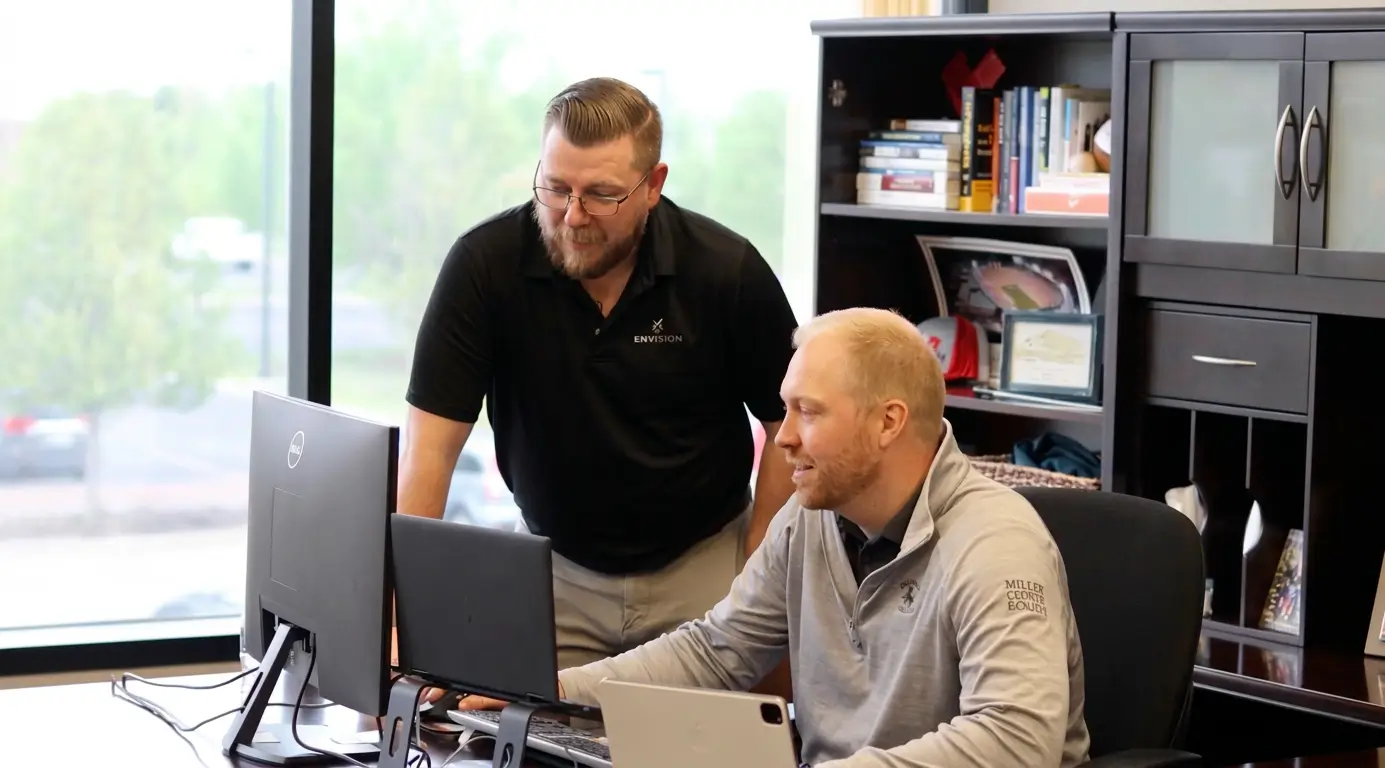

"With the integration of BuildOps and Sage Intacct, our accounting system, we've been able to speed up the time it takes for us to bill customers."


"Our consulting division increased 300% because we were able to free up more time from the office to help other customers."
![Service First Logo]](https://cdn.prod.website-files.com/69cad9cd3a5ef3196ea9bb65/69fa0ca0adc28a56d26717c9_Service%201st%20white.webp)
"Sometimes systems promise you the moon, then you use them and see the weaknesses. It's been the exact opposite with BuildOps. Everything we wanted it to do, it could do."

"We used to be two weeks behind on job costing. Now we're up to date daily."
What makes BuildOps different
Built from the ground up for contractors who run projects, service, and everything in between. Not adapted. Made for the work.
Commercial work isn't an add‑on
Most platforms started in residential and stretched to fit. BuildOps starts with the complexity of commercial work.
Run the work in one connected system
Field, office, finance, and sales — all in one place. No duct-taped tools, no double entry, no dropped balls.
OpsAI is built in, not bolted on
OpsAI is already in your workflows. It recaps the day, calls out risks, and gives every role a clear next step.


Your Whle Business in One Place
Pull-through is just the beginning
Recommendations connect to your CRM, service agreements, quoting, and reporting. A Recommendation made on a Tuesday PM visit becomes a signed quote by Thursday, and the revenue is tracked back to the tech who found it.
Project Management features






Common Questions
Your questions on pull-through work, answered
What is pull-through work in service operations?
Pull-through work is the added revenue that comes from service visits: repair needs, replacement recommendations, and upgrade opportunities your techs identify while on-site. In the trades, field technicians often notice issues on-site, and solutions to those issues can be recommended on-site or quickly after a job is completed to increase overall job revenue, and help keep customer’s assets and jobs in better shape
BuildOps gives that work a structured path to a quote by allowing technicians to identify these issues in their app on-site, enabling a real-time sync so the sales team can act on the Recommendations and generate a Quote that can be sent to customers instantly. This significantly increases the chances of customers approving the work (when they receive the recommendation right away), and improves your chances of increasing overall revenue with this new work.
What are the most important features in a field service management platform that enable pull-through work?
To unlock the increased revenue that pull-through work brings, you want a field service platform with the following features:
- Dedicated Recommendations Feature—A place where techs can enter specific details about issues and possible work that could be done. Somewhere outside of generic field report notes that won’t be followed up on or noticed by the sales team.
- Mobile App—Techs need the ability to report these Recommendations on-site and while still on the job when they actually notice them, rather than needing to remember to follow up later.
- Photo & Video Attachments—When a tech can add these to Recommendations, it really empowers the customer to say yes because they can see physical proof of the issue and what needs to be fixed or updated.
- Built-in Quoting—So a salesperson can act on any recommendations and send a formal proposal to a customer, using the same platform where the tech is reporting issues.
- Invoicing with Email Capabilities—So pull-through Quotes and formal proposals can be sent to customers by email, along with job completion notes or invoices.
- CRM—The platform should store all customer details from first call to final invoice in a single source of truth. This enables a tech to attribute an issue to an asset and a salesperson to email a pull-through work quote to the owner within hours of each other, without needing to ask for any customer information.
- Real-time data sync—Field techs and sales need to have the same information accessible to them at any given time, without the need to double or triple enter any data.
How do technicians submit Recommendations from the field?
Techs use the BuildOps mobile app to log Recommendations during any visit. They can add the asset, a description, photos, labor estimates, and priority level. The Recommendation appears instantly in the office for review.
What happens if a tech only flags pull-through opportunity in their work order notes?
OpsAI can scan technician work order notes and find potential pull-through opportunities that were written in notes instead of the dedicated Recommendations section. The office can review and convert them so nothing gets missed, even when techs skip the form.
Can I track which techs are driving the most pull-through?
Yes. BuildOps reporting shows Recommendations by technician: how many they've submitted, how many converted to quotes, and how much revenue resulted. Use it to coach, incentivize, and reward your top performers.
How does pull-through work connect to preventative maintainence agreements?
When a tech makes a Recommendation during a maintenance visit, BuildOps ties that work back to the service agreement. You can see pull-through revenue by agreement and by customer, so you know exactly which contracts are really paying off.
How do Recommendations get to the customer?
Recommendations can be shared with customers as part of a job report emailed from BuildOps. For formal proposals, you can convert any Recommendation into a Quote and send it directly to the customer for electronic approval, all within the platform.
Can I measure pull-through ROI by customer?
Absolutely. BuildOps tracks contractual revenue versus pull-through revenue by customer and by agreement. You'll see which customers are generating added work and which ones might need a different approach at renewal.