




Trusted by 1,500+ commercial contractors across North America















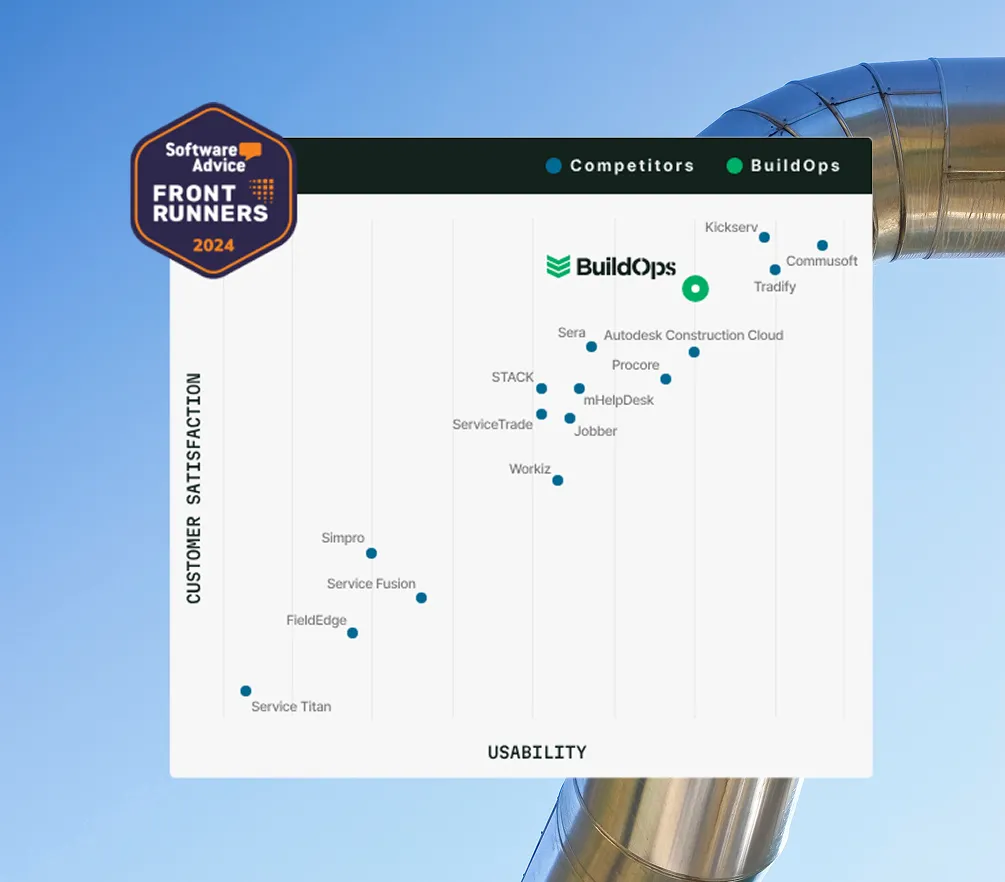
TOTAL PLATFORM RANKING
See the difference from the #1 Commercial Contracting Software
In a “multi” toolkit, project data dies in a silo. In BuildOps, your build phase is part of a vertical stack that feeds your service lifecycle and financial ledger automatically.
The Industry Standard
Proven at scale. Verified by the trades






THE ONBOARDING JOURNEY
From first conversation
to go-live
We don’t do generic demos. A trade specialist who knows your workflows will walk you through what matters most to your business. Here’s what happens after you submit.
The discovery call
We learn how your crews, office, and finance teams work today. No scripted pitch, just a focused conversation around your goals.
Tailored walkthrough
See BuildOps configured for your trade. Dispatch, field ops, invoicing, job costing, every screen maps to how your team actually runs.
Your go-live blueprint
Leave with a clear plan: timeline, data migration, team training, and a dedicated Implementation Manager on your account.

Proven Results
Real results from contractors who switched to BuildOps


"We've seen an increase in day-to-day operations efficiencies that's going to add up to significant savings in time and energy over the course of a year."

"If we didn't have BuildOps and the additional cyber security they give our company, we would be dead in the water."
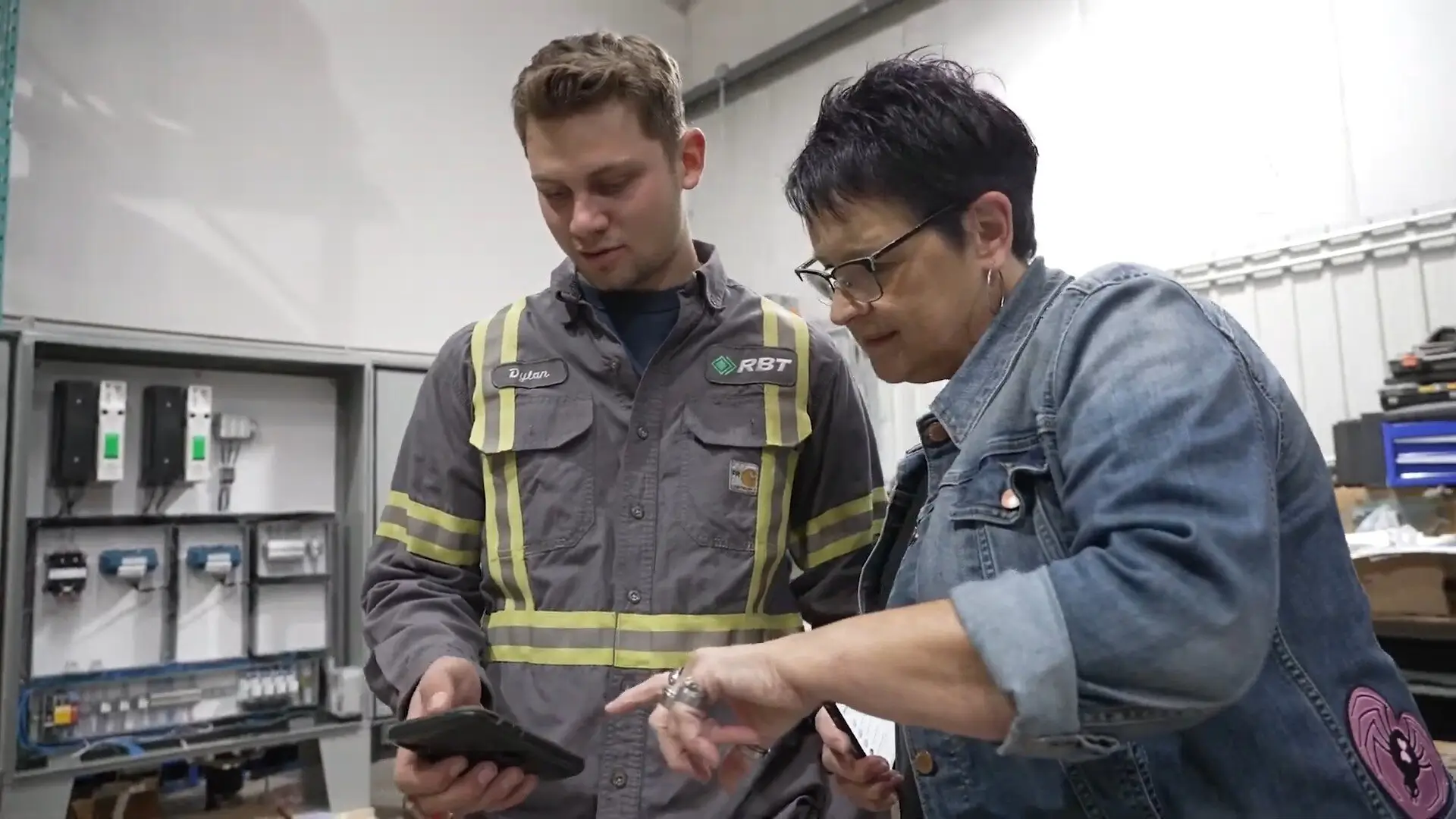

"The ability to produce reports either on an individual job basis, a quarterly basis, or a project basis is something we'd never seen before in other software that we've used."

"We've cut down in our receivables from about 120 days to 30 days on average."


"Before we knew it, we were seeing quicker turnaround times on job closeout and a huge improvement in the time it took for quotes to be accepted by our customers."


"With BuildOps, we feel like we can go after anything. The sky is the limit as far as the size of the project."
.webp)

"BuildOps gave us an all‑in‑one system for both service and projects. Once we saw that, it was a no‑brainer."
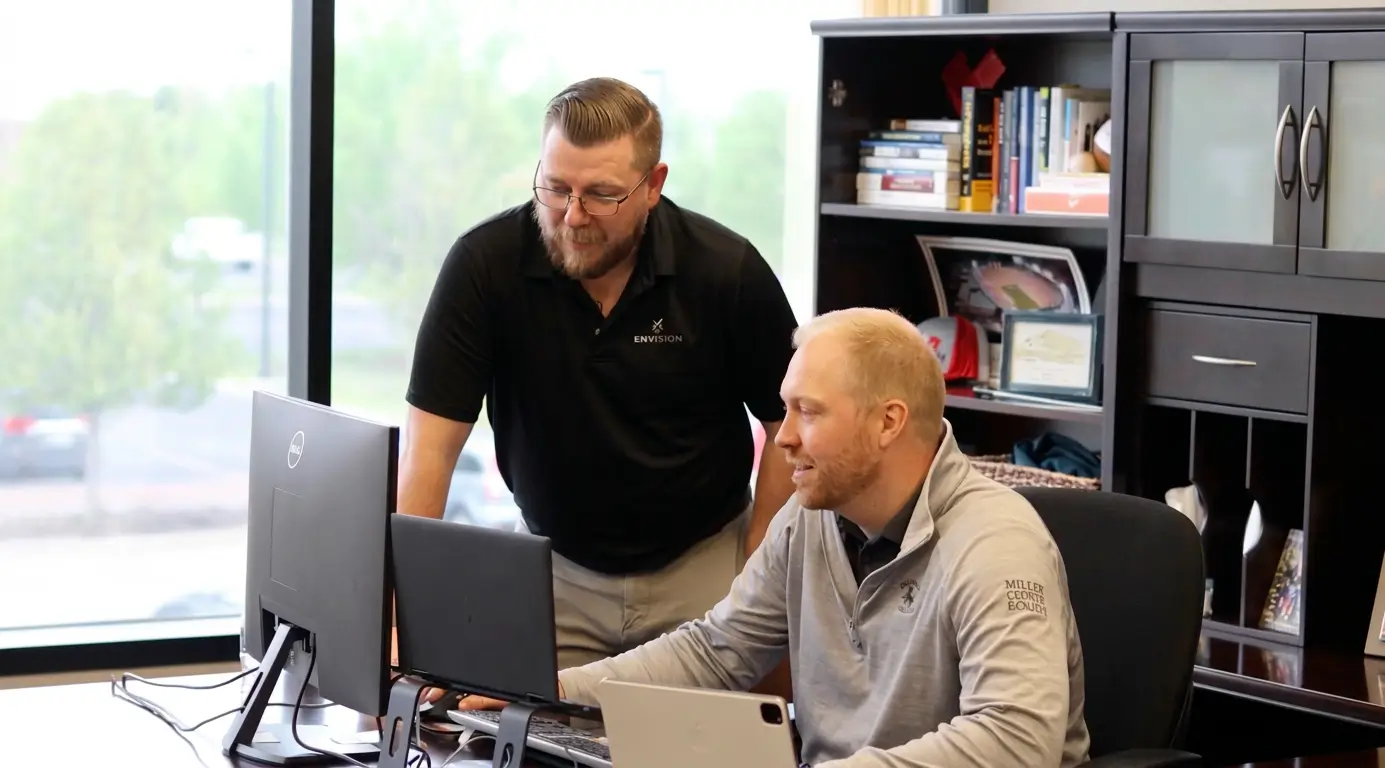

"With the integration of BuildOps and Sage Intacct, our accounting system, we've been able to speed up the time it takes for us to bill customers."


"Our consulting division increased 300% because we were able to free up more time from the office to help other customers."
![Service First Logo]](https://cdn.prod.website-files.com/69cad9cd3a5ef3196ea9bb65/69fa0ca0adc28a56d26717c9_Service%201st%20white.webp)
"Sometimes systems promise you the moon, then you use them and see the weaknesses. It's been the exact opposite with BuildOps. Everything we wanted it to do, it could do."
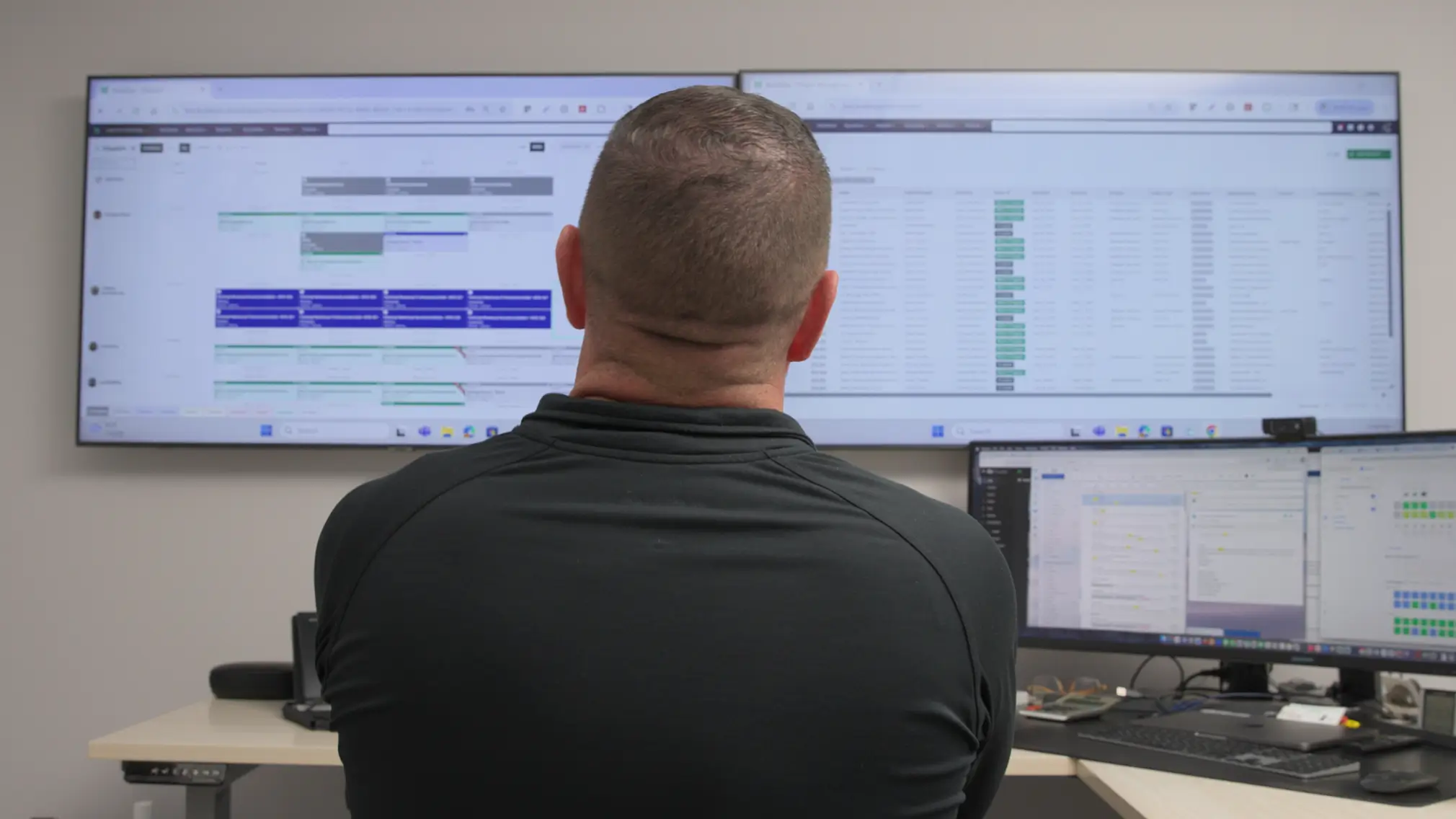

"We used to be two weeks behind on job costing. Now we're up to date daily."
Common Questions
Everything you need to know before your demo
How does BuildOps handle integration with my existing ERP?
BuildOps syncs field data directly with your ERP's job costing and payroll modules. Data flows both ways — no manual re-entry. We integrate with Sage Intacct, Vista, Spectrum, QuickBooks, and NetSuite.
What is the typical implementation timeline?
Most contractors are live within 8–12 weeks. Your dedicated Implementation Manager handles data migration, workflow configuration, and team training — office and field alike.
Is the platform's AI (OpsAI) ready for use now?
OpsAI is live today. Smart Dispatch recommends the right tech for every job. Smart Recap generates visit summaries. AI PO Scanning cuts 80% of manual data entry. These features are in production — not a roadmap promise.
How do you ensure high adoption rates among field technicians?
The mobile app was built for crews who'd rather not touch technology. Gated workflows guide every step. Most field teams are comfortable within one or two training sessions.
How secure is our operational and financial data?
BuildOps is SOC 2 compliant with enterprise-grade encryption for data in transit and at rest. Role-based permissions ensure each team member sees only what they need.