How To Get Commercial Plumbing Leads That Close Fast
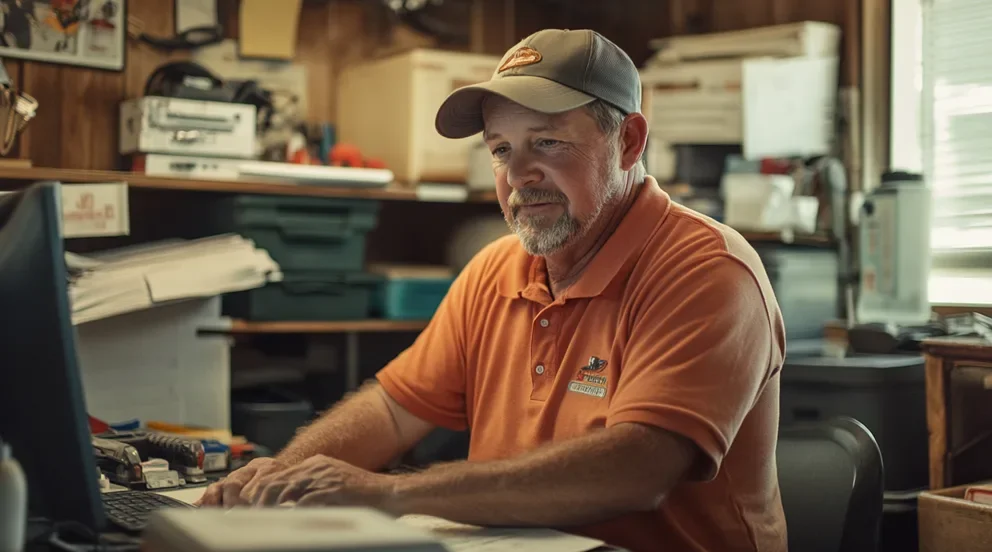
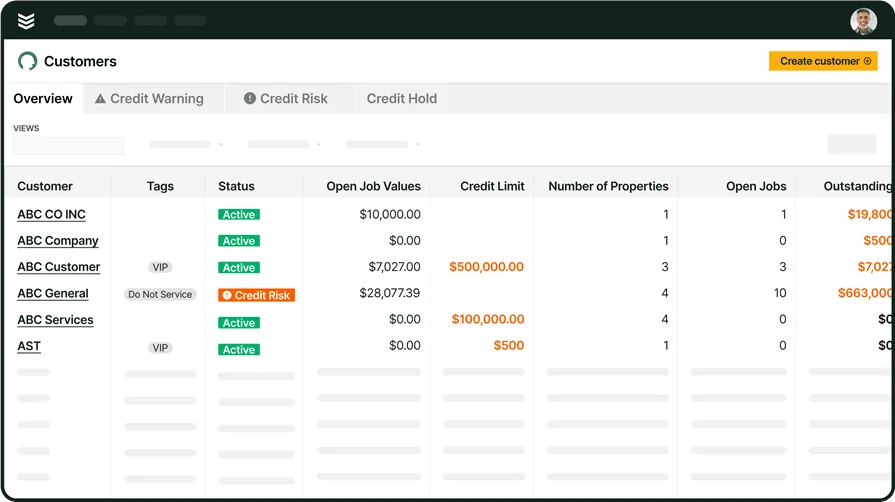
Keeping a steady flow of commercial plumbing leads takes a real plan. One week you’re hydro-jetting a food court and chasing valve tags, the next you’re pricing riser replacements, water heater banks, and backflow programs across three buildings. Shops handling capital upgrades, PM agreements, and multi-site service need a dependable pipeline that keeps techs booked and cash moving.
This guide lays out how to get commercial plumbing leads that your team can price, win, and deliver without breaking cadence. If your crew works in the plumbing industry, the plays below fit everyday field and office workflows.
Here’s what we’ll cover:
- Why generating commercial plumbing leads matters
- How to get more commercial plumbing leads
- 6 best tools for commercial plumbing leads
First, we’ll dig into why a consistent lead flow matters. Then we’ll walk through the plays for how to get commercial plumbing leads your team can close. We’ll finish with tools that lift close rates and keep the calendar full.
{{related-content-block="/resources/plumbing-field-service-software"}}
Why generating commercial plumbing leads matters
A healthy pipeline keeps crews on site and margins tight. Gaps in work create idle hours and cash swings. With dependable lead flow, you can choose scopes that fit your capabilities: repipes, fixture banks, water heater change-outs, grease waste systems, medical gas, and PM starts. Clear sales workflows keep office and field in sync so every site walk turns into a scheduled job.
Why it matters in commercial plumbing:
- Big scopes like riser replacements and campus repipes call for a wider funnel
- Quality opportunities match certifications your team carries, including backflow, medical gas, and grease waste systems
- Recurring revenue starts with a lead, then grows into PM contracts, jetting routes, and fixture upgrade cycles
Next up, we’ll break down practical tactics for how to get commercial plumbing leads and turn interest into signed proposals.

How to get more commercial plumbing leads
Below are eight field-proven ways to generate commercial plumbing leads. If you keep asking how to get more commercial plumbing leads, run these plays so sales, dispatch, and the field move in sync.
1. Pursue PM agreements with multi-site operators
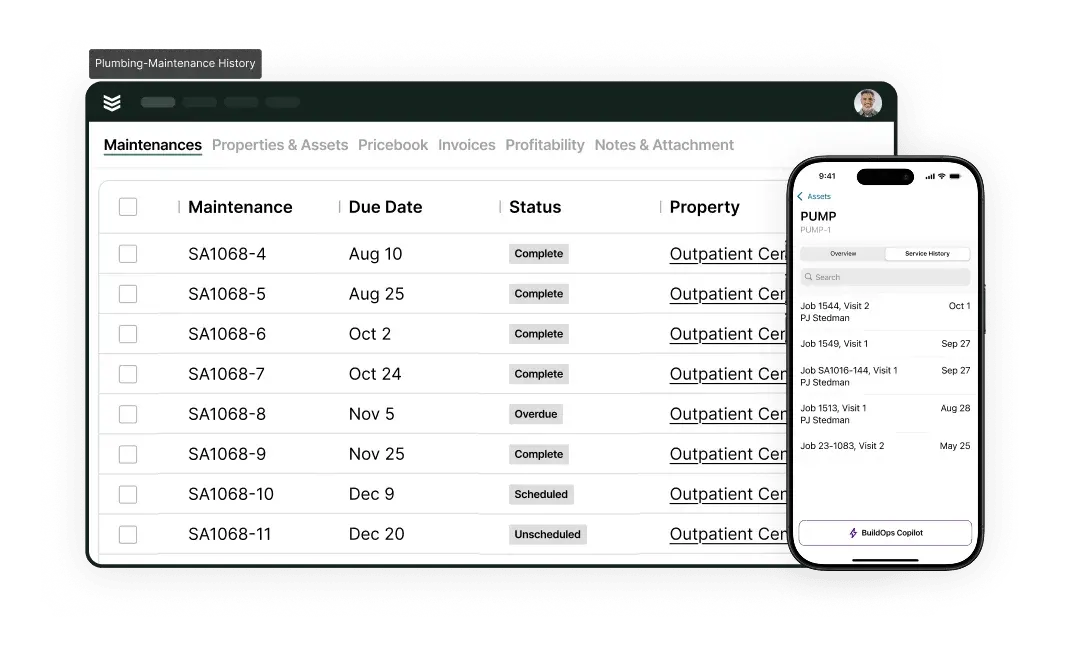
Target facility managers in retail, healthcare, education, and hospitality. Build asset lists, track backflow devices, log water heater banks, and propose seasonal jetting for kitchens and garages. Use service history to flag aging risers, recirc pumps, or tempering valves that point to upcoming change-outs.
Why this is crucial for commercial: PM work steadies the calendar, surfaces replacements, and keeps your logo inside the building where approvals happen. Crews stay engaged and managers learn your process, which speeds buy-in.
How BuildOps helps: Centralize sites, assets, and contacts so office and field share one source of truth. Auto-create recurring visits with checklists and capture signoffs each interval. Routine service turns into a consistent project pipeline.
2. Win change-outs with fast, accurate estimates and unit pricing
Build a pricing system that blends assemblies with unit pricing. Use assemblies for riser sections, fixture banks, water heater swaps, mixing valves, and recirc pumps. Layer in unit pricing for staples like jetting per line and backflow testing per device. If you need a framework, this practical plumbing pricing app guide shows clear ways to structure units so numbers stay consistent across branches. Pair that structure with dedicated quoting software to pull past results, apply alternates, and send clean proposals fast.
Why this is crucial for commercial: Budget windows move quickly and purchasing teams want transparent, apples-to-apples numbers. A combined assemblies-plus-units approach speeds reviews, reduces rework, and turns commercial plumbing leads into scheduled change-outs. That clarity is a proven path for how to get more commercial plumbing leads approved while capital funds are available.
How BuildOps helps: Pull assemblies and history into a quote in minutes, then adjust scope by site conditions. Save unit bundles, add labor and subcontractor items, and track win rates by package. Update one template and every quote that uses it stays current, so stakeholders review and approve without delay.
3. Turn every service visit into a lead with tech-driven prospecting

Equip techs to record fixture age, pipe material, water temps, and code issues on each call. Capture photos, tag “replacement candidate,” and push a follow-up task to sales. Keep outreach organized with a practical CRM for plumbers.
Why this is crucial for commercial: Field eyes spot failures early. That intel converts break/fix calls into projects and PM renewals. It also helps the office forecast demand by asset and site.
How BuildOps helps: Notes, photos, and tags sync to the customer record instantly, giving sales a clean handoff. Automated tasks prompt timed follow-ups with scope and urgency so nothing gets lost in pads or inboxes.
4. Respond with a clean, no-drama quote the same day

Template scopes for replacements, water efficiency upgrades, and code remediation. Include add-alternates for off-hour work, shutdown windows, safety requirements, and close-out docs. Highlight schedule, crane work, site access, and commissioning.
Why this is crucial for commercial: Facilities teams judge vendors by clarity and speed. A concise proposal with options reduces back-and-forth and encourages quick approval.
How BuildOps helps: Build, version, and send proposals from standardized templates. Track views and follow-ups so sales knows when to call. Convert approved quotes straight to work orders without retyping details. Use the shared scheduling software calendar to slot the crew as soon as the PO lands.
5. Grab urgent calls with visible capacity and quick scheduling

Show same-day and next-day capacity on one board and hold rapid-response slots for leaks, clogs, and heater failures. Confirm ETAs by text and email with job notes included. Maintain this visibility through a shared calendar that displays skills, crews, and geography.
Why this is crucial for commercial: Quick relief during outages earns trust and opens a path to PM and replacements. Fast confirmation also calms tenants and building staff.
How BuildOps helps: See open windows by tech skill and route, then drag assignments to fill gaps without dropping SLAs. Status changes flow to the field instantly, which keeps everyone aligned. Customers receive updates automatically.
6. Coordinate dispatch like a pit crew

Route techs by skill, parts on truck, and site access constraints. Use live status to shuffle visits while keeping commitments. Many teams run this work inside dedicated dispatch software so changes land cleanly across roles.
Why this is crucial for commercial: Tight dispatch reduces windshield time and raises first-visit fix rates. Facilities teams notice when crews arrive prepared and informed, which turns emergencies into long-term accounts.
How BuildOps helps: The office views technician locations, job status, and parts notes in real time. Job packets push to the field with access codes, safety info, and photos. Managers can re-route with a click when priorities change.
7. Publish proof that speaks to facilities teams
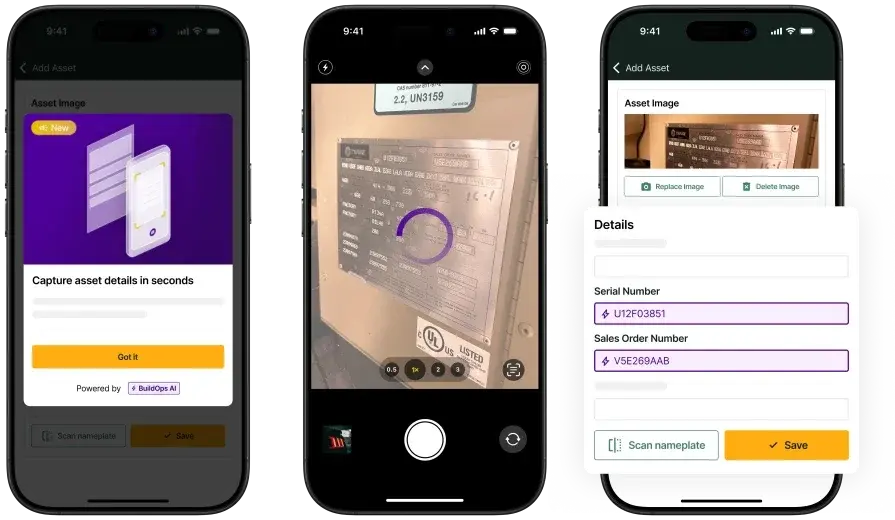
Create concise case studies like a weekend domestic hot water plant swap, a steam-to-hot-water conversion during occupancy, or a grease waste line rehab with zero tenant downtime. Add seasonal startup checklists and retrofit playbooks to your site. A connected service platform helps gather data and photos that support those stories.
Why this is crucial for commercial: Buyers look for low risk and proven execution. Real results, clean photos, and clear scopes reduce doubt and drive inbound inquiries for commercial plumbing leads. Search engines reward this content, which expands reach with facility managers in your market.
How BuildOps helps: Store project photos, asset details, and closeout documents in one system so marketing can publish quickly. Tag content by equipment and industry segment to match future prospects. Sales can reference these examples during walkthroughs and budget talks.
8. Close the loop with clean billing and job follow-up

Send invoices quickly with purchase order references and attach a service recap with next steps. Include PM suggestions, upgrade recommendations, and budgeting notes for the next cycle. Teams that invoice from a shared system keep accuracy high, especially when using a practical process like this plumbing invoicing guide.
Why this is crucial for commercial: Clear billing speeds payment and sets up the next conversation with decision-makers. Every invoice becomes a preview for future work. Consistency also reduces disputes with accounting.
How BuildOps helps: Generate invoices from exact labor, materials, and approved scope so numbers line up. Add line-item notes and attachments for procurement and facilities records. Trigger follow-up tasks for sales to review uncovered opportunities and schedule the next visit.
{{related-content-block="/resources/plumbing-leads"}}
6 best tools for commercial plumbing leads
Capturing and converting commercial plumbing leads takes a stack that handles intake, follow-up, and proof. These six solutions match how contractors work in the field and the office. If you’re weighing how to get more commercial plumbing leads, start here.
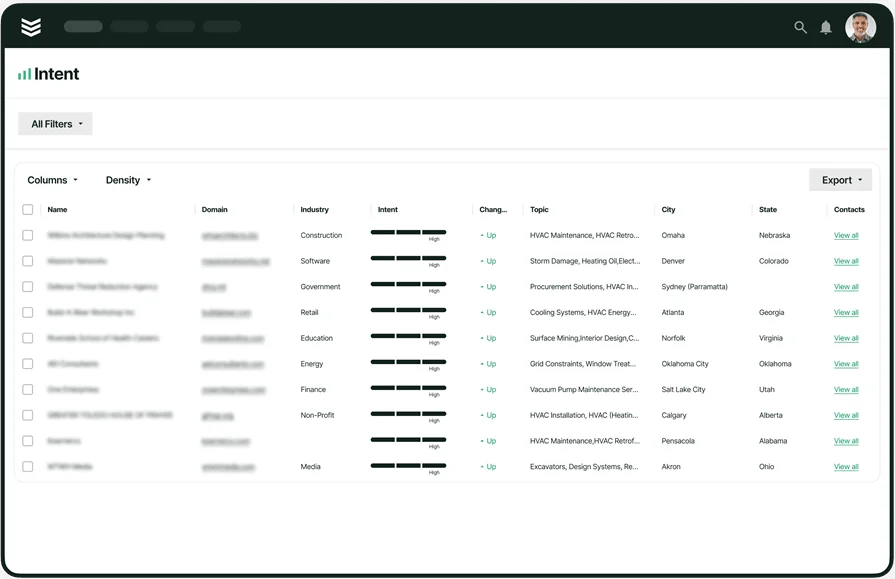
1. Best commercial plumbing sales pipeline and CRM tool: BuildOps

BuildOps ties lead intake to quoting, scheduling, dispatch, and invoicing. Every handoff traces back to the original opportunity. Sales tracks stages, coordinators see capacity by crew, and techs receive work orders with asset history. That alignment shrinks response time and lifts win rates on repipes, heater banks, and PM starts.
How pricing works: Subscription that scales with user count and features so growing teams can add seats without a rip-and-replace
Key features: Lead stages with tasks and reminders; estimating and proposals for replacements; boards by skill and crew; mobile workflows with photos and asset history; invoicing with PO references; customer docs stored with the job
Why it stands out for commercial plumbing leads: One connected system moves a prospect from first call to scheduled work without retyping. Faster quotes land inside capex windows and help facility teams act quickly.
2. Best website for gaining residential plumbing leads: Angi
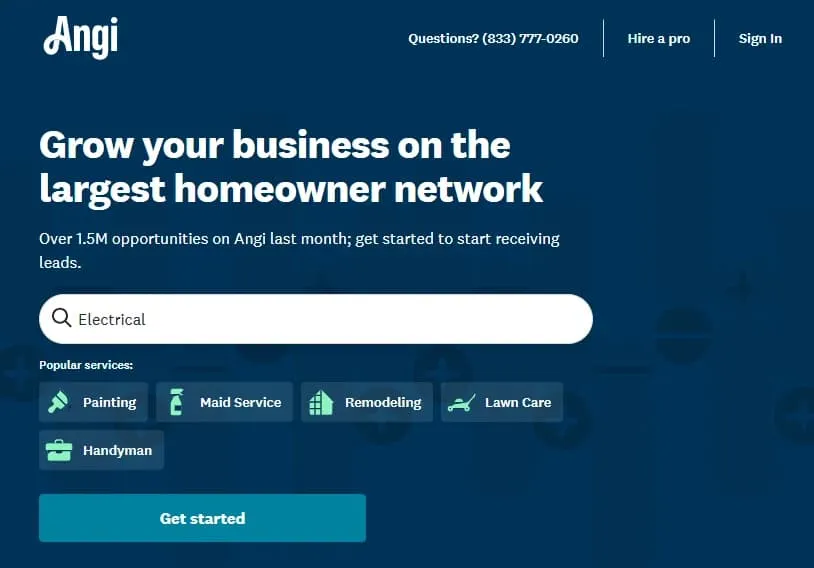
Angi connects your shop with nearby businesses looking for plumbing help—backflow tests, water heater swaps, jetting, fixture work. Set territories and project types, then reply with a clean profile, verified licenses, and photos that showcase PM programs and replacement skills. Lead fit can vary by season and zip code, so watch spend and filters.
How pricing works: Pay-per-lead or membership, with costs tied to region and volume
Key features: Location and project filters; facility-focused messaging; verified reviews; profile tools that highlight PM and replacement expertise
Why it’s best for commercial plumbing leads: A steady stream of inquiries you can sort and pursue based on crew bandwidth. Solid for small and mid-size commercial calls and maintenance routes.
3. Best general contractor directory for leads: HomeAdvisor
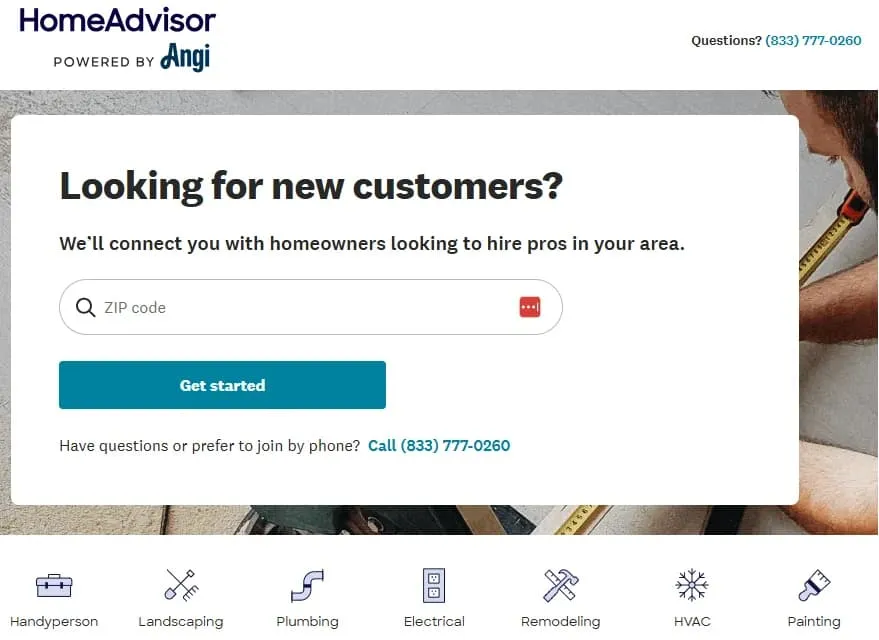
HomeAdvisor puts you in front of GCs and property teams building tenant improvements and replacement projects. A complete profile with credentials, clear images, and service details earns invites on multi-phase scopes. Heavy residential traffic can dilute focus, so be selective with categories and volume.
How pricing works: Per-lead pricing that varies by region and project size; you choose monthly volume
Key features: Verified contractor profiles; project-type targeting; alerts when opportunities appear; tools to showcase completed commercial work
Why it’s best for commercial plumbing leads: Strong networking with contractors who control larger scopes, creating paths to repeat work and long-term accounts.
4. Best local search driver: Google Business Profile
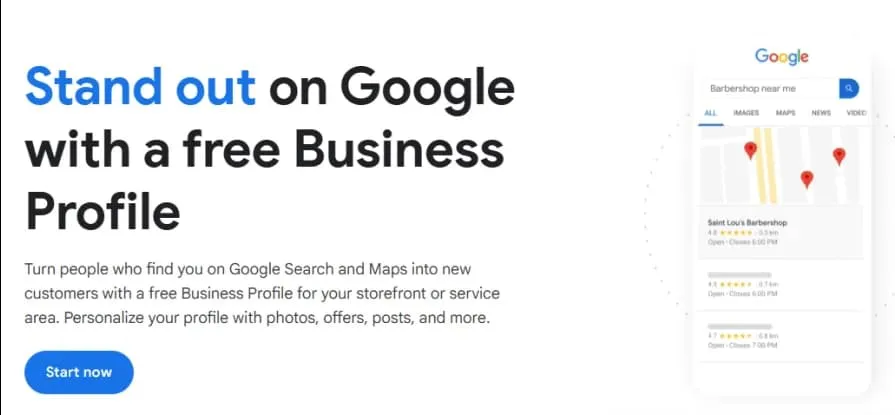
Google Business Profile boosts visibility in the map pack for replacements, PM agreements, and urgent calls. Fill out service areas, categories, hours, photos, and Q&A tuned for facilities. Route calls to dispatch for quick intake. Ranking depends on reviews and nearby competition, so momentum builds with consistent activity.
How pricing works: Free, with optional spend through Local Services or Search Ads
Key features: Service-area targeting; photo posts; reviews; messaging; insights on calls and site visits
Why it’s best for commercial plumbing leads: Procurement teams often start here. A complete, active profile signals low risk and lands you on short lists.
5. Best social channel for visual proof: Instagram
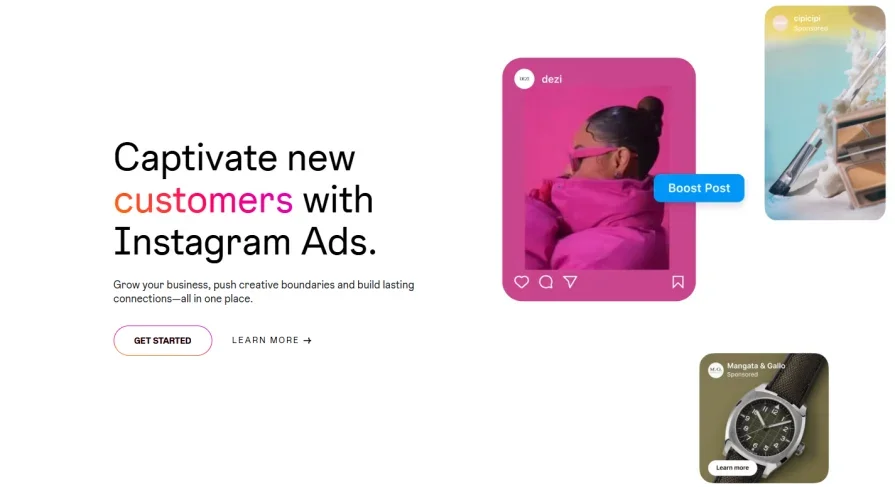
By creating an Instagram account for business, you can show how the work facilities care about: crane picks, riser change-outs, spotless mechanical rooms, occupied-building shutdowns. Use Reels for quick walkthroughs, before-and-afters, group photos in Highlights, and push DMs to the office so hot inquiries reach dispatch. Reach is strong; conversions rise when contact paths are clear.
How pricing works: Free business profile with optional paid promotion via Meta Ads Manager
Key features: Reels and Stories; Highlights; location tags; business contact buttons; collab posts with GCs and vendors; DM inbox with saved replies
Why it’s best for commercial plumbing leads: Visual proof lowers perceived risk. Targeted promos reach local facilities audiences and turn views into site surveys.
6. Best email marketing and nurture platform: Mailchimp
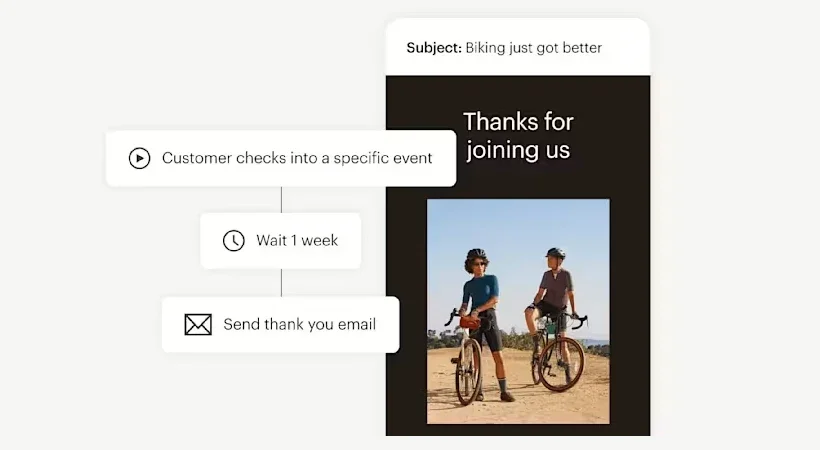
Mailchimp keeps the conversation going with property firms and past clients. Build segmented lists for backflow reminders, budgeting tips, jetting routes, and short case studies. Automations trigger after quotes or site walks so follow-ups stay on schedule. Performance depends on list quality and steady content.
How pricing works: Tiered subscription based on contacts and features; higher tiers add automations and deeper analytics
Key features: Audience segmentation; templates; drip sequences; send-time optimization; A/B testing; click tracking tied to forms and calls
Why it’s best for commercial plumbing leads: Useful touchpoints keep your shop top of mind with decision-makers and convert quiet accounts into PM starts and replacements.
{{related-content-block="/resources/how-jbs-took-back-control-with-build-ops"}}
Winning steady commercial plumbing leads takes a pipeline you can run every week. PM agreements keep crews busy. Fast estimates and clean proposals turn site walks into scheduled change-outs. Techs capture field intel, dispatch locks in ETAs, marketing shows proof, and billing finishes the job. Stack these plays and your board stays full.
To keep that rhythm, run the whole workflow from one system. An all-in-one field service platform links sales, ops, and the field so quotes, schedules, job notes, and invoices stay in one place. Handoffs stay clean and follow-ups land on time. BuildOps brings those pieces together for commercial plumbing teams without extra data entry.