10 Best Field Service Report Templates for Excel in 2026



Key Takeaways
- The top field service report templates for Excel come from popular template-first websites like SafetyCulture, Template.net, and Lumiform
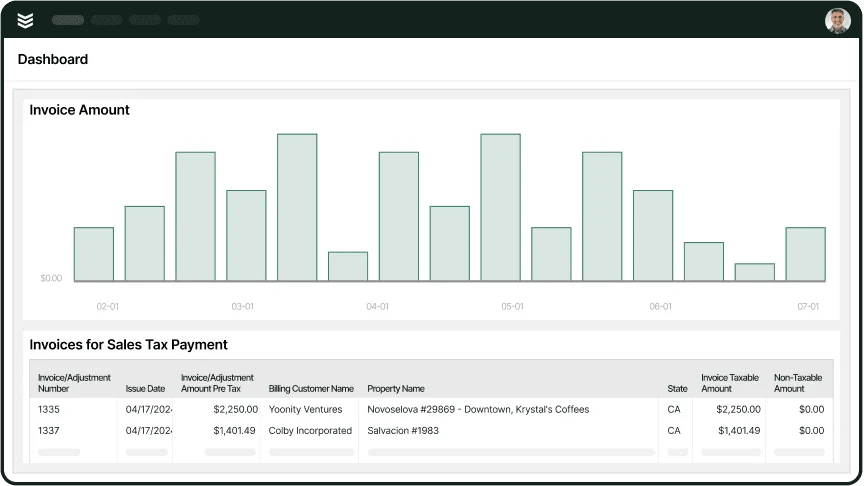
- A field service management platform like BuildOps has built in reporting templates that are much more powerful than a static Excel template that doesn’t update in real time
- The ability to set up your own custom dashboards is one of the most effective ways to improve your field service operations
Field service reporting is one of the most critical aspects of field operations, because it empowers office staff and leadership to leverage data from the field into actionable next steps to improve your overall operations and work processes. Every job completed, part used, hour logged—all need to be documented clearly.
If you’re looking for a low-cost and quick start, using some basic Excel templates can help you set up field service reports, though Excel obviously has its limitations when it comes to building custom dashboards, or having a single, real-time source of truth that all team members can access.
To help you find what you need, in this guide, we’ll break down the 2 key elements:
- The top 9 free field service report templates for Excel
- Pros and cons of using Excel templates for field service reporting
Before diving into the pros and cons of Excel, let’s look at some of the best field service report templates available.
{{related-content-block="/resources/field-service-report-template"}}
The top 9 free field service report templates for Excel
When you’re looking for a low-cost or simple way to track job details, technician hours, or equipment maintenance, a field service report Excel template can be an effective way to gain more insight into your field operations.
Here are 9 free Excel-compatible field service report templates that fit different needs in the field.
1. Lumiform Field Service Report Template
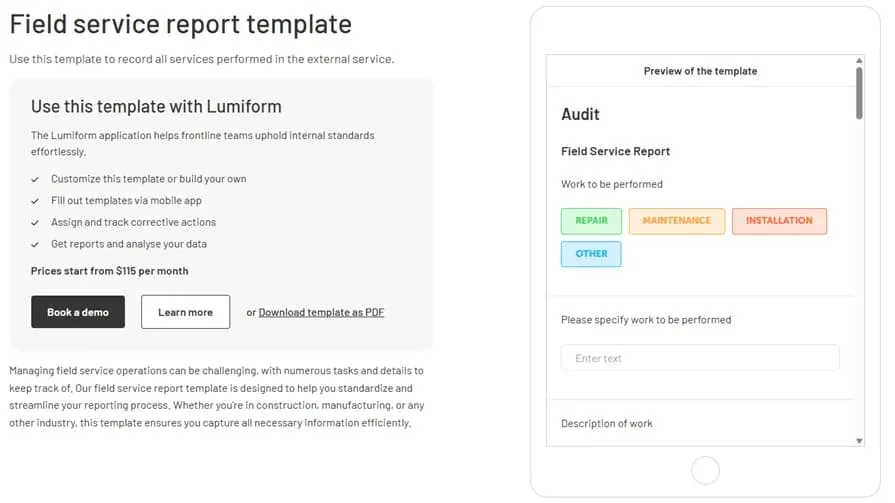
Lumiform’s customizable Field Service Report Template guides users through a comprehensive reporting process, with sections for specifying work performed, describing issues, and summarizing defective devices.
Most Useful For: Inspection and maintenance teams
Template Features: Customizable fields for job tracking and technician feedback
Integration: Works with Lumiform’s digital reporting system for data export
2. Template.net Field Service Report Template
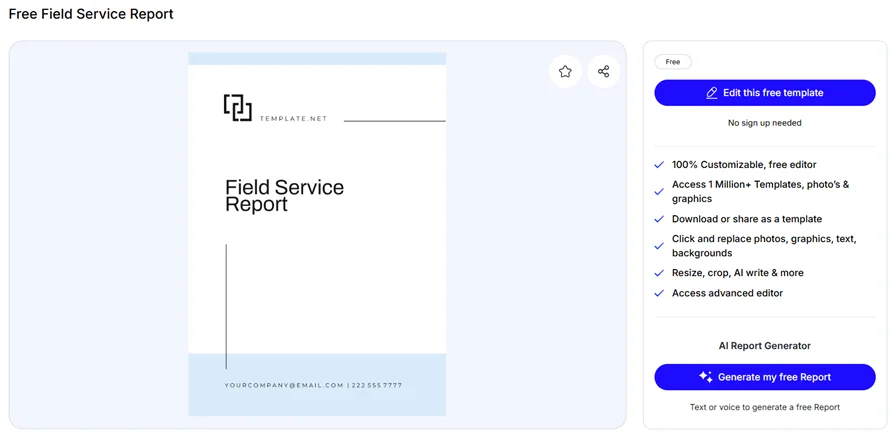
This Field Service Report Template from Template.net is a simple and editable template that covers essential service reporting needs, from job descriptions to technician tracking.
Most Useful For: Small-to-medium-sized service businesses
Template Features: Editable job summary, technician details, and work status tracking
Integration: Downloadable in Excel, Google Sheets, and Word
3. Sitemate Field Service Report Template
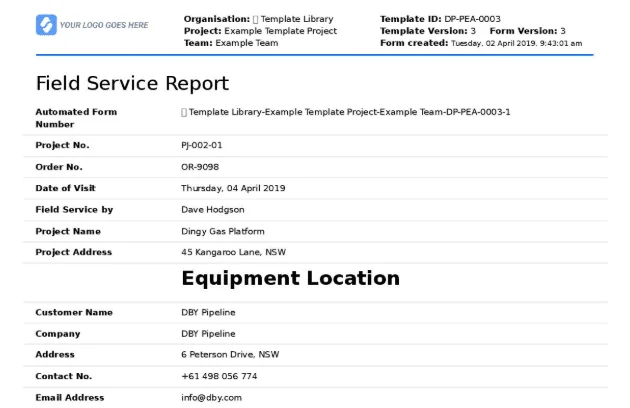
Sitemate’s Field Service Report Template allows field service teams to log job details, attach photos, and collect electronic signatures. It’s built for real-time reporting and works well across multiple devices.
Most Useful For: Commercial and industrial field service teams
Template Features: Customizable fields, real-time reporting, and mobile accessibility
Integration: Works with Dashpivot for streamlined reporting
4. Formstack Field Service Report Template
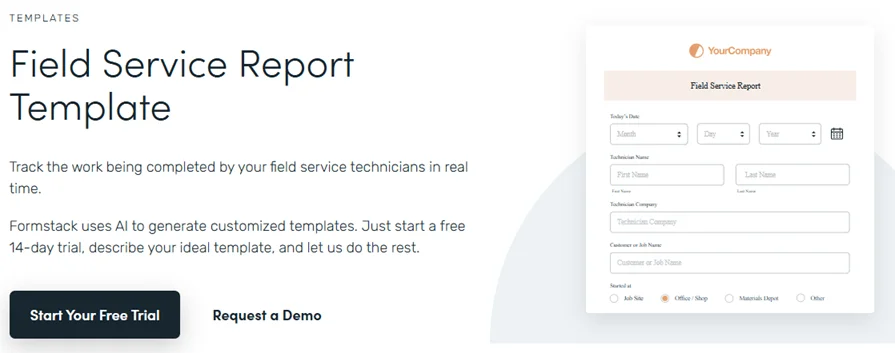
This simple yet detailed Field Service Report Template from Formstack is designed to capture work completed, customer information, and time logs.
Most Useful For: Field service businesses needing structured documentation
Template Features: Time tracking, issue reporting, and customer sign-off sections
Integration: Exportable to Excel and compatible with Formstack’s digital forms
5. BigChange Job Sheet Template
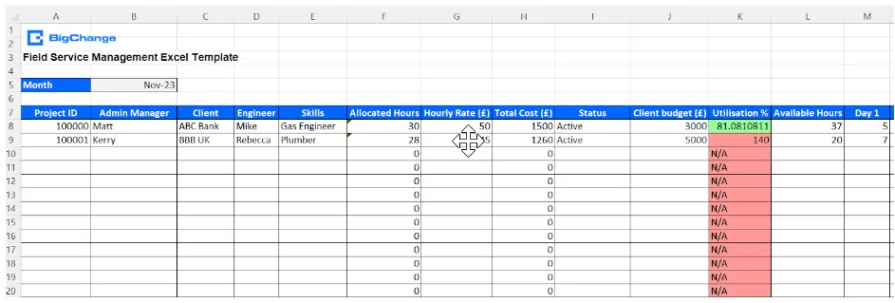
Designed for field service teams, this Excel-based BigChange Job Sheet Template helps track engineer availability, plan job allocation, and manage resources.
Most Useful For: Field service managers and scheduling coordinators
Template Features: Job scheduling, service tracking, and workload distribution
Integration: Can be imported into BigChange’s job management software
6. SafetyCulture Field Service Report Template
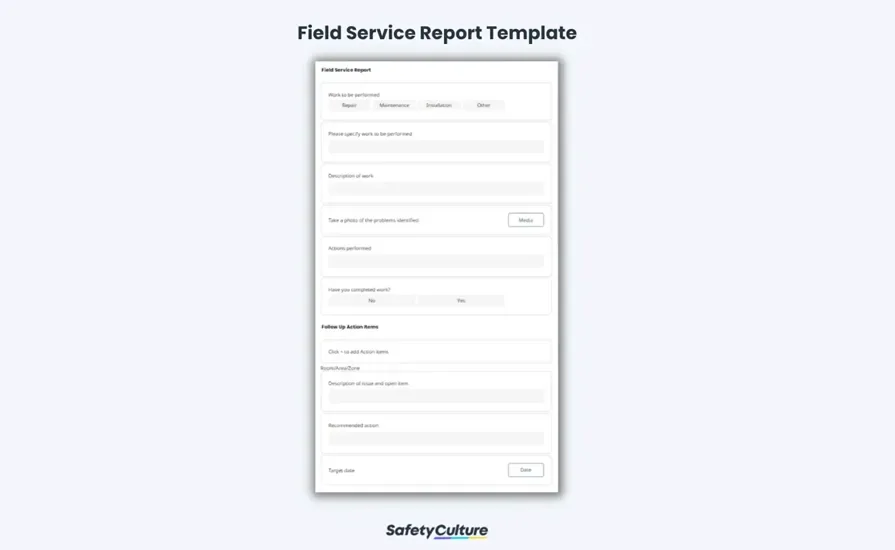
Designed for real-time visibility, the SafetyCulture Field Service Report Template assists in recording services performed, equipment defects, and associated expenses. It can be exported in various formats, including Excel.
Most Useful For: Maintenance and service contractors
Template Features: Automated workflow options, defect tracking, and expense logging
Integration: Compatible with SafetyCulture’s mobile platform for on-the-go updates
7. Sourcetable Field Service Report Excel Template
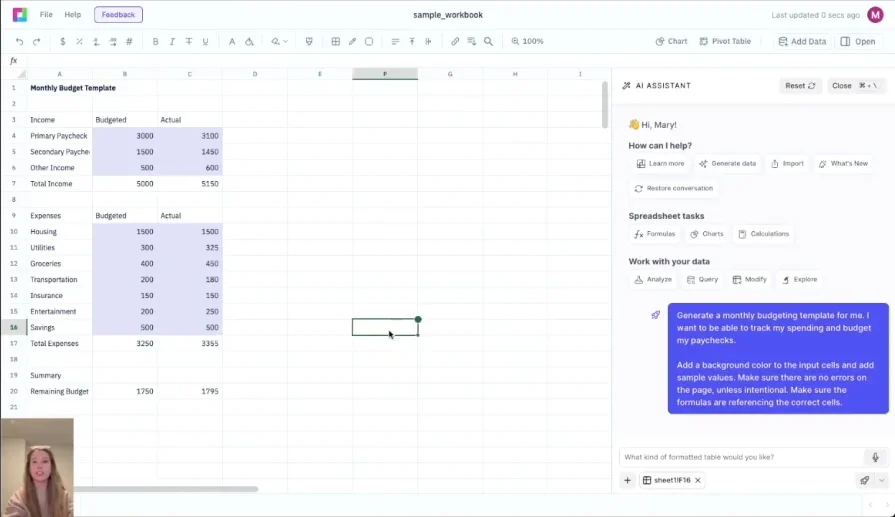
The Sourcetable Field Service Report Excel Template systematically documents service calls, maintenance work, and repair activities. It assists service technicians in tracking customer information, service details, parts used, labor hours, and associated costs.
Most Useful For: Service technicians and managers across various industries
Template Features: Structured sheets with essential components tailored to business needs
Integration: Compatible with Excel and can be customized to fit specific operational requirements
8. ProjectManager Service Report Template
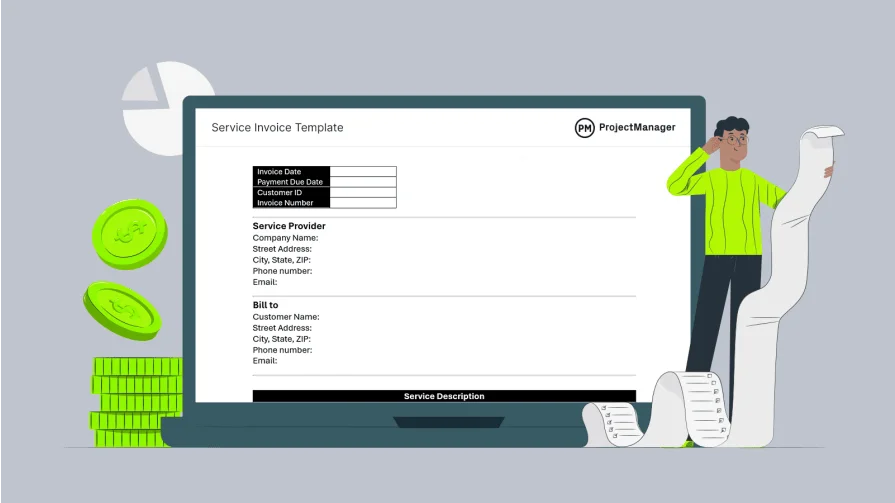
A versatile template designed to document services performed during customer visits, including maintenance and repair tasks. This ProjectManager Service Report Template helps in capturing essential details such as service descriptions, findings, recommendations, and technician notes.
Most Useful For: Field service teams across various industries seeking a structured reporting tool
Template Features: Pre-formatted sections for service details, task descriptions, findings, recommendations, and technician notes
Integration: Easily customizable within Excel to fit specific operational requirements
9. ReportsExcel Service Report Templates
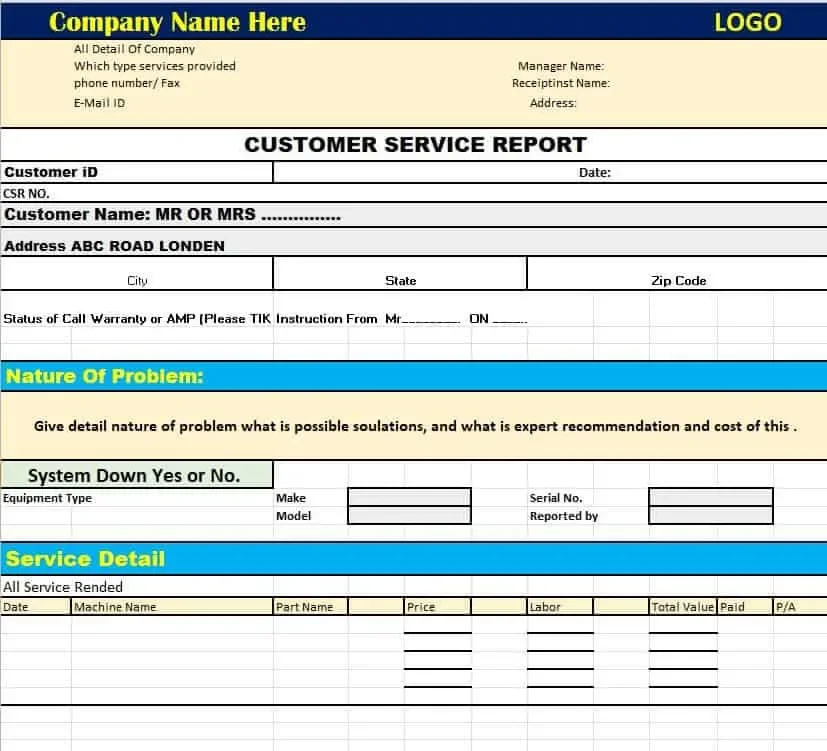
ReportsExcel Service Report Templates offers a variety of Excel-based templates suited for different field service industries, helping businesses maintain clear service records with customizable fields.
Most Useful For: Various field service industries, including property maintenance and mechanical services
Template Features: Customizable forms, job tracking, and performance logging
Integration: Downloadable Excel files for easy implementation
Pros and cons of using Excel templates for field service reporting
Field service reporting relies on accurate reports to track job details, document completed work, and manage resources. Excel templates offer a structured way to handle these reports, but they come with trade-offs.
Here are some of the biggest pros and cons of using Excel for field service reporting.
Pros
- Cost-effective: Excel templates provide a free way to standardize service reporting without investing in software
- Fast to set up: Because they offer nearly no KPI tracking or dashboard capability, you can pretty much get them set up immediately by just populating them with data
- Easy access: Excel templates are widely available and can be used by any field service team with basic spreadsheet skills
- Customizable formats: Templates can be adjusted to fit specific reporting needs, such as job details, parts used, and technician hours
- Offline usability: Techs can fill out reports even in areas without internet connectivity, preventing delays (though the updated spreadsheets still can’t be shared with team members without Internet access)
- Simple data export formats available: Information from Excel templates can be transferred into other software or shared with office teams for record-keeping
Cons
- Time-consuming data entry: Manually inputting job details really slows down field work and decision making
- Double and triple data entry across teams: When sales and admin and techs are all using their own Excel reports, data from field work is being entered two, three, or even more times across teams
- Increase in data entry errors: With multiple Excel sheets being used by multiple teams and less automation due to the manual data entry, you increase the risk of incorrect data inputs
- Version control issues: Updating templates often leads to multiple file versions, with different users mistakenly using, working on, or referencing outdated copies
- Lack of a single source of truth: With multiple versions and reports, the validity of the data becomes more questionable
- No real-time data access: Excel doesn’t allow for any one team member at any time to pull up the most current data and be sure of its accuracy—they need to go hunting for it, which makes it difficult for teams to stay aligned on job or project progress
- Frequent updates required: Templates need constant revisions to stay relevant as business processes change
- Lack of automation: Excel lacks built-in automation, making report generation and tracking more tedious
- Inconsistent data management: Managing multiple templates across different jobs and technicians can result in discrepancies and lost information
- Costs: Templates are usually free, but Excel requires a paid Microsoft Office license, adding to operational expenses

While Excel templates offer a basic solution for field service reporting, they fall short when it comes to efficiency, accuracy, and real-time collaboration.
A dedicated field service report software automates reporting, eliminates manual data entry, and provides seamless integration with scheduling, dispatch, and customer management—all in one place. Instead of struggling with outdated spreadsheets, field service teams can focus on completing jobs faster and keeping records without the hassle.

Excel templates can help keep field service reporting organized, but they still leave a lot of gaps. You’re stuck with manual data entry, scattered files, and the constant need for updates. When you're managing a busy field service operation, the last thing you need is another spreadsheet slowing you down.
That’s where automation changes the game. Instead of wrestling with Excel, a platform like BuildOps brings everything under one roof: real-time reporting, job tracking, technician updates, and customer records, all in one place.
No more lost data, duplicate files, or outdated reports. Just a smooth, efficient way to keep your team in sync and your business running at full speed.