SERVICE BUSINESS MANAGEMENT SOFTWARE
Every call covered, every dollar billed
Dispatch the right tech, close jobs without the paperwork chase, and turn maintenance agreements into steady revenue. BuildOps connects every step so nothing falls between the cracks.
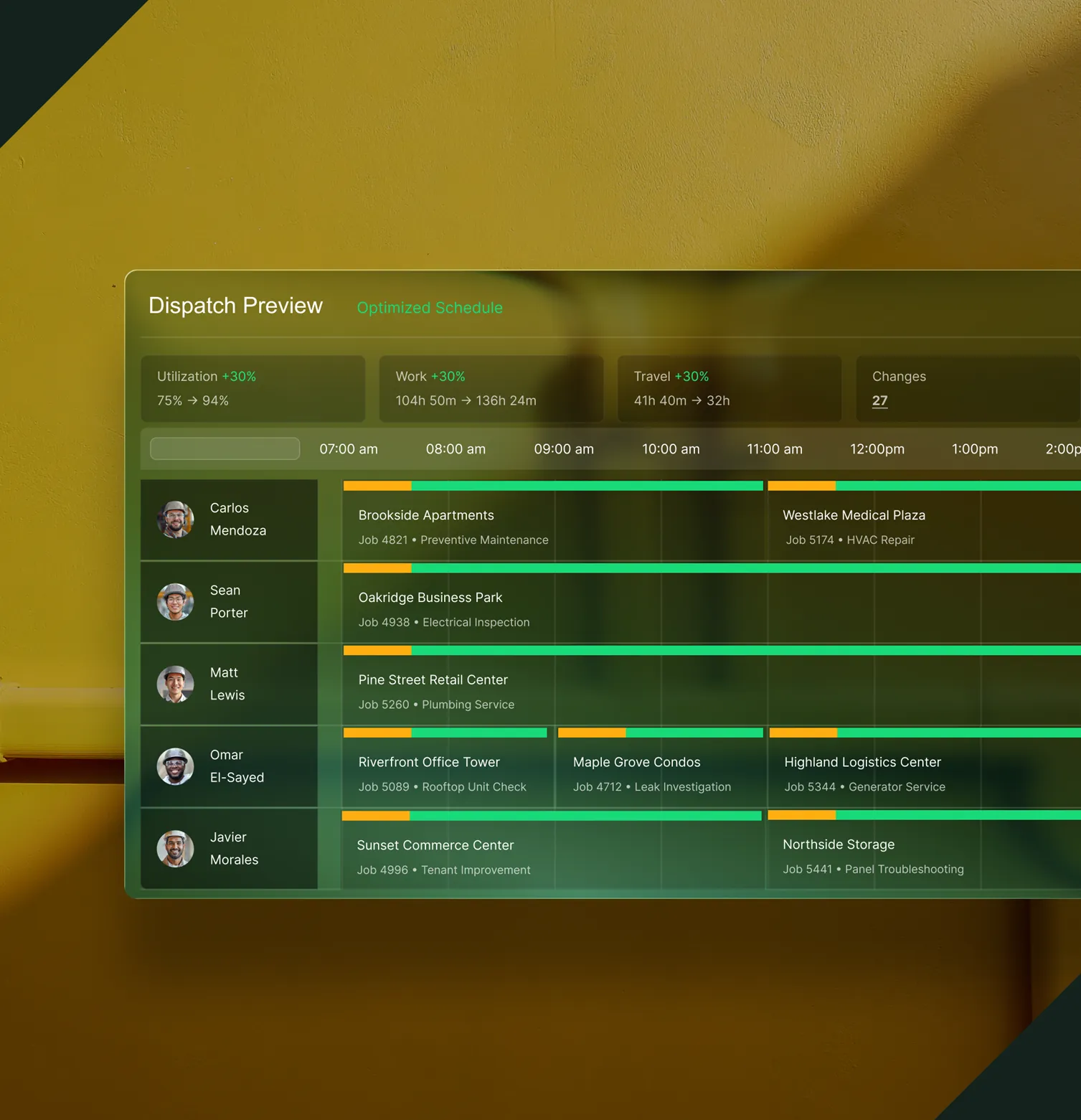


Built for Service, Start to Finish
One place to dispatch, track, and get paid
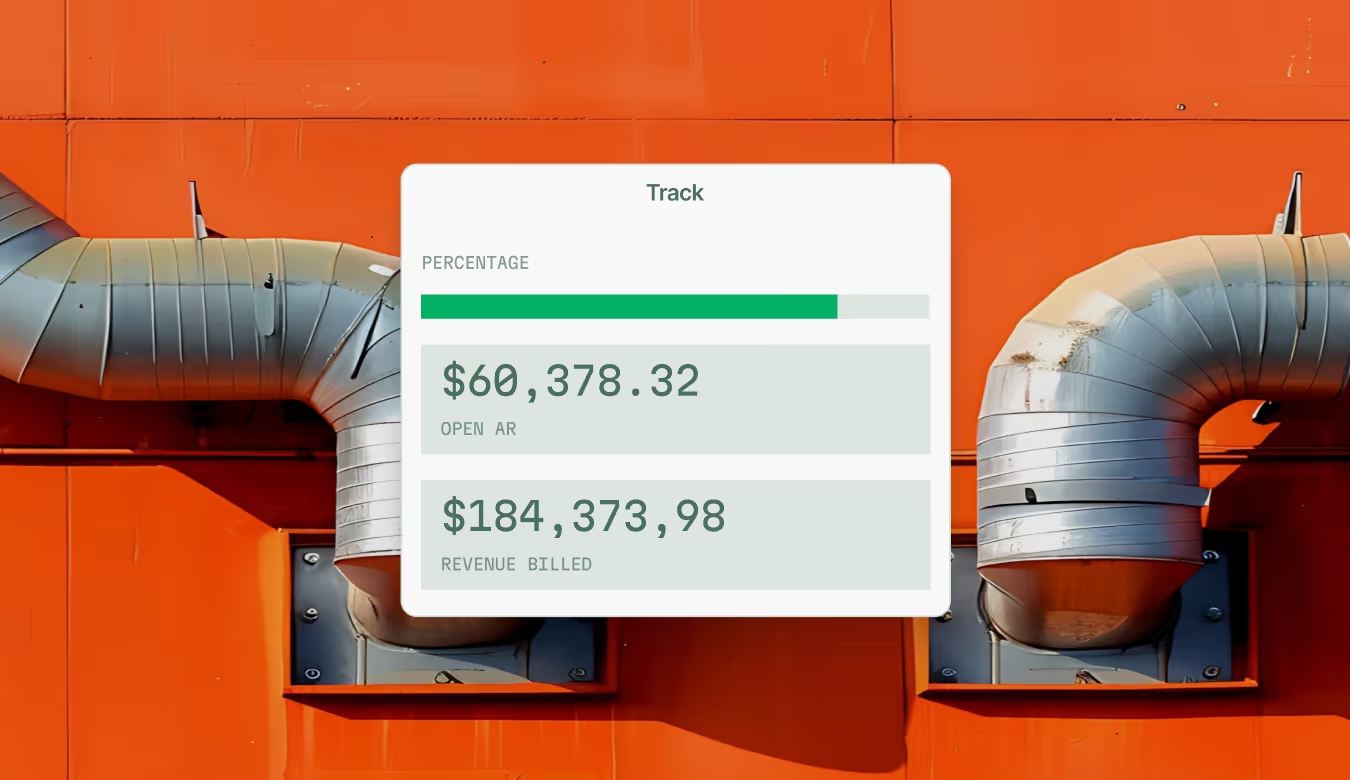
From emergency calls to planned maintenance, BuildOps gives your team one place to dispatch, track, close out, and bill. Nothing gets lost between steps.
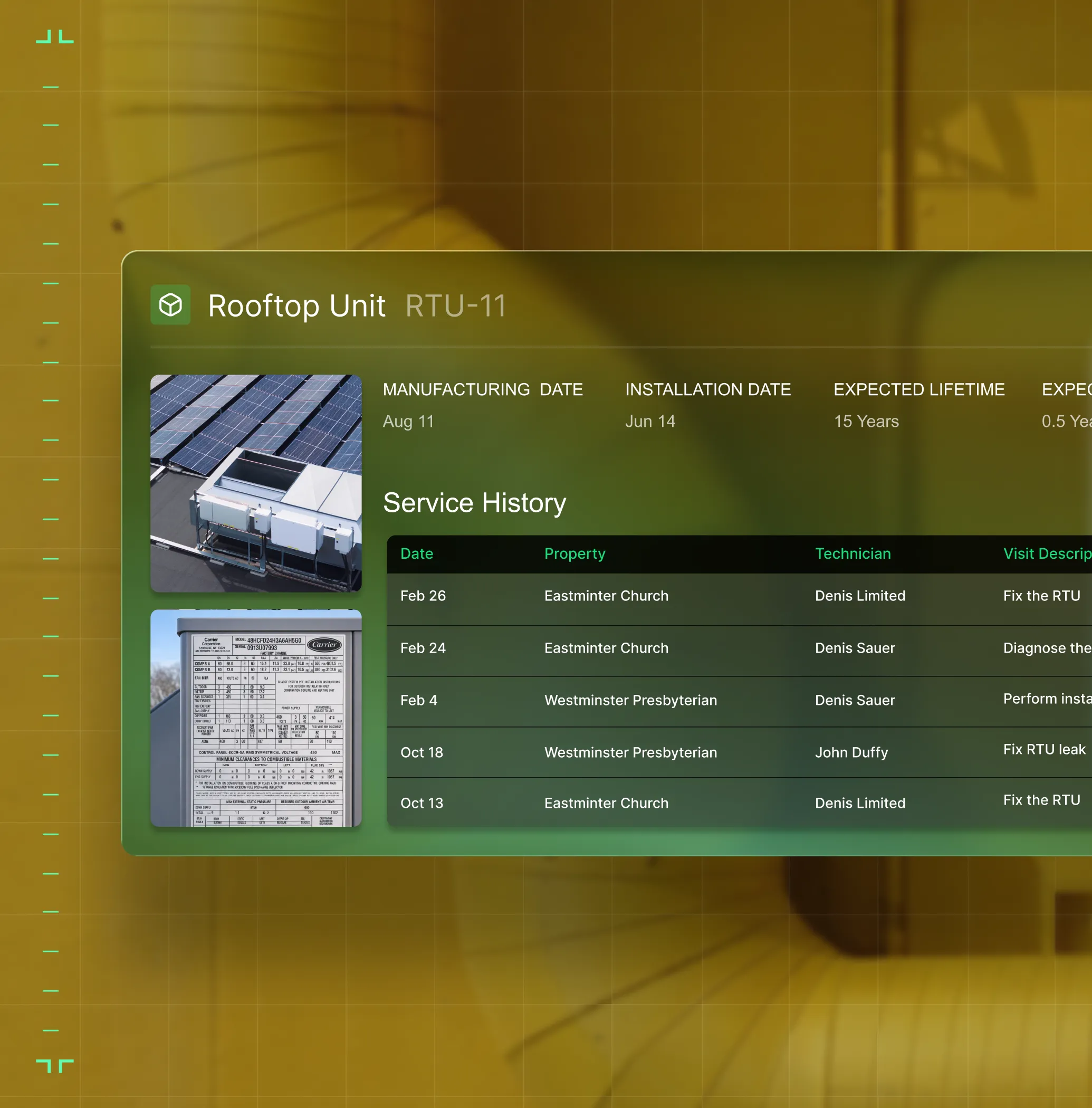
Asset Management
With full service history, specs, and warranty data on every unit, techs arrive with context and the office tracks the complete asset picture.
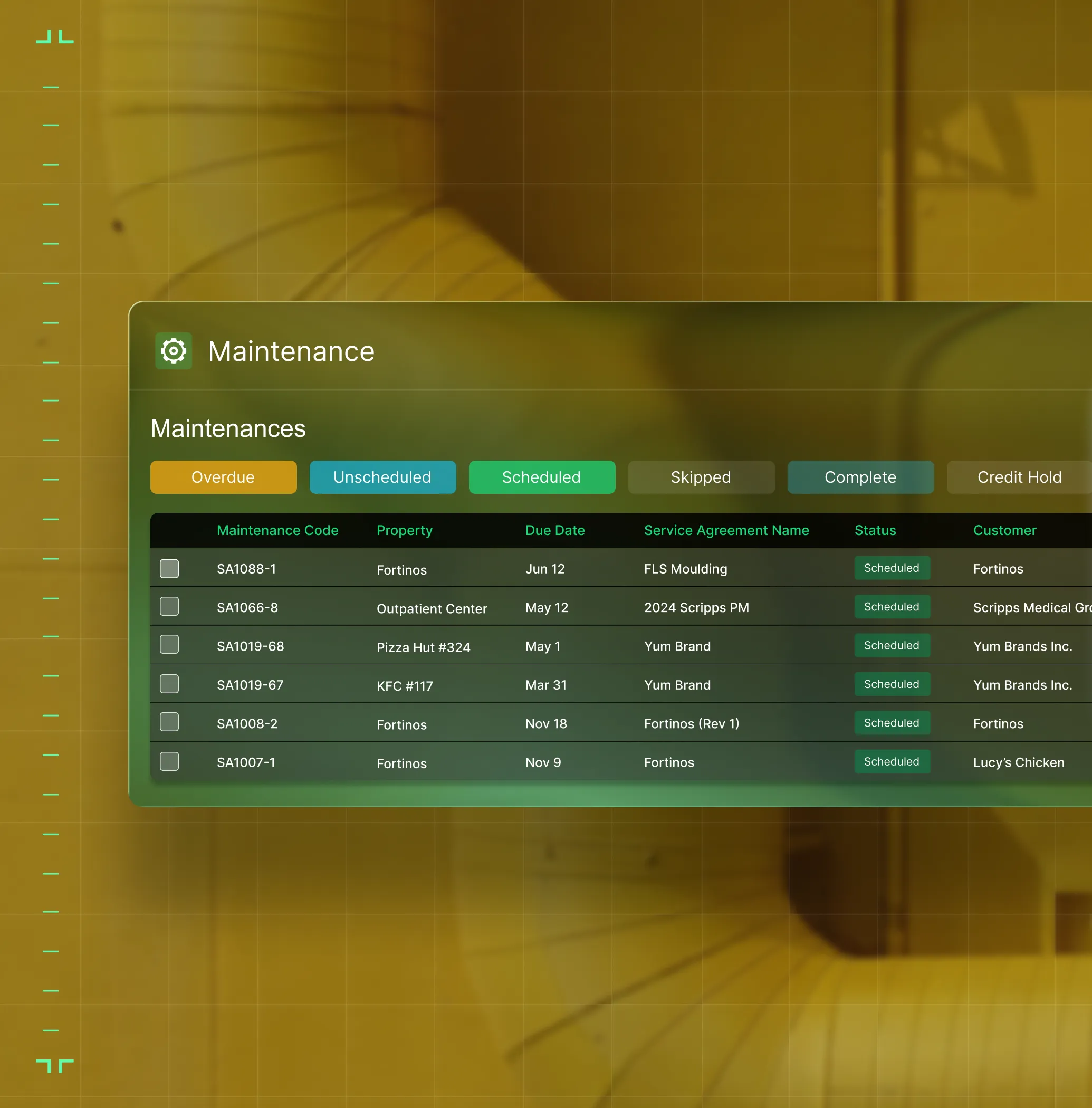
Preventative Maintenance
Automated PM scheduling keeps agreements current and turns deficiency findings into quoted work.
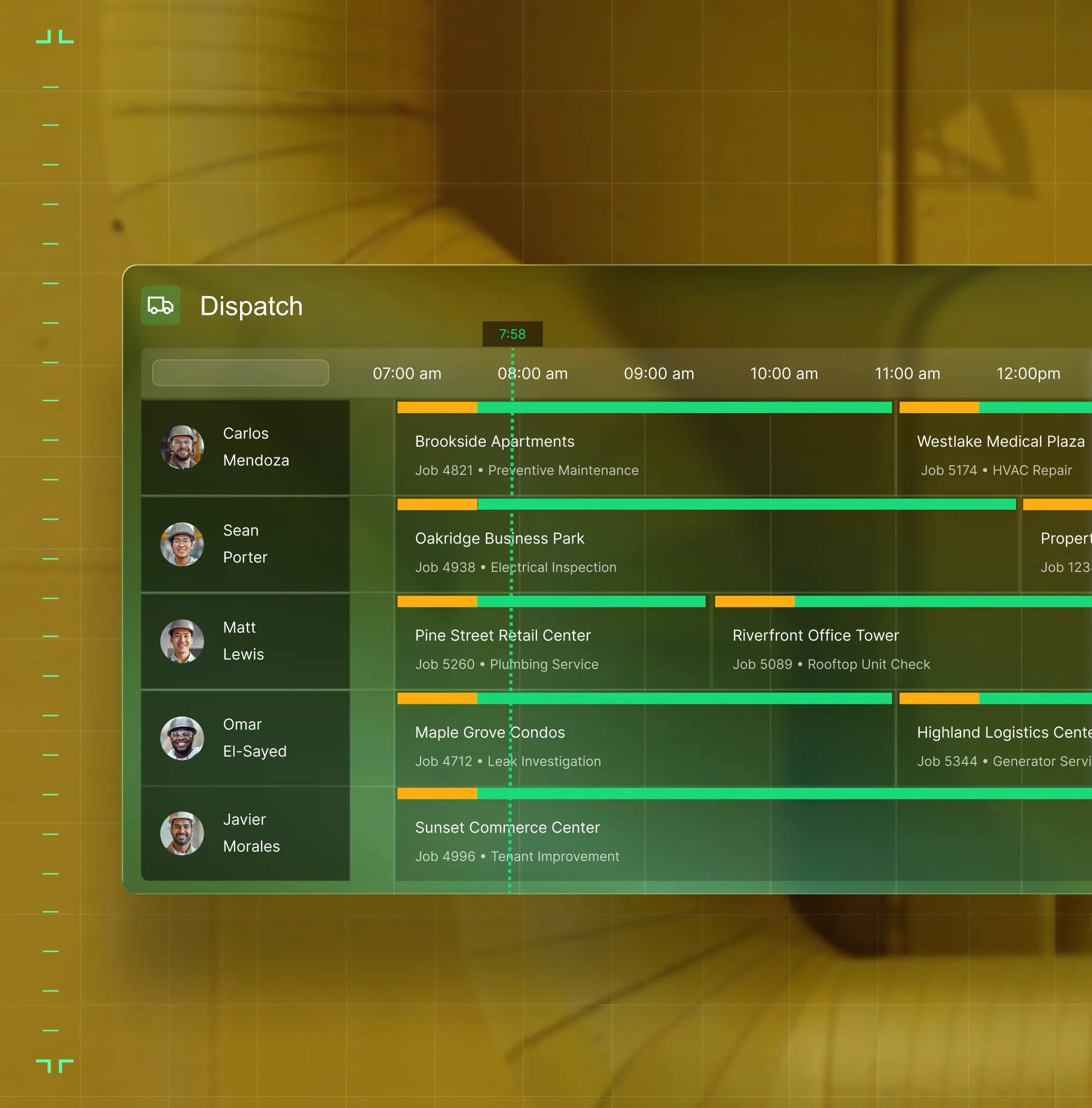
Schedule & Dispatch
Match techs to jobs by skill, certs, and distance to the job.
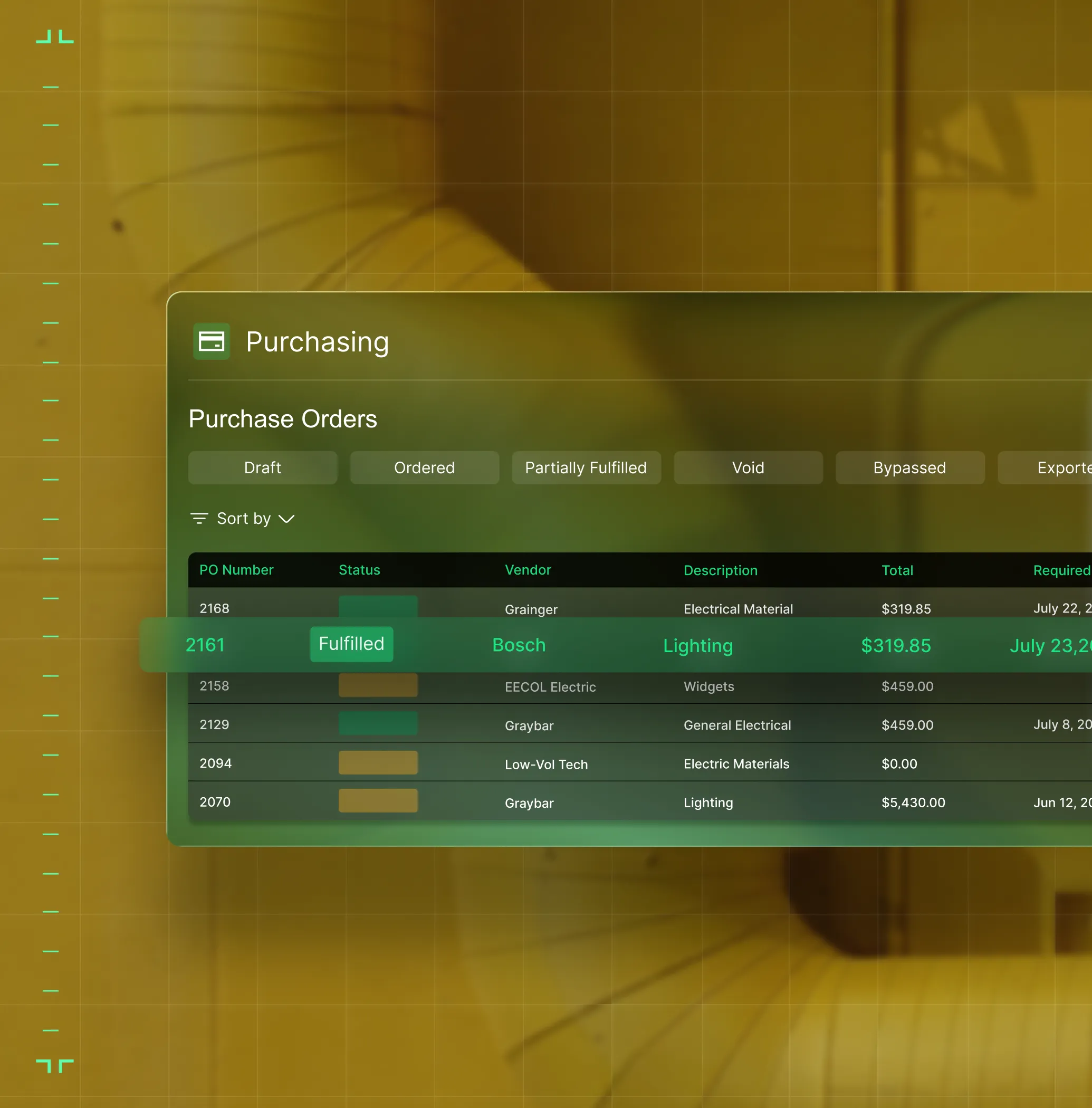
Purchasing & Inventory
Track parts used, create POs on the spot, and keep material costs tied to the job automatically.
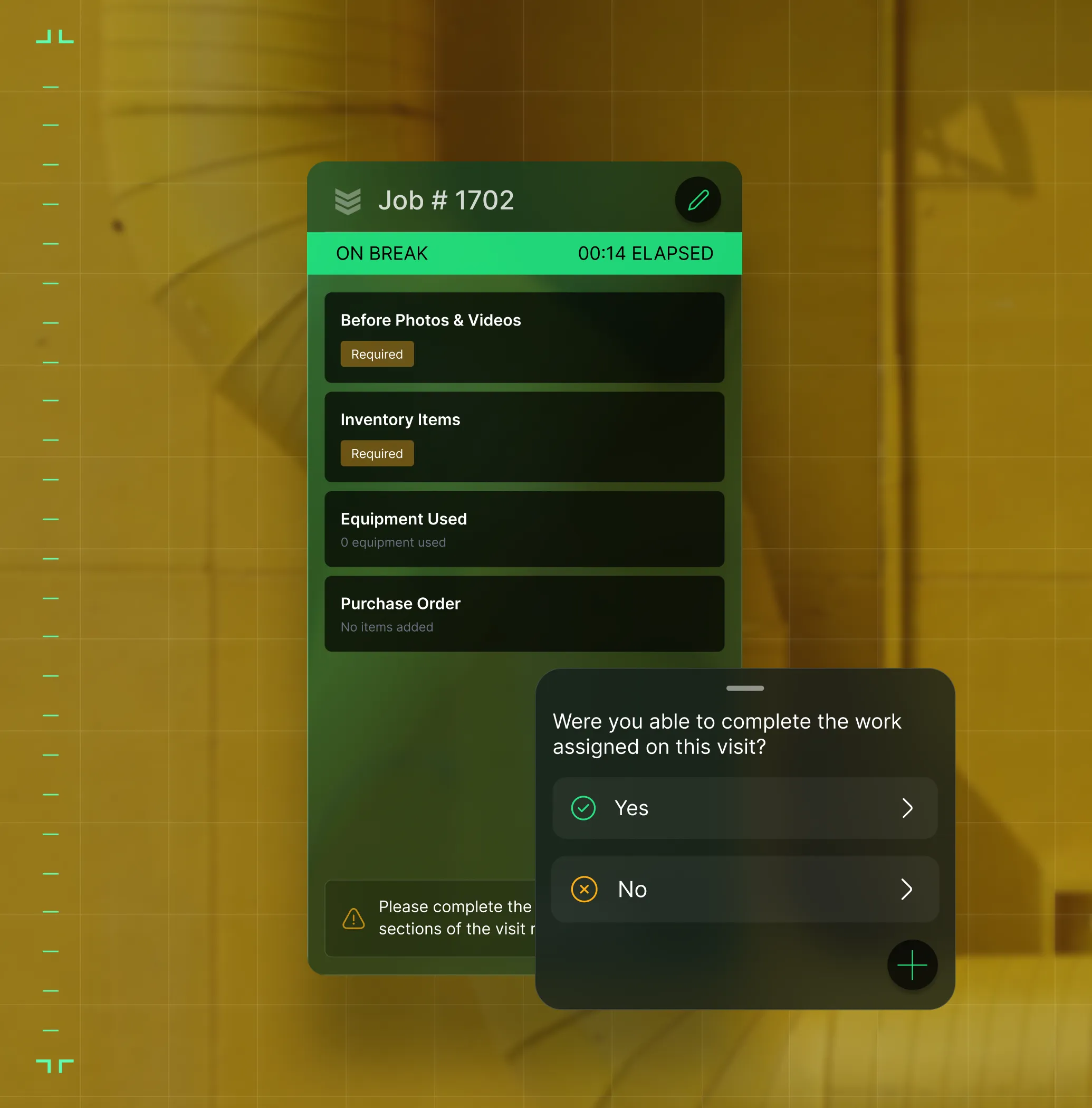
Work Order Closeout
Gated workflows move jobs from open to billed — nothing skipped, nothing needs office cleanup.
OpsAI for Service
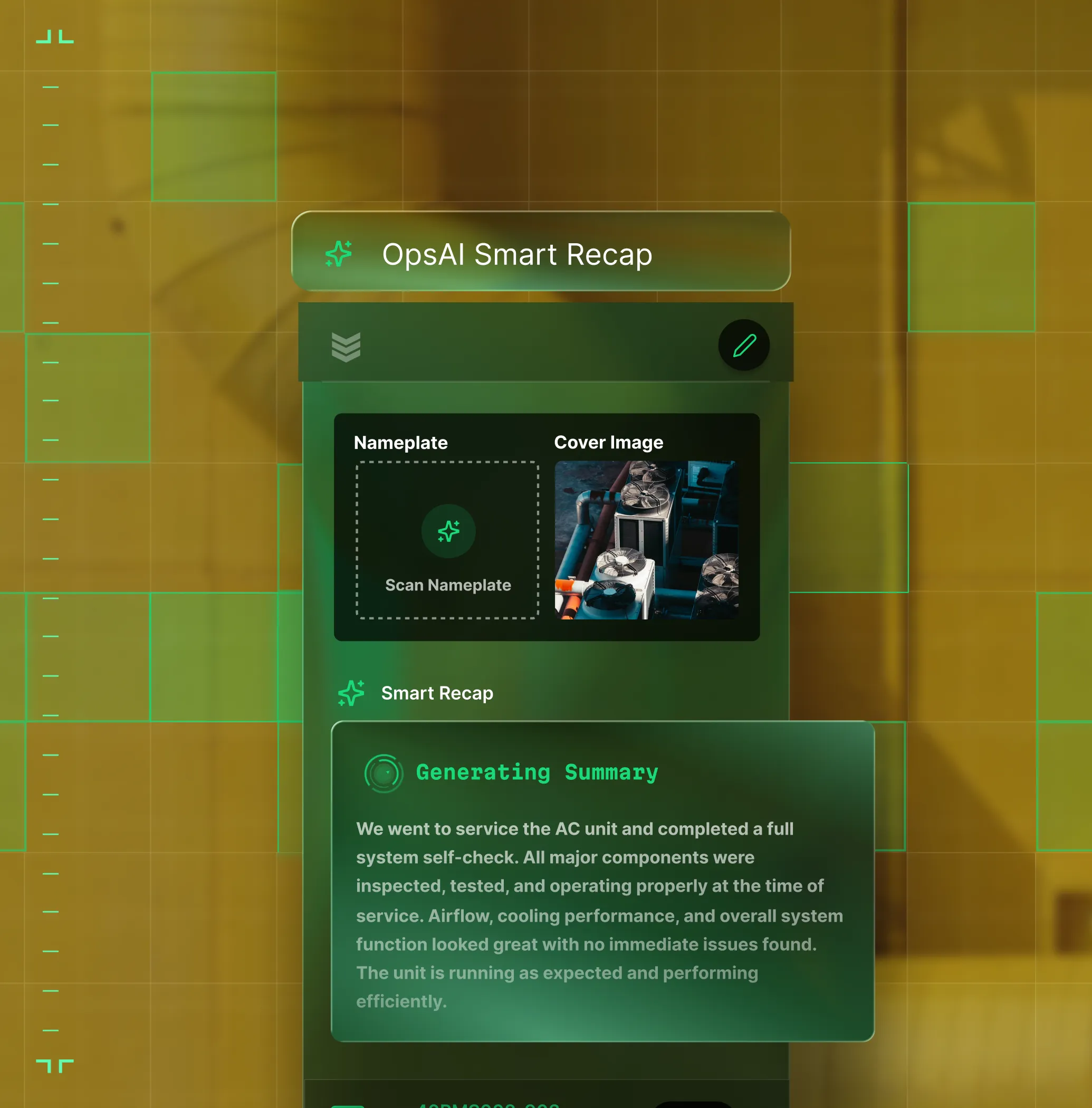
AI that flags unbilled work, writes invoice summaries, and keeps dispatch one step ahead.

Proven Results
Real results from real service operations


"We've seen an increase in day-to-day operations efficiencies that's going to add up to significant savings in time and energy over the course of a year."

"If we didn't have BuildOps and the additional cyber security they give our company, we would be dead in the water."
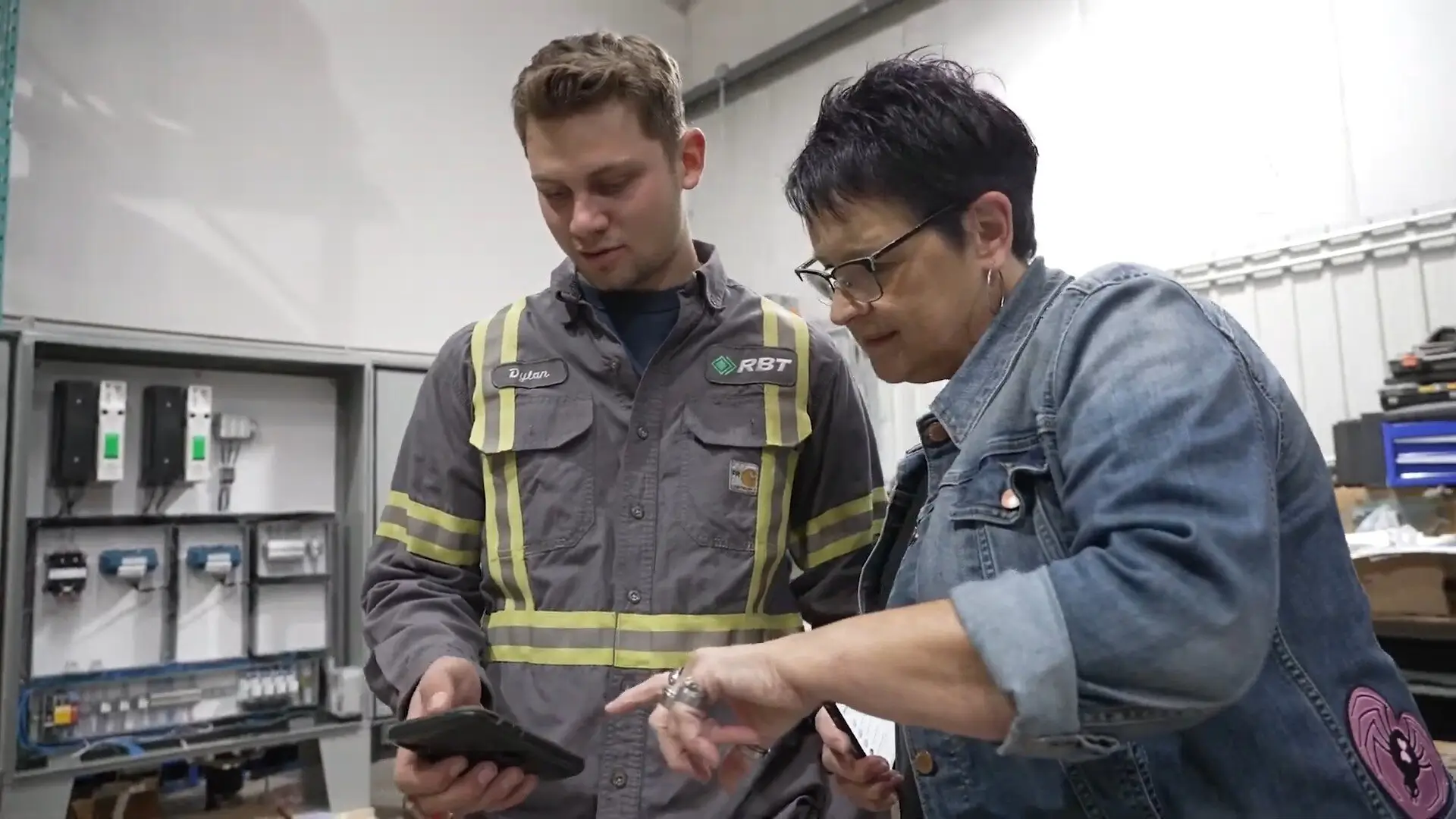

"The ability to produce reports either on an individual job basis, a quarterly basis, or a project basis is something we'd never seen before in other software that we've used."

"We've cut down in our receivables from about 120 days to 30 days on average."


"Before we knew it, we were seeing quicker turnaround times on job closeout and a huge improvement in the time it took for quotes to be accepted by our customers."


"With BuildOps, we feel like we can go after anything. The sky is the limit as far as the size of the project."
.webp)

"BuildOps gave us an all‑in‑one system for both service and projects. Once we saw that, it was a no‑brainer."
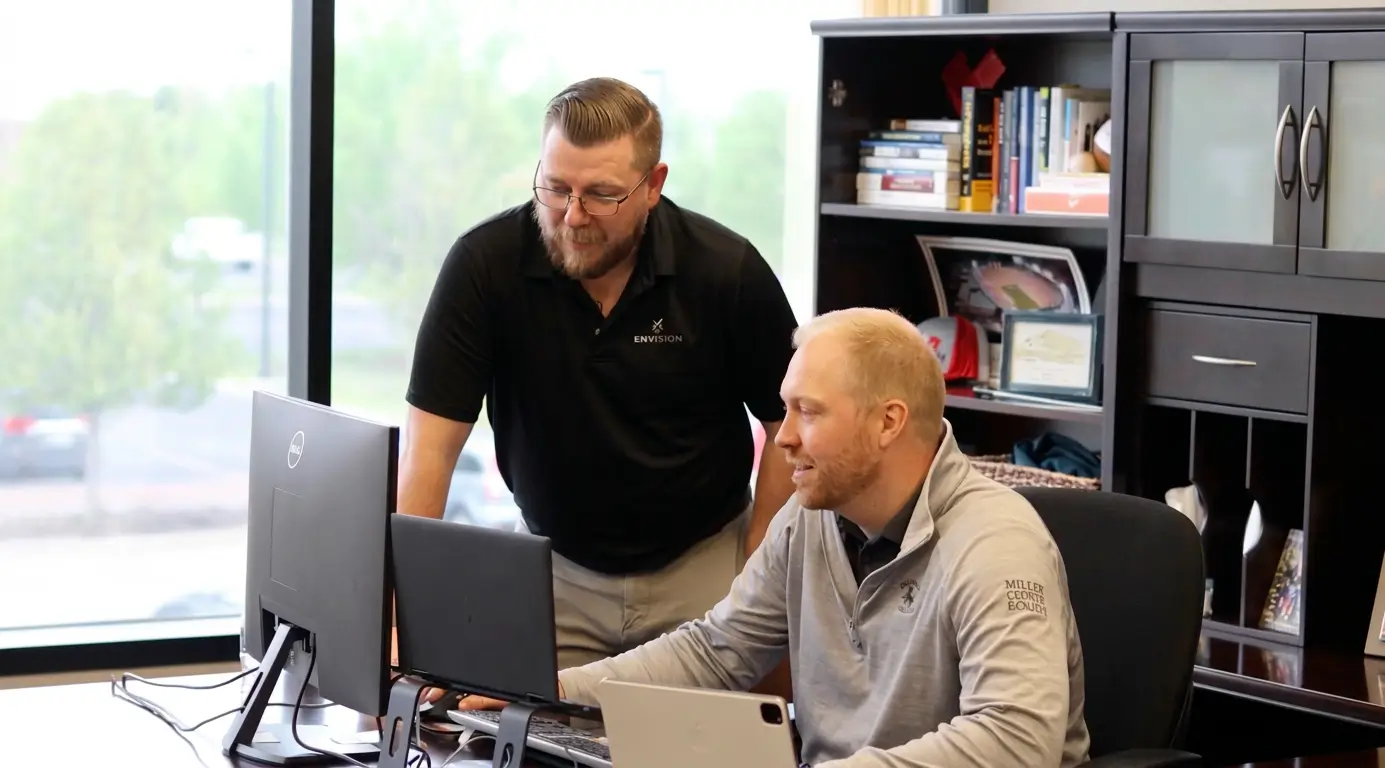

"With the integration of BuildOps and Sage Intacct, our accounting system, we've been able to speed up the time it takes for us to bill customers."


"Our consulting division increased 300% because we were able to free up more time from the office to help other customers."
![Service First Logo]](https://cdn.prod.website-files.com/69cad9cd3a5ef3196ea9bb65/69fa0ca0adc28a56d26717c9_Service%201st%20white.webp)
"Sometimes systems promise you the moon, then you use them and see the weaknesses. It's been the exact opposite with BuildOps. Everything we wanted it to do, it could do."
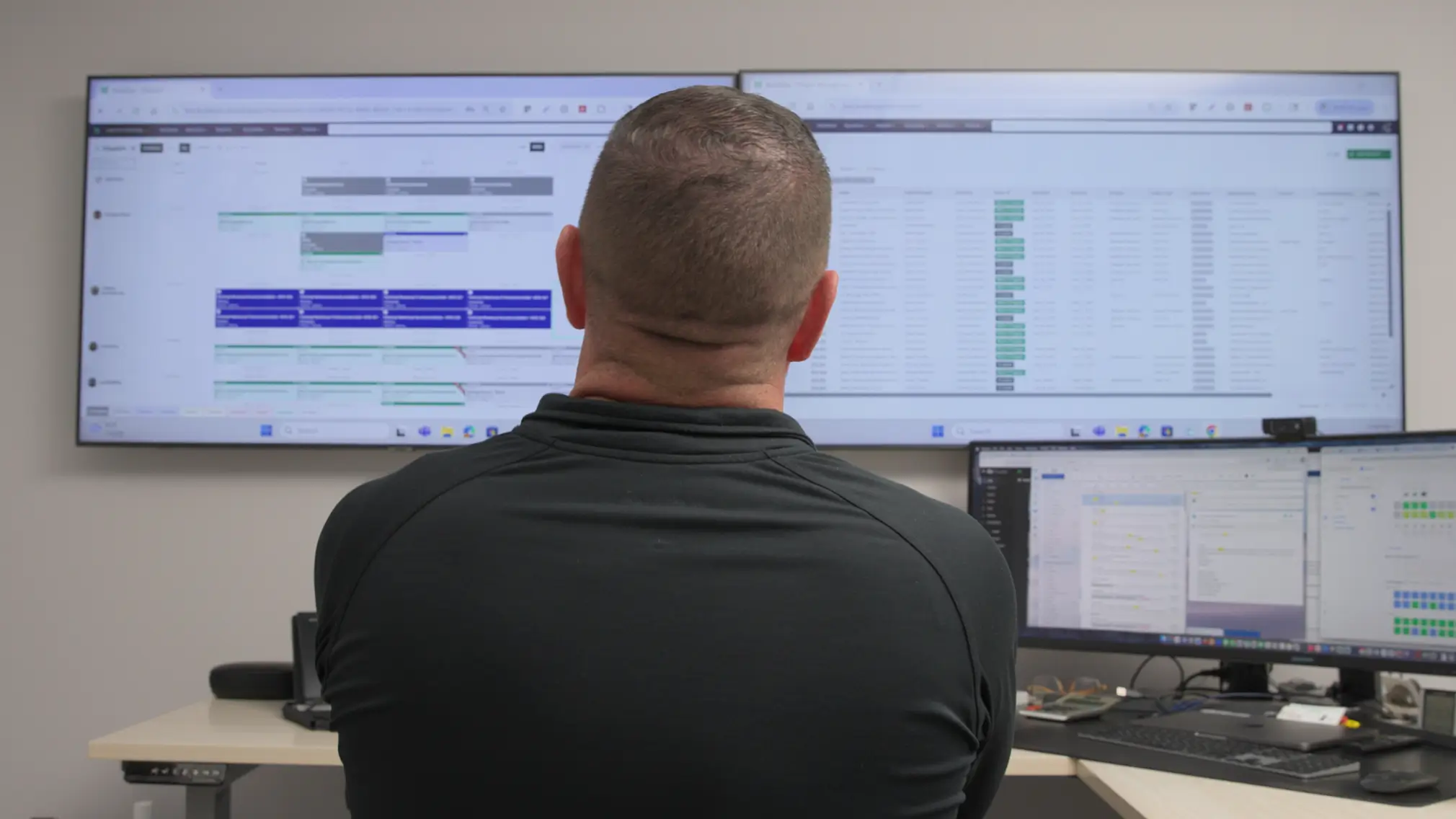

"We used to be two weeks behind on job costing. Now we're up to date daily."
What makes BuildOps different
Built from the ground up for contractors who run projects, service, and everything in between. Not adapted. Made for the work.
Commercial work isn't an add‑on
Most platforms started in residential and stretched to fit. BuildOps starts with the complexity of commercial work.
Run the work in one connected system
Field, office, finance, and sales — all in one place. No duct-taped tools, no double entry, no dropped balls.
OpsAI is built in, not bolted on
OpsAI is already in your workflows. It recaps the day, calls out risks, and gives every role a clear next step.

Zero-Downtime Migration
Switch systems without missing a single dispatch
The biggest risk to your operation is staying on a broken system. Our team migrates customer records, asset history, and active agreements to BuildOps with zero downtime.
Customer & asset history
We import your full customer and asset records so techs have complete service history from day one.
Active agreement cutover
Live agreements transfer in phases so scheduled maintenance and billing never skip a beat.
ERP backbone sync
We handle the handshake with your accounting software so your financial ledger stays the single source of truth
Service Management
Dispatch, assets, and maintenance. One connected loop.
Common Questions
Your questions about service business management software, answered
What service business management software features matter most for commercial contractors?
Commercial contractors need field service software that goes beyond task lists and Gantt charts. The features that actually move the needle are the ones that connect field execution, documents, procurement, and financials in one place so project managers, foremen, and the back office are all working from the same source of truth.
Here's are the key features to look for:
- Scheduling & Dispatching—Send the right tech to the right jobsite based on skills, industry certifications, availability, and proximity.
- Work Order Closeout—Gated workflows help move jobs from open work to completed, with a full and detailed record of every step of work completed, including with photo or video proof when needed.
- AI built into workflows your team already uses—Like turning voice notes into structured field reports, scanning PO documents, or flagging stalled approvals, and not just a chatbot bolted on as an afterthought.
- Asset Management—Service history, asset specs, warranty data, and everything else you need, all tracked in the same platform and accessible to anyone on any job at any time.
- Purchasing & Inventory—Track all parts and materials used at jobsites and on projects, and create POs on the spot to tie costs directly to work done in real-time.
- Preventive Maintenance—Automate your maintenance schedules and keep agreements current. The platform offers a way to flag system deficiencies to recommend new work to customers before they go looking elsewhere.
- Service and projects under one roof—Most commercial contractors run both service calls and multi-month construction projects with the same crews. Your platform should handle both without forcing you to stitch together separate tools.
- Mobile-first for the field—Foremen and techs should be able to log daily reports, create RFIs from drawings, and track punch lists from their phones, even when offline.
- ERP integrations that work—As your business matures, your project management tool needs to sync contracts, budgets, change orders, and WIP data with your accounting system, whether that's Sage Intacct, Spectrum, Vista, or QuickBooks.
What are the key benefits of using service business management software for commercial teams?
Service business management software cuts down on manual tasks, reduces mistakes, and flags issues you might not have noticed otherwise. More specific to field service operations, you should see benefits like this across your entire operation if you integrate a field service management software:
- Real-time job and project visibility helps you prevent small issues from becoming big problems
- Faster invoicing with more detailed summaries that actually make sense to your customers, and get paid faster
- Fewer callbacks from customers because they have access to detailed service records, and techs followed custom workflows and didn’t skip any steps
- Less drive time, and reducing mistakes of techs clocking in at the wrong jobs, or arriving without the tools and parts they needed
- Faster and more accurate Quotes that leverage real service history data, photos, videos, and field notes
- Fewer mistakes across the operation, especially because double or triple data entry across team members is no longer necessary
- Work is closed out faster because signatures are captured on-site and paperwork is already completed as soon as the job ends
- Access to real-time job data helps you make decisions that are based on what’s actually happening out in the field, or on the project right now, so you can take action based on real numbers and information, acting faster
- Grow revenue by increasing profit margins through data collection that comes from real work, so you can do more of the things that are working, and less of the things that aren’t making you money
- Increase team-wide compliance with company procedures by unifying all team members in one system with guidelines clearly set out, so you don’t have to tell techs one at a time what they need to be improving
What is service business management software?
For commercial specialty contractors, field service management software unifies all aspects of a field service operation in a single platform. Rather than piecing together separate tools, you connect job data like scheduling, dispatching, tech time tracking, asset management, preventive maintenance and maintenance agreements, resource planning and allocation, financial, invoicing, and everything else in a single tool that connects all of that data across the operation for all team members.
In field service work, it’s also critical that the business management software runs on a platform, with both desktop versions and a mobile app so that field and office can stay completely in sync, using a single tool, with no need for manual duplicate data entry as service work is completed.
What's the best service business management software for commercial contractors?
We think it depends most on the type of work you do.
For commercial field service contractors in HVAC, electrical, plumbing, fire & life safety, and refrigeration, BuildOps is the only service business software that was designed from day one for how commercial trades actually operate. It connects service management, project management, financials, and AI in a single system. BuildOps handles everything from RFIs and submittals to workforce planning, change orders, project financials, and ERP integrations, and is purpose-built for the subcontractor, not the general contractor.
For residential contractors focused primarily on home service and repair, tools like Jobber or Housecall Pro may be a better fit for simpler scheduling and dispatching needs. Those platforms are designed around the residential workflow with shorter jobs, homeowner-facing features, and lighter documentation requirements.
The key difference: residential tools weren't built to handle the complexity of commercial service work like multi-phase schedules, GC coordination, formal document control, progress billing, and change order management. If your work involves any of that, you need a field service management software that speaks the language of commercial service work.
How does BuildOps handle integration with my existing ERP (Sage, Viewpoint, etc.)?
BuildOps integrates with the ERPs frequently used by commercial service teams including Sage, Viewpoint, and Quickbooks. BuildOps syncs field data (time tracking, POs, invoicing, etc.) directly with your ERP's job costing and payroll modules. Data flows both ways, keeping financials accurate without manual re-entry.
BuildOps is an operational backbone for commercial field service management teams to build on top of, no matter what other tools are in your tech stack.
What does the timeline for a BuildOps integration look like for commercial field service teams?
Most commercial field service businesses are up and running on BuildOps within 8-12 weeks. We map your legacy data, configure custom workflows that match the specific service work you do, and we train your crew—office and field techs alike. Our integration specialists will be with you every step of the way to help you build out your new operational architecture.
BuildOps was created specifically for commercial companies, and continues to be guided by input from service departments, project managers, business owners, dispatchers, and contractors.
How do commercial field service teams automate operations with OpsAI? Is OpsAI ready now?
BuildOps already has AI solutions available today across the full workflow, supporting teams from the field to the office with solutions like Smart Dispatch, Smart Recap, Purchasing Document Scanner, Revenue Finder and more.
Our customers have seen results like 80% less data entry using our PO scanning tools, have saved hours every month using our Smart Dispatch and invoice automation, and love the ability to turn tech voice notes into structured field notes in seconds—all powered by OpsAI.
OpsAI learns from your service data to flag issues, identify recommended work, suggest next actions, and cut busywork, getting sharper with every visit. It turns your legacy system of record (showing you the history of what was done) into a modern system of action, guiding every team member from field to office on what steps to take next.
Here are the key ways OpsAI would help with field service management specifically across different roles within an operation:
- On the Job: Sends the right contractor to the right job, briefs the foreman before the crew gets there, captures visit voice notes and turns them into work summaries, and summarizes daily reports from jobsites.
- In the Office: Turns visit notes into invoice summaries to close out billing faster, provides summaries and daily reports from jobsites, optimizes dispatch boards and scheduling based on which contractors have the skills needed for each job.
- For Finance Teams: Generates invoice summaries that customers can actually read and understand, matches bulk payments to open invoices, and pulls line items from PO photos.
- For Sales: Reads completed visit notes to look for replacement, repair, and upselling opportunities your team can act on in the future, and recommend to customers before someone else does.
- For Owners: Surfaces jobs, trends, and risks you might not catch before it’s too late, so you spend time making decisions, not looking for information.
Can you point to any service management success for commercial teams already using BuildOps?
We have tons of proof. Using BuildOps:
- Jackson Mechanical saw a 100% increase in tickets handled with no headcount added, a 50% reduction in time taken to create a job and get it scheduled, and a 30% growth in revenue
- Classic Electric unified their whole operation in a single platform, achieving 300% growth
- Jolma Electric saw a 50% leap in overall efficiency
- Certified Fire saw service employee billable time increase from 75% to over 95%, monthly service billing rose 54%, and an incredible 250% increase in profit margins
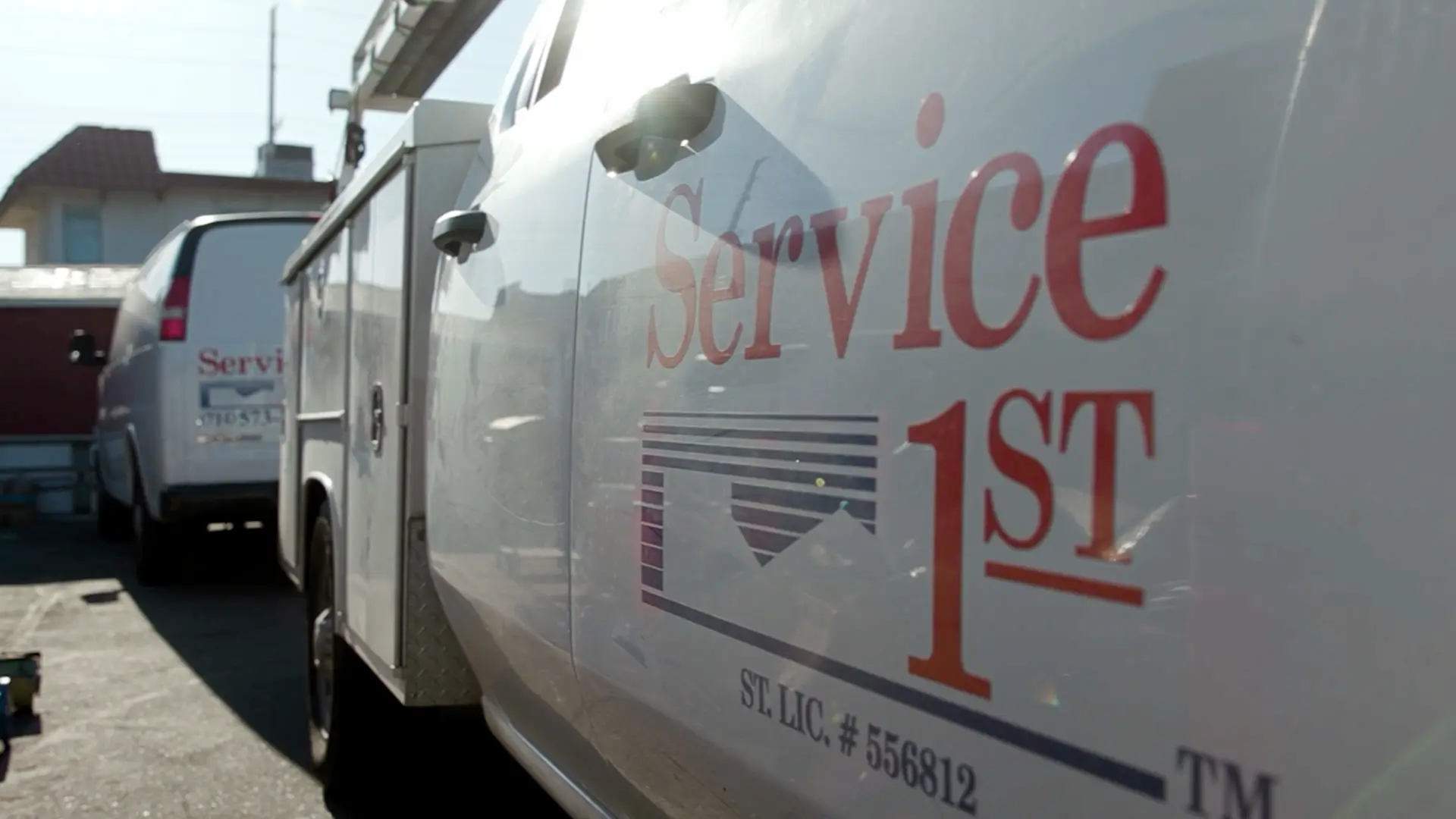
- Service 1st went from 3-4 systems down to 1, saw 2x faster invoicing, and had a record year
There’s a clear reason scaling commercial field service teams trust BuildOps.
How do I ensure high adoption rates of BuildOps across my team?
The BuildOps platform was built so even the least tech-savvy person can use it effectively, and most team members become comfortable with BuildOps with only 1-2 training sessions. During implementation, we help you build the custom workflows your commercial business actually uses when completing field service work, so when your team members are starting out with the platform, they’re learning how to actually use it for the exact scope of service work they are going to do.
How does role-based access work in BuildOps? What can my contractors see vs office staff? How is the data secured?
Role-based permissions ensure your team only sees what they need to, and you are in full control of that. You can set permissions for contractors, for dispatchers, for office admin, for leadership, for business owners—whatever you need. BuildOps is a platform where all the data is accessible to anyone, whether they’re using a desktop or using their phone, but you are in total control of who sees what.
Maybe you want to build a custom report for each contractor to see their individual job performance stats, but you want a different dashboard for leadership to compare job profitability for all of your contractors. BuildOps lets you do that.
BuildOps is also SOC 2 compliant with enterprise-grade encryption for data in transit and at rest, so you can be assured: your data is secure, and your data stays yours.