
BuildOps vs Housecall Pro
Housecall Pro is built for home service businesses. BuildOps is built for commercial contractors, connecting service, projects, and finance workflows from the first call to the final invoice.
See how BuildOps has helped our commercial customers compared to other businesses:
- 62% faster cash collection—DSO drops from 66.4 to 25.2 days
- 65% more revenue per technician—More output from the same field headcount
- +14-point higher quote-to-close rate—62.8% vs. 48.9% average





Trusted by 1,500+ commercial contractors across North America















TECHNICAL CHECKLIST
See the difference
Housecall Pro is for residential home services with one-off jobs and card-on-file billing. When you layer on commercial contracts, multi-site portfolios, and complex projects, the gaps create margin risk. BuildOps has asset-level data, project controls, and ERP-grade financials in a single backbone.
User-friendly interface
Both platforms are intuitive and easy to use out of the box. BuildOps allows for customization to fit complex workflows for commercial work. Housecall Pro is simpler with fewer features, so it’s quick and easy to get set up.
Scheduling & dispatch
Both tools have real-time scheduling with drag-and-drop functionality and automated scheduling notifications for techs. BuildOps goes deeper with OpsAI, reading tech certifications, proximity, availability, and job history across your board, surfacing an optimized schedule for your dispatcher to review and approve.
Mobile application
In both Housecall Pro and BuildOps, technicians can access job details, update statuses, accept payments, and communicate with customers while in the field. In BuildOps, the mobile experience is tightly integrated with its advanced operational features, because it has the same capabilities as the desktop app.
Invoicing & payment processing
Both platforms provide integrated invoicing, credit card payment processing, and financing options. In BuildOps, payments is an add-on feature, but end-to-end financial workflows are included across all project sizes. In Housecall Pro, accounting, payroll, custom reporting, and QuickBooks sync are all add-on costs and not included in the standard plan.
Automated customer communications
Appointment reminders, job status updates, and post-job follow-ups are handled automatically. BuildOps provides more robust configuration and personalization for communication sequences, and leverages field notes into invoice details automatically. Housecall Pro offers 24/7 call answering as an add-on service, which is more useful for some niche residential service industries.
Project management
BuildOps has comprehensive project scheduling, resource allocation, and budgeting tools that are fully incorporated and included in the platform, and are purpose-built for the complexity of large-scale and multi-site commercial projects. Housecall Pro has significant limitations in this area, because its focus is one-off home visit service calls.
Analytics & reporting
BuildOps delivers advanced analytics and detailed reporting for critical business insights, allowing users to build their own reports and dashboards using any field that can be filled in within the platform. Housecall Pro offers only basic reporting functionality, and it’s less customizable for different teams and departments.
Inventory management
BuildOps features robust inventory tracking of parts, materials, assets, equipment, and stock levels natively, while this is a notable gap in Housecall Pro’s offering.
Enterprise readiness
BuildOps is engineered to support growth for organizations of all sizes with transparent, user-based pricing, and is meant to function as the operational backbone you can build your ERP right on top of. Housecall Pro is best suited to small or mid-sized businesses, and its pricing includes a lot of ‘add-on’ features that as you scale will significantly increase your costs to continue using it.

"Commercial work isn't just bigger residential. We outgrew residential apps like Housecall Pro the moment we needed true project control and asset history. BuildOps finally gave our field, office, and finance teams the same source of truth."








Partners
Trusted by leading commercial operators
Every month, commercial contractors move off residential-first tools like Housecall Pro and onto a backbone built for their real work — multi-location portfolios, multi-trade scopes, and long-term maintenance contracts.
Specialized Infrastructure
What makes a "commercial backbone" different?

Data granularity
Housecall Pro tracks visits and addresses. BuildOps tracks buildings, systems, units, and sub-components — so quotes, PM, and replacements are all driven by asset history.

Financial logic
Residential platforms think “job done, invoice sent.” BuildOps models commercial reality — retainage, WIP, committed costs, and contract terms your CFO actually manages.

Offline-first engineering
Techs capture complex commercial work — photos, checklists, time — even with no signal, then sync automatically. No fragile mobile workflows designed only for quick residential calls.
One System, Every Workflow
A single operating backbone
AI that already knows your business
OpsAI is built into BuildOps. It already knows your jobs, your crews, and your data. It handles the busywork, flags what matters, and keeps your team focused on the work that actually moves the needle.


Service that scales without slipping
More service work only pays off if margins hold and customers come back. BuildOps keeps every job on track from first dispatch to final invoice, so growth doesn't come at the cost of control.


Find, quote, and close more work
Good contractors lose deals not because they can't do the work, but because follow‑ups slip and quotes go cold. BuildOps keeps your pipeline moving so the right jobs don't get away.


The Industry Standard
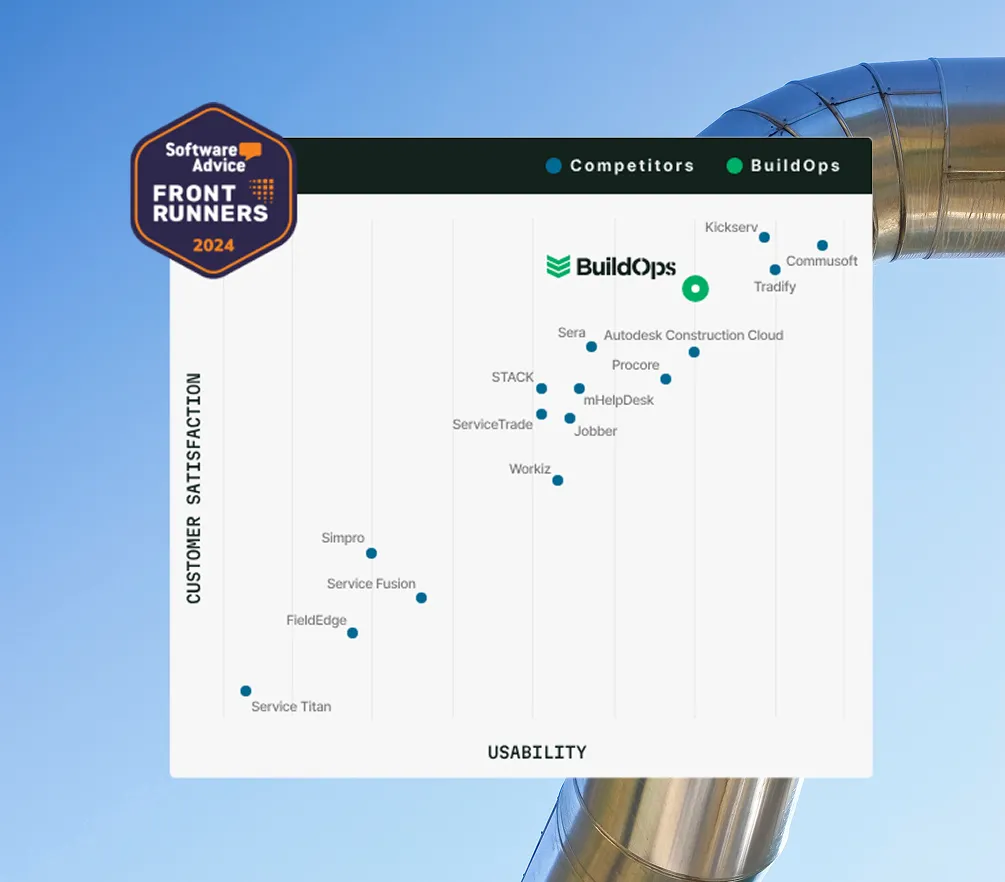
Proven outcomes. Industry verified






Proven Results
Real-world impact for commercial leaders


"We've seen an increase in day-to-day operations efficiencies that's going to add up to significant savings in time and energy over the course of a year."

"If we didn't have BuildOps and the additional cyber security they give our company, we would be dead in the water."

"The ability to produce reports either on an individual job basis, a quarterly basis, or a project basis is something we'd never seen before in other software that we've used."

"We've cut down in our receivables from about 120 days to 30 days on average."


"Before we knew it, we were seeing quicker turnaround times on job closeout and a huge improvement in the time it took for quotes to be accepted by our customers."


"With BuildOps, we feel like we can go after anything. The sky is the limit as far as the size of the project."
.webp)

"BuildOps gave us an all‑in‑one system for both service and projects. Once we saw that, it was a no‑brainer."
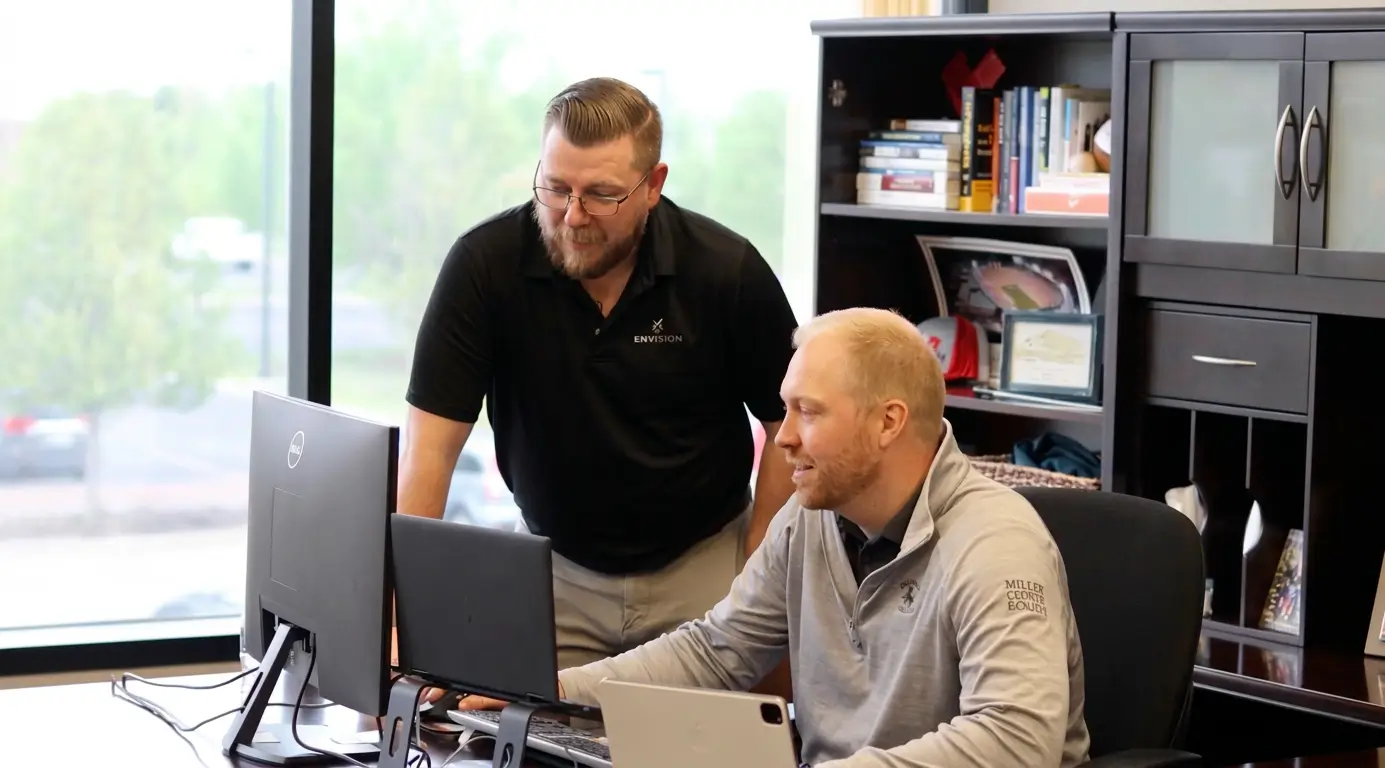

"With the integration of BuildOps and Sage Intacct, our accounting system, we've been able to speed up the time it takes for us to bill customers."


"Our consulting division increased 300% because we were able to free up more time from the office to help other customers."
![Service First Logo]](https://cdn.prod.website-files.com/69cad9cd3a5ef3196ea9bb65/69fa0ca0adc28a56d26717c9_Service%201st%20white.webp)
"Sometimes systems promise you the moon, then you use them and see the weaknesses. It's been the exact opposite with BuildOps. Everything we wanted it to do, it could do."
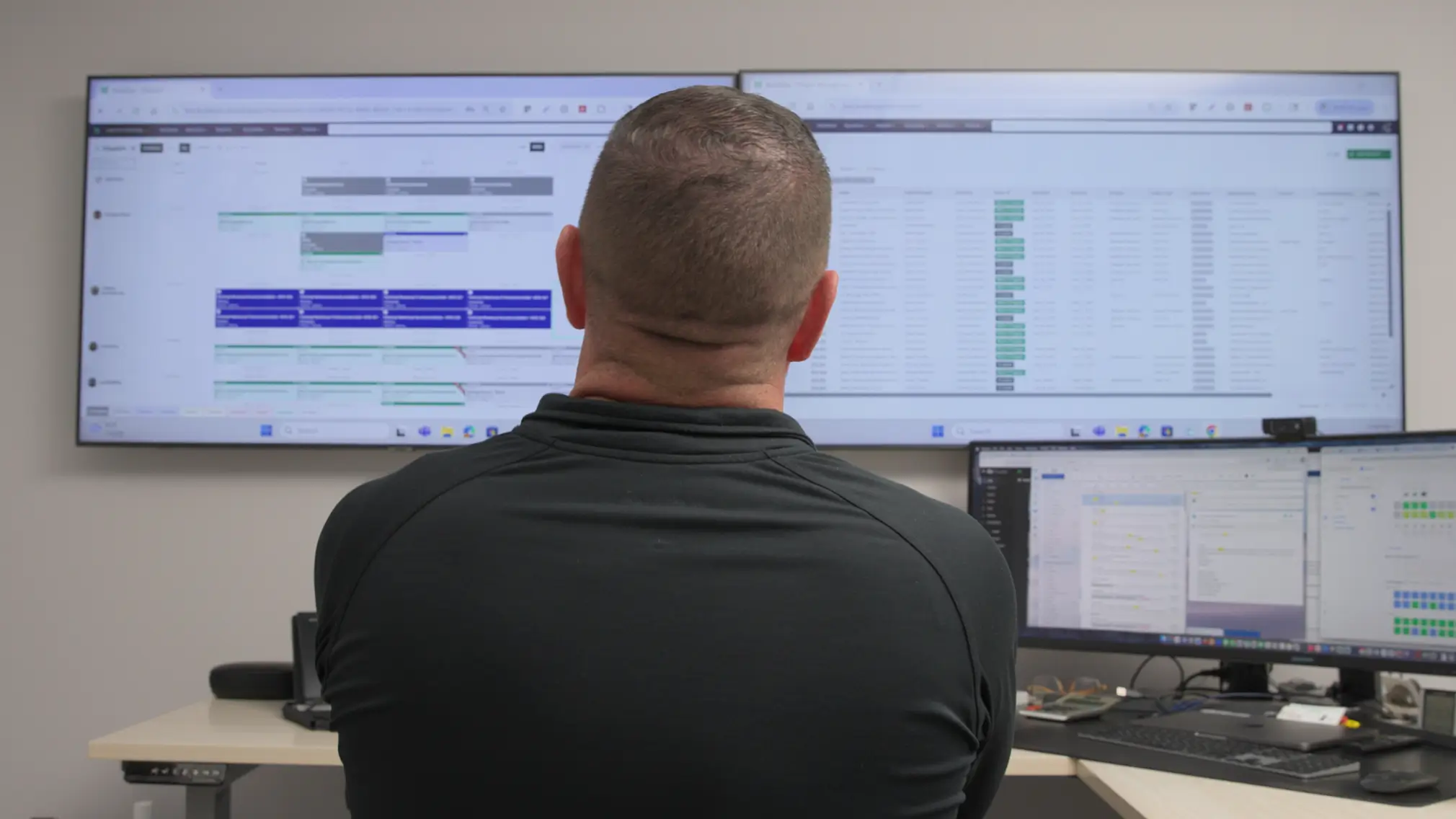

"We used to be two weeks behind on job costing. Now we're up to date daily."
Common Questions
FAQs about BuildOps vs Housecall Pro for commercial teams
Can BuildOps replace Housecall Pro for my team’s commercial work?
BuildOps replaces residential-first tools like Housecall Pro with a single commercial operating system. Service, projects, sales, and financials all run on one platform tuned for asset-level tracking, complex contracts, and ERP-grade reporting.
What does implementation look like switching from Housecall Pro to BuildOps?
With BuildOps, you get a dedicated implementation manager who maps your commercial workflows, migrates data, and trains your teams on our platforms. We work with you to leverage anything you can from your existing workflows in Housecall Pro and map it to BuildOps where the setup is better suited to your commercial-scale work.
Most of our customers making a switch are fully live in 8–12 weeks, with job costing and billing running smoothly throughout the transition.
Will our field technicians find BuildOps harder to use than Housecall Pro?
Not at all. The BuildOps mobile app is built for commercial jobs, but stays simple in the field, because it’s offline-friendly, contains asset-linked forms, and helps with faster time entry.
Our customers find that techs adopt it quickly because it makes their day easier, not more complicated. Once they see how much time the BuildOps mobile features will save them in their day to day, they’ll be jumping at the chance to use it.
Our implementation training specialists are also here for you throughout the switch to make sure all field techs and office staff are fully trained before and during rollout. Most of our customers are comfortable using BuildOps after 1-2 training sessions.
Which industries are Housecall Pro and BuildOps best suited for?
Housecall Pro is better suited for residential home services industries, including: garage door and appliance repair, home and carpet cleaning, chimney sweeps, pressure washing, lawn care, pest control, handyman services, and general contractors.
BuildOps is better suited for commercial construction and trades companies, including HVAC, electrical contractors, plumbing, refrigerators, and fire and life safety teams.
How does BuildOps OpsAI compare to Housecall Pro’s AI tools?
Housecall Pro’s AI answers customer calls and chats, analyzes your business data, suggests next steps for growth using your customer data, and helps with marketing drafts.
BuildOps OpsAI is built directly into the platform, and can help with a wide range of things across your entire workflow and operation, from the field to the office, with solutions like Smart Dispatch, Smart Recap, Purchasing Document Scanner, Revenue Finder, and more.
How does pricing work on BuildOps vs Housecall Pro?
With BuildOps, we customize pricing based on your company and needs, and you can learn the cost by setting up a demo with our team. The BuildOps platform includes everything any commercial team would need in a single tool, and only CRM, fleet, and payments features are optional add-ons as not every team needs them. So when you’re paying for BuildOps, you’re getting everything you need included, and in a demo, we can show you up front how everything is included.
Housecall Pro lists their basic plan starting at $59 per month (if you pay annually), or $79 if you pay month-to-month, but the Basic plan only includes scheduling/dispatch, estimating, invoices & payments, online booking, price book, job costing, review management, and customer communication. All other features and tools are billed as add-ons, so your costs will also be customized based on your needs.
What are Housecall Pro & BuildOps biggest strengths and weaknesses when compared to each other?
When Housecall Pro stands out: Service-driven teams that need speed, simplicity, and growth will find a better fit with Housecall Pro, and can get set up quickly.
When BuildOps stands out: For teams that manage complex commercial projects in construction or the trades, BuildOps will have all the features you need built right in, while other tools are tacking them on without a deep understanding of the needs of commercial work.
When Housecall Pro falls short: You won’t find deep project workflows, heavy asset management, and enterprise-ready features on the Housecall Pro platform, so if you’re doing anything other than residential, it’s not going to be a good fit.
When BuildOps falls short: When you have a very small team managing residential-service only projects. BuildOps will have more features than you need, and the workflows will be more complex, so it probably isn’t the right fit for that kind of team.