Field Service CRM Software
Know every customer.
Miss nothing
One view of every account, contact, property, and asset shared between sales and ops. No duplicate records. No crossed wires. Just the full picture, every time you need it.

Trusted by 1,500+ commercial contractors across North America















The Relationship Layer
Every customer detail in one place for every team

Full customer context
See every property, contact, open job, and past service record tied to an account instantly.

Prospect vs. active
New accounts default to "Prospect" so sales data stays clean. Win a deal and they go active.

Shared across teams
Sales and ops read from the same database. No syncing, no imports, no wondering who has the latest info.
360° Customer View
The customer file your team actually uses
Generic CRMs store contacts. CRM+ stores relationships: the property access codes, the credit risk flags, the asset service history, and the contacts who actually make decisions. All connected.

Properties, Assets, and History
Every account links to its properties, every property links to its assets, and every asset carries its full service history. Your reps sell with context. Your field crew arrives prepared.
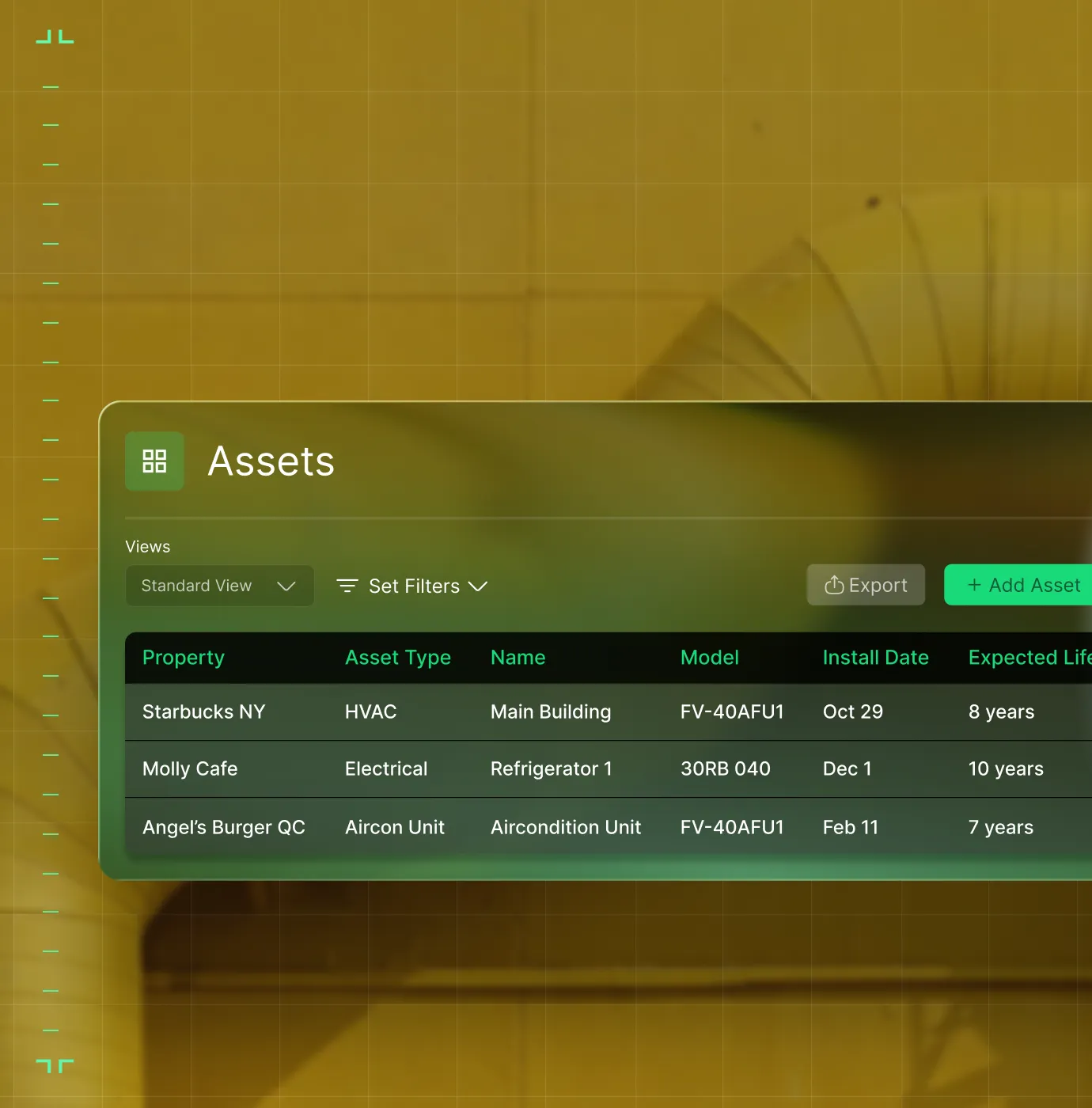
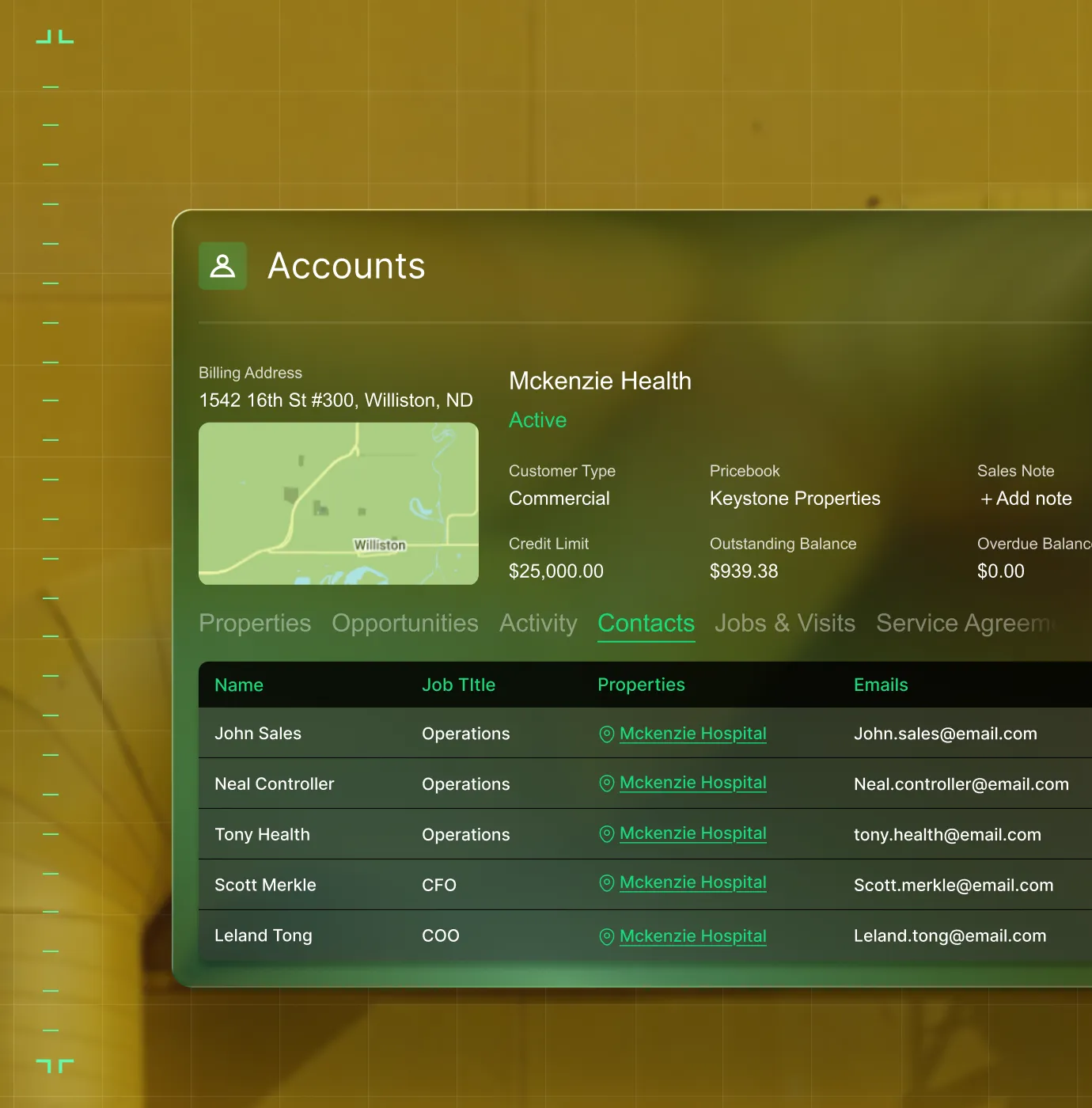
Contact Management
Track decision-makers, billing contacts, and site contacts for every account. Know who to call and who signs off.
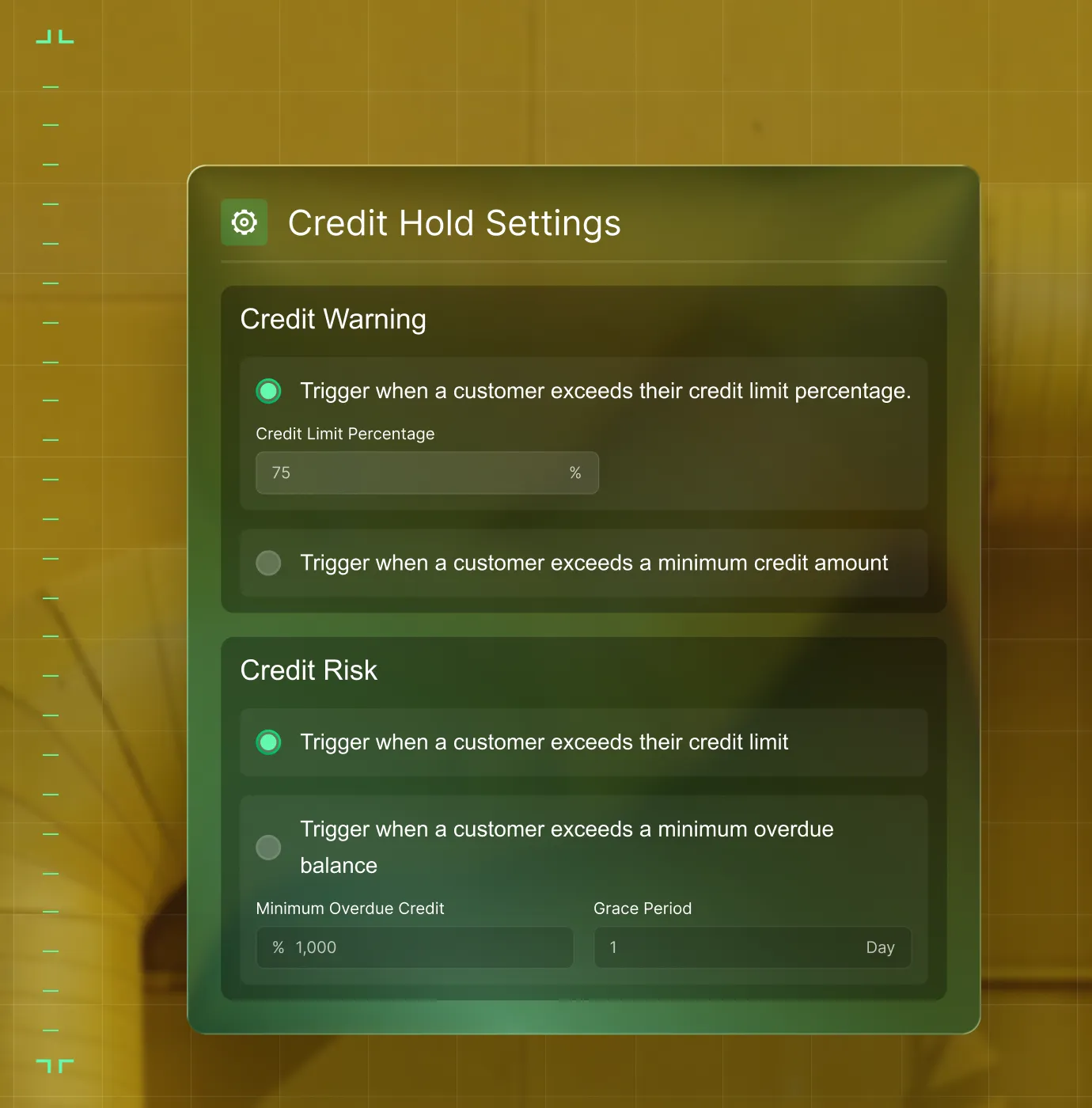
Credit and Risk Flags
Credit warnings, risk flags, and holds are visible in CRM+ so your reps know a customer's standing before they bid.
What each role needs to see
Same data, right view for every role

"With BuildOps, we're building out our pipeline and staying on top of every opportunity."
Win more work without chasing it.

"BuildOps gives our project managers the flexibility to access real-time customer information right from the field, so they can have better conversations on the spot."
Every customer detail, wherever the conversation happens.

"We used to have stacks of paper —invoices, service history, all of it filed by hand. Now it's all right in BuildOps."
The full customer picture, in one place.

Proven Results
Real results from commercial contractors


"We've seen an increase in day-to-day operations efficiencies that's going to add up to significant savings in time and energy over the course of a year."

"If we didn't have BuildOps and the additional cyber security they give our company, we would be dead in the water."
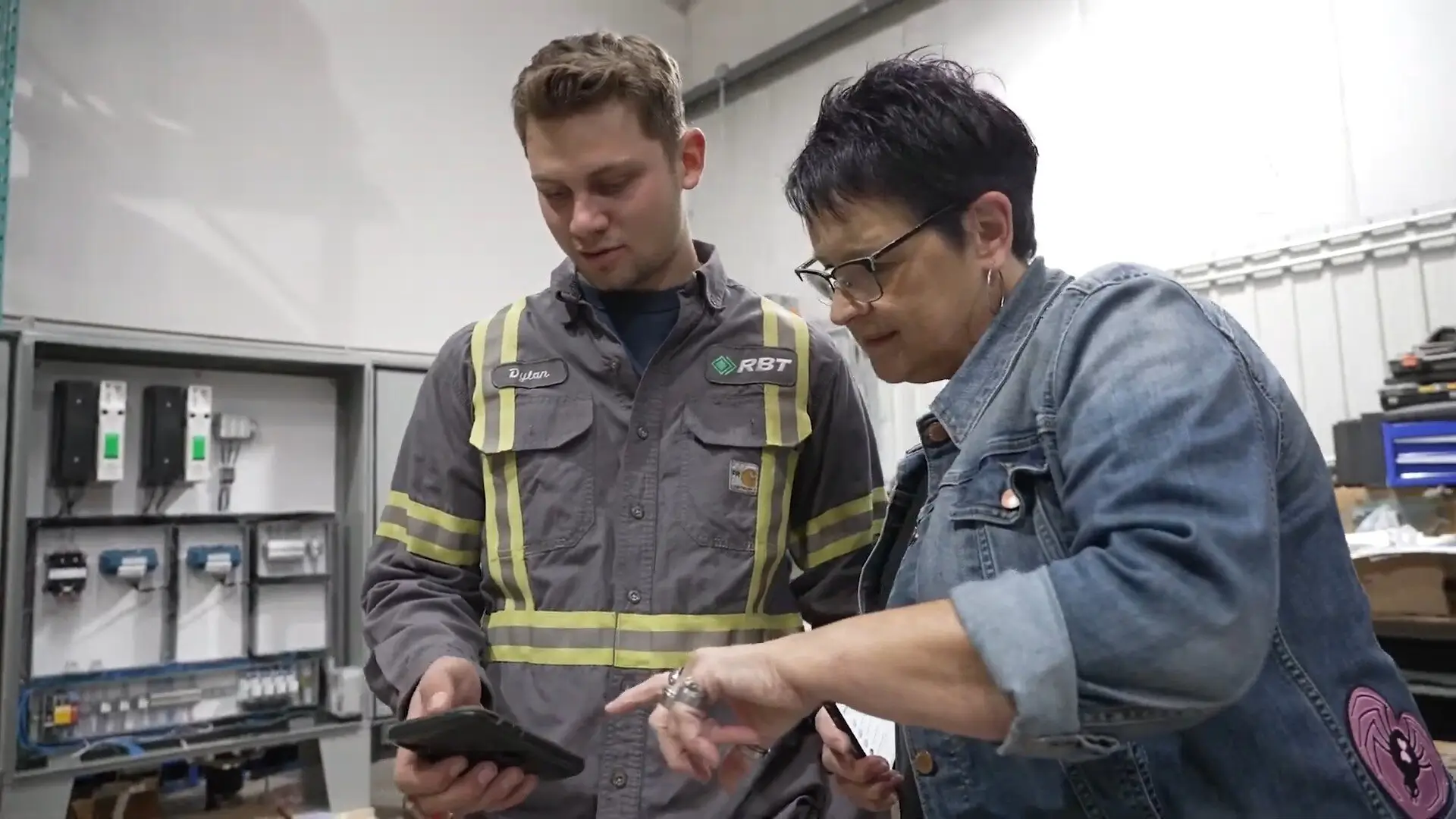

"The ability to produce reports either on an individual job basis, a quarterly basis, or a project basis is something we'd never seen before in other software that we've used."
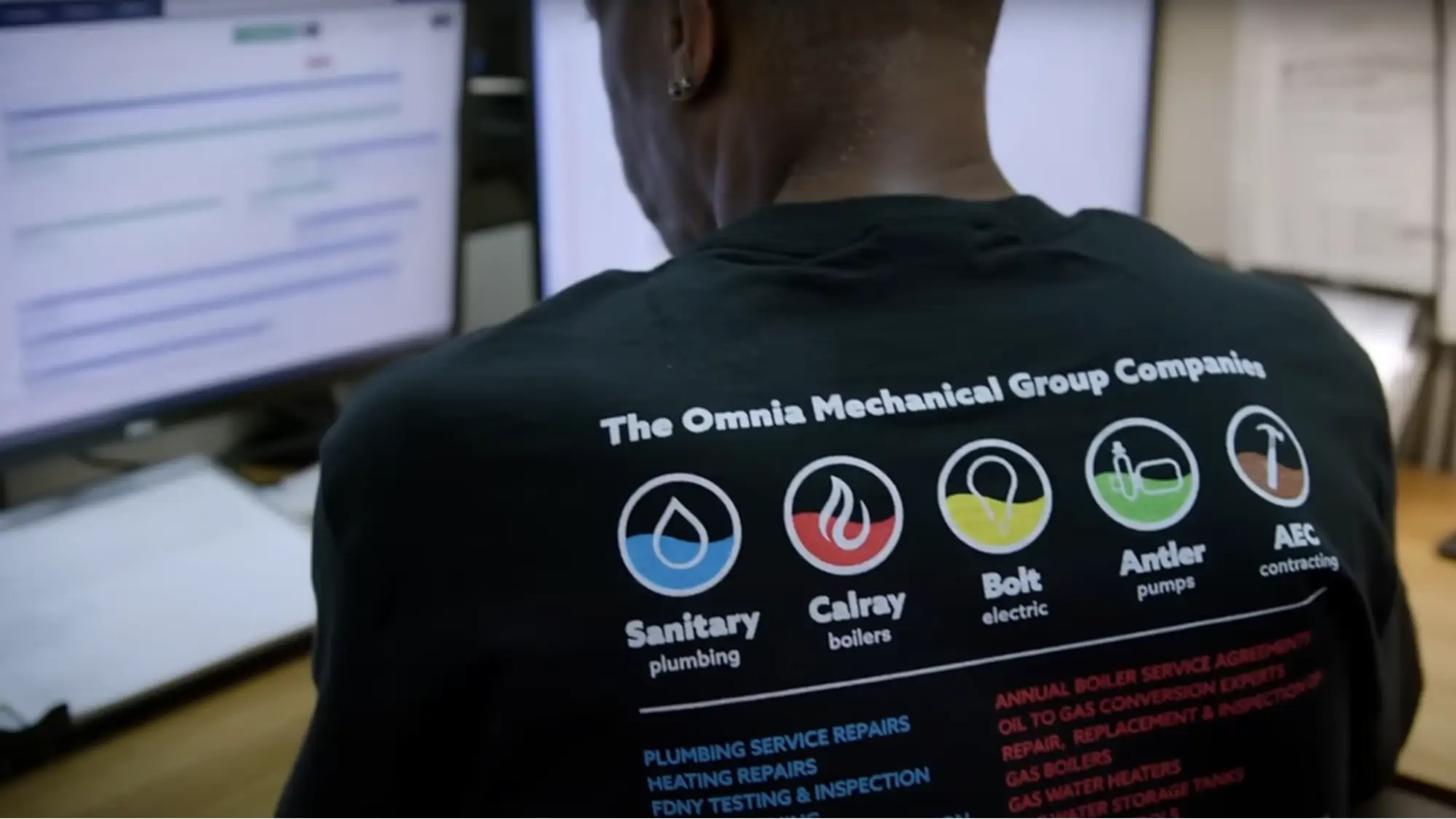

"We've cut down in our receivables from about 120 days to 30 days on average."


"Before we knew it, we were seeing quicker turnaround times on job closeout and a huge improvement in the time it took for quotes to be accepted by our customers."


"With BuildOps, we feel like we can go after anything. The sky is the limit as far as the size of the project."
.webp)

"BuildOps gave us an all‑in‑one system for both service and projects. Once we saw that, it was a no‑brainer."
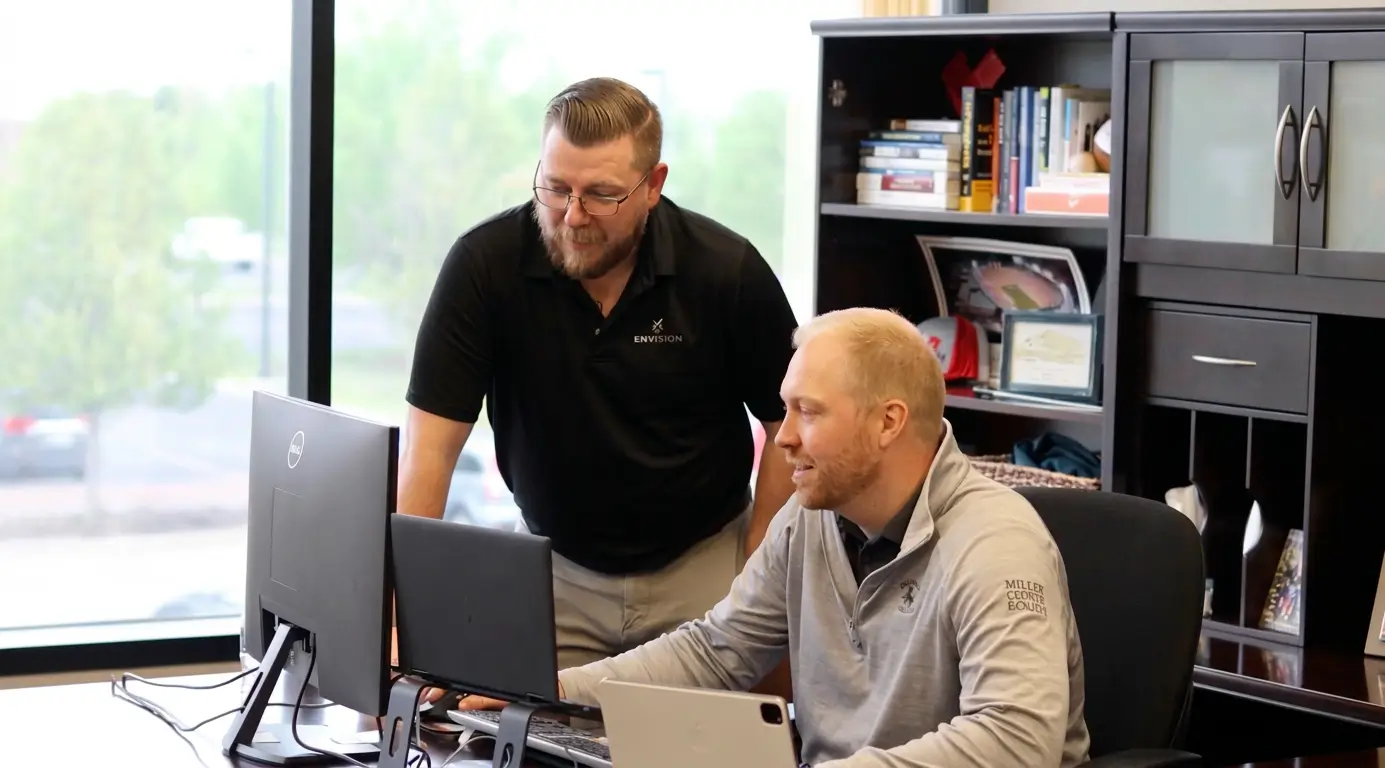

"With the integration of BuildOps and Sage Intacct, our accounting system, we've been able to speed up the time it takes for us to bill customers."


"Our consulting division increased 300% because we were able to free up more time from the office to help other customers."
![Service First Logo]](https://cdn.prod.website-files.com/69cad9cd3a5ef3196ea9bb65/69fa0ca0adc28a56d26717c9_Service%201st%20white.webp)
"Sometimes systems promise you the moon, then you use them and see the weaknesses. It's been the exact opposite with BuildOps. Everything we wanted it to do, it could do."

"We used to be two weeks behind on job costing. Now we're up to date daily."
What makes BuildOps different
Built from the ground up for contractors who run projects, service, and everything in between. Not adapted. Made for the work.
Commercial work isn't an add‑on
Most platforms started in residential and stretched to fit. BuildOps starts with the complexity of commercial work.
Run the work in one connected system
Field, office, finance, and sales — all in one place. No duct-taped tools, no double entry, no dropped balls.
OpsAI is built in, not bolted on
OpsAI is already in your workflows. It recaps the day, calls out risks, and gives every role a clear next step.


The bigger picture
Customer management is just the start
Customer data in CRM+ feeds every part of BuildOps. Sales sees service history. Ops gets deal context. Finance tracks account revenue. One record powers the entire business.
Sales & CRM features






Common Questions
Your questions on field service CRM software, answered
What is field service CRM software for commercial contractors?
Field service CRM software serves two critical functions for commercial teams: (1) storing and organizing critical customer detail information like property manager and contacts names, addresses, phone numbers, and security/jobsite access information, and (2) helps sales teams follow up on opportunities and prepare quotes and estimates for upcoming work, as well as generate new revenue.
How does it do each of those things?
A field service CRM software helps commercial contractors manage customer relationships, track accounts and properties, organize contacts, and connect sales activity to operations. With commercial work, proper management of customer details is extremely important because of the complexity of multi-location projects with different assets and work types spread across these big projects. A CRM will store and organize all of this in a central location accessible to all team members so that you have a clean, single source of truth of customer information, which keeps jobs and work running smoothly without constant calls back to office about what parts you need or how to work on a particular unit at a jobsite.
In terms of sales, pipeline, and quote generation, a CRM will be the first time a customer’s information is entered in a field service software. Sales teams will follow up on potential opportunities, continuing to add critical customer information details and manage those relationships until work is approved. Then field teams can leverage all that CRM data into work automatically without having to make more calls and collect customer information—they can get right to work. Sales teams can also then leverage field service notes to identify upsell opportunities for pull through work, generating even more opportunities for new business.
What field service CRM features matter most for managing commercial customer relationships?
For the complexity of commercial work, these features are by far the most important when it comes to a field service customer relationship management software:
- Contact Management for Commercial Projects—Multi-address, multi-location, multiple contacts per project. Make sure your CRM can handle hierarchical organization of contacts and addresses for large-scale commercial projects.
- Shared Property & Asset Tracking—Tie assets to locations with a full service history of previous work done, and what’s needed for each unit. Accessible to any tech who rolls up to the jobsite, whether they worked there previously or not.
- Credit & Risk Visibility—Can flag opportunities that might pose a risk to you based on previous history of missed payments.
- Sales Pipeline Data Connected to Ops—And to other aspects of your operation like quoting, service, and financials—without any manual data double entry.
- AI-powered Recommendations—Surface opportunities for new work from field tech notes that sales can act on immediately after work on a job is completed and before customers look elsewhere to solve upcoming issues.
What is the best field service CRM software for contractors?
We think it depends most on the type of work you do.
For commercial specialty contractors in HVAC, electrical, plumbing, fire & life safety, and refrigeration, BuildOps is built specifically for you. It's the only field service customer relationship management software that includes CRM tools designed from day one for how commercial trades actually operate, connecting CRM, service, projects, financials, and AI in a single system.
For residential contractors focused primarily on home service and repair, tools like Jobber or Housecall Pro may be a better fit for simpler customer scheduling and pipeline needs. Those platforms are designed around the residential workflow with shorter jobs, homeowner-facing features, and lighter customer information hierarchies.
The key difference: residential tools weren't built to handle the complexity of commercial construction like multi-phase schedules, GC coordination, formal document control, progress billing, and change order management. If your quotes involve that kind of work, you need field service CRM software that actually speaks the language of commercial projects.
Do you have any proof of BuildOps customers improving customer relationship management?
Of course we do! Our customers have seen huge successes across their entire operation by using BuildOps like a 250% increase in profit margins or a 50% increase in overall efficiency.
Specific to customer relationship management and job costing, our customer Layer One fixed their job costing process, saving 1 week of manual work every month.
How do sales teams automate operations using BuildOps OpsAI? Is OpsAI ready now?
BuildOps already has AI solutions available today across the full workflow, supporting teams from the field to the office with solutions like Smart Dispatch, Smart Recap, Purchasing Document Scanner, Revenue Finder and more.
Our customers have seen results like 80% less data entry using our PO scanning tools, have saved hours every month using our Smart Dispatch and invoice automation, and love the ability to turn tech voice notes into structured field notes in seconds—all powered by OpsAI.
OpsAI learns from your project data to flag issues, identify recommended work, suggest next actions, and cut busywork, getting sharper with every visit. It turns your legacy system of record (showing you the history of what was done) into a modern system of action, guiding every team member from field to office on what steps to take next.
Here are the key ways OpsAI would specifically help a sales team automate their operations:
- Read completed visit notes to look for replacement, repair, and upselling opportunities
- Help your team act on preparing Quotes for recommended work before your customer looks elsewhere
- Surface a ranked list of opportunities your sales team can act on the same day
- Identify work that belongs on a service agreement from technician visit data
Learn more about how sales teams automate using OpsAI here.
How does BuildOps CRM+ keep prospect and customer data separate?
New accounts created in CRM+ automatically default to "Prospect" status. Once a deal is won, the account converts to "Active." This keeps sales data clean and prevents prospect info from cluttering your ops environment.
Can my sales team see full service history for existing customers in BuildOps CRM+?
Yes. CRM+ and BuildOps share the same database. Your reps can see every past job, service agreement, property note, and asset record for existing accounts, so they sell with full context, not a blank screen.
How does BuildOps CRM+ handle multi-property accounts?
Each account in CRM+ links to multiple properties. Each property links to its assets, service history, and contacts. Your team can drill from account to property to asset in seconds without digging through spreadsheets.