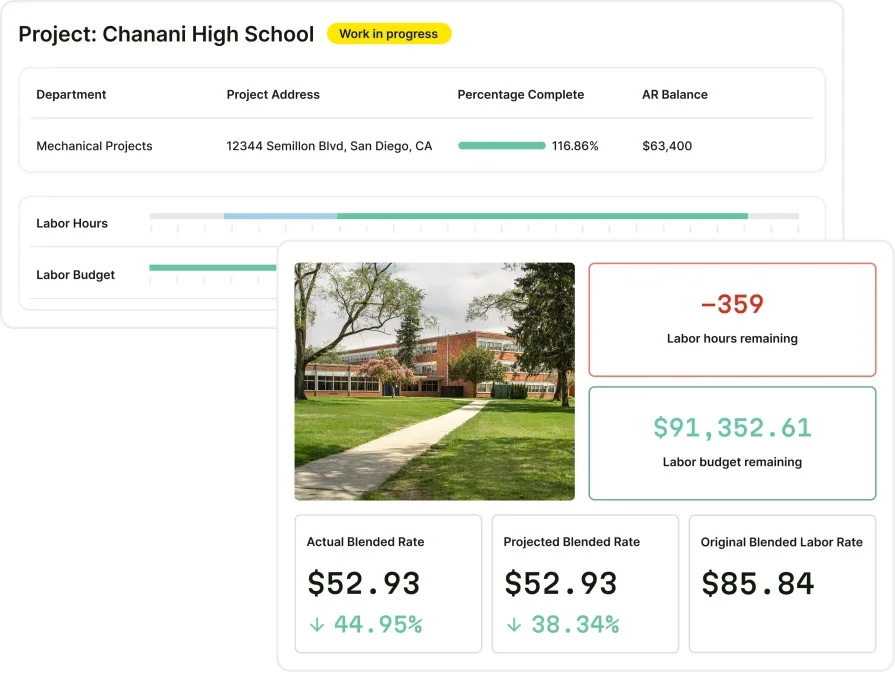
Field-Ready Construction Knowledge Management Systems

A construction knowledge management system centralizes equipment specs, repair histories, SOPs, and compliance documentation so techs get real answers on-site instead of burning time on phone calls mid-job.
When your crews are spread across job sites handling complex commercial systems, the gap between a clean close-out and a costly callback often comes down to what your team knows—and how fast they can access it.
Just like dispatching and scheduling are central to construction field service management, organizing and distributing institutional knowledge deserves a dedicated system—one that keeps pace with field operations and closes the information gaps that lead to rework, delays, and lost revenue.
This guide breaks down what separates an effective knowledge management system in construction from a glorified file server, which features actually matter in the field, and which platforms deliver for different contractor types.
Here's what we'll cover:
- Choosing a construction knowledge management system for field service
- 6 key features to look for in construction management systems
- Best for commercial contractors
- Best for residential contractors
- Best for general contractors
- Other notable knowledge management systems for construction
- 7 benefits of using a knowledge management system in construction
- 4 important FAQs about a construction knowledge management system
Selecting a construction knowledge management system that fits your operation means evaluating how well it handles real field conditions—not just storage capacity or interface design. Below, we will walk through key considerations that help you match a platform to your team's workflows, trade requirements, and operational scale.
Choosing a construction knowledge management system for field service
Critical knowledge leaves with your crew every night unless a system captures it at the point of work. Before committing to any construction knowledge management system, here's what you need to evaluate:
- Scalability & operational fit – Can the system support a five-truck operation and a fifty-truck operation without reworking the setup? Does it handle different service types—emergency, contract, project-based—without forcing your team into workarounds?
- Field access & speed – Can techs pull up equipment manuals, past job notes, or site-specific procedures directly from the job site? Does it function on mobile without reliable Wi-Fi, or does it stall the moment your crew hits a dead zone?
- Knowledge capture & structure – Does it let techs log field-learned fixes, updated procedures, or flagged issues in real time? Can the system organize that input so it's searchable and usable by the next tech on the same asset?
- Integration with existing tools – Will it connect with your CRM, dispatch, and work order platforms without creating data silos? Can it pull asset history or customer records into the knowledge base automatically?
- Reporting & operational visibility – Does it track which documents get used, which go stale, and where knowledge gaps show up across your team? Can managers identify training needs or recurring issues based on how techs interact with stored content?
- Features tied to field service operations – Does the platform connect knowledge assets to dispatch, work orders, and asset management within a single system? Can techs access stored procedures and documentation directly from an active job without switching between apps? Does it feed into reporting, job costing, or compliance workflows that your FSM or ERP already handles?
Once you can see exactly where missing information is slowing down your operation, whether it's callbacks from undocumented fixes, repeated diagnostic steps, or tribal knowledge stuck in one tech's head, the next step is choosing a construction-ready knowledge management system that actually closes those gaps. Below, we break down the features that separate a real field tool from a digital filing cabinet.
{{related-content-block="/resources/knowledge-management-construction-industry"}}
6 key features to look for in construction management systems
A construction knowledge platform should fit the way your team already runs jobs—dispatch, field notes, customer history, reporting—not bolt on as another system everyone ignores after week two. The six essentials below are what separate software that actually supports busy, active job sites from yet another digital junk drawer your team won’t use.
1. Scheduling and dispatch integration

Knowledge tied to a job assignment either arrives with the tech or it doesn't arrive at all. A construction knowledge management system that connects stored documentation directly to field service scheduling and construction dispatch software ensures every dispatched job carries the asset history, site protocols, and prior service notes the crew needs before they step on-site.
2. Mobile knowledge access for field technicians

Specs, SOPs, and equipment manuals do nothing sitting on an office server. Techs need a system that surfaces stored knowledge at the point of work through a capable technician mobile app—offline included—so they can pull procedures, wiring diagrams, or past job notes without leaving the site or calling in.
3. CRM integration and site history tracking
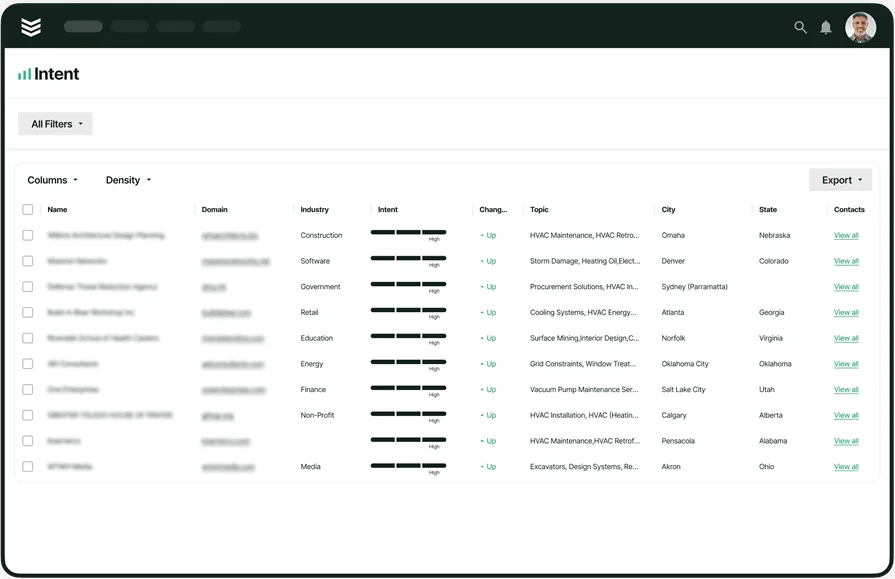
Every commercial site carries years of context—past repairs, tenant requirements, access restrictions, preferred vendors. A knowledge management system in construction that feeds into field service CRM keeps all of that context inside the customer profile, accessible from the work order or the quoting screen.
4. AI-powered knowledge retrieval
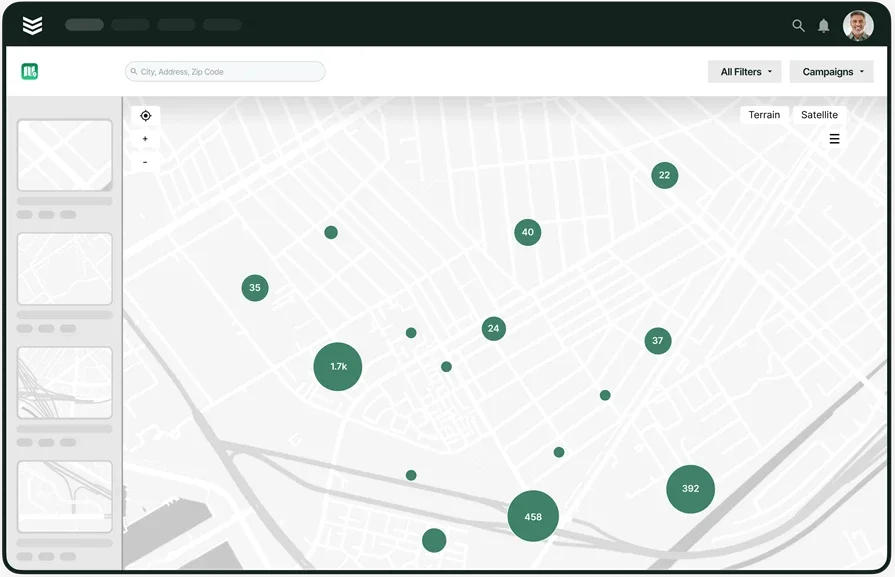
Storing knowledge is step one. Surfacing the exact document a tech needs at the exact moment they need it is the hard part. Systems leveraging construction AI can index your entire knowledge base and deliver relevant procedures, past job resolutions, or compliance docs based on the asset, location, or fault code tied to the active work order.
5. Invoicing, payment, and job cost documentation
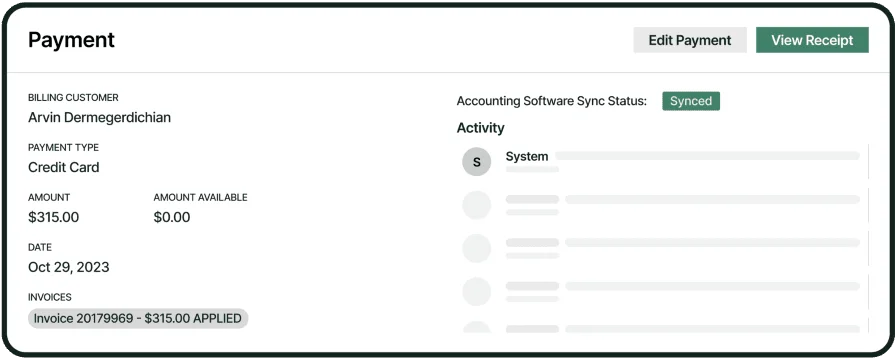
Knowledge captured during a job—labor hours, materials used, scope changes—has to flow into billing without re-entry. A system that connects field documentation to invoicing tools and payment collection in the field ensures the office bills exactly what was performed, with backup attached.
6. Reporting and operational insights

A construction knowledge management system should tell you what your team knows and where the gaps live. Platforms with built-in reporting tools for service businesses and time tracking integration surface patterns—which procedures get accessed most, where callbacks cluster, which techs log field notes and which skip the step entirely.
Best for commercial contractors: BuildOps
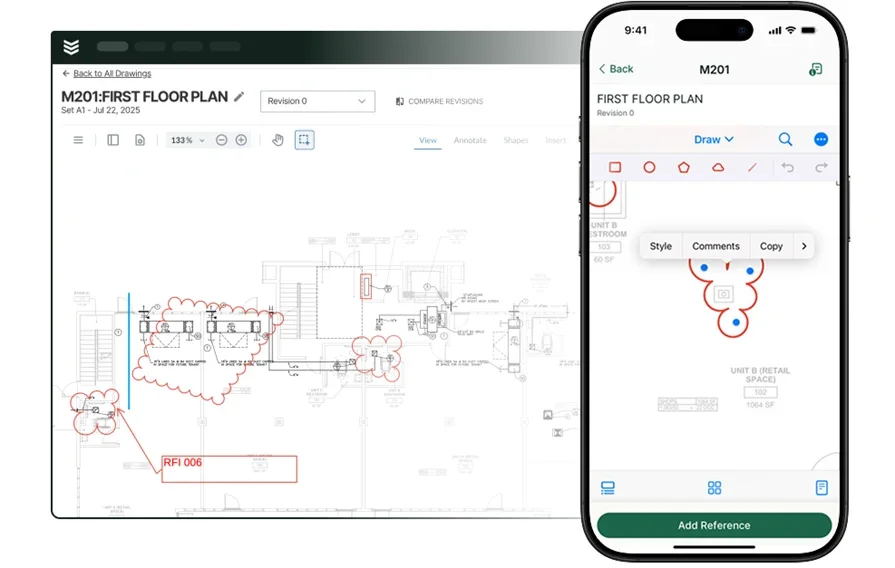
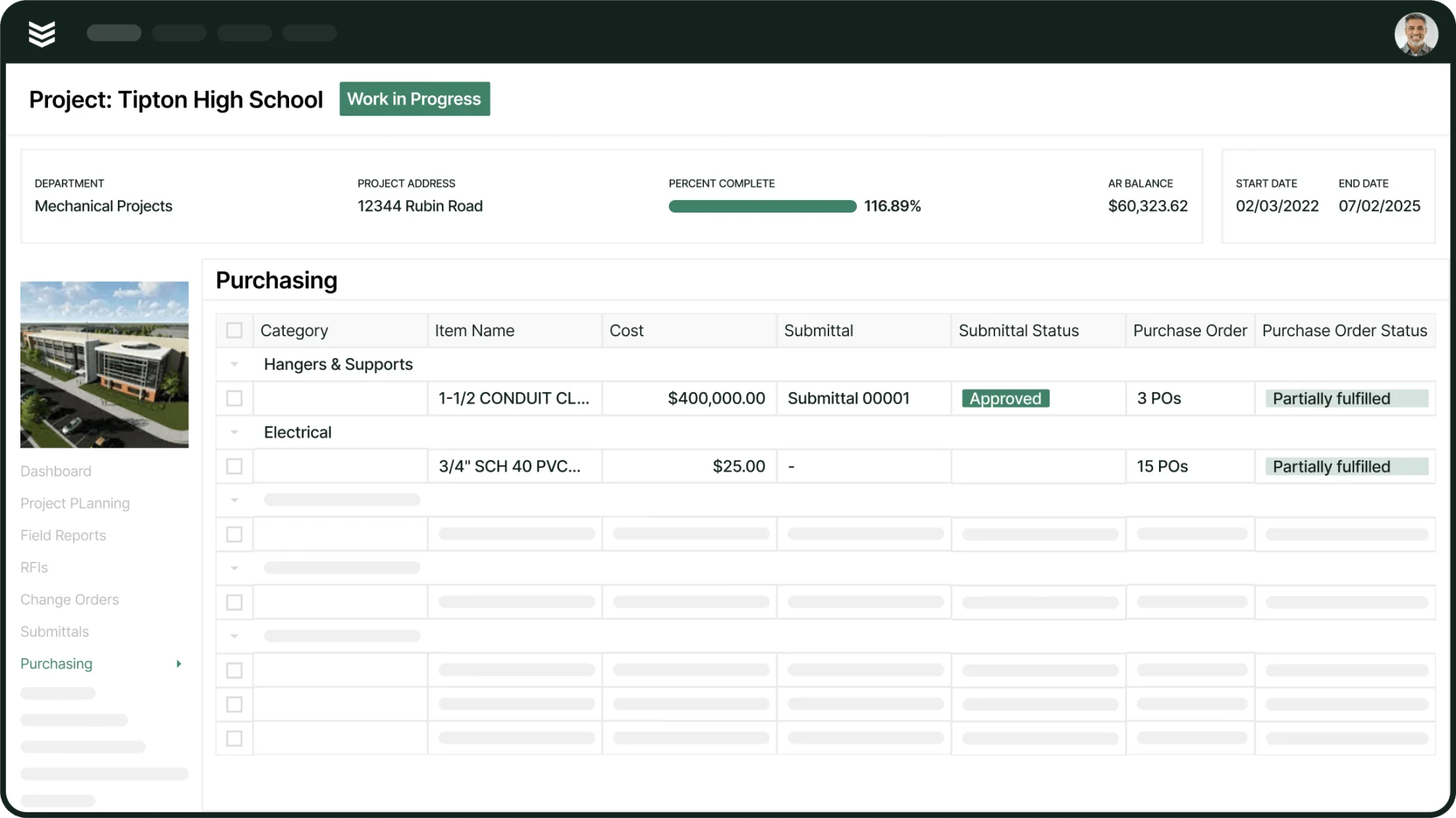
BuildOps is the AI‑native construction knowledge management platform built specifically for commercial contractors. Every procedure, asset history, compliance record, and site‑specific note is captured once, structured, and kept live inside the same system your teams already use for dispatch, scheduling, and field execution.
Knowledge automatically attaches to work orders and assets—so when a tech rolls up to that chiller plant across town, BuildOps surfaces everything they need to diagnose, execute, and document the job in real time, right from the field.
How pricing works: BuildOps offers flexible, custom pricing based on the size and scope of your operation. You can schedule a live walkthrough to see how knowledge management fits into your field workflows alongside dispatch, quoting, and reporting.
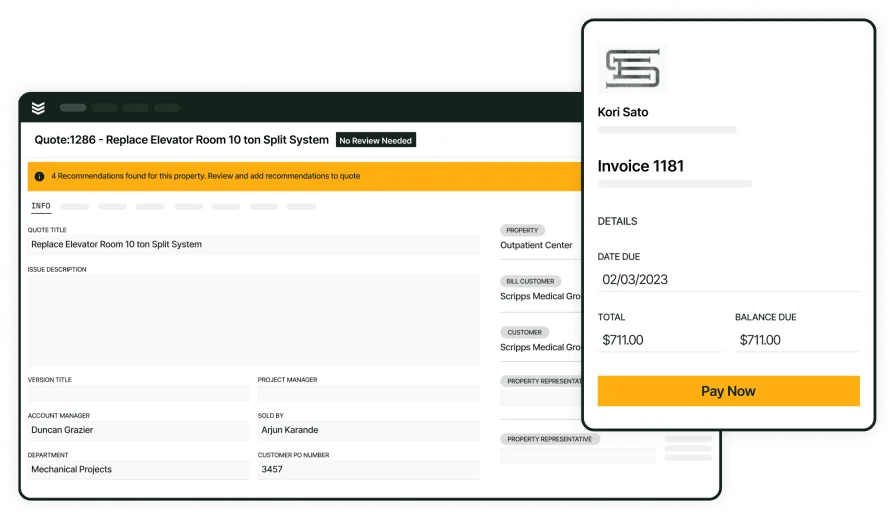
Features beyond knowledge management: BuildOps streamlines the entire commercial service and construction lifecycle—from quoting and dispatching to project management, field execution, and invoicing. Techs capture everything on-site through the mobile app while the office manages scheduling, job costing, documentation, and real-time reporting in one connected platform.
What sets it apart for commercial knowledge management: BuildOps keeps every piece of information tied directly to the work that’s happening in the field. Job history, equipment specs, service notes, and documents all roll up to the right asset, customer, location, and agreement—so nothing disappears into a dead file folder.
Best for residential contractors: Housecall Pro
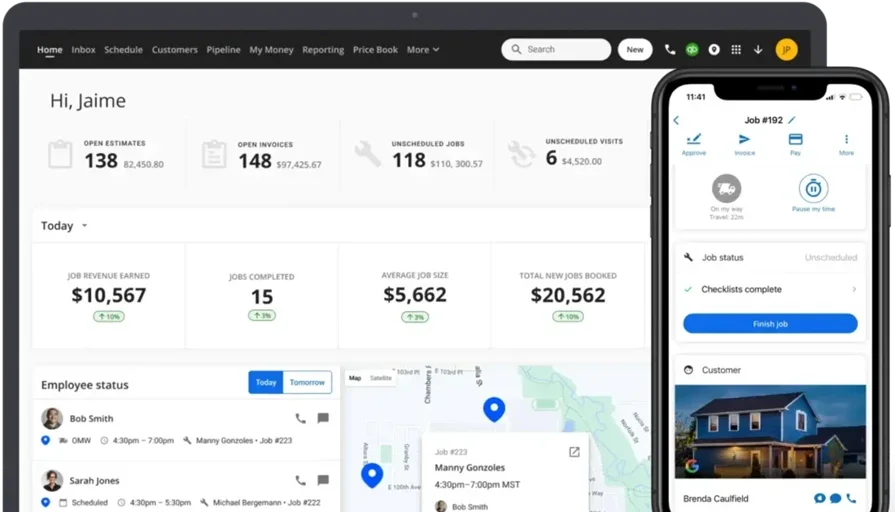
Housecall Pro gives residential contractors a straightforward platform for organizing job notes, customer records, and service documentation in one place. Techs can reference past work and property details from their phone before knocking on the door, and the system logs completed job info without stacking paperwork in the cab. It handles the basics well—scheduling, invoicing, and customer communication all tie back to stored job history.
However, Housecall Pro may not hold up for contractors managing complex equipment libraries, multi-trade documentation, or knowledge bases that need to scale across larger crews with specialized service divisions.
How pricing works: Housecall Pro offers tiered subscription pricing based on feature access and user count. Plans range from basic single-user setups to multi-user packages, with pricing available directly on their website.
Features beyond knowledge management: The platform includes online booking, automated customer notifications, review management, and basic reporting. These tools help residential crews stay organized across high-volume service calls where speed and repeat business drive the operation.
What sets it apart for residential knowledge management: Housecall Pro keeps things simple and fast to adopt. For residential contractors who need their crew referencing past job details and customer preferences instead of showing up cold to every call, it delivers a clean system that works without a steep learning curve.
Best for general contractors: Jobber
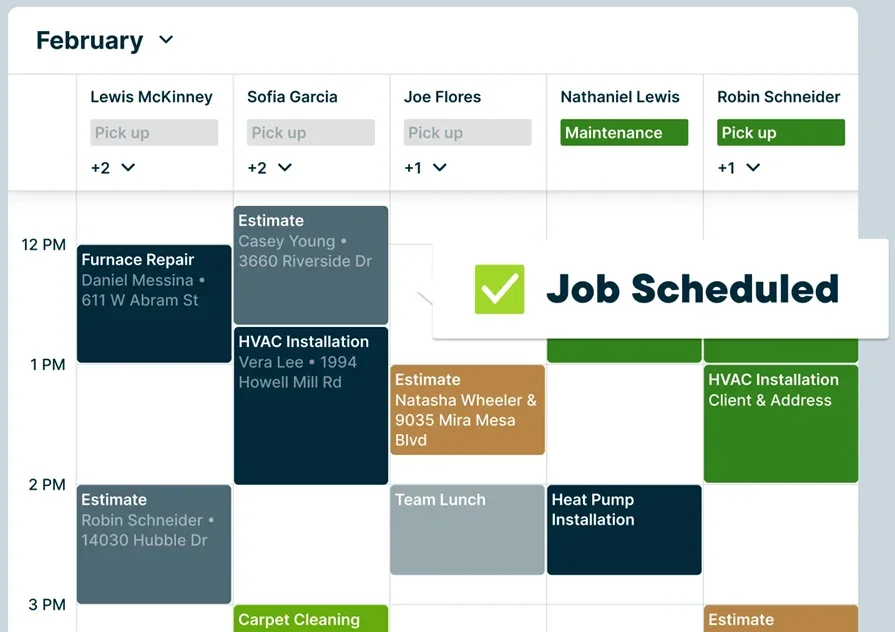
Jobber helps general contractors centralize job documentation, client records, and crew notes across a mix of service and project-based work. The platform ties stored knowledge to quoting, scheduling, and invoicing—so past job details carry forward instead of living in a foreman's notebook that never makes it back to the office. It handles multi-step jobs well, letting teams attach notes, photos, and site specs to each visit in the sequence.
That said, Jobber may not be the strongest pick for contractors running heavy commercial operations where knowledge needs to flow between field crews, project managers, and back-office systems in real time—its depth caps out when workflows get layered.
How pricing works: Jobber offers tiered monthly pricing with plans that scale by feature set and user count. You can review current pricing on their website or contact their team for a walkthrough.
Features beyond knowledge management: Jobber includes client management, route optimization, automated follow-ups, and batch invoicing. These features serve contractors juggling a high volume of mixed jobs—where keeping documentation consistent across crews matters as much as getting the work scheduled.
What sets it apart for general contractor knowledge management: Jobber organizes job knowledge by client and property rather than by isolated work order. For general contractors handling repeat clients across multiple service types, that structure means the next tech on the job picks up exactly where the last one left off—without digging through disconnected records.
Other notable knowledge management systems for construction
Beyond full-scale field platforms, other construction knowledge management tools can work in the right scenarios. They don’t always offer mobile-first field access or deep operational integrations, but depending on your team size, trades, and how information moves between office and field, they can still deliver value.
FSM Global
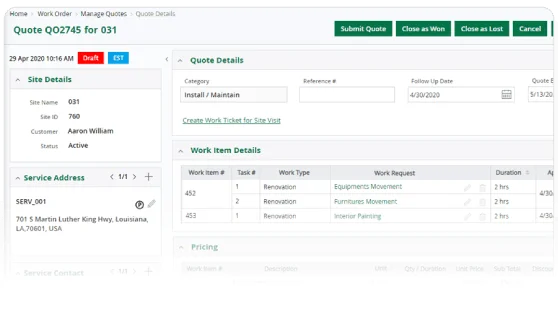
FSM Global supports construction, field service, and maintenance operations with a focus on scalable documentation workflows. It allows for detailed knowledge configuration, tiered access levels, and regional customization—useful for operations that manage knowledge across multiple locations or departments. Template-based documentation and version control keep teams consistent no matter which office or crew handles the work.
That said, FSM Global may not be ideal for field-heavy service teams looking for lightweight, mobile-first knowledge tools—its system is broad in scope and better suited to centralized operations managing documentation from the office side.
How pricing works: FSM Global offers pricing packages based on implementation scale and feature requirements. Most plans require onboarding support and customization to match your documentation workflows.
Features beyond knowledge management: The platform includes inventory tracking, contract management, and full service lifecycle modules. These are helpful for teams managing knowledge alongside parts procurement, asset histories, or service agreement documentation.
What sets it apart for construction knowledge management: FSM Global stands out for its highly configurable documentation logic and ability to handle knowledge variations by geography, department, or contract type.
FIELDBOSS
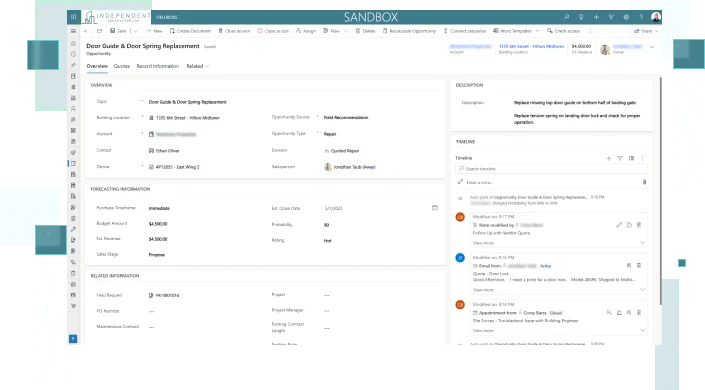
FIELDBOSS runs on Microsoft Dynamics and caters to specialty trades like elevator, HVAC, and building systems service providers. Its knowledge tools are deeply integrated into project planning, job costing, and service contracts—letting teams store and retrieve documentation based on service history, part inventory, and pre-built templates tied to recurring work. For contractors already running their back office on Dynamics, it plugs in without reworking existing systems.
The tradeoff: FIELDBOSS relies heavily on the Microsoft ecosystem, which creates a barrier for contractors who aren't on that stack or who need simpler, field-ready knowledge access.
How pricing works: FIELDBOSS follows a license-based pricing model through Microsoft Dynamics, with additional costs depending on modules selected and level of customization.
Features beyond knowledge management: The platform offers strong support for recurring maintenance programs, contract billing, inspection checklists, and compliance logging—especially helpful in regulated industries where documentation requirements run deep.
What sets it apart for construction knowledge management: For specialty contractors already on Microsoft systems, FIELDBOSS offers knowledge management tied directly to operations, labor tracking, and compliance workflows—without bolting on a separate documentation layer.
Clik Software
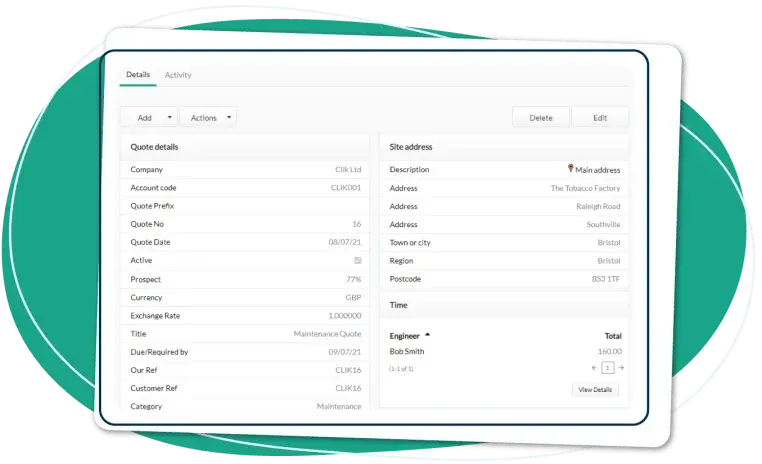
Clik Software delivers a no-frills platform that works well for small service businesses moving from paper files and tribal knowledge into something digital. The system supports document storage, job record organization, and basic scheduling integration—all within an interface that doesn't take weeks to learn. It also includes client portals and offline capability, which help contractors working in remote locations access stored knowledge without reliable connectivity.
However, Clik may not be the best option for growing teams that need real-time sync between office documentation and field crews, or those looking for advanced automation around how knowledge routes through the operation.
How pricing works: Clik offers upfront license pricing per product with optional add-ons. You'll need to reach out directly for pricing based on your specific tool selections and team size.
Features beyond knowledge management: Alongside document organization, Clik includes job sheets, scheduling tools, and a CRM component that helps contractors manage basic client history and repeat service records.
What sets it apart for construction knowledge management: Clik's strength is simplicity. For teams that need a fast knowledge management upgrade without overhauling their entire workflow, it delivers a clean starting point with a low barrier to entry.
These tools help your team capture and share field knowledge—especially on high-volume or multi-site work. They’re not full field service platforms, but they’re worth a look for growing teams that want better documentation and clearer visibility across operations.
7 benefits of using a knowledge management system in construction
A construction-focused knowledge system streamlines operations, cuts callbacks, speeds onboarding, and keeps crews informed on every job. Below are seven practical advantages contractors unlock when they move to a dedicated system, along with how each one connects to the tools your operation already runs.
1. Faster onboarding and skill transfer
Documented procedures, past job resolutions, and equipment-specific SOPs turn a six-month shadow period into weeks. A construction knowledge management system makes institutional knowledge searchable and accessible—so new hires perform at a higher level sooner. Paired with a solid construction software stack, that knowledge compounds across the entire crew instead of disappearing every time someone leaves.
2. Fewer callbacks and rework
Callbacks burn margin and credibility. When techs access prior service notes and manufacturer specs before touching the equipment, first-visit resolution rates climb. Connected field service reporting ties callback data to specific knowledge gaps—so you fix the process, not just the equipment.
3. Stronger compliance and documentation trails
Regulated sites—hospitals, data centers, government facilities—demand documentation that holds up under audit. A construction knowledge management system keeps inspection records, safety procedures, and compliance checklists tied to the asset and the job. Teams using construction field report software capture that data in real time and build audit trails before the inspector walks through the door.
4. Better visibility across field and office
Stored knowledge, job statuses, and documentation updates in one system mean everyone sees the same picture—techs, foremen, project managers, office staff. No version conflicts, no hunting through email chains for a spec sheet from six months ago. Field service dashboards sharpen that visibility by surfacing knowledge usage and documentation gaps in real time.
5. Tighter procurement and material accuracy
Documented repair histories and equipment specs feed directly into what gets ordered and when. The knowledge system gives procurement verified data from past jobs instead of part numbers pulled from memory. Contractors already modernizing procurement in construction see fewer material delays and less waste—because field-captured knowledge drives what shows up on the truck.
6. Consistent service delivery across crews
Your best tech sets the standard. A knowledge management system in construction makes that standard repeatable—every crew, every site, every shift. Stored procedures, site protocols, and resolution histories keep service quality steady regardless of which crew gets dispatched to a high-priority account.
7. Smarter decisions backed by field data
Job notes, time-on-task, equipment failures, procedural workarounds—all of it becomes decision-making fuel when it's structured and accessible. Service managers spot patterns across assets, sites, and crews. Over time, those insights tighten pricing, reduce exposure, and make every bid sharper.
Deep Dive
AI is changing how contractors manage knowledge across active job sites—from surfacing exact repair histories mid-diagnosis to flagging documentation gaps before they turn into compliance issues.
The top AI use cases in field service break down how leading contractors put captured field knowledge to work across dispatch, diagnostics, and job planning.
4 important FAQs about a construction knowledge management system
Construction knowledge management sits at the core of field operations—from techs pulling up repair details on-site to the office staying on top of documentation across dozens of jobs. Whether you’re using a dedicated system or replacing scattered files and tribal knowledge, these four questions get to what seasoned contractors actually care about.
1. What is a construction knowledge management system?
A construction knowledge management platform centralizes equipment specs, repair histories, SOPs, and compliance documentation in one searchable hub that field crews and office staff can access in real time—tying critical knowledge directly to assets, jobs, and active service workflows.
For experienced contractors, the real value is connecting knowledge directly to operations. Stored procedures attach to dispatched jobs. Resolution histories follow the asset, not the tech. And compliance documentation builds automatically as work gets completed—so nothing is stuck in a binder that only comes out at audit time. The result: faster resolution in the field, fewer callbacks, and audit-ready documentation without extra admin work.
2. How does a construction knowledge management system work?
The system acts as a centralized knowledge layer across your field service operation. Techs contribute field notes, photos, and resolution data from the job site through mobile tools. Office staff organize, tag, and route that knowledge so it's searchable by asset, location, trade, or job type.
When a new work order gets dispatched, the system pulls relevant documentation—past service records, site procedures, equipment manuals—and attaches it to the job automatically. Knowledge captured during execution feeds back into the system, keeping records current without requiring a separate documentation step after the fact.
3. Is a construction knowledge management system worth the investment?
Yes. The payoff shows up in fewer callbacks, faster onboarding, tighter compliance, and crews that aren’t burning hours chasing information they should already have. It creates a single, consistent way for knowledge to move between the field and the office—so there are fewer mistakes, less rework, and a consistent service experience no matter which tech shows up. Over time, that turns into stronger close rates, healthier margins, and service agreements that actually renew.
{{related-content-block="/resources/bl-glass-buildops"}}
4. What are the best practices for implementing a construction knowledge management system?
Rolling out a knowledge management system in construction takes a game plan that covers both the field and the office. Get adoption wrong, and the system turns into another tool nobody opens. These ten practices keep implementation grounded in real operations:
- Audit existing knowledge sources before migrating anything into the system.
- Structure stored content by asset, location, and trade—not by date or filename.
- Integrate with dispatch and scheduling so documentation auto-attaches to every job.
- Mandate mobile capture from day one on every job.
- Build templates for recurring job types and common service calls.
- Assign knowledge ownership by trade to lead techs or foremen.
- Set 90-day review cycles for stored content—stale knowledge creates false confidence.
- Tie knowledge metrics to performance reviews and track who skips the system.
- Connect documentation to compliance workflows and audit trails automatically.
- Run quarterly gap analysis against callback data, rework patterns, and onboarding speed.
A construction knowledge management system works best when it's wired into the tools your crew already touches—dispatch, scheduling, CRM, invoicing. Get the adoption plan right, and the system pays for itself in reduced rework, faster ramp-up, and field teams that stop calling the office for answers they should already have.
The right construction knowledge management system works the way your team does—on the ground, with tools in hand, and scopes that change by the hour. It gives techs instant access to documented knowledge at the point of work, ties that information to live jobs, and removes the guesswork between field and office. For commercial service contractors, knowledge has to be fast, accurate, and fully built into the workflow.
That’s where BuildOps stands out. Instead of treating documentation as an afterthought, BuildOps connects knowledge capture to scheduling, dispatch, CRM, and invoicing in a single platform built for large-scale field operations. Every job, asset, and tech is linked to the information they need.
If your institutional knowledge still lives in binders, group texts, or one senior tech’s head, it’s time to see a connected system in action—schedule a free demo and see how it fits your operation.