Tax season has a way of exposing every crack in a contractor’s process, revealing:
- The missing receipts;
- The mystery labor hours; and
- The jobs that inexplicably bled money.
Clean numbers should be treated like an everyday discipline, not a tax-season task. With the right systems, clean numbers happen automatically because they’re built into the way the work gets done.
Here’s how the top field service contractors keep their numbers clean year-round, no matter how hectic things get.

1. Stop Data Drift at the Source
Every accountant has horror stories about contractors who show up at tax time armed with a shoebox full of guesses. That shoebox has many modern forms:
- Mis-coded labor;
- Hours logged under the wrong cost code; or
- Techs trying to remember details after a 12-hour day.
Tax season hurts less when the data feeding it is trustworthy from day one. OpsAI eliminates the chaos before it reaches accounting. Cost Code Filtering ensures techs can only enter labor against budgeted codes.
Because the data starts clean, OpsAI can immediately spot anomalies like unexpected labor spikes, margin dips, or productivity issues long before they distort the books.
2. Replace Noisy Daily Reports With Clear, Scannable Job Stories
A big reason numbers get messy is because no one remembers exactly what happened two weeks ago. Come tax season or year-end reviews, people spend hours:
- Digging through daily logs;
- Scrolling through photos; and
- Trying to piece a job together like a crime scene reconstruction.
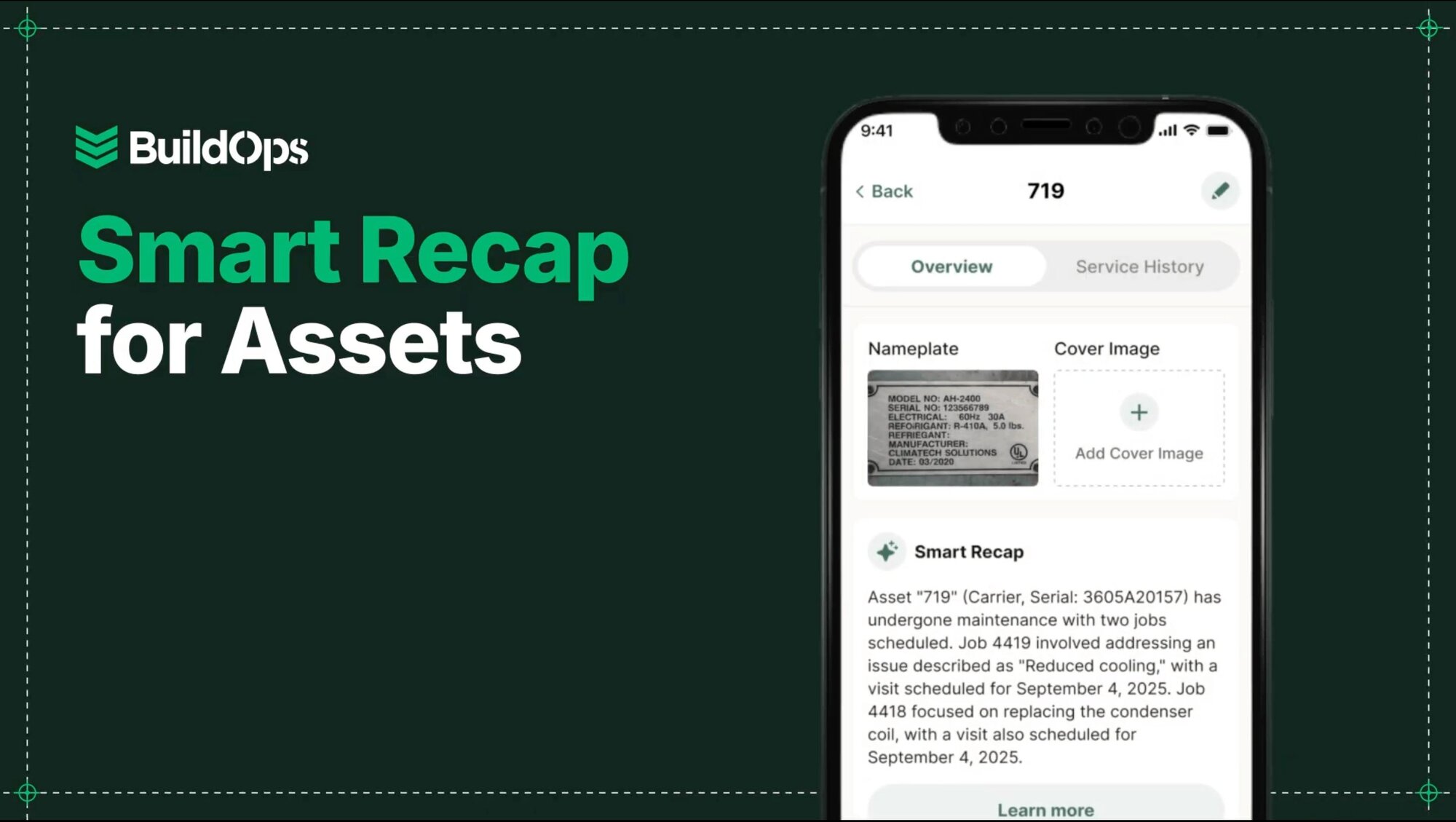
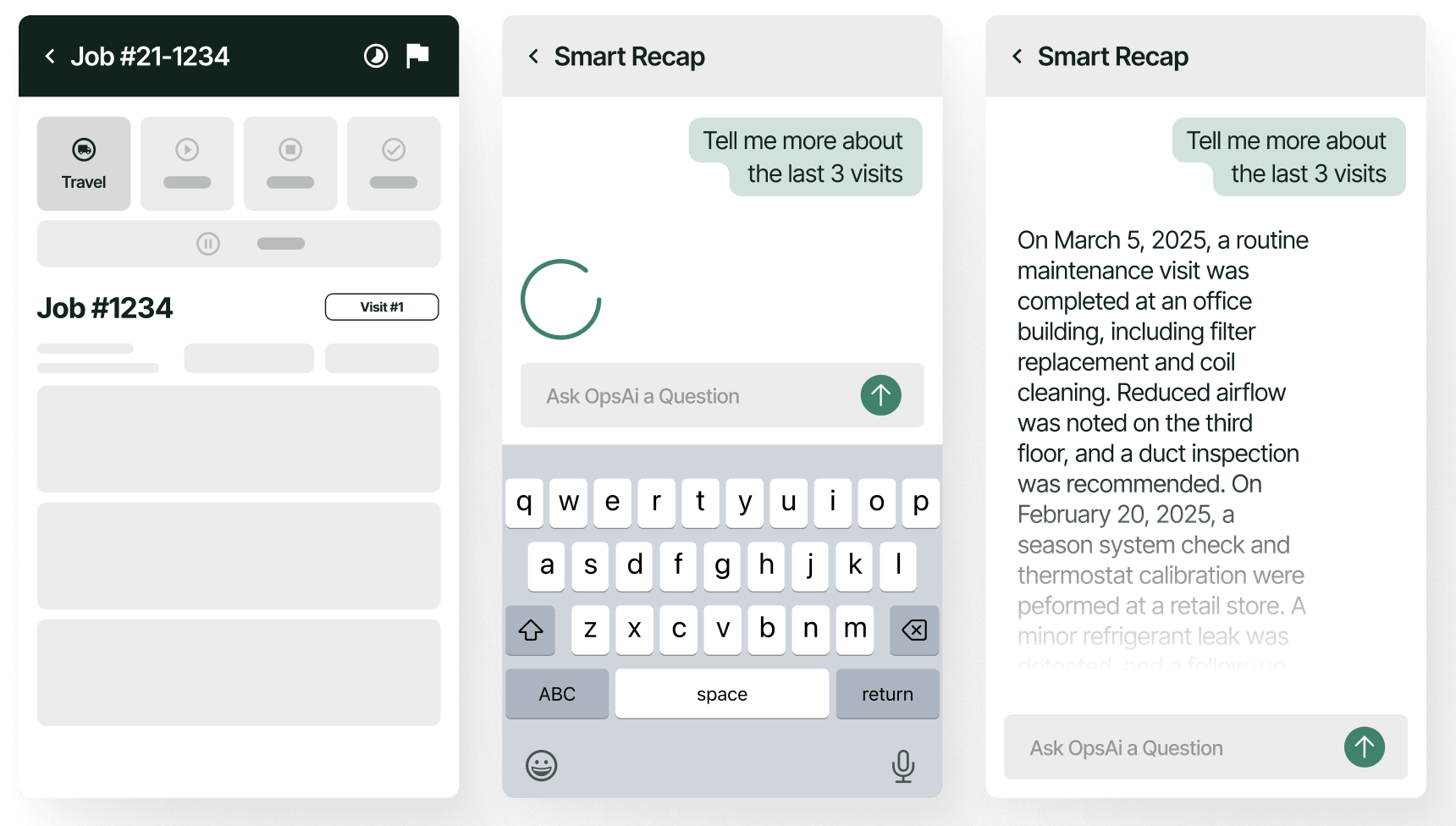
Smart Recap solves that problem. OpsAI distills the last set of Daily Reports and the asset history into a short, clean narrative detailing what happened, what changed, and what matters. PMs walk into meetings already knowing the job and its history.
With customizable finance tables in Daily Reports, cost data arrives structured and ready for accounting.
Clear stories lead to clean numbers, and clean numbers make tax season feel less like an audit and more like a formality.

3. Protect Margins Automatically
Nothing ruins a tax cycle or a fiscal year report like finding out the margins weren’t what you expected. Maybe a change order went unpriced, hours were tagged to the wrong phase, or a cost slid through without approval.
OpsAI protects margins as the work happens.
- Daily Reports feed clean, valid cost codes.
- Finance tables capture structured job data.
- WIP dashboards pull everything together without manual cleanup.
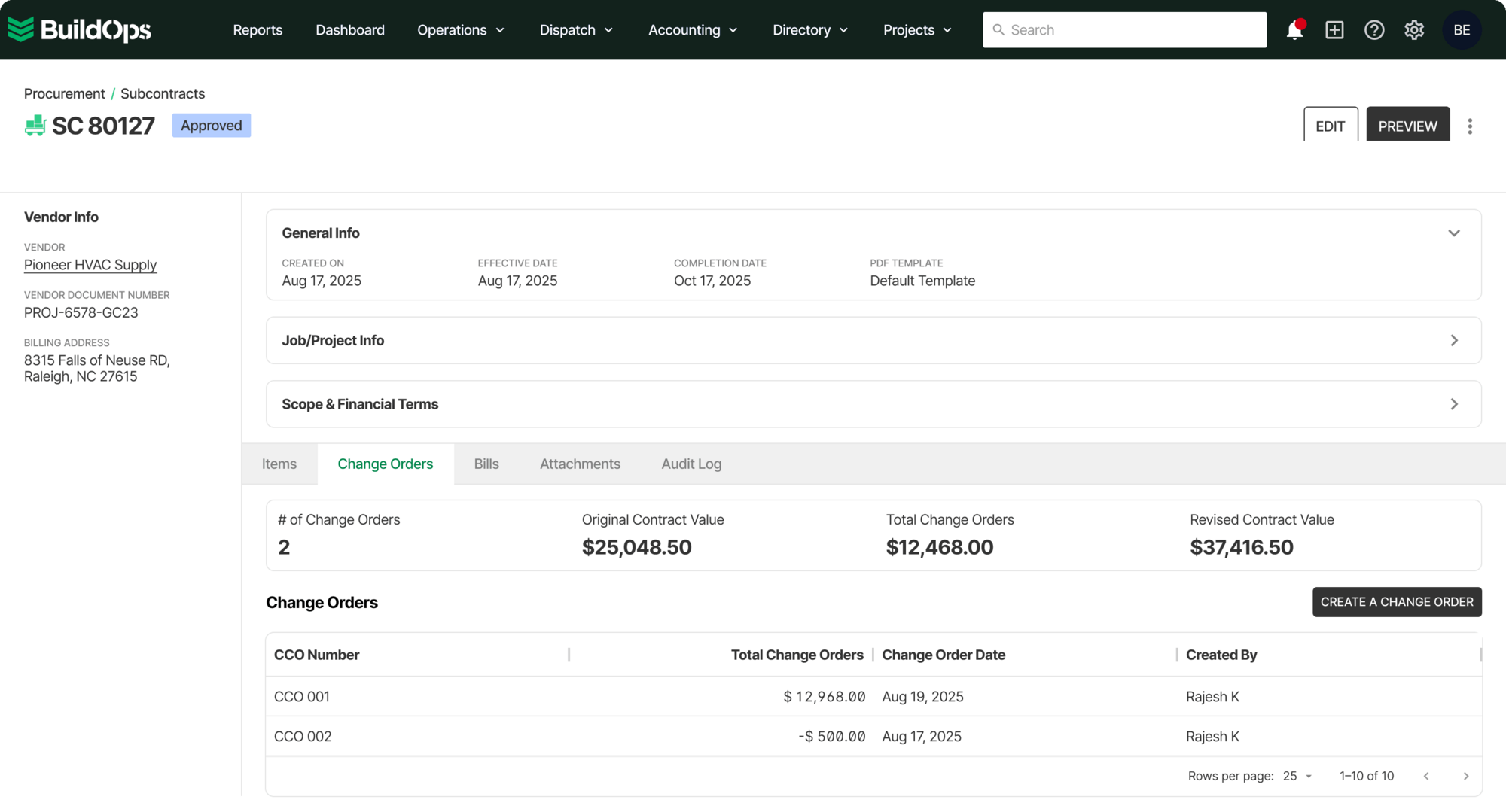
Because OpsAI sees the whole project, from RFIs and submittals to change orders with structured tags and one-click filing, it knows exactly when a change order is stalled, unapproved, or unbilled.
That insight into data keeps forecasts clean, margins accurate, and tax prep manageable.
4. Capture Clean Data in the Field
Clean numbers rely on clean data from the field. Jobsites have minimal connectivity, labels are worn down, and techs are in motion, not sitting at a desk double-checking entries.
OpsAI is built for the real world of field service contracting.
- Nameplate Scanner Offline Support captures structured asset data without needing a signal, feeding accurate equipment records straight into reporting and OpsAI.
- Mobile sync plus overnight/shift/break logic ensures time entries reflect real working hours, not ballpark guesses made at the end of a long shift.
- Customizable Job Report PDFs let teams create polished, client-ready summaries or internal deep dives without rewriting anything. The data stays structured, which means OpsAI can keep learning from it.
Clean Numbers Are a Competitive Advantage
Tax season has a way of humbling even the best operations. The contractors who come out ahead aren’t scrambling to fix their numbers in February or March. Their numbers have been clean since last tax season.
OpsAI builds that discipline into field service contractors’ daily workflows, with clean entries, structured reports, protected margins, and accurate history records. No matter whether it’s tax season or the busy season, contractors’ books stay tight.