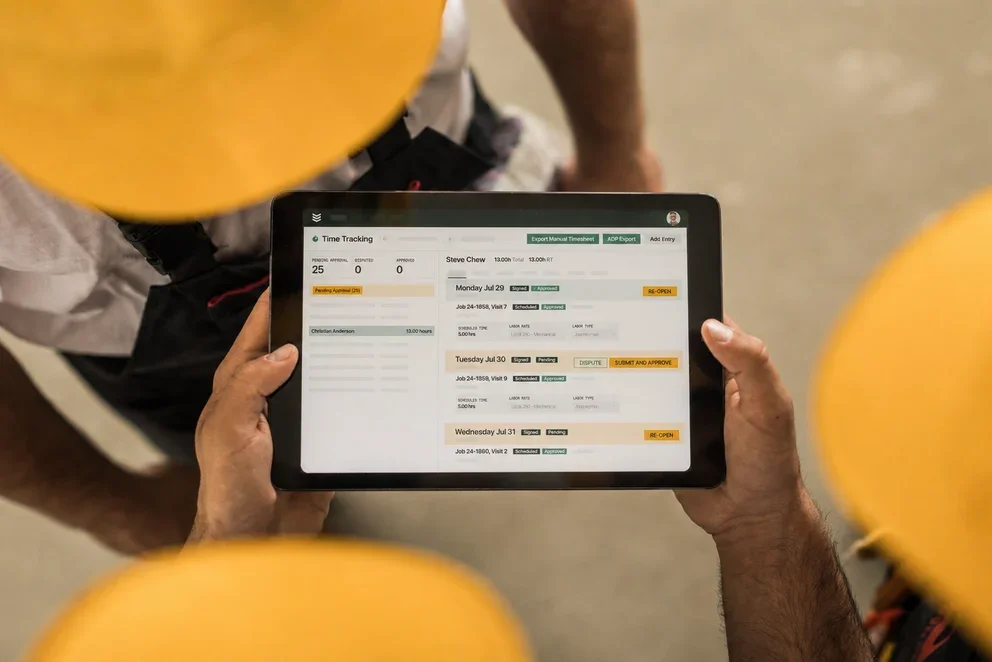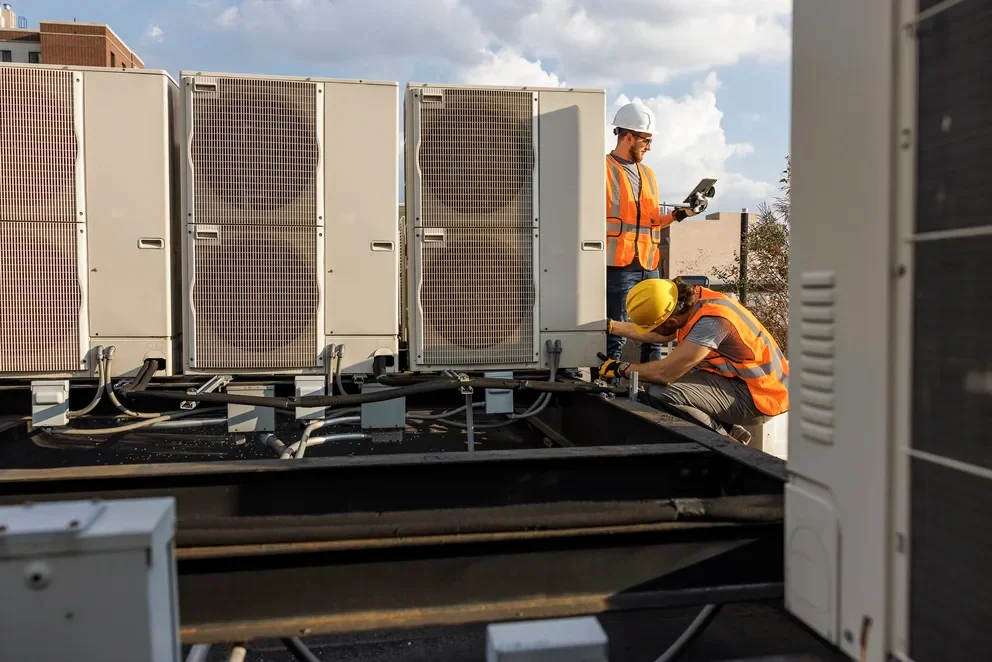


Field techs follow the same routine—get assigned, travel, do the work, document it, move on—and every step adds friction, from manual dispatching and bad routes to end-of-day paperwork. Across the field service management industry, AI tools are starting to change how each of those workflow steps actually plays out, cutting time, reducing guesswork, and giving techs a better shot at staying productive from the first call to the last.
Here’s what we’ll cover:
- AI tools that optimize route scheduling, dispatch, and job assignments
- AI route optimization that gets techs to jobs faster
- Collect reliable field notes for your records using AI
- AI-powered asset capture and tracking for field service techs
- Manage invoicing and payments for field service jobs with AI
- AI field tech reporting and analytics
This article breaks down a technician's workday step by step, covering how AI fits into each phase of the workflow and where it creates the biggest operational gains for contractors running field teams today.
AI tools that optimize route scheduling, dispatch, and job assignments

Before a tech starts the truck, someone in the office must match the right tech to the right job. AI now does this faster and smarter than traditional dispatching. Scheduling software that uses AI can weigh technician skill sets, certifications, current workload, and proximity to open jobs, then slot assignments automatically. Instead of a dispatcher spending 20 minutes puzzling over the board, the system surfaces the best-fit tech in seconds.
On the dispatch side, AI-powered smart dispatch software keeps assignments fluid throughout the day. When a cancellation opens a gap or an emergency call comes in, the system can reassign techs on the fly without blowing up the rest of the schedule. For contractors running recurring maintenance through service agreements, AI also handles the repetitive work of auto-scheduling those visits based on contract terms, equipment cycles, and tech availability. Nothing falls through the cracks, and dispatchers aren't manually re-entering the same jobs every month.
AI route optimization that gets techs to jobs faster

Once a tech has their assignments locked in, the next bottleneck is windshield time. Every extra minute spent sitting in traffic or backtracking across town is a minute not spent on billable work. AI-driven fleet tracking tackles this by analyzing real-time traffic data, job locations, and time windows to build routes that minimize drive time between calls. For a tech running four or five stops in a day, that can mean the difference between finishing on schedule and pushing the last job into overtime.
Route optimization also feeds back into dispatch decisions. When the system knows where every truck is and how long each route segment takes, dispatchers can make smarter mid-day adjustments, rerouting a nearby tech to an urgent call instead of pulling someone from across the service area. For a deeper look at how fleet dispatch software connects vehicle tracking with job coordination, that resource breaks down the full feature set contractors should be evaluating.
Collect reliable field notes for your records using AI

AI turns rushed, end-of-day technician notes into accurate, structured records by cleaning up input in real time, auto-correcting shorthand, and making details reliable for invoicing and future service calls. For contractors managing assets and service history across dozens of properties, tying that documentation into a broader field service asset management system means nothing gets lost between the field and the office.
AI-powered asset capture and tracking for field service techs

Logging equipment details on-site, serial numbers, nameplate specs, condition photos, used to mean clipboards, chicken-scratch handwriting, and someone in the office re-entering it all later. AI-powered equipment capture tools eliminate that loop entirely. Techs snap a nameplate photo, OCR fills in asset details, and the record instantly syncs to the office, driving scheduling, service agreements, and reporting without manual data entry.
Manage invoicing and payments for field service jobs with AI

AI turns tech notes into invoices customers actually understand. Invoicing software can auto-generate invoice summaries from job data, pulling in line items, labor rates, and material costs without anyone in the office re-keying details from a field report. Paired with integrated payment processing, techs can collect payment on-site, or the system can send the invoice digitally the moment the job wraps, shortening the service-to-cash cycle.
And because every interaction ties back to the customer record inside your field service CRM, account managers have full visibility into billing history, open balances, and service trends without chasing down paperwork after the fact.
AI field tech reporting and analytics

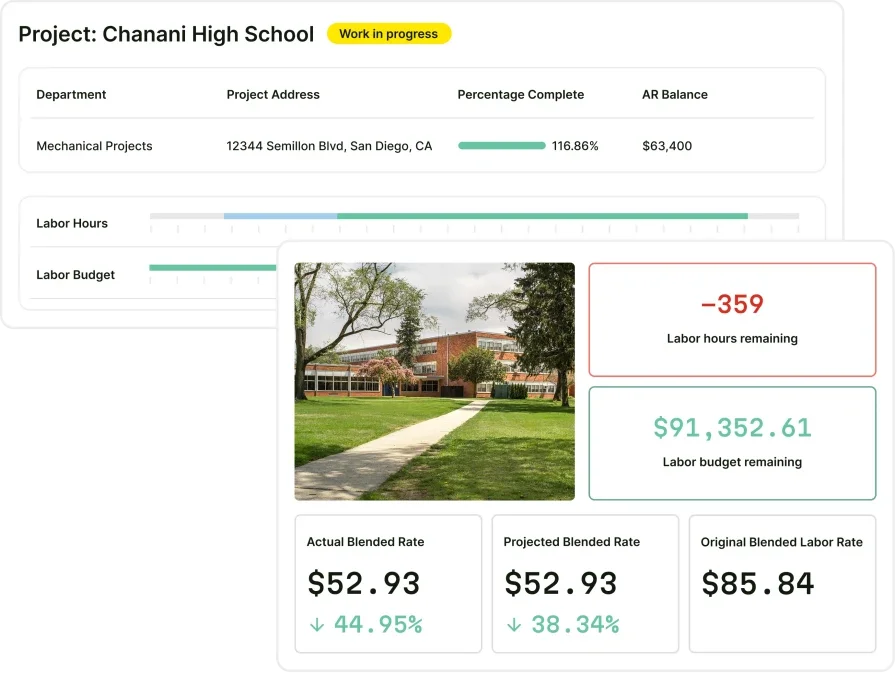
At the end of the day, everything a tech touched, jobs completed, time logged, parts used, notes left behind, feeds into reporting tools that give managers a clear picture of how the team is performing. AI goes further by revealing patterns spreadsheets miss—like top first-time fix techs, callback hotspots, and labor-heavy job types—so you spot issues faster. AI for field service puts those insights in front of operations leaders in real time, so adjustments to scheduling, training, or resource allocation happen while they can still move the needle.
Put AI to work across every phase of the job
AI now sits in the cab next to your tech — from the moment a work order hits the board to the last note of the day. The tools in this guide aren’t someday-maybe ideas; they’re already helping leading contractors build smarter schedules, route trucks, capture equipment data, send invoices, and track performance — unlocking more billable hours, fewer callbacks, and faster cash in the door.
Most platforms only cover pieces of this story. BuildOps ties it all together in a single AI-native system built for commercial contractors — scheduling, dispatch, fleet tracking, asset capture, invoicing, payments, CRM, and reporting. When one step in the workflow moves, everything moves with it. No duct-taped systems, no manual handoffs — just techs spending less time on admin and more time on revenue-generating work.
Unify your FSM with BuildOps
See how we connect scheduling, invoicing, and reporting in one AI-native platform.