Change orders are part of the job. Extra scope, unforeseen conditions, design revisions — none of that is new. What's new is that project managers are still chasing approvals through email threads, tracking COR status in spreadsheets, and finding out about billing gaps at month-end.
That's not a change order problem. That's a workflow problem.
The Real Cost of a Stalled COR
Most PMs know the feeling: a change order request goes out, and then … silence. The GC hasn't responded. The COR sits in limbo; not approved, not rejected, just stuck. Meanwhile, the crew has already done the work, costs are piling up, and your forecast doesn't reflect what's actually happening on the job.
When COR status lives in someone's inbox instead of a connected system, the damage compounds quietly. Billing gets delayed. Forecasts drift from reality. And by the time anyone notices, the margin is already gone.
Research backs this up. Roughly 30% of schedule increases on commercial projects trace back to change order delays, and the financial fallout, from unbilled extras to rejected COs submitted without proper backup, hits contractors where it hurts most: cash flow.
What a Clean Change Order Workflow Actually Looks Like
For a PM, the goal is simple: know where every COR stands, move it forward without chasing people, and make sure the numbers on the screen match what's happening in the field.
In BuildOps, that workflow now looks like this:
Draft → Sent for Approval → Tentatively Approved → Approved → Done.
Each status carries weight. Draft means it's in progress. Sent for Approval means it's out the door — emailed directly from the platform with one click, no downloading PDFs and attaching them to Outlook. Tentatively Approved is where things get interesting: it means the approval is expected but not yet finalized. The COR gets included in your budget and WIP reporting for forecasting purposes, but it can't be billed against. Your financial picture reflects the likely outcome without jumping ahead of the paperwork.
When the GC confirms, it moves to Approved — and automatically rolls into the next pay application.
That's it. No double entry. No spreadsheet reconciliation. No wondering whether the PM remembered to update the tracker.
Brent Larson
CFO at BP Mechanical
One Click to Generate, Email, or File
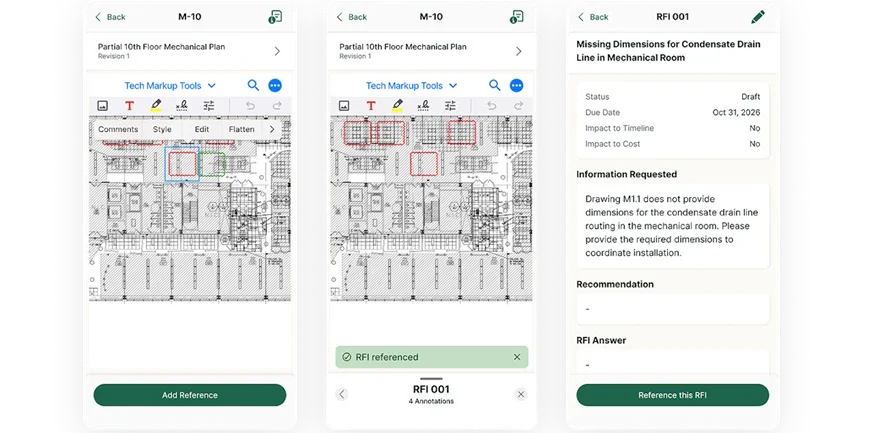
PMs don't have time to build PDFs from scratch, dig up contact info, and manually log communications. In BuildOps, you generate the COR document, email it to the GC, and file it to the project all from the same screen. Communication history updates automatically so there's a record of what was sent, to whom, and when.
It sounds small. But multiply that time savings across dozens of CORs on a multi-phase job and it adds up fast.
OpsAI Watches for What You'd Otherwise Miss
Here's where things shift from "faster" to "smarter."
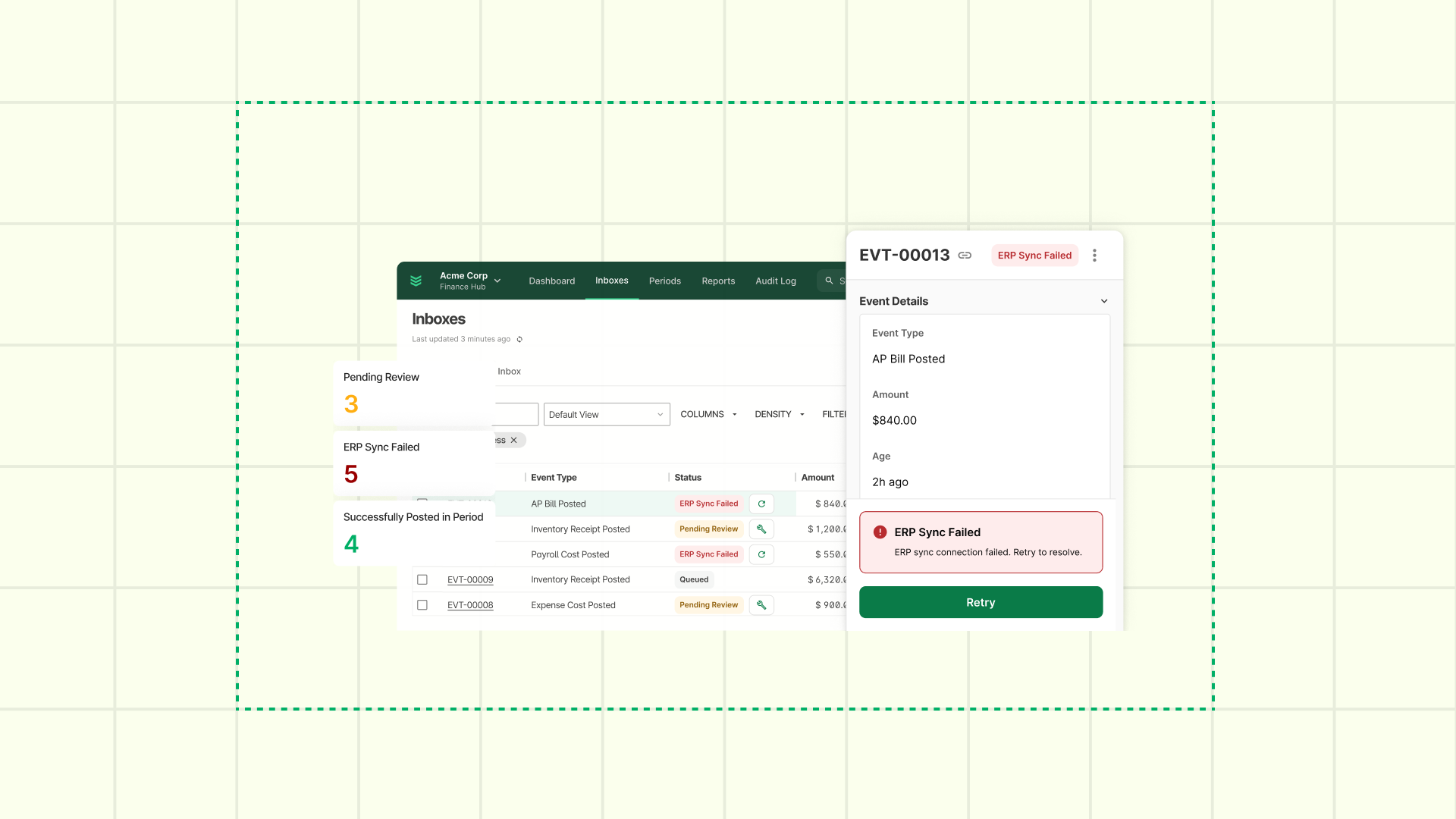
OpsAI monitors your change order pipeline and flags CORs that have stalled — requests sitting too long without a response, approvals aging past their valid window, or status gaps that could cause billing surprises.
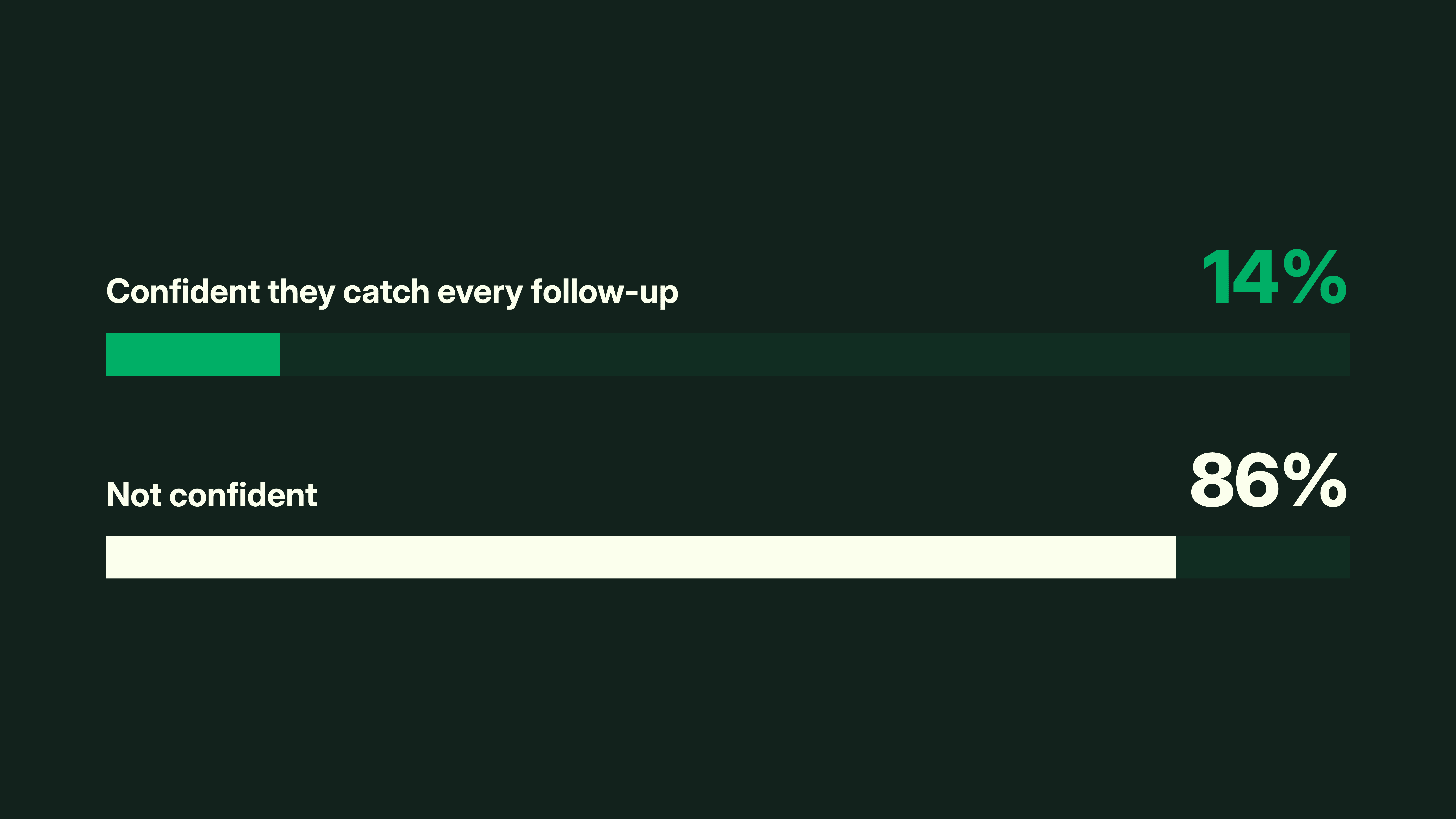
Most PMs catch these issues eventually. The question is whether they catch them before month-end or after. OpsAI shortens that gap by surfacing what needs attention while there's still time to act.
Clean status data is the foundation. When every COR has a clear, current status — not "pending" in five different interpretations — the system can do more than store records. It can tell you where the risk is.
Forecasting That Reflects Reality
The Tentatively Approved status exists to solve that specific problem. It lets you factor in expected change order value before formal sign-off, so your WIP reports and budget views reflect the project as it actually stands — not as it stood three weeks ago.
That distinction matters when you're making staffing calls, negotiating with the GC, or reporting up to leadership. You want your forecast grounded in the best available picture, not waiting on paperwork to catch up to reality.
The Bigger Picture
Change orders will always be part of commercial construction. The question isn't whether they happen, it's whether your team controls the workflow or gets controlled by it.
For project managers running complex jobs across multiple trades, the difference between a clean change order process and a messy one isn't just time saved. It's margin protected, billing disputes avoided, and fewer surprises that nobody saw coming.
That's the standard. Your COR workflow should make it easy to meet it.