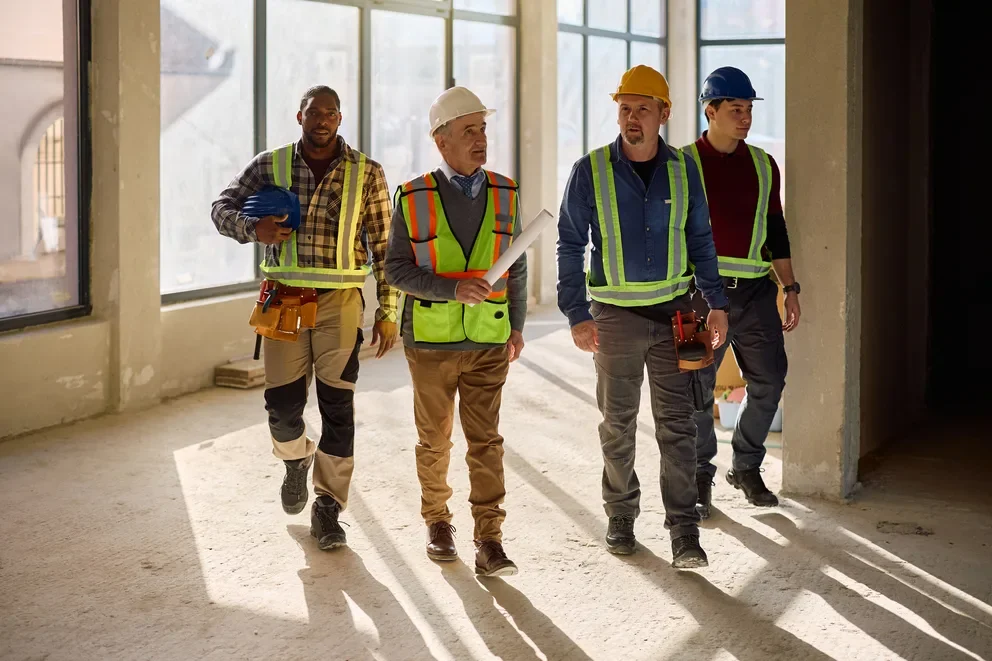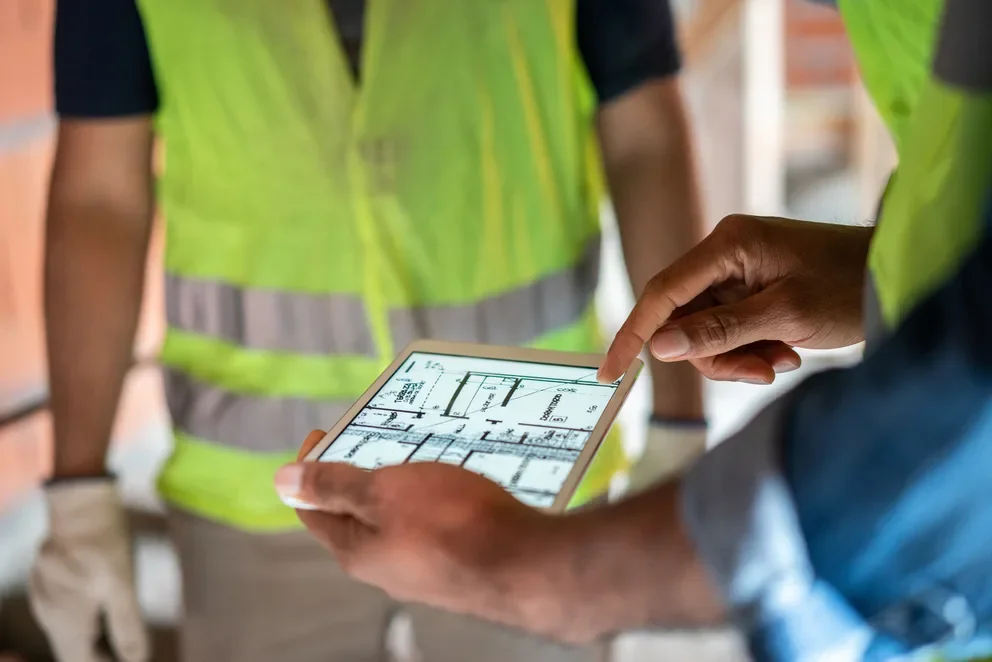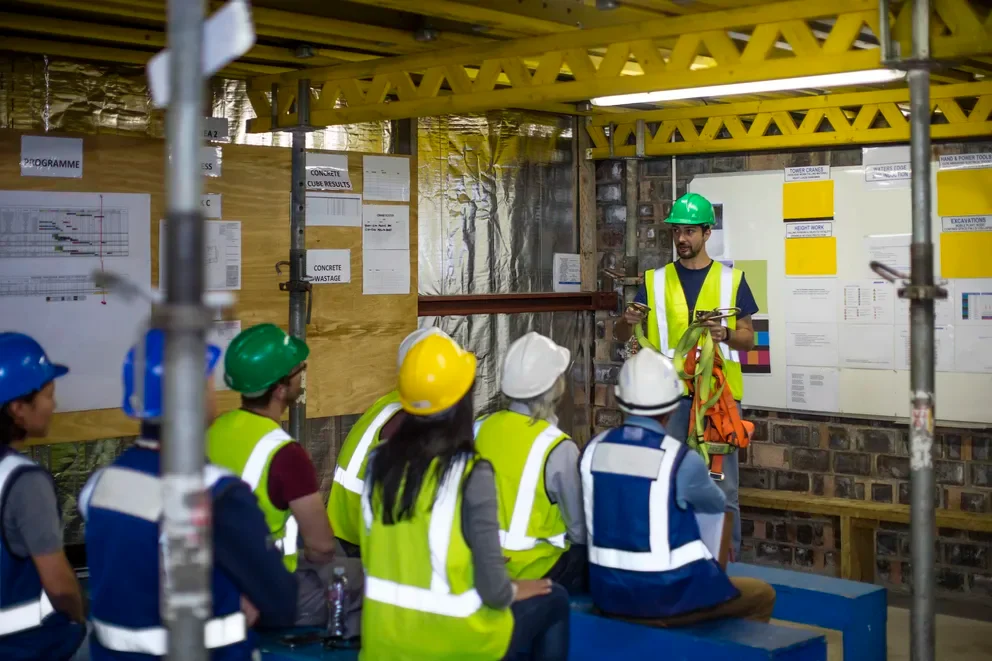
Construction crew scheduling affects every part of how contractors run jobs—from assigning teams and coordinating subs to keeping multi-day projects on track. When schedules slip, crews hit the wrong site, top performers get overloaded, and margins erode fast. For contractors in the field service industry, tight crew scheduling is what separates scalable growth from constant firefighting.
This guide shows you how to streamline construction crew scheduling to keep projects moving and crews productive—without the chaos. You’ll learn proven strategies for field teams and where crew management software makes everything faster and easier.
Here's what we'll cover:
- Fundamentals & essentials of successful construction crew scheduling
- Mastering the 5 key steps in the construction crew scheduling process
- Using construction crew management software
- How to manage a construction crew: 10 best practices to follow
Before we dive into tools and process, let’s clarify what construction crew scheduling is, what great scheduling looks like, and why automation helps contractors scale.
Fundamentals & essentials of successful construction crew scheduling
Construction projects run on one thing: crews in the right place at the right time with a clear next step. This section breaks down crew scheduling, what great schedulers do differently, and how automation quickly multiplies those wins.
What is construction crew scheduling?
Construction crew scheduling refers to the process of assigning workers, subcontractors, and resources to specific tasks across job sites based on project timelines, crew availability, trade skills, and job priorities, so work stays on track and within budget.
Crew scheduling for multi-site construction isn’t just filling time slots—it’s coordinating who goes where, ensuring they have what they need, and adjusting in real time for delays, shortages, or change orders.
What does a successful construction crew scheduler do?
A great crew scheduler keeps the whole operation in sync. They match the right certified, experienced, local crews to each job, juggle last‑minute changes and emergencies, and protect teams from burnout or idle time.
They plan ahead, track estimated vs. actual hours, spot bottlenecks early, and keep field and office on the same page.
Benefits of automating your construction crew scheduling
Manual scheduling breaks fast. More crews, more jobs, more misses. Automated crew scheduling cuts the guesswork and scales as you grow.
- Faster crew assignments: Automated scheduling matches the right crews to open jobs in minutes, not hours.
- Fewer scheduling conflicts: Software flags double-bookings, overtime risks, and missing certifications before schedules go live.
- Balanced workloads across crews: Automation spreads jobs evenly to prevent burnout and keep work fairly distributed.
- Real-time schedule adjustments: When things change, reassign work on the fly without rebuilding the entire schedule.
- Stronger visibility into field operations: Centralized scheduling shows who’s doing what, where, and when in one place.
With the fundamentals covered, the next step is understanding the actual process behind building a crew schedule that holds up under real-world pressure. Let's walk through the five key steps.

Mastering the 5 key steps in the construction crew scheduling process
A crew schedule collapses the moment one step gets skipped or rushed. Each phase leans on the last—and when there’s a gap, you feel it fast in delays, idle crews, and blown budgets. These five steps keep your construction scheduling tight from day one to done.
1. Gather job requirements and scope each assignment
Every schedule starts with knowing what needs to happen, where, and by when. Pull in project timelines, trade requirements, permit windows, and material delivery dates before a single crew gets assigned. When this step feeds directly into your service order management process, job details flow cleanly from intake to the schedule without getting lost in handoffs or retyped across systems.
2. Assess crew availability, skills, and certifications
Once the work is scoped, match it against who's actually available. Check certifications, trade specializations, current workloads, and proximity to each job site. Skipping this step is how you end up sending an electrical crew to a mechanical job or stacking your best people on back-to-back shifts while others sit idle. Keeping this data centralized through your construction office management workflow gives dispatchers and schedulers a single, accurate view of every crew's status.
3. Build the schedule and assign crews to jobs
With requirements and availability locked in, slot crews into the calendar. Factor in travel time between sites, job sequencing, and any dependencies that affect when work can start. Contractors using AI for construction management at this stage can surface conflicts, flag overtime risks, and recommend crew assignments faster than manual planning allows, especially when juggling multiple active projects.
4. Communicate assignments and dispatch field teams
A schedule only works if crews know about it. Push assignments to field leads and techs with clear job details, site addresses, and any special instructions before they leave for the day. Construction contractor scheduling software keeps this communication tight by syncing schedule changes in real time, so last-minute shifts or reassignments reach crews instantly instead of getting buried in a group text.
5. Monitor progress and adjust in real time
No crew schedule survives the week without changes. Weather delays, callouts, equipment issues, and scope changes all force adjustments. Track job progress against the plan, and reassign crews as conditions shift. Teams that treat their appointment booking system for construction as a live tool, not a static calendar, can rebook, swap, and redistribute labor on the fly without rebuilding the entire week from scratch.
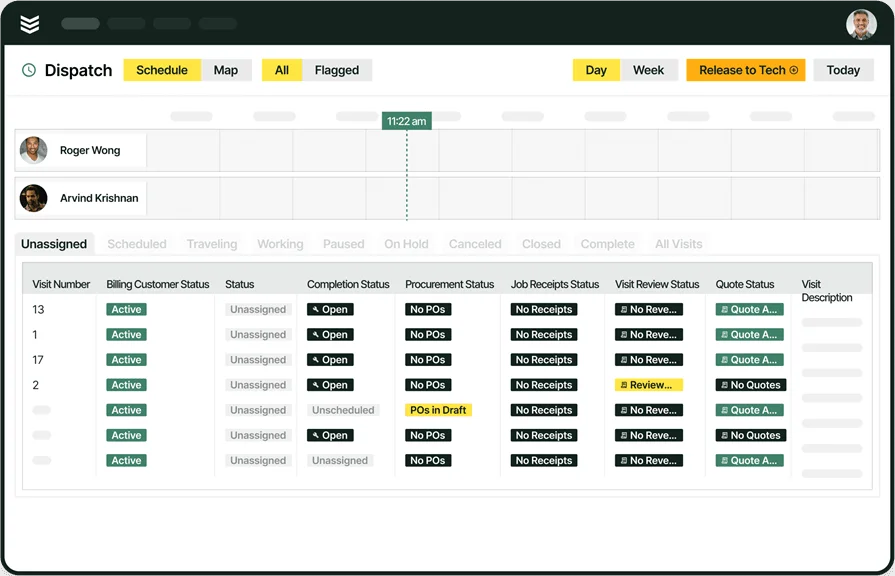
See how BuildOps scheduling connects your field ops
From dispatch to invoice, keep every phase of your project schedule tight and on time.
Using construction crew management software
Construction crew management software unifies planning, scheduling, and tracking so contractors reduce delays and prevent missed revenue.
5 features to look for in a construction crew scheduling tool
The features below separate tools that actually support daily field operations from ones that fall apart under pressure. Each one ties directly to how construction crews get scheduled, stay informed, and keep jobs moving.
- Field service dispatch and mobile access: Dispatch software lets dispatchers assign and reassign crews in real time as conditions shift across job sites. Pairing it with a technician mobile app keeps field crews synced on assignments, job details, and schedule changes without calling the office.
- Fleet tracking and field reporting: Fleet management tools give dispatchers visibility into vehicle locations, helping route crews efficiently and reduce windshield time. Connecting fleet data to reporting tools surfaces labor trends, travel patterns, and crew utilization so managers can tighten future schedules.
- Service agreements and quoting: Service agreement tools automate recurring maintenance visits and contract-based work so those jobs hit the calendar without manual follow-up. Integrated quoting software ties approved estimates directly to scheduled work, cutting handoff delays between sales and the field.
- CRM with AI-driven insights: A field service CRM stores customer history, site details, and past job data in one place so dispatchers and crews have full context before arriving on-site. AI-powered tools for construction management layer on predictive recommendations and smarter crew matching, helping schedulers make faster decisions with better data.
- Time tracking, invoicing, and payments: Time tracking captures labor hours against specific jobs and phases, keeping payroll accurate and job costing clean. When time data flows directly into invoicing and payments, completed work moves to billing without lag or manual re-entry.
These capabilities give construction contractors a scheduling tool that handles the full job lifecycle, from crew assignment through closeout. Next, let's look at the top platforms that bring these features together for different types of contractors.
Top 5 construction crew scheduling tools for contractors
Choosing a platform depends on the type of work you run, the size of your field team, and how tightly scheduling needs to connect with dispatch, billing, and job tracking. Here are five construction crew scheduling tools built for different contractor profiles.
1. Best for commercial contractors: BuildOps

BuildOps connects crew scheduling with dispatch, quoting, time tracking, invoicing, and reporting inside a single platform designed for commercial construction contractors. Dispatchers manage assignments from one dashboard while field crews receive job details, updates, and schedule changes directly on their phones. Managers get real-time visibility into crew availability, labor costs, and project progress across multiple job sites without switching between tools.
How pricing works: BuildOps prices based on team size, user count, and the capabilities your operation needs, quoted per user per month with options scaled for larger construction teams.
What sets it apart for commercial: BuildOps handles the complexity commercial contractors deal with daily, from multi-crew coordination and layered service agreements to union labor tracking and fast-moving project scopes. Scheduling changes automatically update dispatch, job costing, and billing so nothing falls out of sync.
Key features beyond crew scheduling: Integrated dispatching, CRM with customer and site hierarchies, service agreement automation, quoting, invoicing, payments, fleet tracking, time tracking, and AI-powered field tools that keep office and crew aligned from first call to closeout.
Rating: 4.5 on Capterra from 151 user reviews
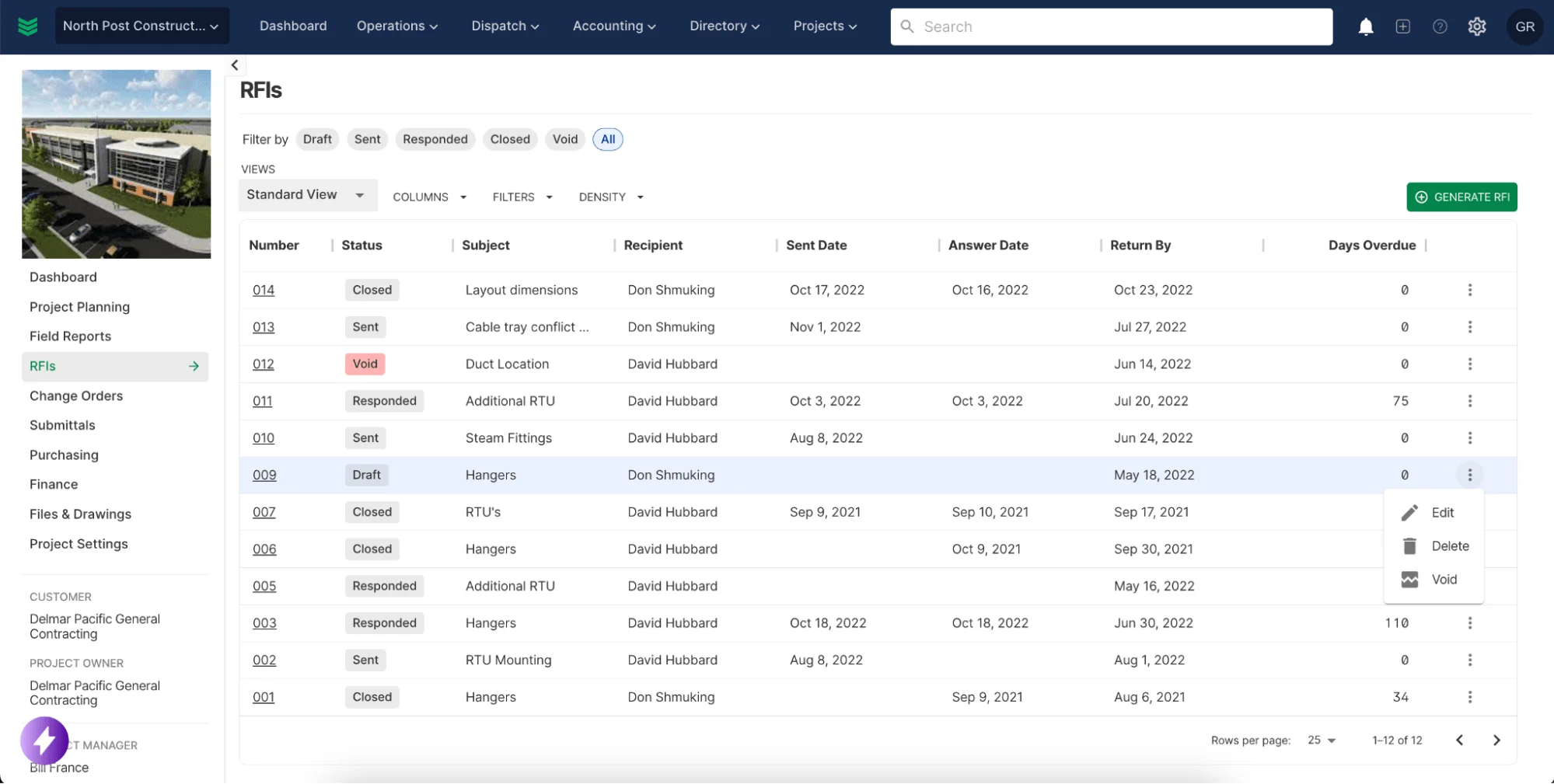
Want to see BuildOps in action?
We bring office and field tech together—so nothing slips through the cracks.
2. Best for residential contractors: Buildertrend

Image Source: Buildertrend
Buildertrend focuses on residential builders and remodelers who need project management, client communication, and scheduling in one place. It offers Gantt-style scheduling, daily logs, and a client portal that keeps homeowners updated on project progress. Contractors managing long-duration residential builds get strong tools for change orders, selections, and document sharing. However, Buildertrend lacks dedicated dispatch and real-time crew reassignment features, which limits its fit for commercial contractors running high-volume service work across multiple sites.
How pricing works: Buildertrend offers tiered pricing plans. Specific pricing details are available through their website, with plan levels scaling based on features and team size.
What sets it apart for residential contractors: Buildertrend was designed around the residential build cycle, from pre-construction estimates through warranty closeout. Its client-facing portal, selection management, and photo documentation tools give homebuilders a streamlined way to keep projects organized and customers informed throughout every phase.
Key features beyond crew scheduling: Project financials, bid management, daily logs, customer portal, document storage, and integrations with accounting platforms like QuickBooks and Xero.
Rating: 4.5 on Capterra from 2,483 user reviews
3. Best for general contractors: Procore

Image Source: Procore
Procore delivers enterprise-level project management with scheduling, RFIs, submittals, drawings, and financial controls built into a centralized platform. General contractors use it to coordinate subcontractors, track budgets, and manage documentation across large, multi-phase builds. Its scheduling tools tie directly into project timelines and daily logs, making it easier to spot risks early. That said, Procore's depth and scale can feel heavy for smaller crews or specialty contractors who primarily need fast crew dispatch and day-to-day field scheduling.
How pricing works: Procore uses a custom pricing model based on company size and annual construction volume. Demos are available to evaluate the platform before committing to a contract.
What sets it apart for general contractors: Procore excels at high-level project coordination where dozens of trades, stakeholders, and document workflows need to stay aligned. Its integration of scheduling with RFIs, submittals, and jobsite documentation gives GCs a single system to manage both timelines and compliance across complex builds.
Key features beyond crew scheduling: Document control, bid management, quality and safety tools, financial management, and a broad integration ecosystem that connects with accounting, ERP, and specialty platforms.
Rating: 4.5 on Capterra from 2,657 user reviews
4. Best for small contractors: Contractor Foreman

Image Source: ContractorForeman
Contractor Foreman provides an affordable, all-in-one construction management platform that covers scheduling, estimates, time tracking, daily logs, and safety documentation. It appeals to smaller teams that want broad functionality without enterprise-level pricing or complexity. The platform includes GPS-based time clocks, equipment tracking, and basic project management tools that help lean operations stay organized. Still, Contractor Foreman may lack the depth in dispatch automation and real-time crew coordination that larger or faster-moving commercial operations require.
How Pricing Works: Plans start at $49 per month, making it one of the most affordable construction management platforms available. Higher-tier plans unlock additional features and user capacity.
What sets it apart for small contractors: Contractor Foreman packs a wide range of features into a price point that works for contractors running smaller teams and tighter budgets. Its breadth covers everything from estimates to safety forms to scheduling, which means small crews can manage most of their operations from a single tool without paying for capabilities they do not use.
Key features beyond crew scheduling: Estimating, daily logs, GPS time tracking, equipment management, safety documentation, purchase orders, and client communication tools.
5. Best for estimating and schedule sequencing: Buildxact

Image Source: Buildxact
Buildxact specializes in estimating and pre-construction workflows, with scheduling tools that tie directly to cost breakdowns and material takeoffs. Builders who want their schedule to reflect actual job costs and material timelines from day one get a tightly connected planning experience. The platform helps contractors sequence tasks based on trade dependencies and supplier lead times. However, Buildxact focuses heavily on the estimating-to-schedule pipeline, so contractors looking for robust field dispatch, real-time crew tracking, or service-focused scheduling may find it limited for daily operational use.
How Pricing Works: Plans start at $133 per month, making it a mid-range option for small builders focused primarily on estimating and pre-construction workflows.
What sets it apart for estimating and schedule sequencing: Buildxact connects estimates directly to the project schedule, so when material quantities or costs change, the timeline adjusts accordingly. This tight link between pricing and planning helps contractors catch budget issues before they hit the field and keeps task sequencing aligned with actual procurement timelines.
Key features beyond crew scheduling: Detailed takeoff tools, supplier price lists, proposal generation, purchase order management, and integrations with accounting software for job costing.
Rating: 4.6 on Capterra from 180 user reviews
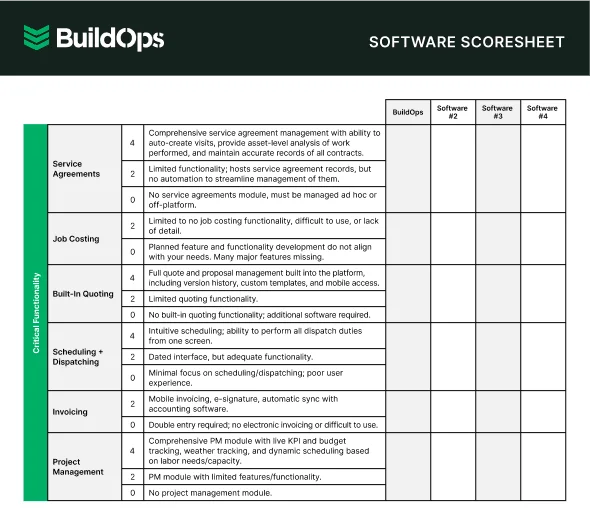
Compare software at a glance
Find the right software with this easy-to-use software scoresheet.
How to manage a construction crew: 10 best practices to follow
Managing a construction crew means keeping daily operations tight, communication clear, and your team ready for anything. These ten practices help contractors stay organized across crews, sites, and shifting priorities.
1. Build your schedule around job requirements, not open slots
Begin each week by aligning crews with the job’s scope, trades, and timeline so work drives the schedule—not who’s free—reducing rework and keeping projects on track. Contractors using estimating programs for construction can tie labor estimates directly to scheduled work so crews show up sized and skilled for what's ahead.
2. Track labor hours against every job
Accurate time data keeps payroll clean, job costing honest, and future bids realistic. A time clock app for construction lets crews log hours by task and site from their phones, giving foremen and the office real-time visibility into where labor is going each day.
3. Use AI to cut scheduling guesswork
Manual scheduling breaks down fast when you're juggling multiple crews, trades, and last-minute changes. AI construction scheduling tools analyze certifications, workload, proximity, and job urgency to recommend assignments automatically, freeing dispatchers to focus on exceptions instead of building the board from scratch every morning.
4. Automate shift and crew notifications
Crews that find out about schedule changes through texts and phone calls waste time and miss updates. AI field service scheduling platforms push real-time assignment updates directly to techs and field leads, so everyone knows where to be and when without chasing down information.
Did you know
AI has already started shifting how construction contractors handle their field service workflows. What used to take hours can now happen in minutes — with more accuracy and fewer surprises.
In our 2025 survey, The Pivot Point: AI and the Future of Commercial Contracting, 78% of contractors said they believe AI improves efficiency, and 47% are already using AI in some capacity for their field ops.
5. Keep field scheduling connected to dispatch
A schedule that lives in one system while dispatch runs in another creates gaps that cost you hours every week. When field service scheduling ties directly into dispatch, job changes flow instantly to the crew, reassignments happen in real time, and the office sees exactly where every team stands.
6. Modernize how you bring new crew members on
The construction workforce is getting younger, and onboarding needs to keep pace. Investing in mobile-first tools and structured training from day one helps new hires ramp faster and stick around longer. Modernizing procurement in construction starts with meeting your crew where they are and giving them systems that work the way they expect.
7. Centralize office and field communication
Miscommunication between the office and the field is where most scheduling breakdowns start. A centralized construction office management workflow keeps dispatchers, project managers, and crews working from the same data, so nothing gets lost between a schedule change and the crew that needs to act on it.
8. Document what your crews know before it walks out the door
Experienced crew members carry years of site-specific knowledge, equipment quirks, and process shortcuts that never make it into a manual. A construction knowledge management system captures that information at the point of work and makes it searchable for the next tech on the job, cutting ramp-up time and reducing callbacks.
9. Review crew performance data weekly
Waiting until the end of a project to look at labor data means you're always reacting instead of adjusting. Pull weekly reports on hours by crew, task completion rates, and schedule adherence so you can rebalance workloads, flag bottlenecks, and tighten future estimates before small issues become expensive ones.
10. Set clear daily expectations before crews leave the yard
Every crew should know their assignments, site details, and priorities before they roll out. A quick daily huddle or a push notification with job details, contact info, and any special instructions keeps the day focused and cuts down on wasted trips, wrong-site arrivals, and mid-morning confusion.

Construction scheduling sets the pace for every job on your board. When crews, timelines, and job details live in one system, your team spends less time chasing updates and more time on billable work.
BuildOps automates the busywork and uses AI to match the right crew to the right job—by skills, certifications, proximity, and workload—so dispatchers manage exceptions, not rebuild the schedule every morning.
Most tools cover pieces of the workflow. BuildOps connects the whole thing—scheduling, dispatch, quoting, time tracking, invoicing, and reporting—in a single AI-native platform. From crew assignment to job closeout, office and field share the same real-time source of truth.
If you want to see how construction crew scheduling works when every part of your operation is connected, book a demo with BuildOps.
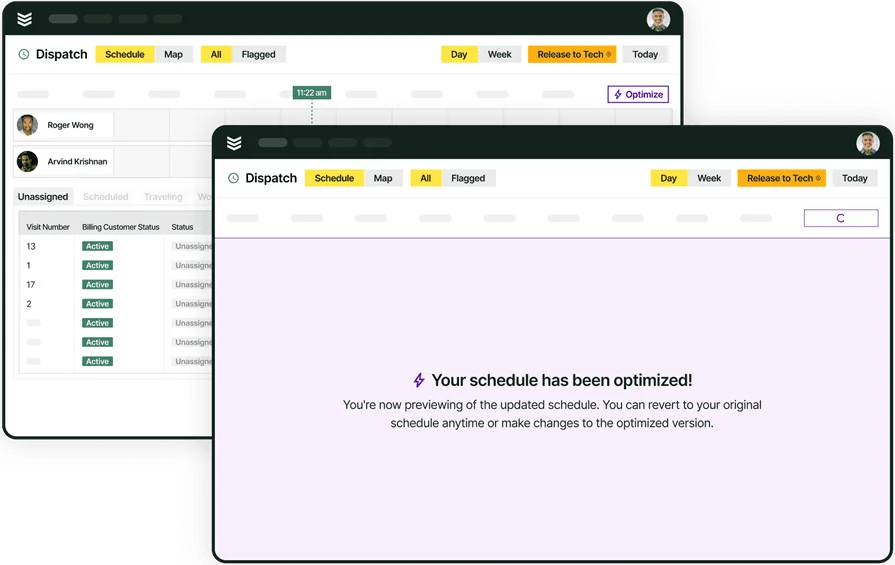
Unify your FSM with BuildOps
See how we connect scheduling, invoicing, and reporting in one AI-native platform