7 Leading Crane Rental Management Software for Crews

When you run cranes for a living, the day moves fast. Permits, operators, counterweights, travel time, and strict job windows stack up quick. You need crane rental management software that keeps dispatch sharp, lifts compliant, and billing clean. Within the field service management industry, crane fleets sit in a heavy-duty niche that relies on the same backbone: scheduling, mobile work orders, and job data that flow between office and site.
This guide zeroes in on leading crane rental software for fleet management and how seasoned contractors evaluate tools that support dispatch, shop, and accounting without slowing crews. We’ll also point to leading crane rental management software choices by contractor type.
Here’s what we’ll cover in this guide:
- Choosing a fleet management software for your crane rental business
- 6 key features to look for in leading crane rental management software
- Best for commercial contractors
- Best for residential teams
- Best for general contractors
- Other valuable crane rental management software for contractors
- 7 benefits of using fleet management software for crane rentals
- 4 common FAQs about crane rental management software
Missed permits, idle cranes, or a late counterweight truck can sink a day’s margin. Before comparing vendors, let’s lock in how to pick a platform that links crane scheduling, crew assignments, maintenance, and job costing into one workflow your field techs and office staff can trust.
Choosing a fleet management software for your crane rental business
Finding crane rental management software that actually fits a crane outfit comes down to a few hard questions. You coordinate cranes, certified operators, rigging, permits, lowboys, and tight job windows. When you evaluate leading crane rental management software, use this checklist to separate talk from systems that hold up in the field and in the office.
- Field access and offline reliability - Can operators and riggers pull job cards, lift plans, load charts, and checklists on phones or tablets without calling the office? Does the app keep working when signal drops and sync cleanly later?
- Dispatch, crew, and resource scheduling - Can dispatch assign crane, operator, oiler, pilot car, and lowboy in one move? Can you reschedule quickly when a unit fails inspection or a GC shifts the window?
- Telematics, utilization, and location - Can the platform ingest GPS, engine hours, and PTO data for each unit? Can you verify arrival, setup, and departure with geofenced events to avoid disputes?
- Maintenance, inspections, and compliance - Can you trigger PM by hours or lifts? Are pre-use inspections, NDT records, certificates, and operator credentials tracked with expirations and alerts?
- Contracts, rate cards, and billing accuracy - Can you model daily and weekly rates, minimums, standby, overtime, mobilization, and fuel? Can time, permits, rigging, and trucking post to the job automatically so invoices go out the same day?
- Features - Does the app support custom forms for lift plans, JHAs, and daily inspections with photos and e-signatures? Can forms prefill from the job, capture crane configuration, and attach to the work order and invoice without retyping?
Getting these answers upfront helps narrow which leading crane rental software for fleet management will actually perform under real project pressure. Your fleet system should feel like part of the job, not a second job.
{{related-content-block="/resources/field-asset-management-software"}}
6 key features to look for in leading crane rental management software
Crane outfits run inside tight construction schedules. A late inspection, a missing spreader bar, or an unclear rigging plan can stall a pour and erase margin. The features below reflect what seasoned teams expect from leading crane rental management software and leading crane rental software for fleet management across ground-up builds, steel erection, installs, maintenance, and repair.
1. Preventive maintenance and compliance workflows

Keep cranes job-ready with PM tied to engine hours, lift counts, and inspection intervals. Track NDT results, wire rope changes, certificates, and operator credentials with expirations and alerts. Store lift plans, JHAs, and pre-use checklists with photos and signatures. Contract tracking through tools that support service agreements helps the shop stage parts and labor before a rig goes down.
2. Mobile access for operators and riggers
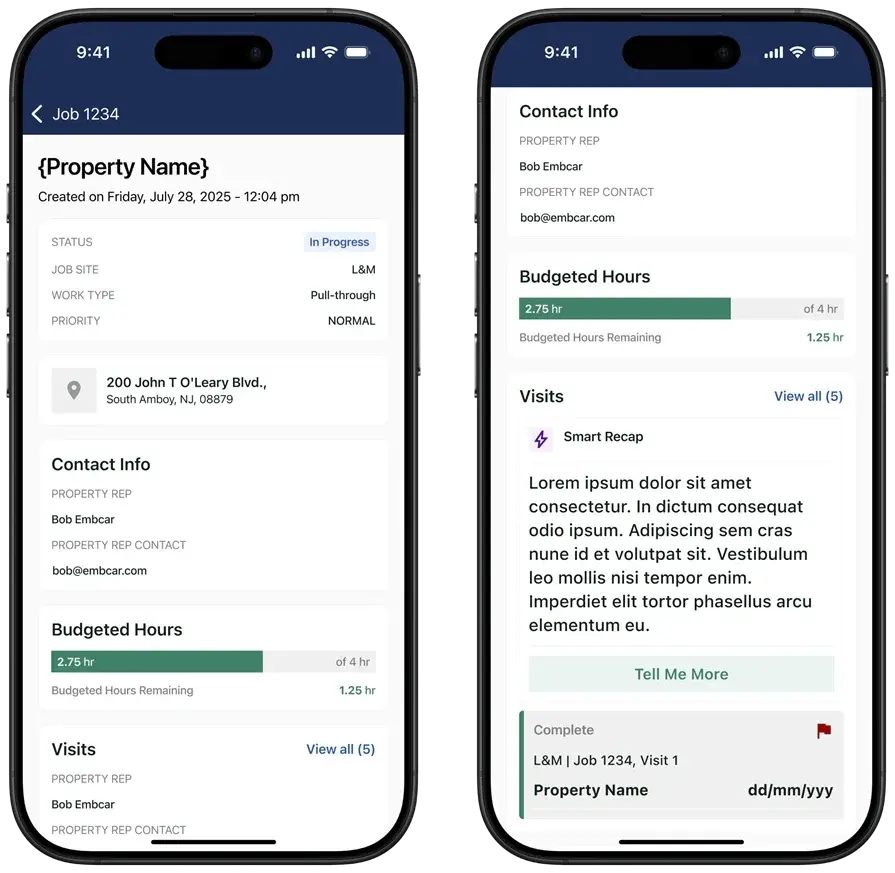
Operators need job cards, load charts, site maps, and toolbox talks on their phones even with weak signal. A rugged field app such as a technician mobile app should capture forms, photos, timestamps, and signatures in the field. Offline entries must sync cleanly to keep dispatch, safety, and billing accurate.
3. Fleet and lift visibility

Dispatchers require a live view of each unit, counterweight sets, boom sections, and dollies. Telematics and geofencing confirm arrival, setup, and tear-down to back claims and prevent disputes. Visibility into rigging kits and trucks trims deadhead miles and holds schedules.
4. Scheduling and dispatch integration

Tie crane, operator, oiler, escort, and lowboy to a single board. Connect job calendars to tickets, permits, and change requests so updates travel instantly. Use scheduling with dispatch software to keep crews aligned.
5. Contracts, rate cards, and billing accuracy
Model daily and weekly rates, minimums, standby, overtime, mobilization, demobilization, and fuel. Create clean quotes that reflect rig configuration, travel, and rigging through a quoting software. Push approved scope to tickets, then issue precise invoices with integrated invoicing and capture payment details through payments.
6. Reporting and utilization

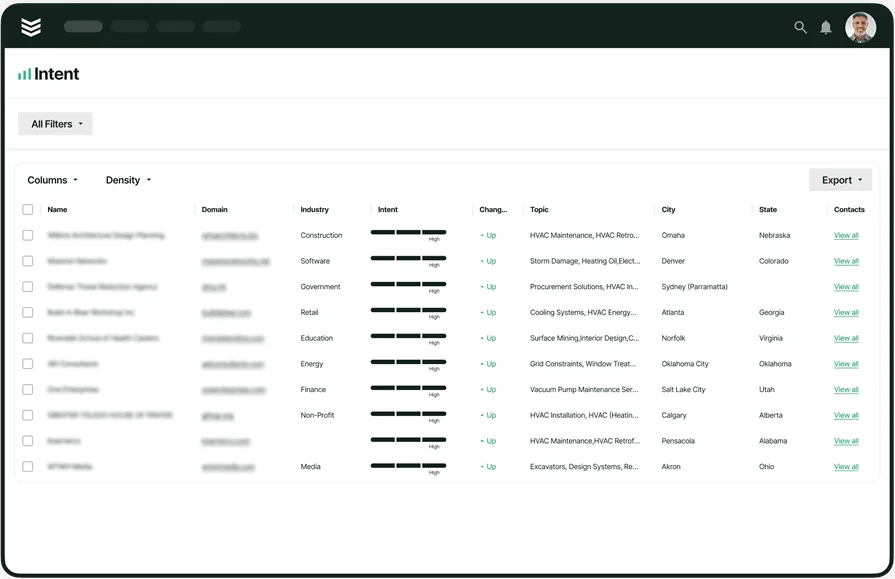
Reporting should reveal which cranes earn, which sit idle, and which jobs slip. Robust reporting highlights utilization, first-pass inspection rates, technician productivity, and revenue per unit. Use insights to size inventory correctly, rotate rigs, and plan capital purchases with confidence.
Other valuable features to look for in leading crane rental management software
Beyond core functions, added capabilities lift the value of your stack and help seasoned crews plan labor, align cranes with demand, and keep office and field in lockstep. These options round out leading crane rental management software for contractors who live on active jobsites.
- Performance tracking and reporting: Usage, downtime, and inspection pass rates reveal patterns that drive better decisions. Solid reporting surfaces unit utilization, job profitability, and where rigs should rotate next.
- Time tracking and labor capture: Accurate travel, setup, standby, and overtime protect margin and speed up payroll. Tying tickets to reliable time tracking keeps labor and billing aligned without double entry.
- CRM and client context: Account history matters when mobilizing heavy iron for repeat GCs. A service CRM keeps lift notes, site rules, contacts, and past rates with the client record so dispatch and billing move fast.
These additions turn a solid platform into a connected system that scales cleanly. Next, we’ll break down the best options for commercial contractors and how to judge what deserves a closer look.
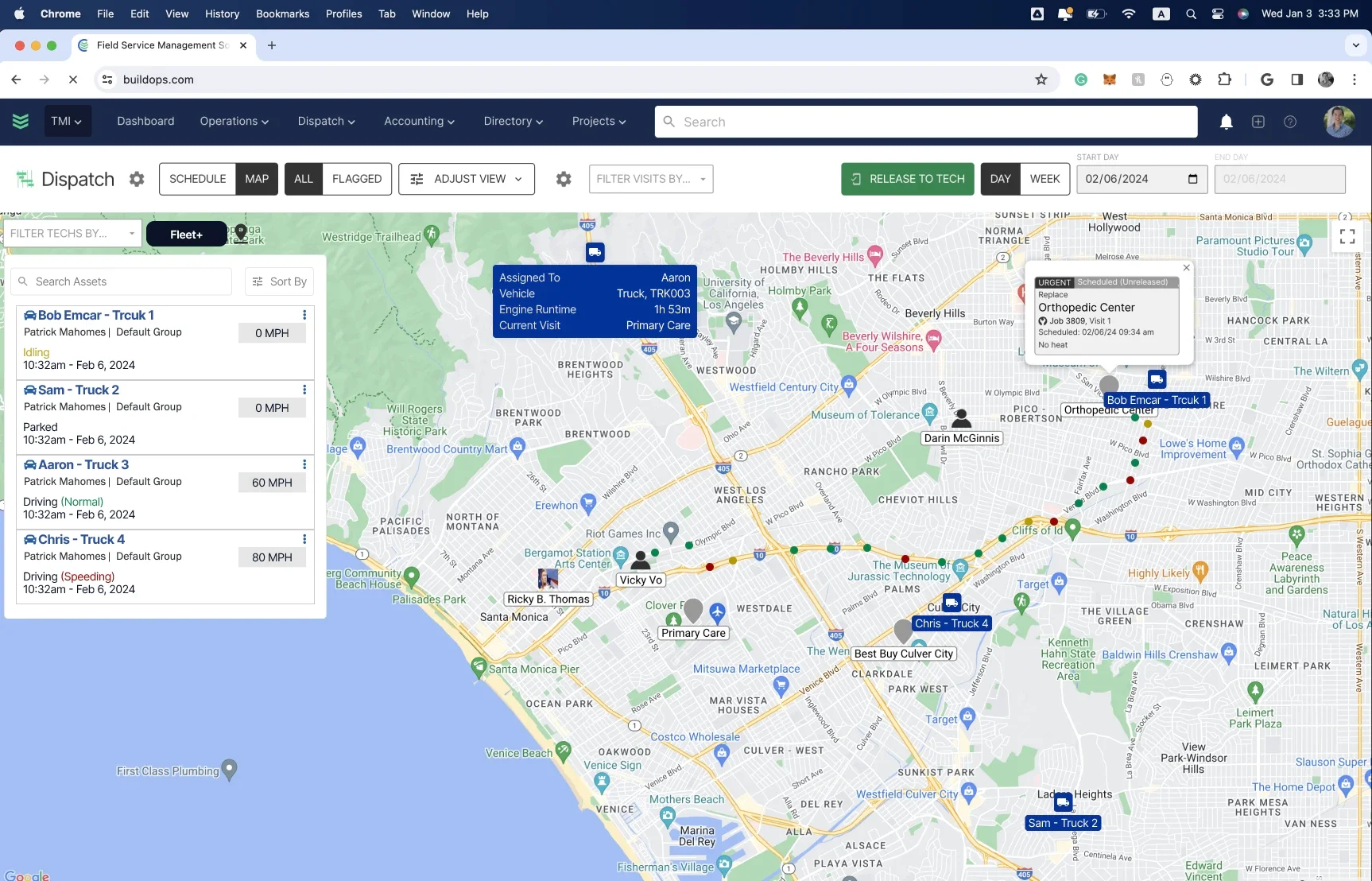
Best for commercial contractors: BuildOps

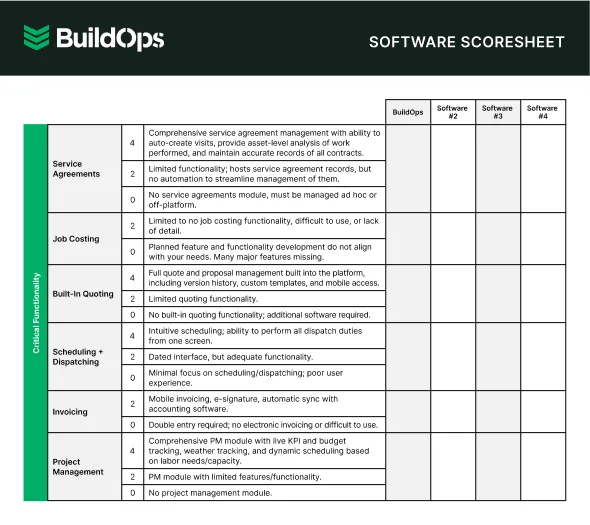
BuildOps fits crane rental outfits on commercial projects where dispatch, safety, and billing must work off the same source of truth. The platform connects cranes, counterweights, boom sections, rigging, and lowboys to each job so schedulers see availability, shop leads plan service, and admins bill the actual lift, travel, and standby.
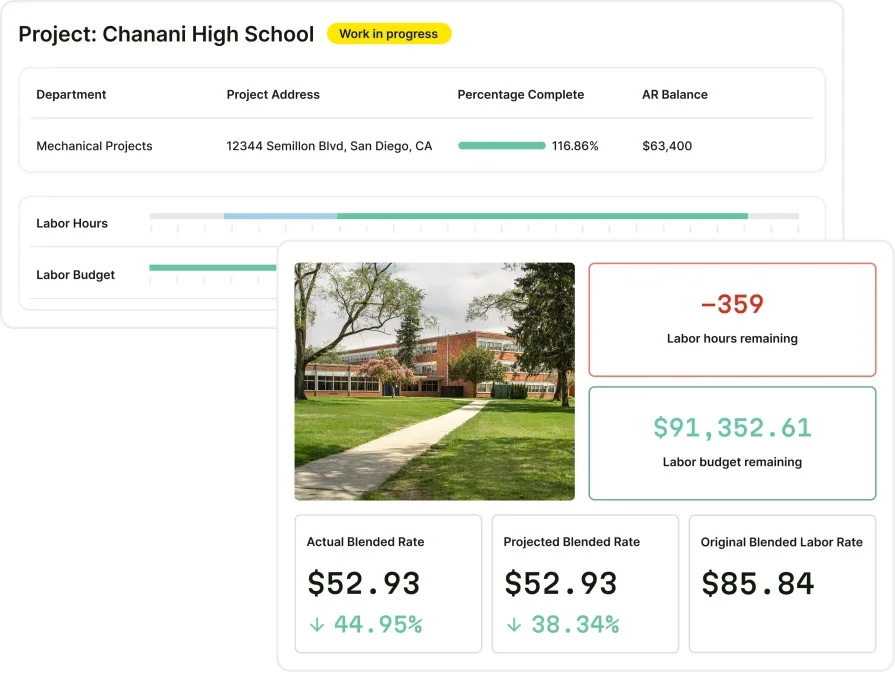
It also reaches past fleet into full field service management by handling scheduling, work orders, quotes, inspections, photos, signatures, invoicing, payments, and reporting in one place. For teams comparing crane rental management software, this gives visibility from the first call to the final ticket.
How pricing works: Custom pricing based on company size and operational needs, with guided demos available.
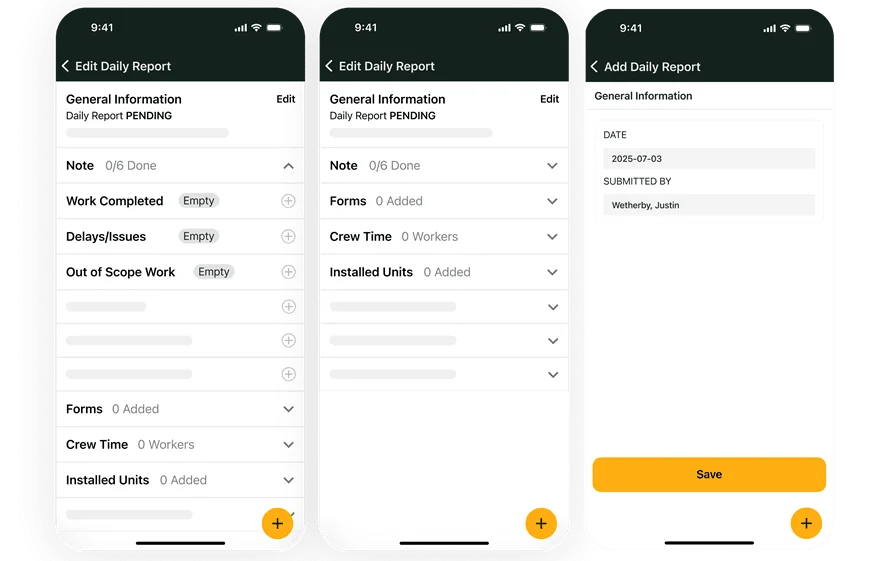
Features beyond asset management: Barcode and photo capture for gear, automated check in and check out, maintenance driven by hours or lift counts, mobile forms for lift plans and JHAs, crew and truck assignments on a single board, job and unit histories, quoting to invoice handoffs, and performance reporting.
What sets it apart for commercial contractors: Dispatch can assign crane, operator, oiler, pilot car, and lowboy in one move, attach permits and site rules, and generate accurate invoices the same day. The same system supports PMs, inspections, and field documentation, which keeps crews, shop, and accounting aligned without extra data entry.
Best for residential teams: Housecall Pro
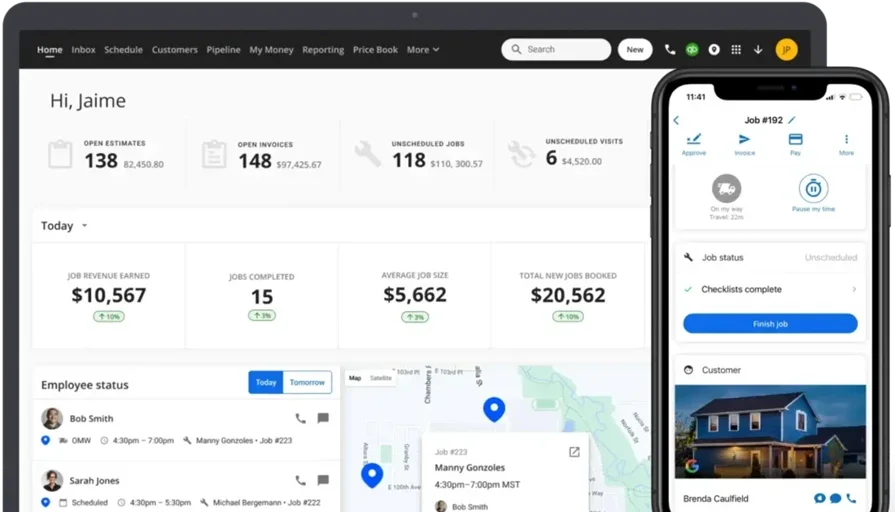
Housecall Pro suits small residential crane services that handle set lifts for trees, spas, or prefab modules and want simple job tracking with customer profiles. Crews can log jobs, capture photos, and keep lightweight equipment notes on a clean mobile app. It may not be ideal for heavy lift planning, detailed compliance rules, or mixed fleets that demand telematics and advanced utilization reporting.
How pricing works: Tiered plans with equipment features available in higher tiers.
Features beyond asset management: Customer-linked job history, mobile access, automated reminders, and straightforward invoicing.
What sets it apart for residential teams: Property-based records help operators arrive with the correct rigging and reduce repeat questions at the curb.
See how Housecall Pro compares to BuildOps when we put them next to each other, so you can see which one has asset management features that better suit your crew’s needs.
Best for general contractors: Jobber
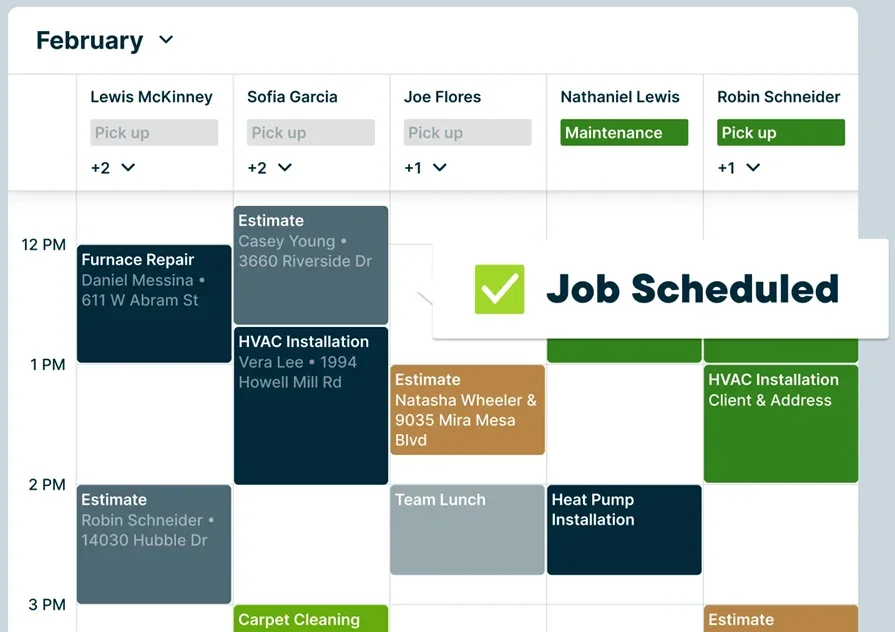
Jobber gives GC-led service departments practical tools to assign small cranes or support gear to jobs, record condition, and track basic maintenance. The interface trains quickly and supports mixed-trade teams that add occasional lifting to installation or repair work. It may not be the best choice for dedicated crane rental companies handling multi-day lifts, complex rate cards, or strict inspection regimes.
How pricing works: Multiple plans, with advanced scheduling and equipment features in higher tiers.
Features beyond asset management: Job checklists, quoting and simple pipeline tracking, photo documentation, and calendar-based scheduling.
What sets it apart for general contractors: Works well for growing multi-trade crews that need straightforward control of light lifting resources without standing up a complex fleet system.
Other valuable crane rental management software for contractors
Not every shop needs the same stack. These alternatives to leading crane rental software for fleet management add value in targeted areas, from maintenance-first to mobile-first to highly configurable setups, helping crews align cranes, rigs, and jobs on active sites.
UpKeep
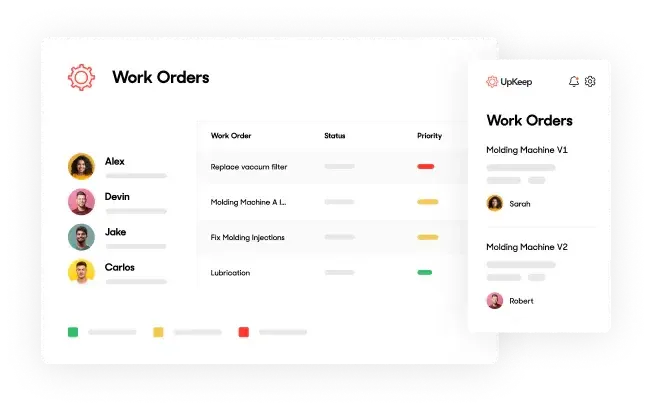
UpKeep centers on maintenance management for asset-heavy field teams. For crane rental shops, it gives techs a mobile-first way to log repairs, schedule service, tag inspections, and track performance in real time. The focus sits on maintenance excellence, which can limit dispatch, CRM, and complex rental rate handling that crane rental firms often require.
How pricing works: UpKeep starts at $45 per user per month, with plans that scale for advanced features such as reporting and asset hierarchy management.
Features beyond asset management: Checklists, asset tagging, barcode scanning, mobile maintenance requests, and offline support for remote jobsites.
What sets it apart: Strong pick for maintenance-driven teams that want fast access to equipment histories and a streamlined path to open, assign, and close work without leaning on the office.
Fiix
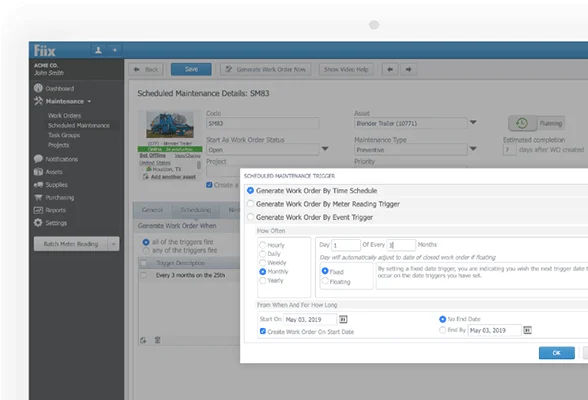
Fiix is a CMMS designed for equipment-heavy industries and regulated environments. Crane companies that run complex machinery and strict inspection programs can use it to manage PM schedules, log asset histories, and audit documentation with confidence. The platform leans industrial rather than service-focused, which can reduce flexibility for rental workflows and day-to-day dispatch.
How pricing works: Fiix offers a free basic plan for small teams, with paid plans starting at $45 per user per month that add asset management and integrations.
Features beyond asset management: Asset lifecycle tracking, real-time maintenance dashboards, automated reporting, multi-site support, and audit-ready documentation.
What sets it apart: Best for contractors with intense compliance requirements who need deep visibility into failures, costs, and technician performance.
Asset Panda

Asset Panda provides a flexible asset tracker that contractors can tailor with custom fields and workflows. For crane rental, its configurability helps capture details for cranes, boom sections, counterweights, and rigging kits across jobsites. It lacks built-in scheduling or dispatching, which limits coordination for companies seeking a full rental and field service stack.
How pricing works: Pricing is quote-based and depends on asset volume and user count.
Features beyond asset management: Custom fields, barcode generation, depreciation tracking, automated maintenance workflows, and mobile check in and check out.
What sets it apart: Ideal for teams that want a highly configurable system that molds to existing processes without forcing a fixed template.
MaintainX
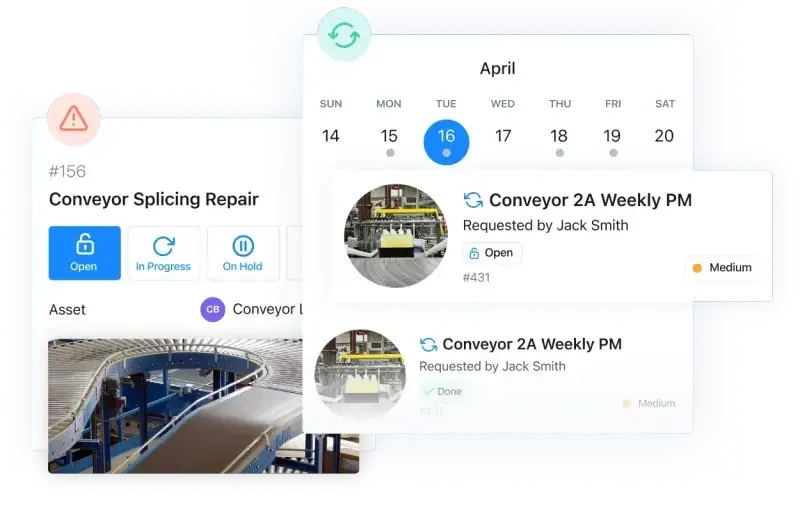
MaintainX offers mobile-first maintenance and work order tools that keep yard and shop teams connected. For crane rental operations, it handles PM logs, inspection forms, digital SOPs, and real-time chat between techs and managers. It focuses on speed and ease of use, which means analytics depth, rental dispatch, and complex rate handling can feel limited for larger fleets.
How pricing works: Free starter plan for small teams. Paid plans begin at $16 per user per month and scale with features.
Features beyond asset management: Digital SOPs, inspection forms, preventive maintenance logs, chat-based coordination, and offline support.
What sets it apart: A solid fit for smaller service teams that want to digitize maintenance and inspection workflows without overcomplicating things.
7 benefits of using fleet management software for crane rentals
When a crane stalls or a counterweight truck misses staging, the pour slips and costs climb fast. With crane rental management software, crews see availability, permits, and crew assignments in one place so jobs keep moving. These gains show up daily for teams using leading crane rental software for fleet management on active construction sites.
1. Fewer delays on-site
Dispatchers match units, operators, and rigging to the scope before wheels roll. Integrated field service scheduling aligns crane availability with crew certifications and job windows. If a unit fails inspection, planners reshuffle fast without losing context. The result is tighter setup times and lifts that start on schedule.
2. Faster check-ins and accountability
Barcode or QR check in and check out ends the guesswork over who has a spreader bar or matting. A technician mobile app lets operators log inspections, photos, and signatures from the cab. Offline entries sync when signal returns, so the office sees the full record. Accountability improves because every handoff leaves a trail.
3. Reduced equipment loss and theft
Job-level assignment makes it clear who used each item and when. Telematics and timestamps verify arrival, setup, and tear-down to back claims. Missing rigging becomes easier to trace, which lowers replacement spend. Disputes cool down because the record speaks for itself.
4. Better inventory and staging decisions
Usage data shows which boom sections and counterweights stay in rotation and which sit. Yard leads stage trucks with the kits lifts actually require, not guesswork. Purchasing plans reflect real demand from recent jobs. Travel drops because crews stop returning for forgotten pieces.
5. Predictable maintenance and fewer failures
PM triggers fire from engine hours, lift counts, and inspection results, not from calendar alone. That keeps cranes ready and reduces mid-job breakdowns. The approach fits how the field service management industry runs maintenance across construction. Crews spend time lifting, not troubleshooting surprises.
6. Stronger service records for customers
Operators arrive with lift notes, site rules, and past issues in their pocket. Histories show what was done, when, and why without a call back to the office. That context speeds troubleshooting and helps estimators price return work with confidence. Clients see consistency across every visit.
7. Accurate billing and fewer disputes
Assigning cranes, trucks, and rigging to jobs creates a clean ledger. Standby, travel, and extra gear get documented as they happen. Tying these details into field service invoicing software speeds billing and payment collection. When a GC questions a charge, the evidence is already attached.
{{related-content-block="/resources/field-service-management-software"}}
4 common FAQs about crane rental management software
Crane outfits run on tight windows, strict permits, and expensive equipment. This FAQ speaks to field pros evaluating crane rental management software and leading crane rental software for fleet management that must hold up on active jobsites.
1. What is crane rental management software
Crane rental management software unifies dispatch, fleet maintenance, crew certifications, lift planning, rate cards, and field reporting so crane contractors run rentals and jobs from one system. It also ties permits, risk assessments, and safety checks to each job for clean handoffs.
2. How does it support crews in the field
Operators and oilers need the job in their pocket. Mobile tools deliver lift plans, load charts, site rules, and custom forms with offline sync so work continues when signal drops. Checklists, photos, and e-signatures tie to the ticket, while telematics and geofences verify arrival, setup, and tear-down for clean handoffs.
3. Is leading crane rental management software worth the investment
Yes, when the platform replaces fragmented boards and spreadsheets. Gains show up as higher utilization, fewer mid-lift failures, faster invoices, and fewer disputes backed by timestamps and photos. Teams also protect margin by pricing standby, travel, and rigging precisely and by coordinating cranes, trucks, and crews from one view.
{{related-content-block="/resources/dane-electric"}}
4. Best practices for using crane rental management software
Pros already know the basics, so focus on discipline and data. Treat the platform like an operating system for your yard, shop, dispatch, and crews. Build habits that make leading crane rental management software pay off daily.
- Standardize job and lift plan templates with required photos and signatures
- Tag every crane, boom section, counterweight, and rigging kit with scannable IDs
- Drive PM by engine hours, lift counts, and inspection results rather than calendar only
- Enforce role-based permissions for dispatch, shop, safety, and accounting
- Capture travel, setup, standby, and overtime from the field in real time
- Geofence yards and jobs to confirm arrival, setup, and tear-down automatically
- Tie permits, traffic control, and certificates to the work order for instant retrieval
- Reconcile rate cards to contracts and push approved changes to live jobs
- Review utilization and first-pass inspection rates weekly to rotate rigs and plan capital
- Run a post-job audit that checks photos, forms, time, and charges before invoicing
Closing out, here’s the punch line. Cranes make money when dispatch, maintenance, safety, and billing move in sync. The best crane rental management software gives one view of units, crews, permits, lift plans, and rate cards, then pushes clean data from cab to invoice. Pick a platform that handles the heavy work on ground-up builds, installs, service, and repair while fitting the way your yard, shop, and office already run.
If you want one system for fleet plus the wider field service management operation, BuildOps covers scheduling, dispatch, mobile forms, PM programs, invoicing, and reporting in a single workflow. It keeps crews, administrators, and accounting speaking the same language without extra retyping.
Curious how it would handle your next steel set or multi-day pick plan? Grab time with our team for a quick walkthrough. No pressure, just a straight look at what the platform can do with real scenarios from your jobs.