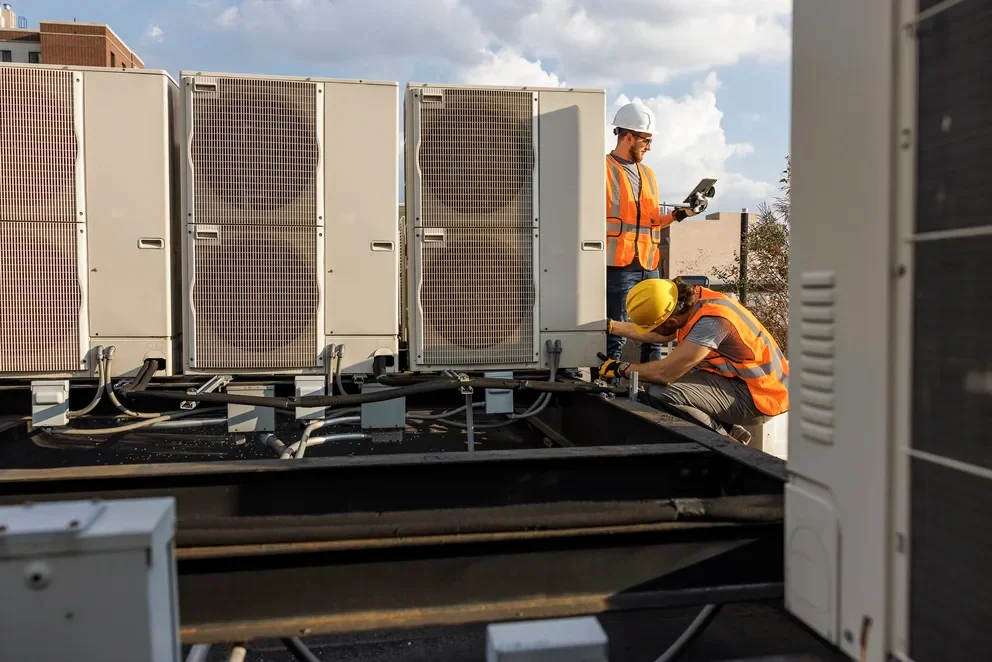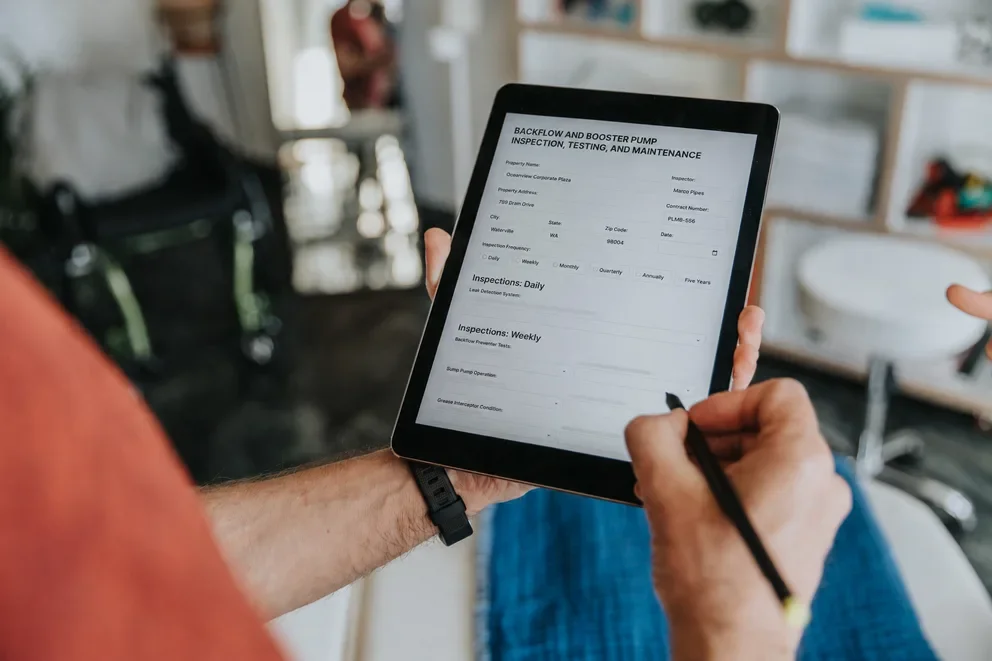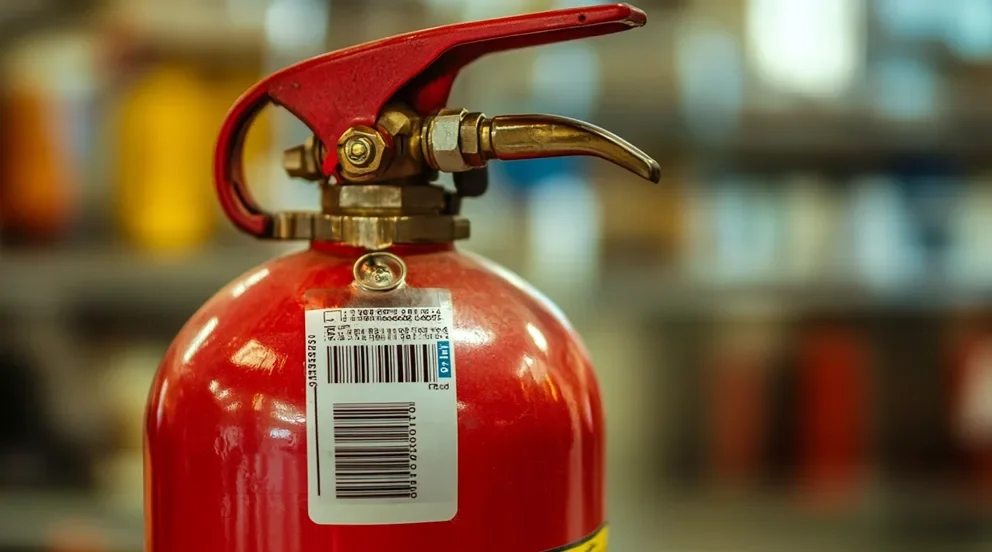


When your crew lives on inspections, every scan and signature matters. Fire extinguisher barcode inspection software gives FLS contractors one place to schedule routes, scan tags, capture evidence, and push clean reports back to the office. Think of it as an extension of your field service management stack—dispatch, mobile checklists, barcode scans, and reporting tied to each asset. In the fire safety industry, these tools keep compliance tight and follow-up work moving without piles of paperwork.
Here’s what this guide covers:
- How often do fire extinguisher barcodes need to be inspected?
- 5 benefits of using fire extinguisher barcode inspection software
- Features to look for in fire extinguisher barcode inspection software
- 7 best fire extinguisher barcode inspection tools
We’ll start with cadence. Inspection timing drives routes, staffing, and customer commitments. From there, we’ll dig into benefits, must-have features for field service management, and a short list of tools FLS contractors use day to day.
How often do fire extinguisher barcodes need to be inspected?
Treat the barcode as the unit’s service ledger. Scan it at every touchpoint so the record shows who handled the asset, where it sits, and what work happened. Tie each scan to a work order with photos and notes so the chain of custody stays clear.
Follow a steady cadence. Log a quick in-place check each month to confirm gauge, weight, seal, access, and signage. Complete a full annual inspection with a fresh scan, updated tag, technician sign-off, and supporting images attached to the asset file.
Record event-driven activity. Scan after any discharge or suspected use, when a seal breaks, after relocation, or when damage appears. Capture lifecycle work as well. Stored-pressure dry chemical units hit six-year maintenance, and cylinders reach twelve-year hydrostatic testing based on type and manufacturer guidance. Document tester, method, pressure, pass or fail, and next due date in the same barcode flow.
In complex portfolios and fire protection in buildings work, manual tracking across thousands of assets burns hours and creates gaps during audits. Fire extinguisher barcode inspection software automates schedules, guides routes, prevents duplicate reads, timestamps every action, and publishes clean reports for the office and the AHJ. Techs stay focused on the job while the system keeps history audit-ready.
5 benefits of using fire extinguisher barcode inspection software
Big portfolios and tight SLAs demand precision. Fire extinguisher barcode inspection software gives technicians a fast scan-to-record flow while the office sees status, proof, and history without chasing paper.
1. Tighter routes with fewer missed windows

Barcode tasks land in calendars with location, access notes, and due dates. Managers place certified techs on specific stops and adjust when a site shifts. The operational logic aligns with established practices in scheduling and dispatching, which helps crews keep cadence across busy weeks.
2. AHJ-ready reports without rewriting data
Each scan attaches photos, readings, and sign-offs to a structured report. The output mirrors the clarity valued in fire alarm inspection report software, so evidence reads cleanly for customers, insurers, and authorities.
3. Consistent standards across every site

Templates, barcode rules, and pass/fail logic keep inspections uniform even when different teams touch the same account. The governance approach matches what many teams apply with fire safety inspection software, giving multi-site clients the same checklist and cadence everywhere.
4. Unified view of connected fire systems
Extinguishers live alongside sprinklers, alarms, and special hazards. When dashboards show extinguisher results next to those systems, property teams plan access once and avoid duplicate visits. This mirrors the portfolio visibility discussed around fire sprinkler inspection software, now applied to barcode-tracked assets.
5. Stronger renewals and faster follow-up work

Scan results flow into quotes, repairs, and contract dates. Asset history links to contacts and sites so renewals stay on track and service gaps close quickly. That relationship data sits neatly within a fire service CRM approach such as fire CRM, keeping sales and operations on the same page.

Features to look for in fire extinguisher barcode inspection software
Pros run tight routes, document fast, and move on to the next site. Fire extinguisher barcode inspection software should mirror that pace. Look for tools that help crews scan on-site, sync clean data to the office, and tie every action to a work order, asset, and customer record.
1. Route-aware scheduling and live dispatch
Crews need calendar control that respects access windows, certifications, and travel time. A platform that blends capacity planning with quick reassignment keeps barcode inspections on cadence across construction sites and occupied buildings. The approach lines up with proven workflows in scheduling and real-time dispatch software, which together keep SLAs intact when jobs shift midday.
2. Mobile app optimized for barcode-heavy work

Scanning speed, offline mode, and photo capture matter on catwalks, in stairwells, and inside plants. Techs should scan, run the checklist, add notes, and attach evidence without juggling apps. Field teams get that flow with a focused technician mobile app that ties every action to the extinguisher record and the work order.
3. Invoice and payment flow tied to scans
Deficiencies turn into quotes and billable work. The best setups push line items from the inspection into the invoice and collect on-site without retyping. Linking results directly to invoicing and secure payments shortens DSO and gives the office proof when customers request backup.
4. Time tracking that reflects real work

Supervisors want labor tied to assets, tasks, and sites. Barcode reads should start and stop labor with audit-friendly accuracy, even in poor cell coverage. Native time tracking aligned to work orders exposes true labor cost by property and portfolio.
5. Reporting that proves service and readiness
AHJs, GCs, and property teams expect clean, consistent records. Look for configurable templates that roll up by building, floor, and device type with image evidence and signatures. Mature platforms expose this through flexible reporting so managers answer questions without pulling a tech off the road.
6. Agreement logic that locks in cadence
Recurring service lives or dies on dates and scope. Contract rules should set inspection frequency, price, and included tasks, then auto-generate visits and renewals. Capabilities found in service agreements keep extinguisher cycles steady across complex portfolios.
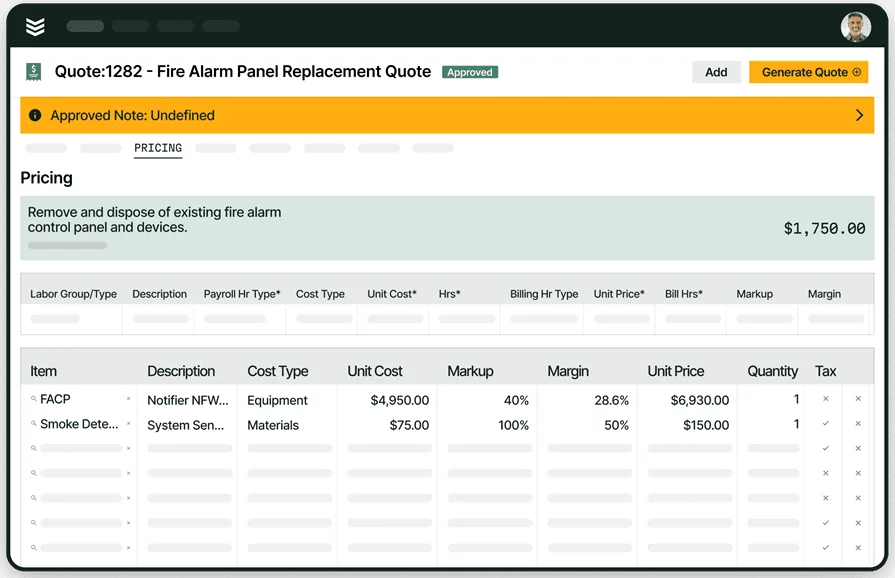
Barcode-led extinguisher inspections at scale
Fast scans, audit-ready reports, and field-to-office sync across sites.
7 best fire extinguisher barcode inspection tools
Picking a platform for barcode-led extinguisher work comes down to speed in the field, asset history, reporting depth, and how cleanly it ties into dispatch, quoting, and billing. Below are solid options FLS pros use today. This comparison focuses on fire extinguisher barcode inspection software and adjacent workflows, not generic apps.
1. Best for commercial: BuildOps

BuildOps runs commercial fire and life safety operations end to end, from barcode scans on-site to AHJ-ready reports, quotes, invoices, and renewals. The platform stands out for a single asset record per extinguisher, offline-capable mobile scanning, portfolio scheduling, and reporting that matches how FLS firms present proof to customers and authorities. The tool also supports construction-to-service handoff so project teams, inspection crews, and service coordinators work from one system.
How pricing works: Tiered subscription by users and modules with implementation options that scale to larger teams.
Why it's best for commercial: Multi-site portfolios, strict SLAs, and audit-heavy clients need unified scheduling, mobile barcode workflows, and clean data flow into quoting, invoicing, and analytics. BuildOps covers that in one stack, which reduces reentry and shortens closeout after inspections.
Key features: Mobile barcode scans with offline sync, asset hierarchy and history, template-driven NFPA checklists, deficiency capture to quote, route-aware dispatch, photo evidence and signatures, flexible reporting, service agreements, and open integrations including industry partners
Built for commercial fire safety teams
Manage inspections, service, and compliance in one connected workflow.
2. Best for residential: Service Fusion

Image Source: Service Fusion
Service Fusion focuses on small service outfits with scheduling, dispatch, estimates, invoicing, and a straightforward mobile app. Teams can track extinguisher work with job items and custom fields, then push activity to accounting. It stands out for ease of setup and a familiar workflow for residential and light commercial calls. It may not be the ideal choice for inspection-heavy commercial portfolios that require deep asset-level history, barcode-first forms, and AHJ-specific reporting.
How pricing works: Plan-based subscription with tiers; public listings show bundles that vary by features and seats.
Why it's best for residential: Shops running single-visit installs or basic checks get a simple stack that covers calls, scheduling, invoices, and payments without heavy admin.
Key features: Job and customer management, calendar and dispatch board, estimates to invoice flow, QuickBooks connections, texting, and a lightweight mobile experience suited to short visits.
3. Best for general contractors: ZenFire

Image Source: ZenFire
ZenFire concentrates on inspection workflows with built-in NFPA forms, mobile checklists, one-click reports, and options like AI-assisted deficiency capture. GC self-perform groups and smaller FLS teams like the focused toolset for periodic inspections. It may not be the ideal choice if you need a full commercial FSM stack across construction, inspections, service, and financials, since its scope centers on inspection and reporting.
How pricing works: Subscription model; third-party listings indicate a published entry price around $60 per month, subject to change.
Why it's best for general contractors: When project teams need NFPA checklists, photos, and fast punch-out style reports without adopting a broader system, ZenFire delivers a focused inspection app.
Key features: NFPA templates, mobile inspections, AI-assisted deficiency notes, QuickBooks links, automated reminders, and exportable reports suitable for handoff to owners or AHJs.
4. Best for regulations compliance: Inspect Point

Image Source: Inspect Point
Inspect Point enters on code-driven inspections with NFPA templates, barcode support, and clear deficiency tracking across fire protection assets. Teams like the compliance focus, structured reports, and a mobile app that guides techs through checklists on site. It may not be the ideal choice for firms that need deep commercial FSM capabilities across construction handoff, complex service agreements, and advanced finance modules tied directly to barcode reads.
How pricing works: Subscription with plan tiers; feature access and seat counts drive cost.
Why it’s best for regulations compliance: The platform bakes in inspection forms, corrective action workflows, and AHJ-ready output. Coordinators can audit performance by property and close gaps before an official review.
Key features: NFPA-based checklists, barcode scans on mobile, deficiency creation with photos, proposal generation, scheduling and reminders, customer portals, and exportable reports.
5. Best for fire system design: FireCAD

Image Source: FireCAD
FireCAD helps designers model sprinkler systems with hydraulic calculations, pipe sizing, and layout tools that speed submittals and as-builts. FLS firms use it during preconstruction and tenant build-outs, then hand finished drawings to the service team for lifecycle tracking. It may not be the ideal choice if your priority is barcode-first extinguisher inspections, field routing, and financial workflows, since its core strength lives in CAD and calculations.
How pricing works: Per-license subscription with optional maintenance and module add-ons.
Why it’s best for fire safety design: Teams that handle in-house design or quick revisions can produce compliant drawings, prove water supply, and resolve clashes before mobilizing.
Key features: Hydraulic calc engine, hazard and density tools, head spacing aids, material lists, and outputs suited for submittal packages and coordination.
6. Best for fire extinguisher system design: AutoSPRINK

Image Source: AutoSPRINK
AutoSPRINK delivers 3D modeling with embedded hydraulic calculations and strong coordination features for sprinkler layouts. Designers value the collision detection, visualizations, and shop drawing output that shorten RFI cycles. It may not be the ideal choice for day-to-day barcode inspections on portable extinguishers, as it centers on design and coordination rather than field service operations.
How pricing works: Licensed software with recurring maintenance; pricing varies by edition and seats.
Why it’s best for fire extinguisher system design: Complex projects with tight coordination needs benefit from 3D modeling, accurate calcs, and fabrication-ready deliverables that feed a clean handoff to operations.
Key features: 3D model authoring, calc automation, clash checks, material takeoffs, and detailed shop drawings for fabrication and install crews.
7. Best for value-for-money: Field Promax

Image Source: Field Promax
Field Promax targets small to midsize service teams with scheduling, work orders, estimates, and a simple mobile app. Crews can document extinguisher tasks, attach photos, and convert work into invoices without heavy setup. It may not be the ideal choice for large portfolios that require asset-level history, strict barcode workflows, AHJ-style reporting, and tight links to construction and service financials.
How pricing works: Tiered subscription; entry tiers suit lean teams, higher tiers add users and functions.
Why it’s best for value-for-money: Contractors who want essential scheduling and job documentation at a lower entry cost get a workable stack for basic extinguisher service.
Key features: Calendar and dispatch, customer and job records, estimates-to-invoice flow, QuickBooks sync, technician mobile app, and basic reports.
Barcode-first programs win on proof and speed. With fire extinguisher barcode inspection software, every scan drops into the asset record, every note ties to a work order, and every photo shows up in the report the client actually reads. That trail holds up during audits, supports NFPA cadence, and turns field findings into clear follow-up without extra clerical work.
For contractors juggling ground-up projects, tenant fit-outs, and recurring service, the same barcode data should feed dispatch, technician mobile, reporting, agreements, CRM, and finance. One source of truth cuts reentry, tightens SLAs, and gives managers a clean view of status by building and portfolio.
If you want a single platform that connects commercial field service from scan to invoice, BuildOps brings scheduling, dispatch, technician mobile, asset history, AHJ-ready reporting, quoting, invoicing, and analytics together in one workflow.
Curious how this would fit your operation? You can set up a free demo and walk through your extinguisher program with our team—no pressure, just a look at what the workflow could deliver.
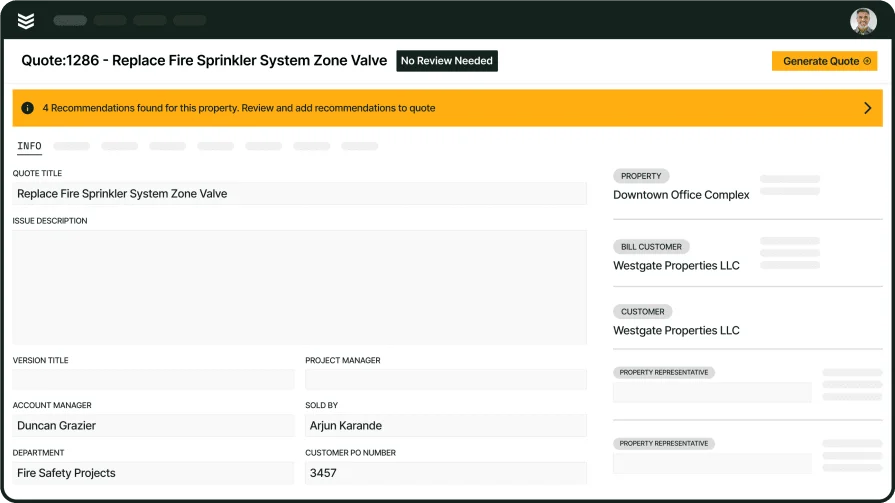
Unify inspections, service, and projects
See how BuildOps connects inspections and follow-up work across your whole operation.