Built on Data from Hundreds of Commercial Projects
The jobsite playbook for mechanical contractors
Most jobsite delays don't start with dramatic problems — they start with slow answers. This free playbook gives mechanical contractors the tactics, checklists, and field-tested workflows to cut wasted time on RFIs, documentation, and crew coordination.
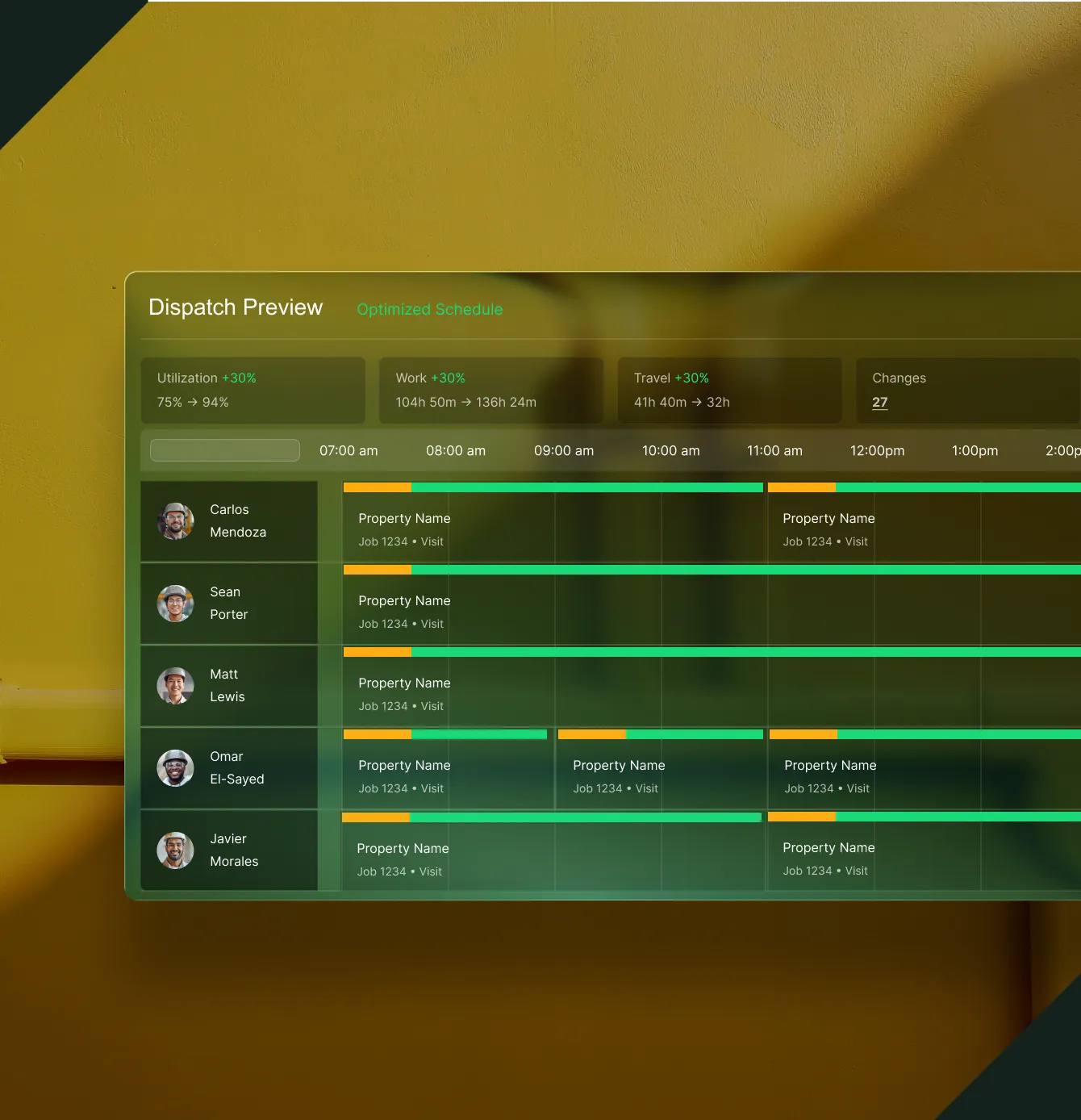
Inside the Playbook
Tools to eliminate jobsite friction

Step-by-step field tactics
A clear roadmap for reducing site organization time.

Practical management tools
Ready-made methods for managing crews and scope.

Cost control strategies
Specific tactics for keeping projects on budget and on schedule.
Common Questions
Your questions on field ops, answered
What's inside the Jobsite Playbook?
Step-by-step field coordination tactics, crew management frameworks, cost control checklists, and documentation best practices — all built from the experience of hundreds of actual commercial mechanical projects. No theory. Just what works on the jobsite.
What's the biggest time-waster on commercial jobsites for mechanical contractors?
Slow answers to RFIs, undocumented scope changes, and field-to-office miscommunication. On many projects, unstructured RFI workflows add weeks of delay. This playbook gives you a framework to close those gaps with the team you already have.
Does this playbook work without BuildOps?
Yes. The tactics and frameworks work regardless of your current tools. That said, BuildOps automates much of what the playbook covers — from connected document control and real-time field updates to OpsAI flagging labor variances before they become overruns.
How does BuildOps help mechanical contractors run projects?
BuildOps connects field execution, document control, procurement, and project financials in one platform built for specialty contractors, not general contractors. PMs see budgets vs. actuals in real time. Change orders are tracked from the field. Nothing gets lost.
What about integrating with my existing ERP?
BuildOps integrates bidirectionally with Sage Intacct, Vista, NetSuite, QuickBooks, and more. Your project data flows from the field into your ERP's job costing and payroll modules — so your financial truth stays current without manual re-entry or reconciliation.
Can BuildOps manage both service work and project work in one system?
Yes. That's what makes BuildOps different. Service, projects, and financials all run on shared data. The project you deliver today becomes the building you maintain for ten years. No duplicate records, no separate systems, no lost context between divisions.
The Jobsite Gap
Where mechanical projects lose time and money
Stop chasing answers across the jobsite
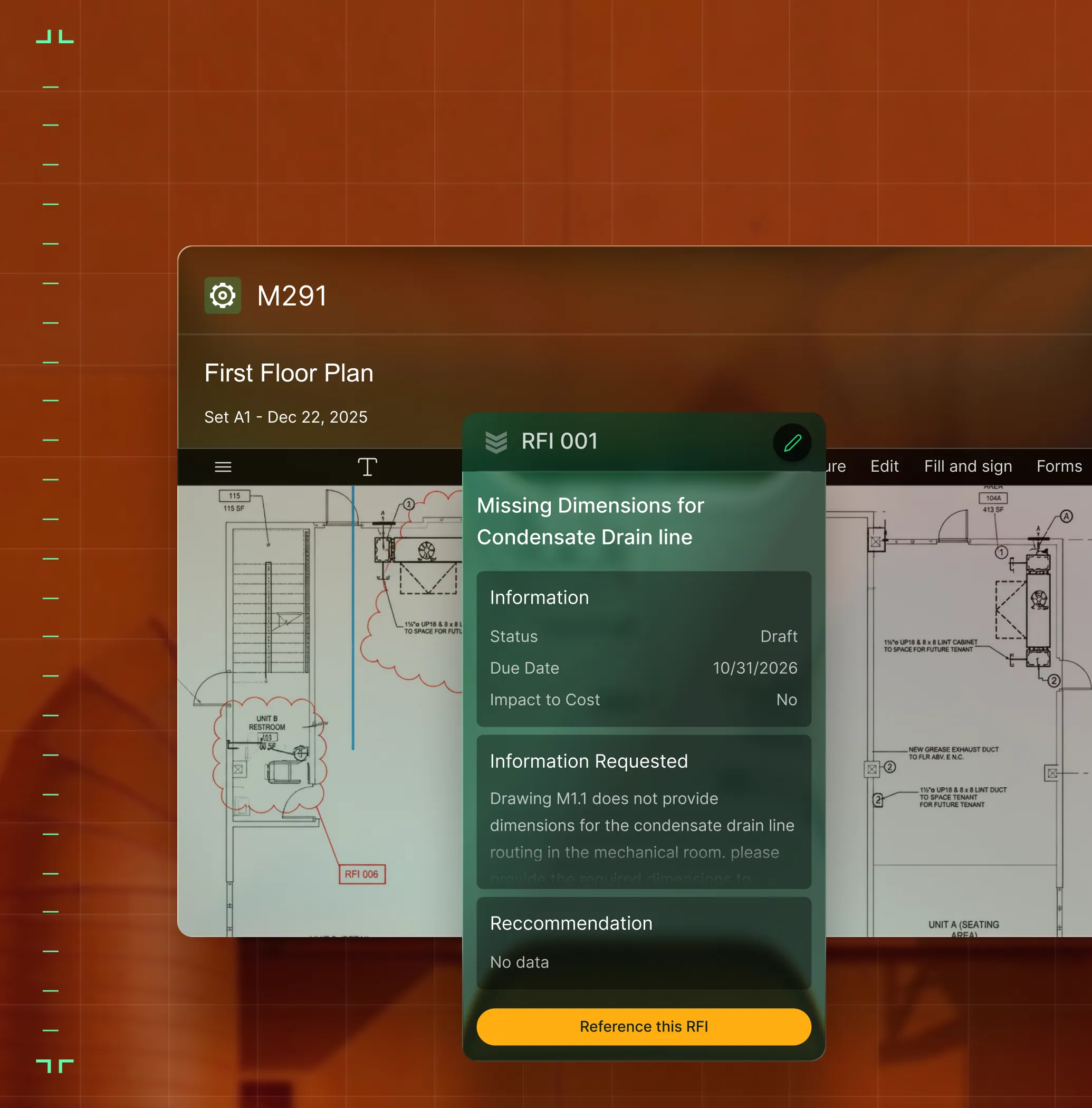
When RFIs, submittals, and change orders live in different places, field crews wait while office teams dig. BuildOps connects every document to the job itself, so PMs clear blockers before they turn into lost days.


See project health before the WIP meeting
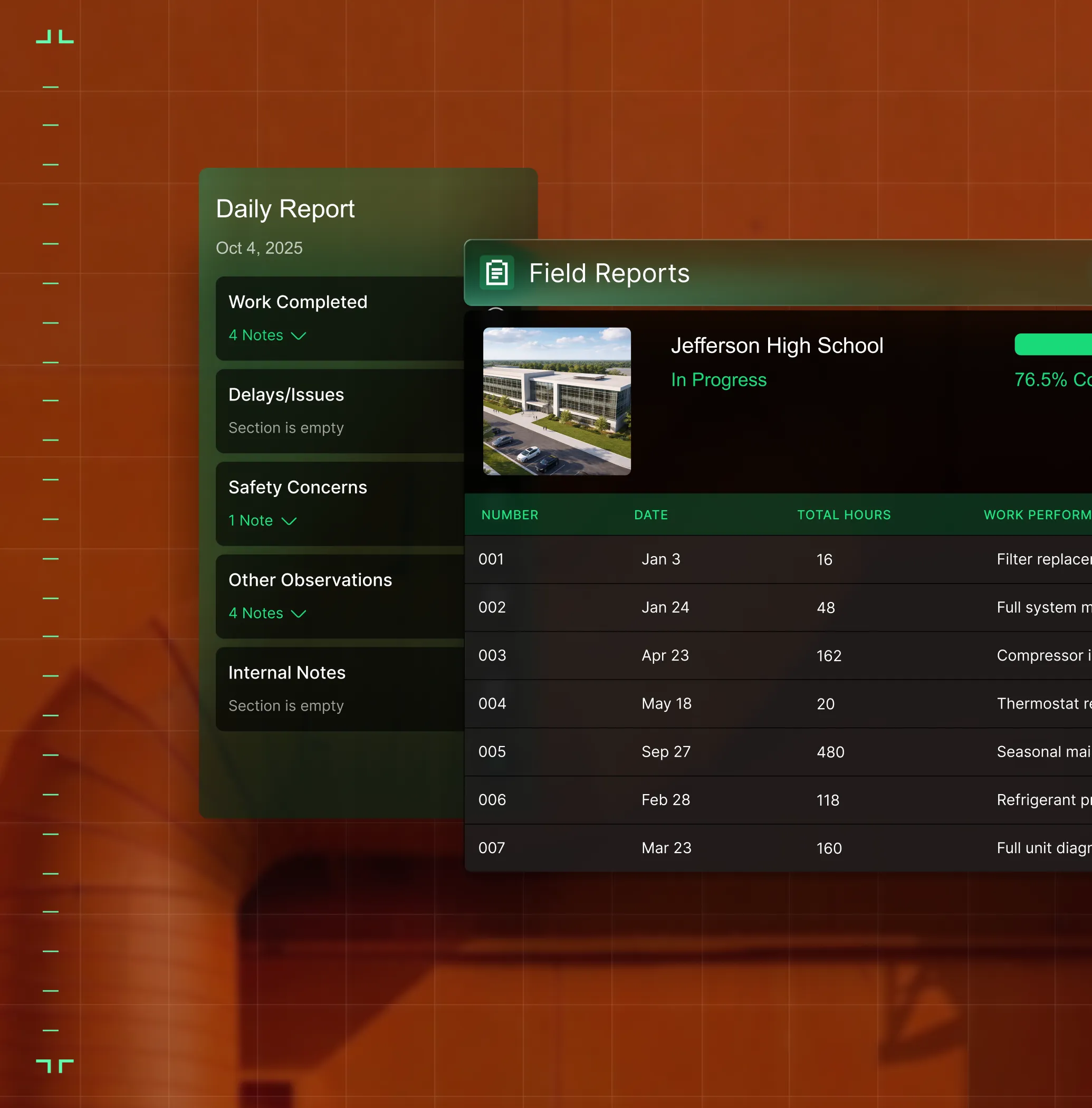
Most PMs find out about labor overruns weeks after the damage is done. BuildOps captures labor, materials, and committed costs as the work happens — so you catch overruns on Phase 3 while there's still a crew plan to adjust, not a spreadsheet to rebuild.
Protect every point of your project margin
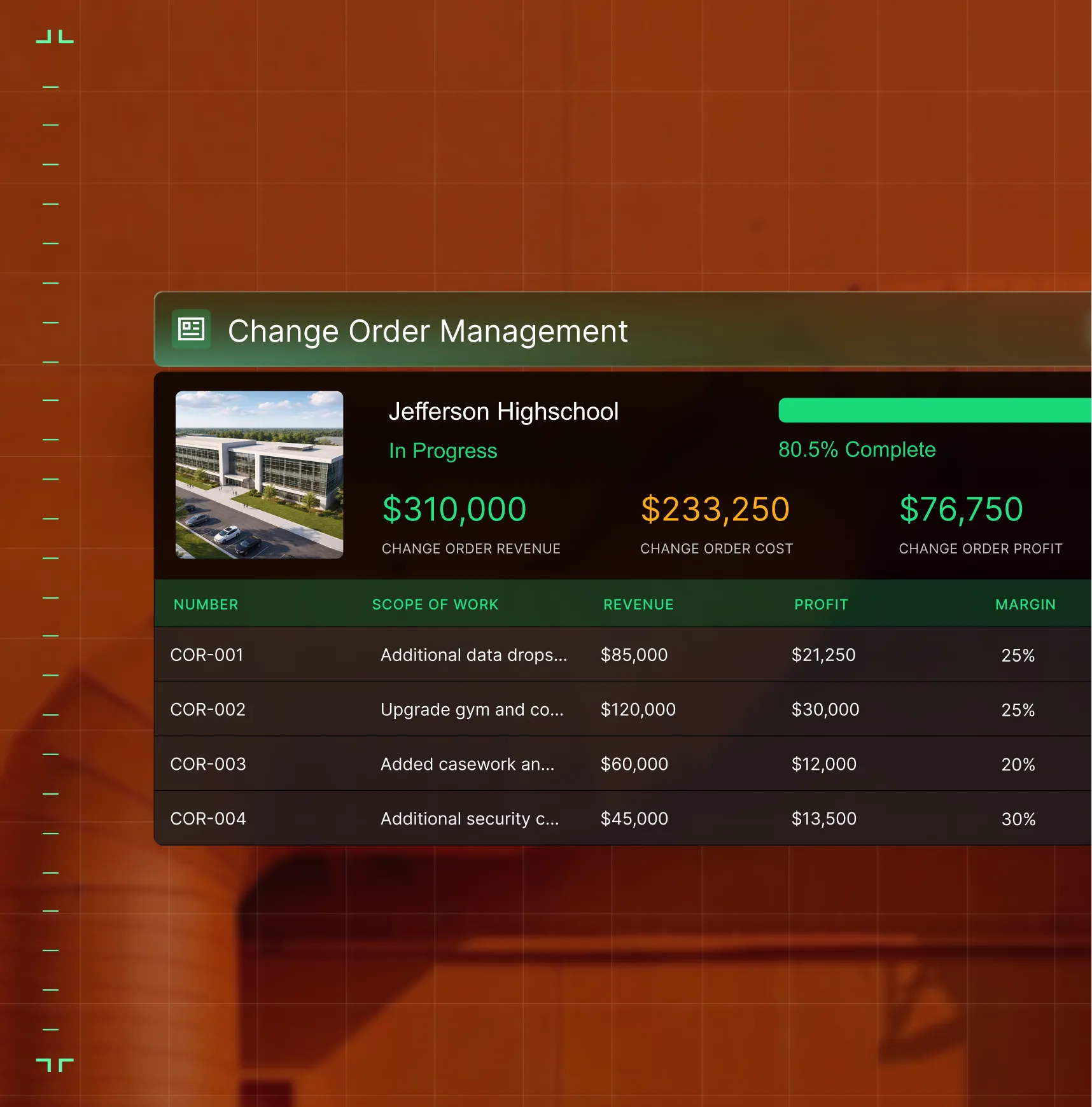
Change orders that aren't tracked, approved, and billed in real time are profit killers on commercial projects. BuildOps connects field observations to change events to the budget, so extra work gets documented and billed, not absorbed as lost margin.
Access the playbook
Lead your projects
Do not let delays slow your success. Claim your free guide today and start streamlining your workflow.
