Forge 2026 Agenda

Three days of hands-on learning, real insights from the field, and connections that go beyond the conference.

Trusted by 1,500+ commercial contractors across North America

See you in San Diego

Sessions and Speakers

November 4

Bring your own device and work alongside a BuildOps Expert. Most owners can tell you their revenue for the year. Fewer can tell you which crew, which service type, or which customer is actually driving it — because the report that would answer that question doesn't exist yet. This is a live, build-it-yourself session, not a demo. We start from a blank report and, working alongside the BuildOps Expert in real time, you build something you can actually run Monday morning to make a real call — not just admire in a dashboard. If you've ever exported a spreadsheet to answer a question BuildOps could have answered for you, this is the session.

Learning Objectives:

• Why the report you need probably doesn't exist as a template — and how to build it from scratch, on your own laptop, during the session.
• Which fields actually map to the decisions owners and ops leaders make every week.
• How to save and share the report you built so it keeps answering the question after Forge is over.

Learning Objectives:

• Why small setup mistakes on service agreements tend to surface months later, not immediately.
• How to structure coverage and billing, built live on your own device, so renewals don't require redoing the agreement from scratch.
• What to check before a renewal to avoid disputes at the worst possible time.

What you will learn:

• How to keep drawings current in the field without a separate system.
• Where task lists live so the crew and the office are always looking at the same version — set up live during the session.
• How to cut down on the double-entry that creeps in between field and office.

November 5

Bring your own device and work alongside a BuildOps Expert. Your best salesperson might already be on the truck — they just don't know it. Every visit where a tech notices a failing part, an aging unit, or a code violation and says nothing is a quote that never got written. Build the pipeline live: Revenue Finder turns those moments into recommendations, then quotes, then booked jobs, without turning your technicians into salespeople. This session walks through setting that pipeline up on your own account and keeping it moving instead of letting recommendations pile up unconverted.

Bring your own device and work alongside a BuildOps Expert. Every missing line item on an invoice is a small tax on your cash flow — a part here, a forgotten fee there, multiplied across hundreds of jobs a month. Most shops don't find the gap until someone in AR notices revenue that never showed up. Work through your own closeout process live: this session walks through how to close out jobs so invoices go out complete and accurate the first time, including where an AI agent can catch what a tired closer misses at 6pm on a Friday.

Learning Objectives:

• The most common ways BuildOps and outside accounting systems fall out of sync.
• How to tell whether a discrepancy is a real error or just a timing lag — diagnosed live, on your own data where possible.
• When to fix it yourself versus when to escalate to support.

What you will learn:

• How to track submittals, set up live, so nothing sits waiting on a response you never followed up on.
• Where RFIs live so the paper trail survives even if the person who filed it is out.
• How to process a change order correctly the first time, before it becomes a dispute.

November 6

What you will learn:

• Why job-level financial surprises usually show up long before they're noticed.
• How to read a live forecast, built during the session, instead of waiting for a closeout report.
• What early-warning signals to set up so nobody finds out about an overrun at the worst possible time.

Learning Objectives:

• Why pull-through revenue is sitting in front of your techs on every call, whether or not anyone captures it.
• How a recommendation actually becomes a quote — built live during the session — and where that handoff usually breaks.
• What to track so quotes don't die in a queue after the tech logs them.

Ticket Overview

Forge Full Experience Pass (Individual)  – $899

Full access to every session, power station, and all official events.

Forge Full Experience Pass (Multi-ticket)  - $849

Same full access — discounted when you purchase multiple passes together.

Companion Pass (Limited access) - $499

For guests of attendees. Access to evening social events only.

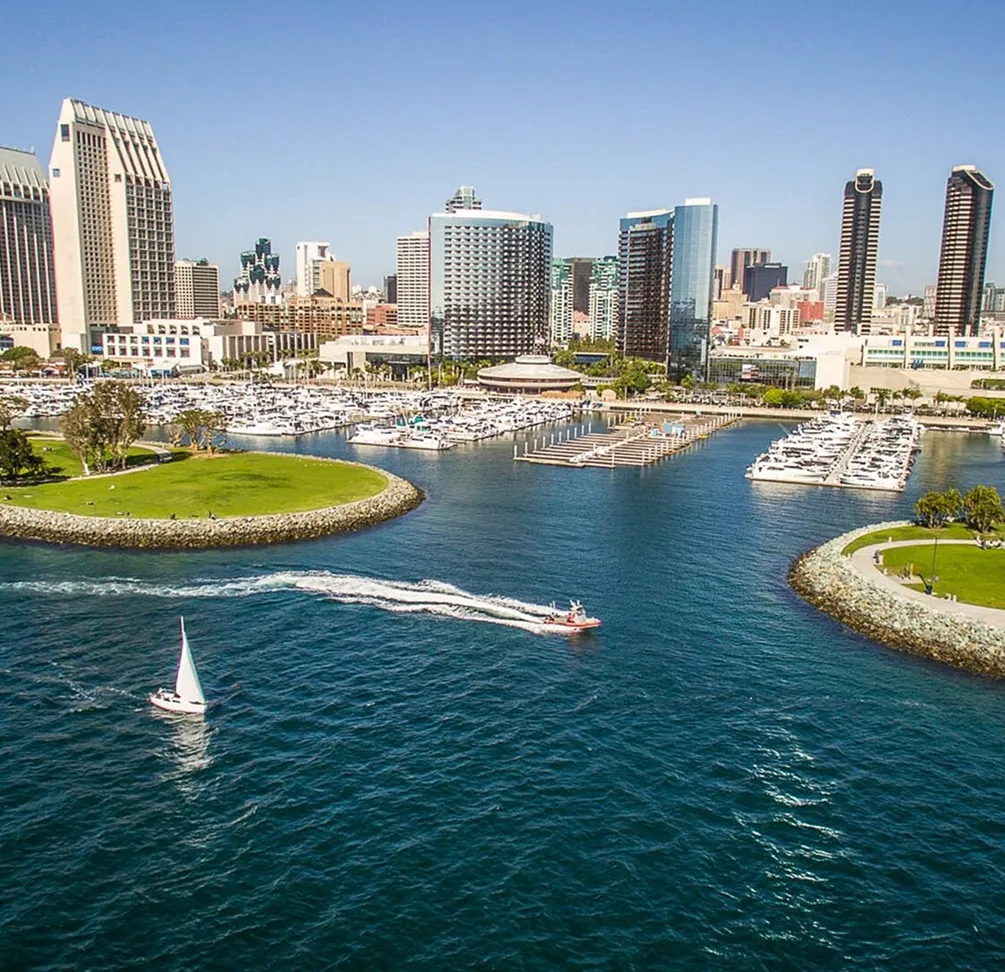
San Diego city image

Event site & Accomodations

InterContinental San Diego

Elevate your Forge 2026 experience by staying at our stunning host hotel, the InterContinental San Diego.

Right on the water. Steps from every session, every conversation, and every after-hours connection, the InterContinental places you steps away from all the action, ensuring you don’t miss a moment of networking and inspiration.

Forge 2026

Submit your customer speaker abstract for Forge 2026 to share your BuildOps success story

Download your justification letter and use it to help communicate the value of attending Forge 2026

Common Questions

Frequently asked questions (FAQ)

What are Power Stations?

Power Stations are 1:1 expert sessions with BuildOps Customer Success managers where you can get tailored answers specific for your account.

When should I plan to arrive for Forge?

We recommend that attendees traveling to Forge plan to arrive by Tuesday night to ensure you are settled and ready for the start of the main event programming on Wednesday morning.

Are the Welcome Reception and Customer Appreciation Party included with my registration?

Yes! Both the Welcome Reception and the Customer Appreciation Party are included with your event registration.

What is the recommended dress code?

Our team will be in business casual attire throughout the weekend. We encourage you to dress according to your comfort level, keeping in mind the weather and setting of each event.

  • Dress Code Tip: San Diego’s days are typically mild, but evenings on the water can feel noticeably cooler. We recommend bringing layers as the open-air spaces can get windy once the sun goes down.

How do I create my session schedule?

When the app is launched later this year, you will be able to create a custom schedule.

When and where are meals served?

Please refer to the in-app schedule for all specific details regarding meal times and locations throughout the event.

Who should attend Forge?

Forge is designed for the people responsible for where the business is going next and how the work actually gets done. The attendees who get the most out of Forge are:

  • Owners / C-suite (CEO, President, Partner) – Use Forge to pressure-test your growth strategy, see where BuildOps and OpsAI are headed, and compare notes with peers running similar commercial businesses.
  • Operations Leaders / GMs / COO-type roles – If you’re trying to standardize service and/or project operations, tighten KPIs, and fix weekly bottlenecks, Forge gives you practical playbooks and examples that are already working for other contractors.
  • Service & Project Leaders (Service Managers, Project Managers, Construction Ops) – This is where you’ll get hands-on BuildOps training and real-world workflows you can plug into dispatch, agreements, and project execution as soon as you’re back.
  • Finance & Systems Leaders (CFO, Controller, ERP/IT & Systems Admins) – Attend if you want cleaner data, tighter ERP and reporting integrations, and concrete examples of how similar contractors structure their numbers for visibility and control.

If your role touches strategy, operations, finance, or systems, you’ll find sessions, labs, and peer groups built specifically for you at Forge 26.