




Give the office the details before the truck pulls away.
Technicians capture time, parts and photos in the field. Supported workflows keep working offline and sync when connectivity returns.

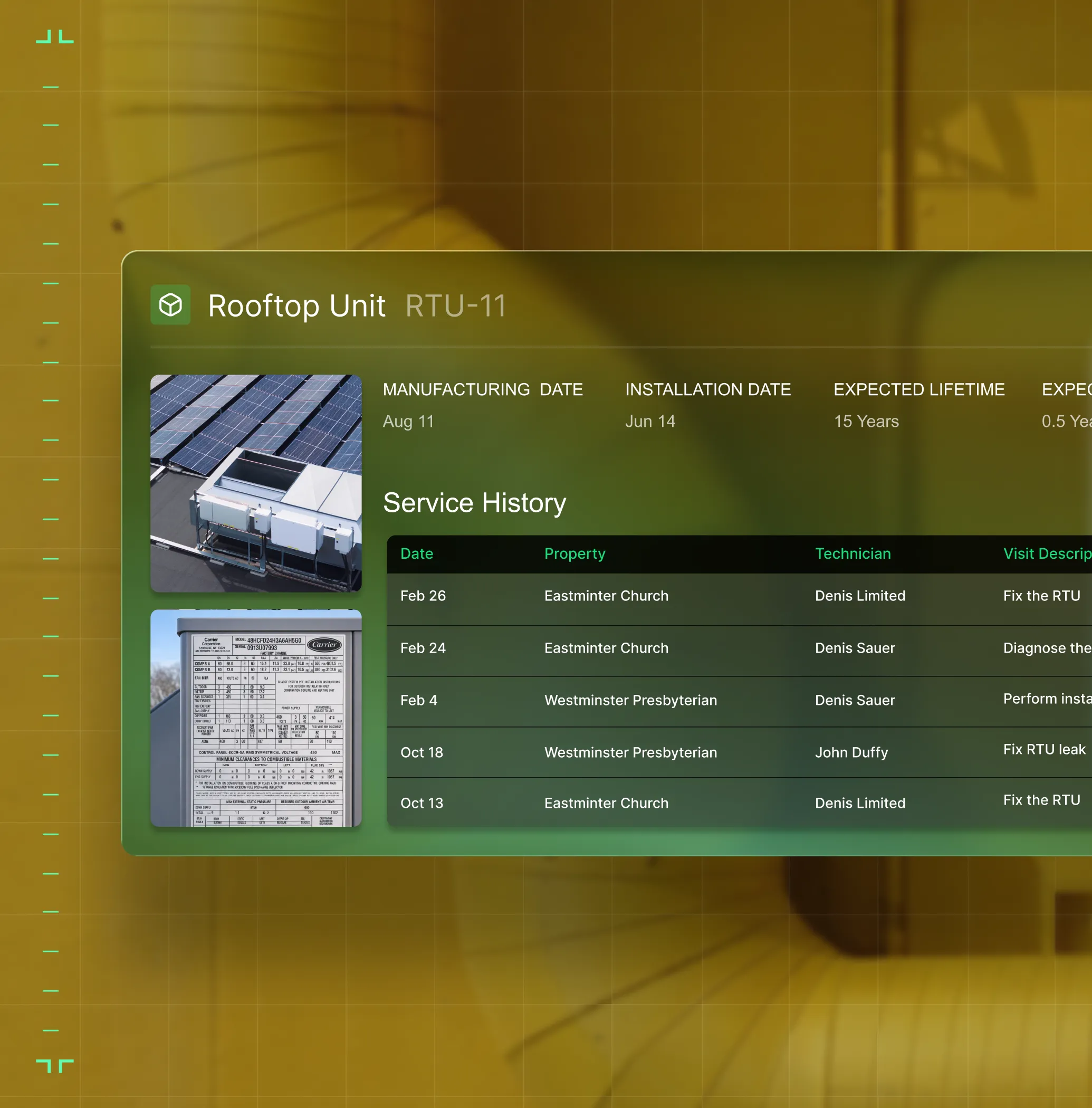
Asset Management
With full service history, specs, and warranty data on every unit, techs arrive with context and the office tracks the complete asset picture.
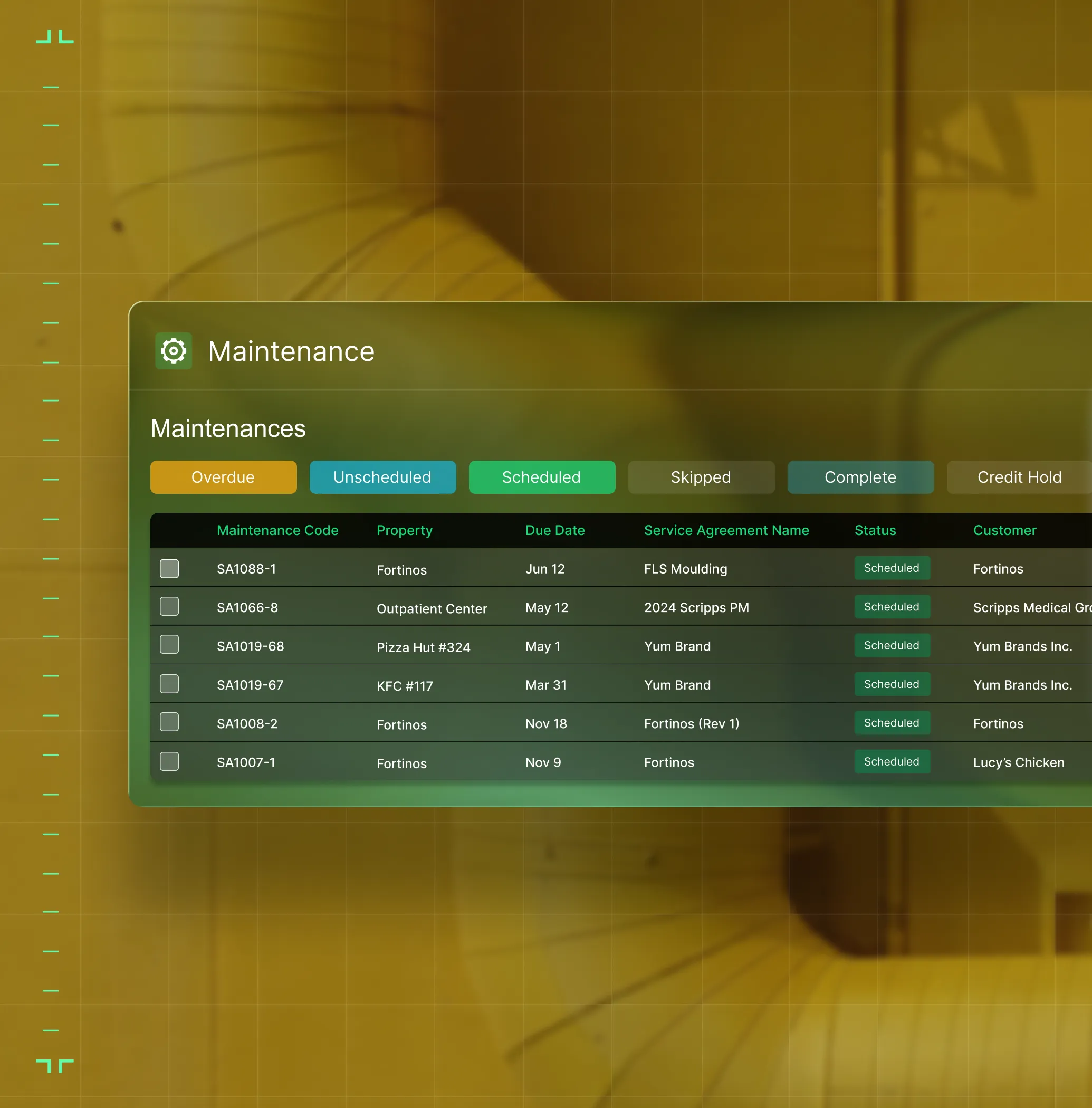
Preventative Maintenance
Automated PM scheduling keeps agreements current and turns deficiency findings into quoted work.
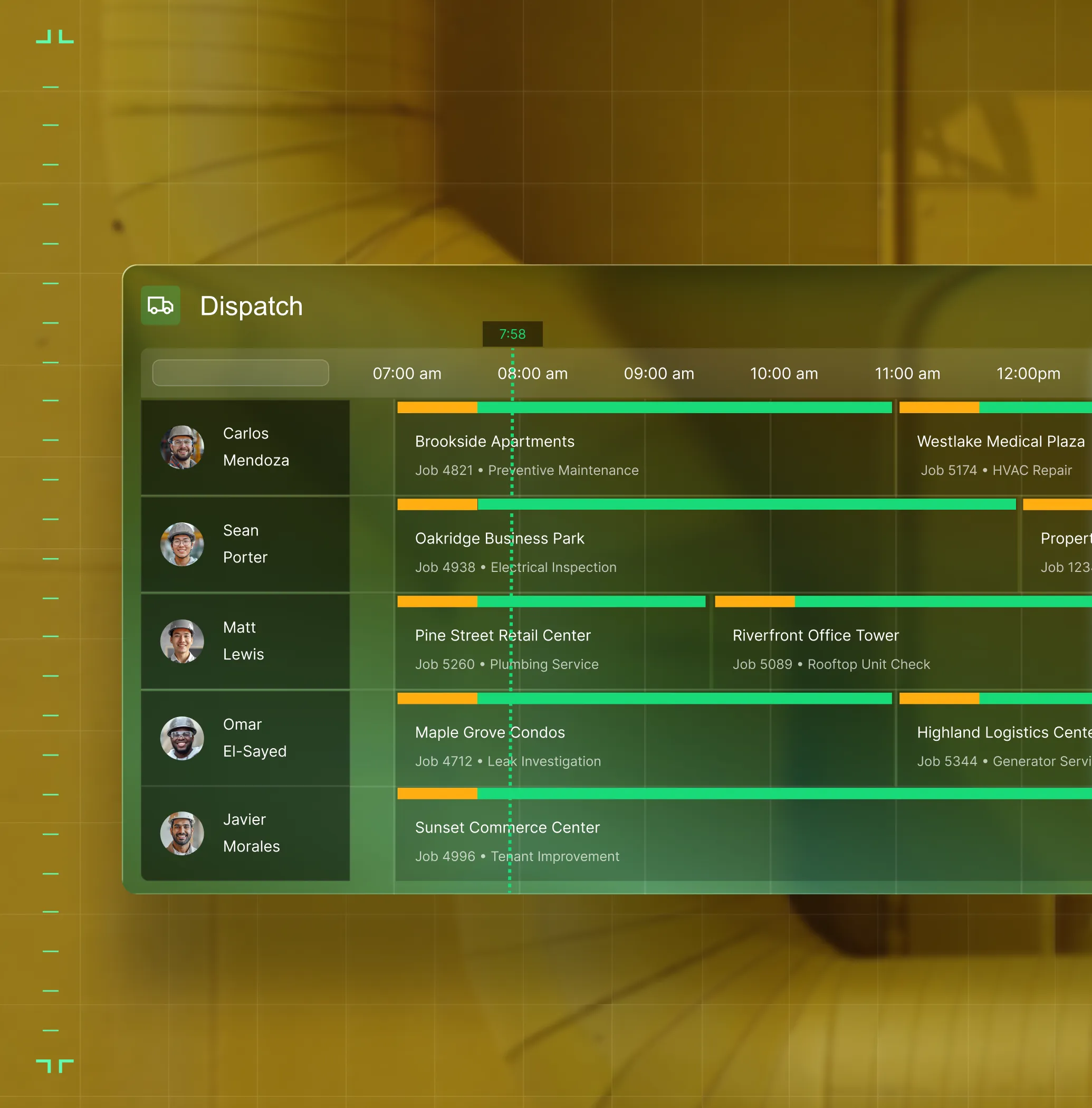
Schedule & Dispatch
Match techs to jobs by skill, certs, and distance to the job.
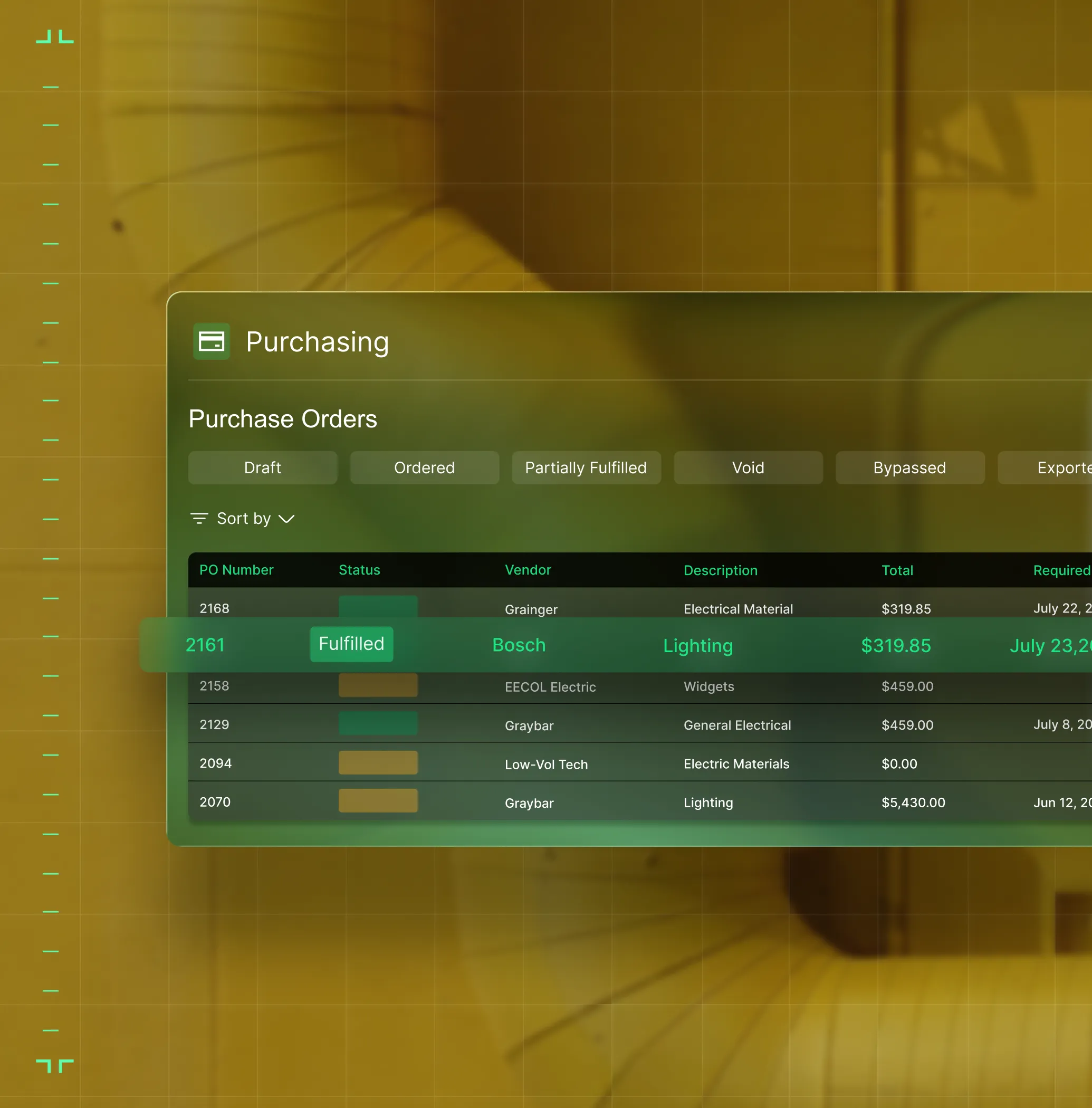
Purchasing & Inventory
Track parts used, create POs on the spot, and keep material costs tied to the job automatically.
Work Order Closeout
Gated workflows move jobs from open to billed — nothing skipped, nothing needs office cleanup.
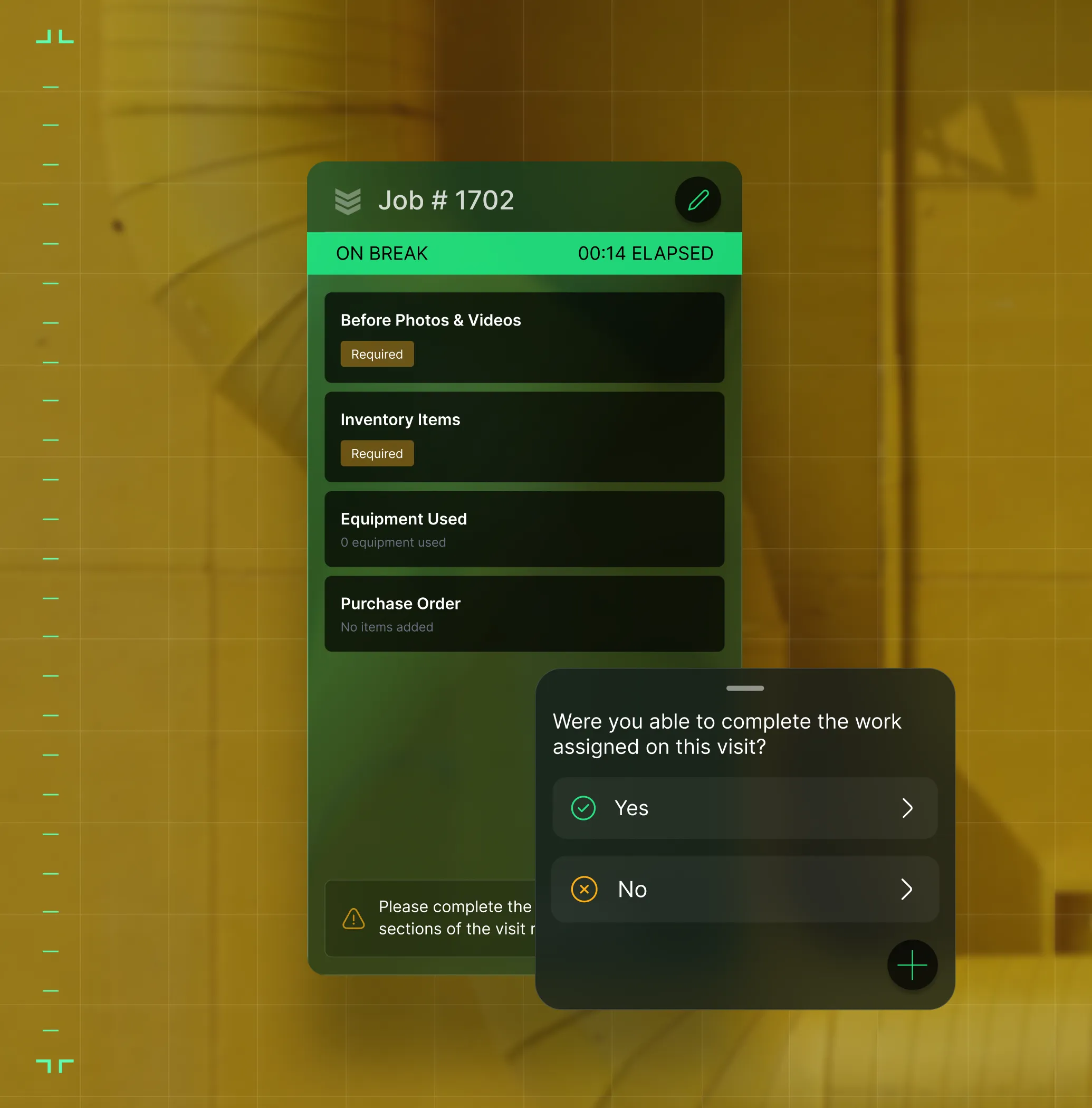
OpsAI for Service
AI that flags unbilled work, writes invoice summaries, and keeps dispatch one step ahead.
What makes BuildOps different
Built from the ground up for contractors who run projects, service, and everything in between. Not adapted. Made for the work.
Commercial work isn't an add‑on
Most platforms started in residential and stretched to fit. BuildOps starts with the complexity of commercial work.
Run the work in one connected system
Field, office, finance, and sales — all in one place. No duct-taped tools, no double entry, no dropped balls.
OpsAI is built in, not bolted on
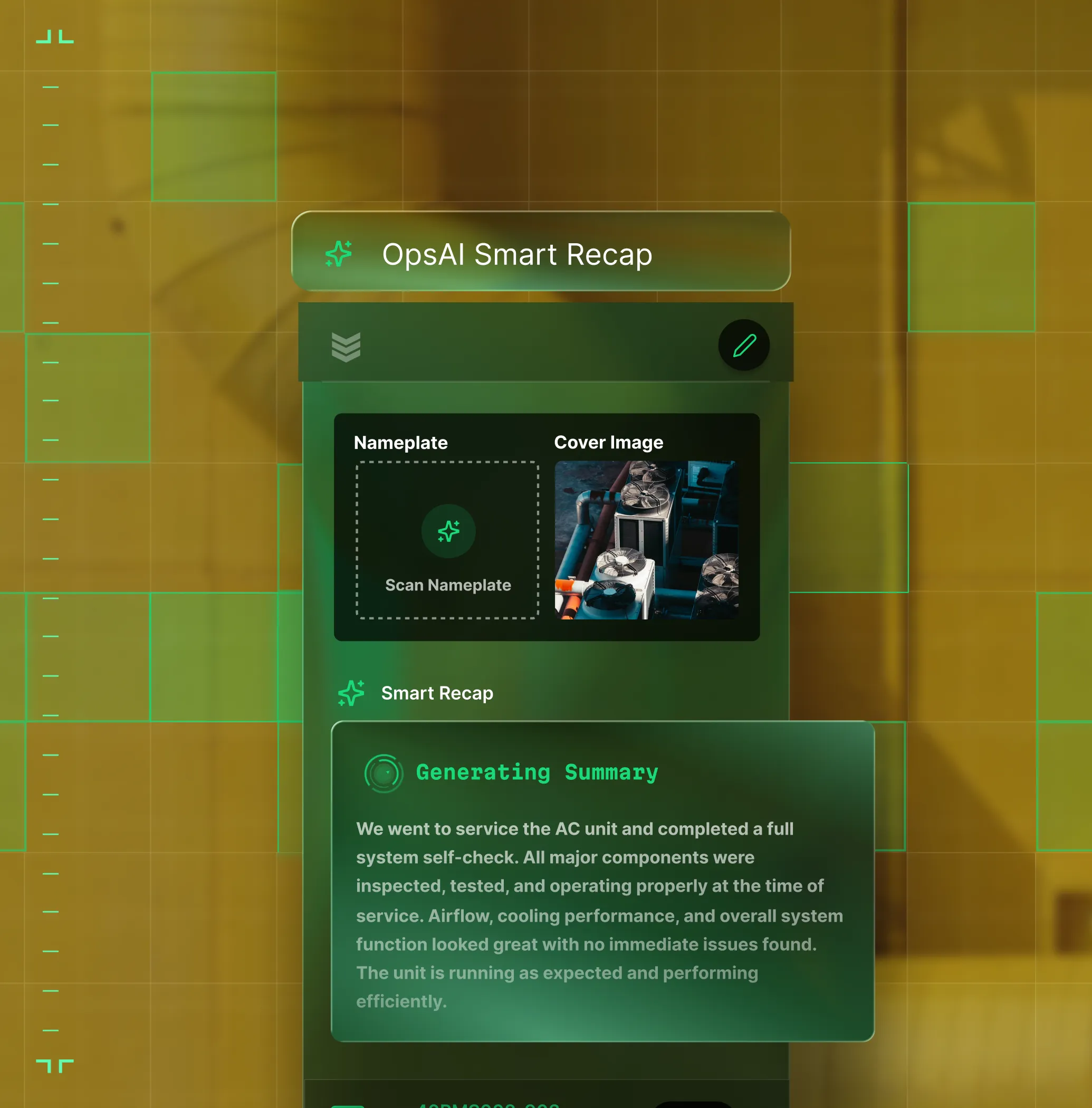
OpsAI is already in your workflows. It recaps the day, calls out risks, and gives every role a clear next step.
Proven Results
Built to perform
More crews in the field, faster invoices out the door, and margins you can see, that's what BuildOps delivers.
More revenue per tech
Get more out of every tech in the field.
Tools replaced on average
Scale without stacking more tools.
More work without more overhead
Handle more volume without adding headcount.
Results collected from the BuildOps benchmark report.
Proven outcomes
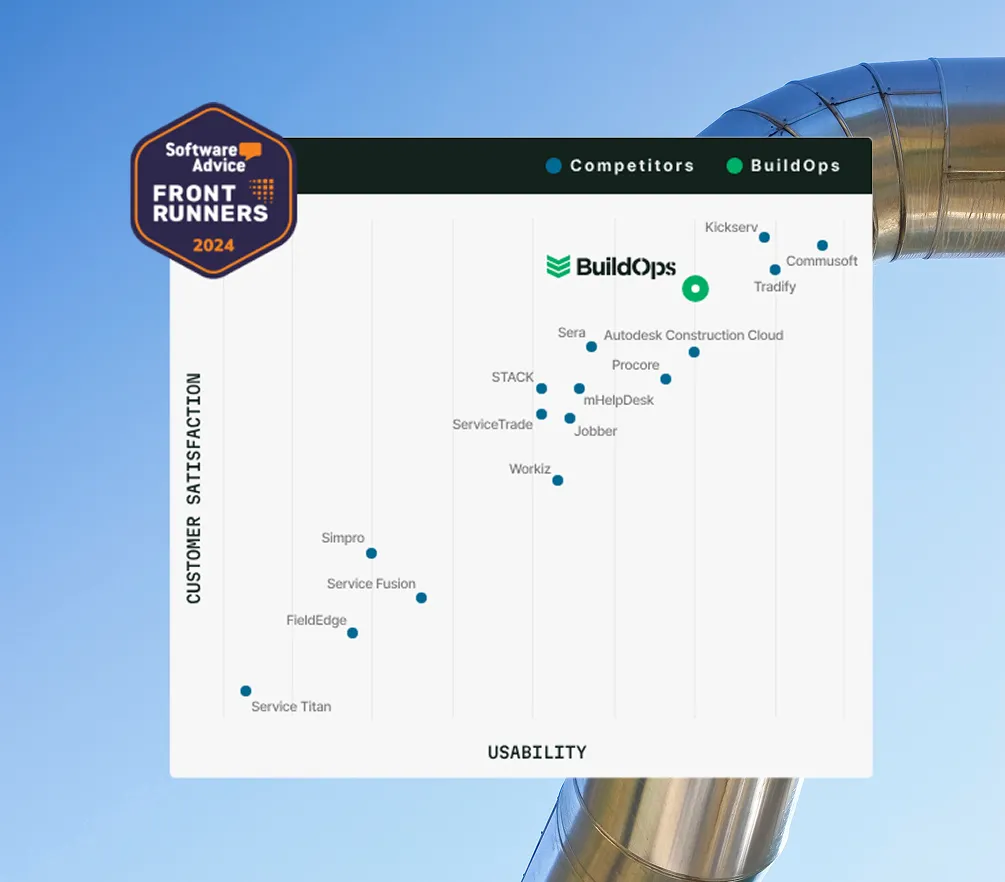
Rated best FSM software in 2026 by commercial contractors
See for yourself why leading commercial contractors trust BuildOps to manage their field service operations







Proven results
Real results from real service operation


"We've seen an increase in day-to-day operations efficiencies that's going to add up to significant savings in time and energy over the course of a year."

"If we didn't have BuildOps and the additional cyber security they give our company, we would be dead in the water."
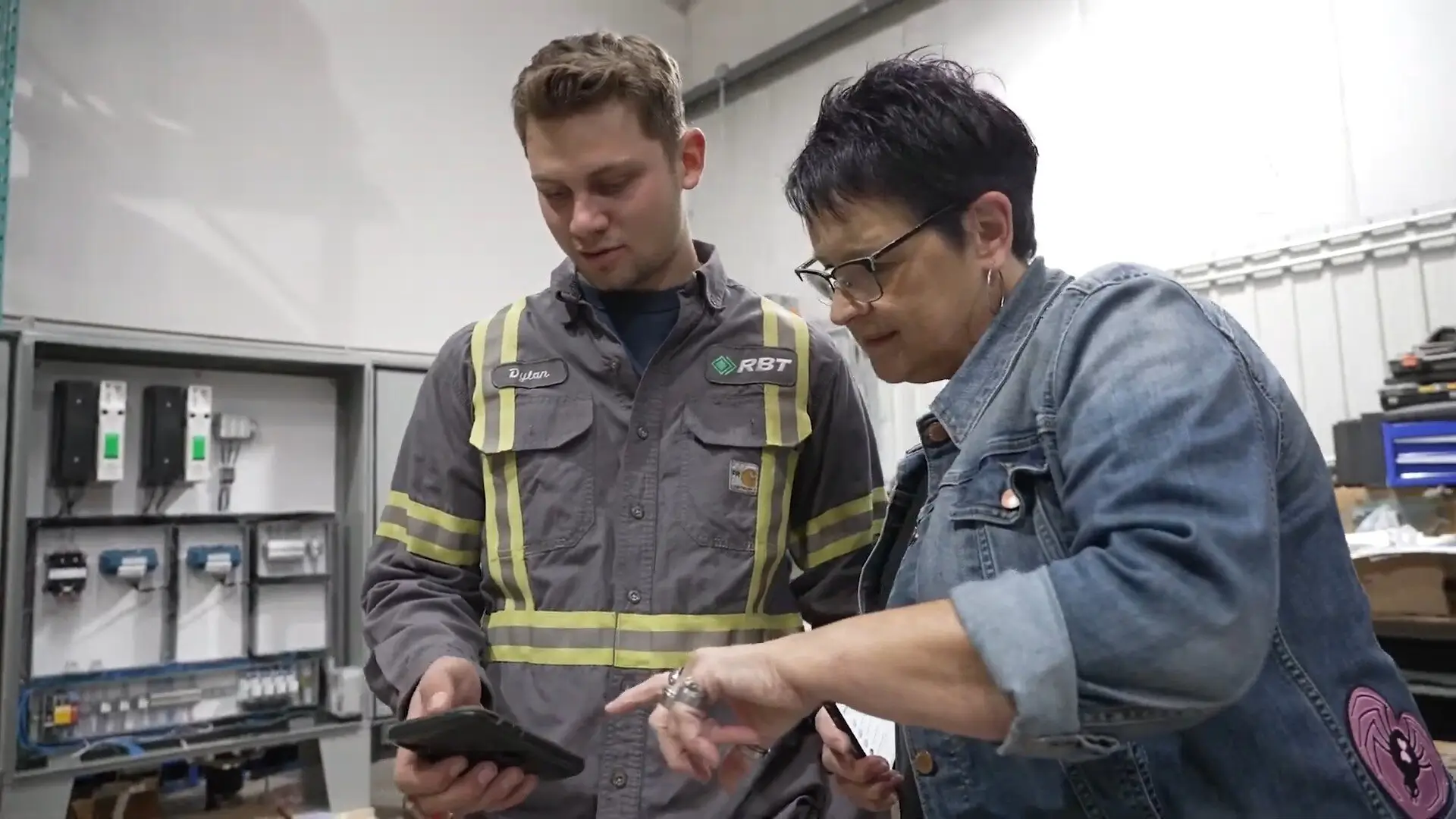

"The ability to produce reports either on an individual job basis, a quarterly basis, or a project basis is something we'd never seen before in other software that we've used."
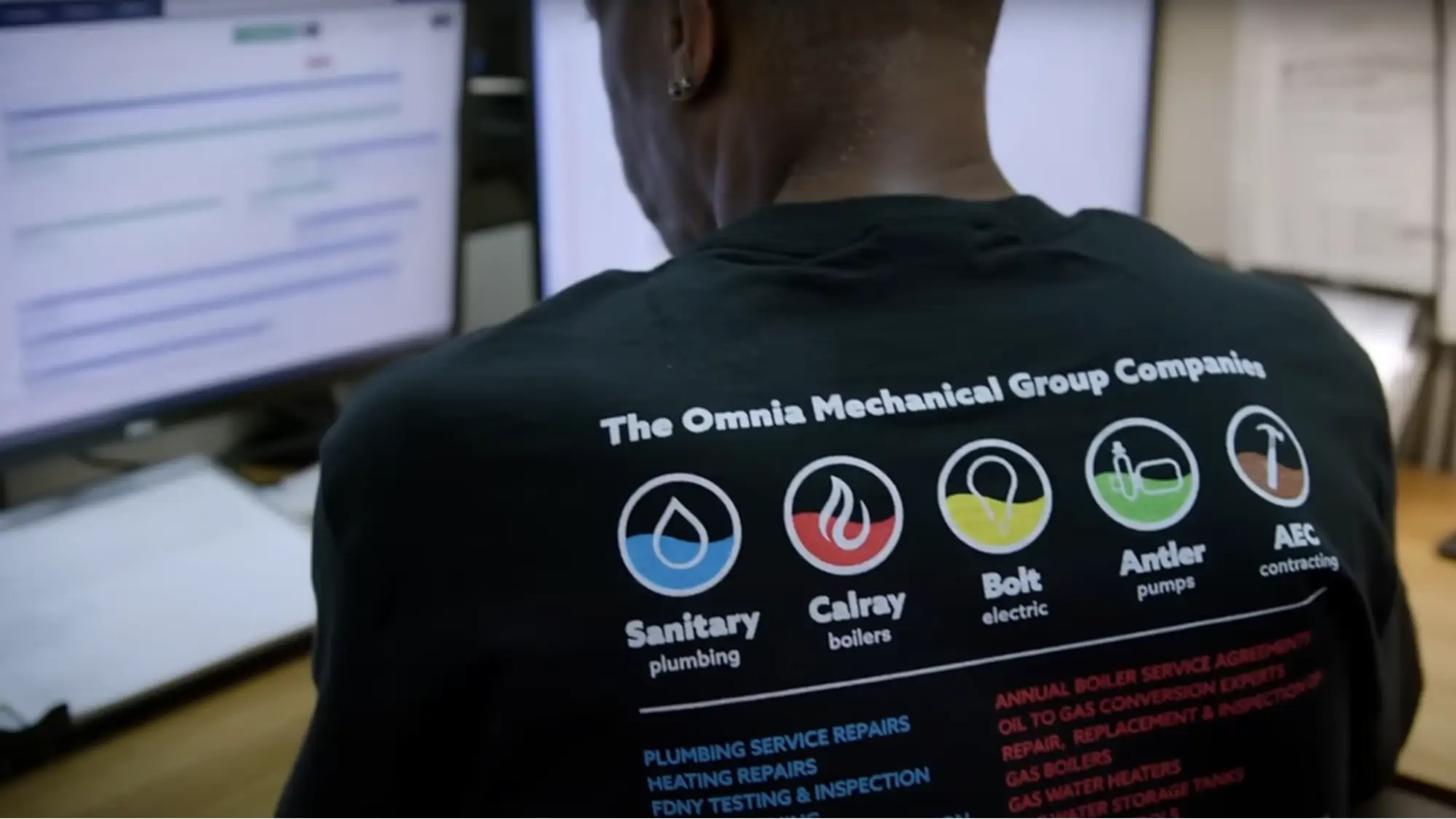

"We've cut down in our receivables from about 120 days to 30 days on average."


"Before we knew it, we were seeing quicker turnaround times on job closeout and a huge improvement in the time it took for quotes to be accepted by our customers."


"With BuildOps, we feel like we can go after anything. The sky is the limit as far as the size of the project."
.webp)

"BuildOps gave us an all‑in‑one system for both service and projects. Once we saw that, it was a no‑brainer."
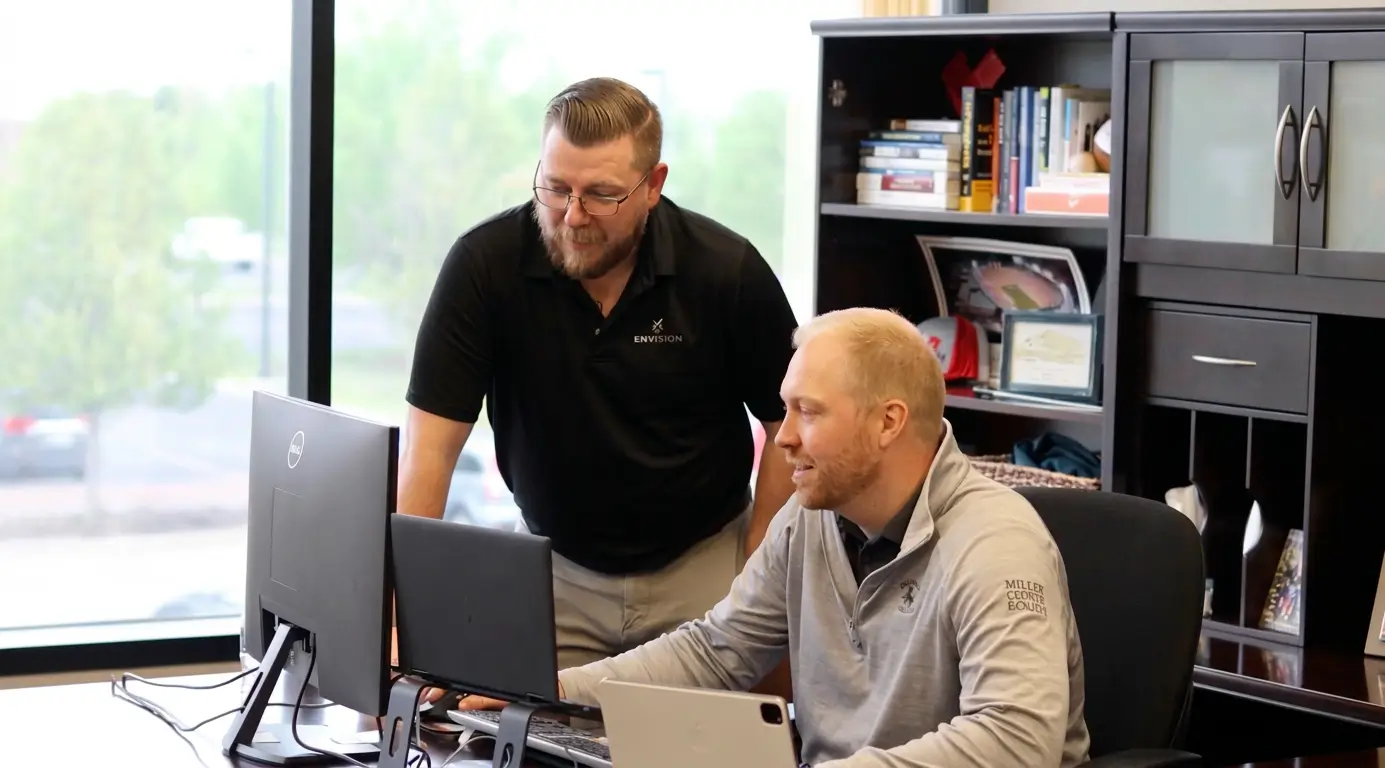

"With the integration of BuildOps and Sage Intacct, our accounting system, we've been able to speed up the time it takes for us to bill customers."


"Our consulting division increased 300% because we were able to free up more time from the office to help other customers."
![Service First Logo]](https://cdn.prod.website-files.com/69cad9cd3a5ef3196ea9bb65/69fa0ca0adc28a56d26717c9_Service%201st%20white.webp)
"Sometimes systems promise you the moon, then you use them and see the weaknesses. It's been the exact opposite with BuildOps. Everything we wanted it to do, it could do."

"We used to be two weeks behind on job costing. Now we're up to date daily."
Zero-Downtime Migration
Switch systems without missing a single dispatch
The biggest risk to your operation is staying on a broken system. Our team migrates customer records, asset history, and active agreements to BuildOps with zero downtime.
Historical Data Integrity
We map your legacy project data to ensure every past job is searchable and accurate within the new ledger.
Active Project Transition
Current builds are moved in phases to ensure your field crews never miss a log or a safety check.
ERP Backbone Sync
We handle the complex handshake with your accounting software to ensure your ledger remains the single source of truth.
Common Questions
Your field service management platform questions, answered
How does BuildOps handle integration with my existing ERP (Sage, Viewpoint, etc.)?
BuildOps syncs with your ERP—Sage, Vista, QuickBooks, and more. Field data flows directly into job costing and payroll modules, so your books stay accurate without manual re-entry.
What is the typical implementation timeline for BuildOps?
Most commercial contractors are up and running in a matter of weeks, not months. The timeline depends on team size, existing systems, and how much data migration is involved. Your implementation team will tailor a project plan specific to your organization.
Do you have any proof of how useful BuildOps is for field service businesses?
Take your pick! Here are the results some of our customers in different industries have seen:
- Jackson Mechanical: 50% leap in efficiency, 30% revenue growth, 100% increase in tickets handled, without adding any headcount
- Certified Fire: 250% increase in profit, 4% monthly service billing increase, jump from 75% to 95% in service employee billable time
- Classic Electric: 300% growth
- JL Minter Inc: slashed billing time by 73%
- Sloan Mechanical: 75% quote approvals from customers
Why is BuildOps so great for commercial field service teams?
BuildOps was built from the ground up for commercial teams, so our features are already in place to support long-term, multi-site, big crew jobs and projects rather than having features tacked on to a one-size-fits-all solution.
We don't think one size fits all when it comes to field service work, so we made BuildOps knowing what teams with complex field service projects need.
Is the platform's AI (OpsAI) ready for use now?
Yes. OpsAI is live — writing invoice summaries, recapping tech visits, and helping dispatchers match the right tech to every job. It works inside your existing workflows, not on top of them.