Close Jobs Faster: How to Fix the Field-to-Office Handoff
Faster closeout starts when the job’s information moves as quickly as the job itself.
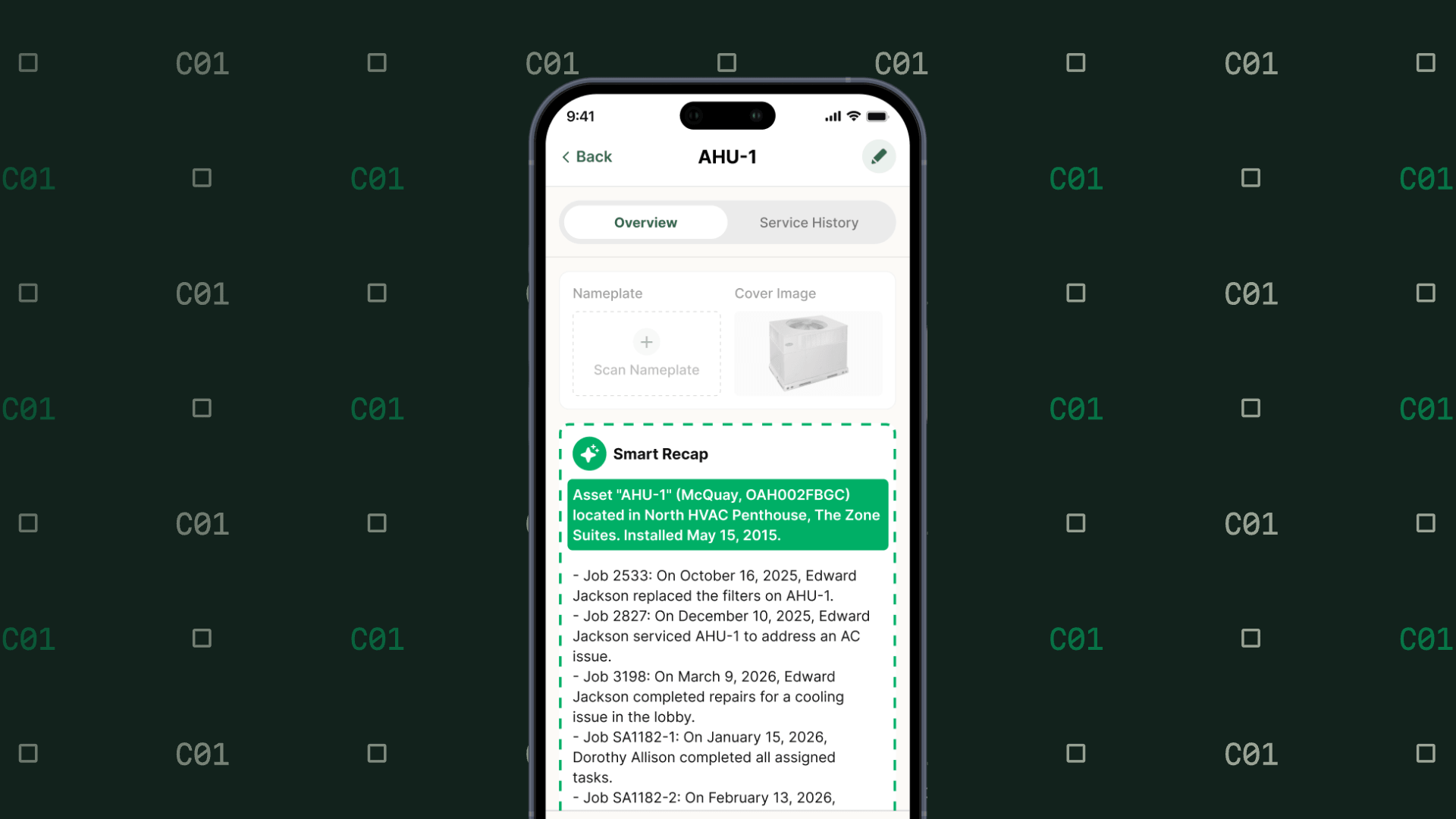
How long does a job stay open after the work is done?
For the average commercial contractor, the answer is 21.6 days. Best-in-class contractors close jobs in 11.2 days, a 48% improvement.
That extra ten days is more than an administrative annoyance. It delays invoicing, keeps crews tied up in follow-up, and makes it harder for leaders to see what is happening while the work is still in motion.
The 2026 Torque Commercial Contractor Benchmark Report puts a number on the problem and measures the average elapsed time from when a job is opened to when it is closed, covering the full path from dispatch through field execution, documentation, and closeout.
Closing jobs faster is usually not about asking the field to rush. It is about making sure information moves with the work.
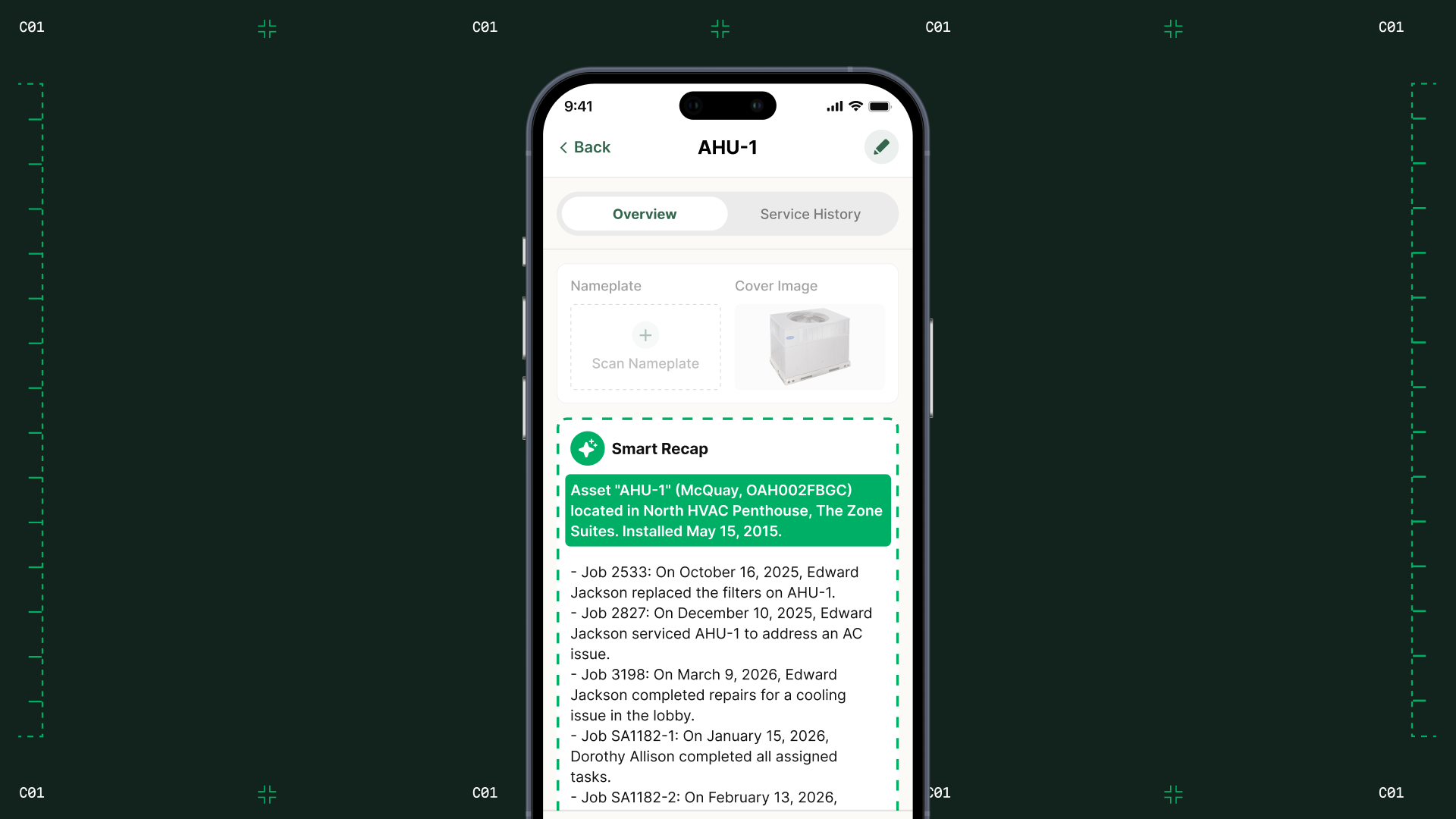
The field-to-office handoff is where jobs start to drag
Jobs stay open when paperwork trails the field work. Incomplete documentation, waiting on approvals, and manual close steps leave completed jobs technically open. Every additional open day delays the invoice and keeps capacity tied up.
That is why job-cycle time is a useful operational signal. It shows how well the whole business moves work from scheduled to completed—not just how quickly a technician performs the work on site.
Layer One’s two-week visibility gap
Layer One, a commercial security, communications, and audio-visual integration contractor operating across Maryland, Virginia, and Washington, D.C., saw this problem in its back office.
As Jason Thompson, Layer One’s founder and president, put it: “We were using QuickBooks Time for tracking, Excel for costing, and ADP for payroll—none of it talked.”
The result was a lag between what was happening in the field and what the office could see. Job costing ran two weeks behind field activity, and labor data was not available until long after payroll closed. Purchase orders and materials tracking added more manual entry.
Layer One did not solve the problem by adding another reconciliation step. By connecting job costing, purchase orders, time tracking, and its existing QuickBooks Online setup in BuildOps, the team moved toward a shared view of the job.
“We used to be two weeks behind on job costing,” Thompson said. “Now we’re up to date daily.”
Layer One also removed two to three days of manual data entry every payroll cycle for one employee. “We literally saved days every two weeks,” Thompson said. “That’s a full week per month.”
Four ways to close jobs faster
1. Define what “complete” means before the truck leaves
A job should not depend on someone in the office remembering what information to request later.
Create a consistent closeout standard for every job type. Depending on the work, that may include:
- Required labor and time entries
- Technician notes and completion details
- Photos or other supporting documentation
- Customer signatures
- Materials used
- Purchase-order or approval information
- Recommended next steps or follow-on work
The report describes the best-in-class workflow as required fields enforced at completion, real-time job costing, and a daily review of stalled jobs. The goal is not more paperwork. It is complete information at the point where the work ends, so the office does not have to rebuild the job afterward.
2. Make job costing visible while there is still time to act
A job-costing report that arrives two weeks after the work happens is a history lesson, not an operating tool.
Review labor, materials, purchase orders, and other committed costs while the job is active. If costs are trending in the wrong direction, the team should be able to see the issue before closeout—not after payroll, billing, or month-end reporting.
Layer One’s shift from being two weeks behind to being current daily shows why this matters. Faster visibility gives leaders a chance to correct the job while the details are still fresh and the work is still manageable.
3. Assign an owner to every stalled job
Open jobs rarely close themselves. Establish a daily review of jobs that are complete in the field but still open in the system.
For every stalled job, identify one blocker and one owner:
- Missing field documentation
- Waiting on customer sign-off
- Missing purchase-order information
- Unapproved change order
- Incomplete labor or materials data
- Billing review or other office step
4. Keep field and office work in the same operating flow
Disconnected tools create duplicate entry, delayed visibility, and more opportunities for information to fall out of the process.
A connected workflow lets the field capture information once and makes it available to the office, project managers, and billing without requiring someone to translate or re-key it. It also gives leaders a more current view of where jobs stand and which ones need attention.
For Layer One, bringing projects, service, job costing, purchase orders, time tracking, and accounting integration into one connected workflow helped replace a fragmented process.
Start with the gap you can see
You do not need to redesign every process at once. Start by measuring the distance between field completion and job closure.
If the gap is large, look first at the handoff—not at technician effort. Are required fields enforced? Does job costing update daily? Can the office see missing information without calling the field? Does every stalled job have an owner?
Faster closeout starts when the job’s information moves as quickly as the job itself.