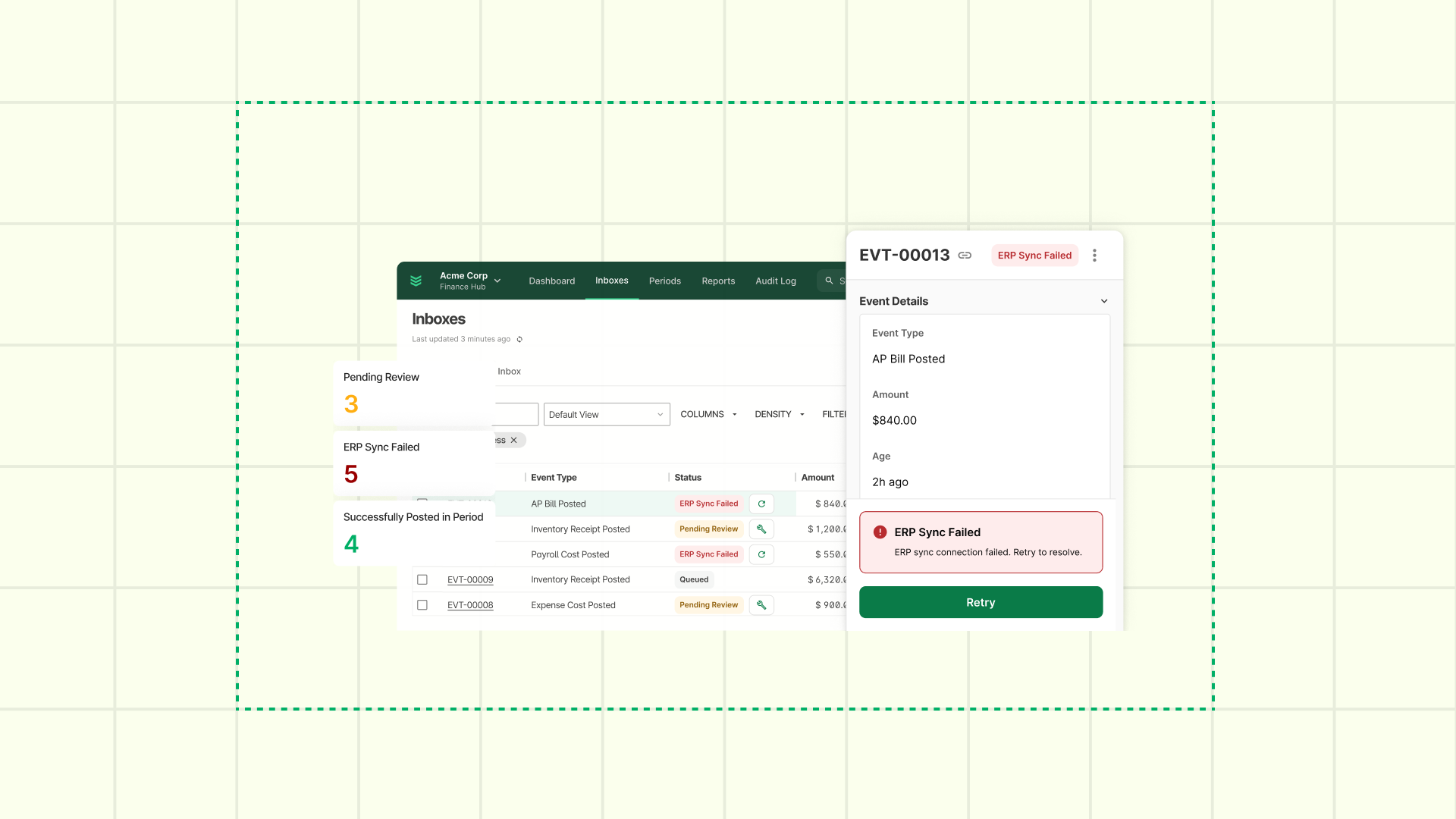
"Know the Job Before You Step Out of the Truck": Powered by OpsAI
Features designed to give time back to your foremen, your techs, and your back office.
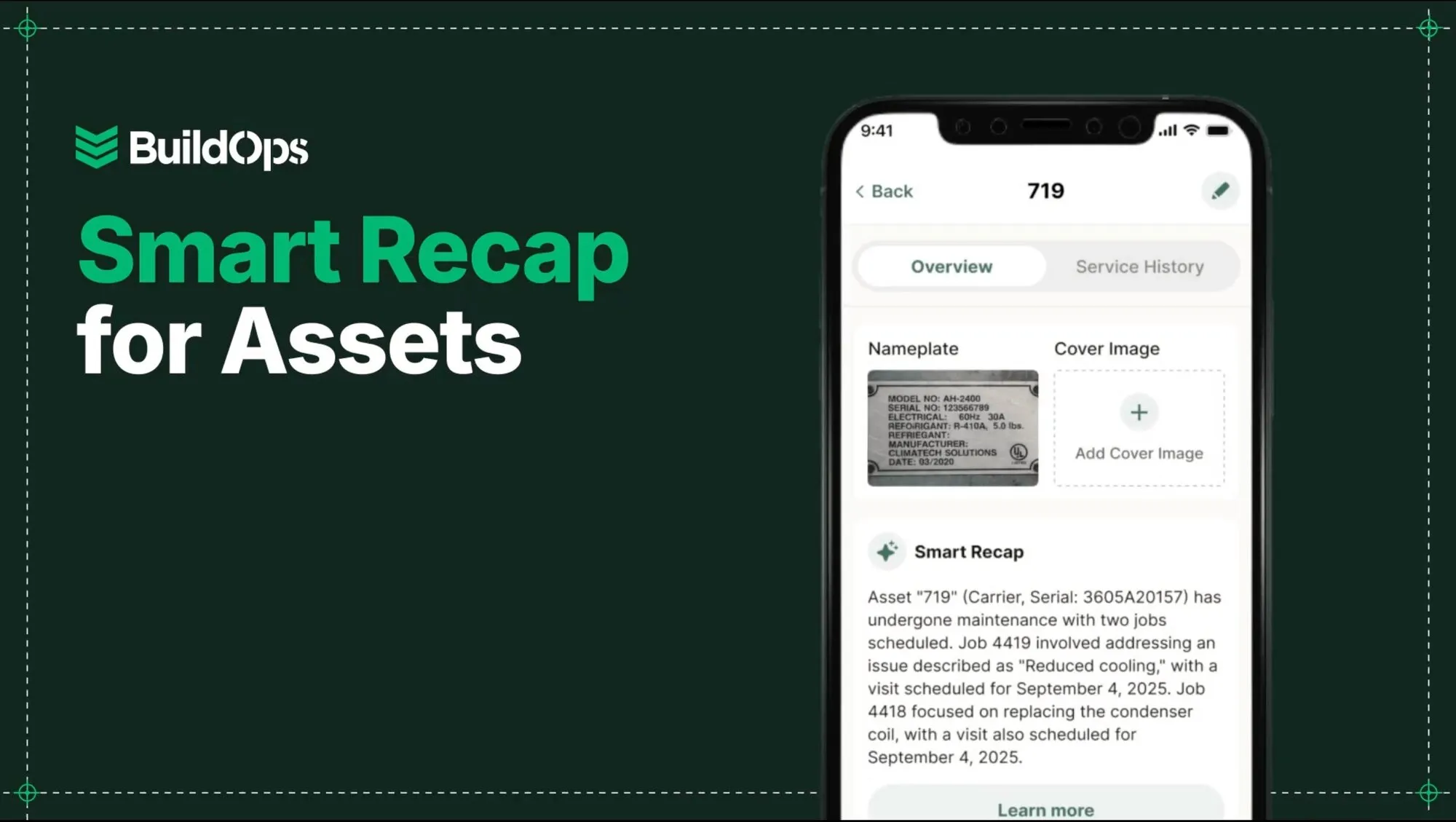
Commercial work moves fast. Your tech is standing in front of a rooftop unit or walking a jobsite, and the last thing they have time to do is dig through yesterday's Daily Reports, scroll a wall of job notes, or squint at a rusted nameplate trying to key in a 20-character model number.
That's exactly where OpsAI comes in.
OpsAI is the intelligence layer built into BuildOps; it’s not bolted on as a separate tool, but embedded in the workflows your teams already use. OpsAI reads your operational data, pulls out what matters, and puts it where your people need it: on their phone, at the jobsite, before the work starts.
Here's what that looks like in the latest updates.
Smart Recap: OpsAI Reads the History So Your Crews Don't Have To
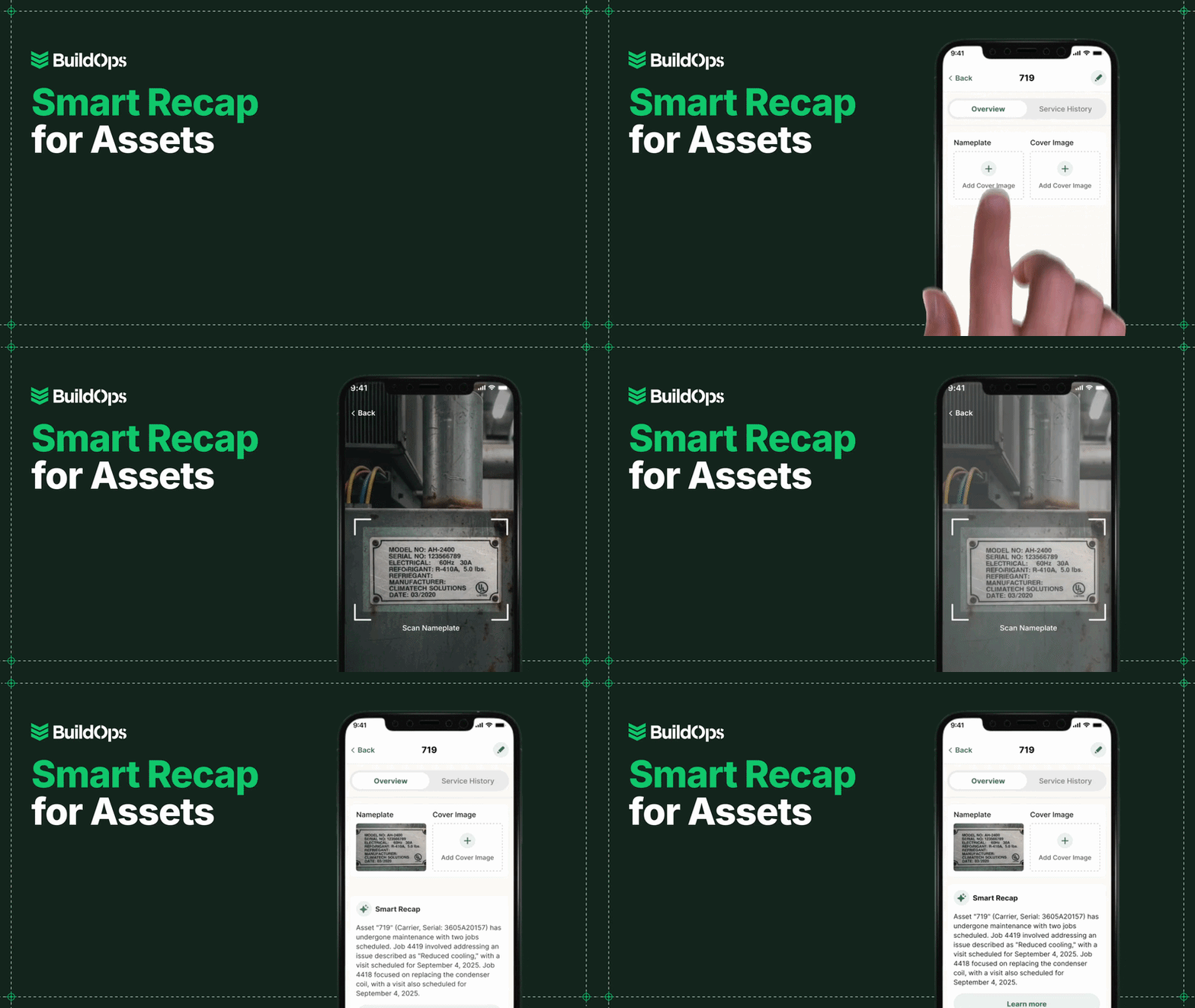
Smart Recap is OpsAI doing one of the things it does best — turning noisy job data into a clear, plain-language summary your teams can act on in seconds.
Instead of scrolling through a long list of Daily Reports or digging through past visits, your foremen, PMs, and techs get a recap of what's been happening right where they already work.
On projects: OpsAI summarizes recent Daily Reports so foremen and PMs can see what's done, what's outstanding, and any issues that keep coming up. Seconds, not pages.
On assets: OpsAI pulls together the asset's work history on the asset details page, so techs can review previous repairs, patterns, and notes before they touch a wrench.
You still control the work:
- Recaps are grounded in your actual BuildOps data, Daily Reports and asset history, not guesses.
- The text is fully selectable, so PMs and techs can copy and paste into emails, internal notes, or customer updates.
Bottom line: OpsAI does the reading so your crews can focus on leading; walking into every job with the context they need to make good calls fast.
Nameplate Capture: Better Data In, Smarter OpsAI Out
Nameplates are where critical asset data lives, but they're also where a lot of manual typing, fat-fingered serial numbers, and lost sticky notes come from. Bad data going in means bad data coming out: for your reports, your history, and eventually for every AI-driven insight your system tries to surface.
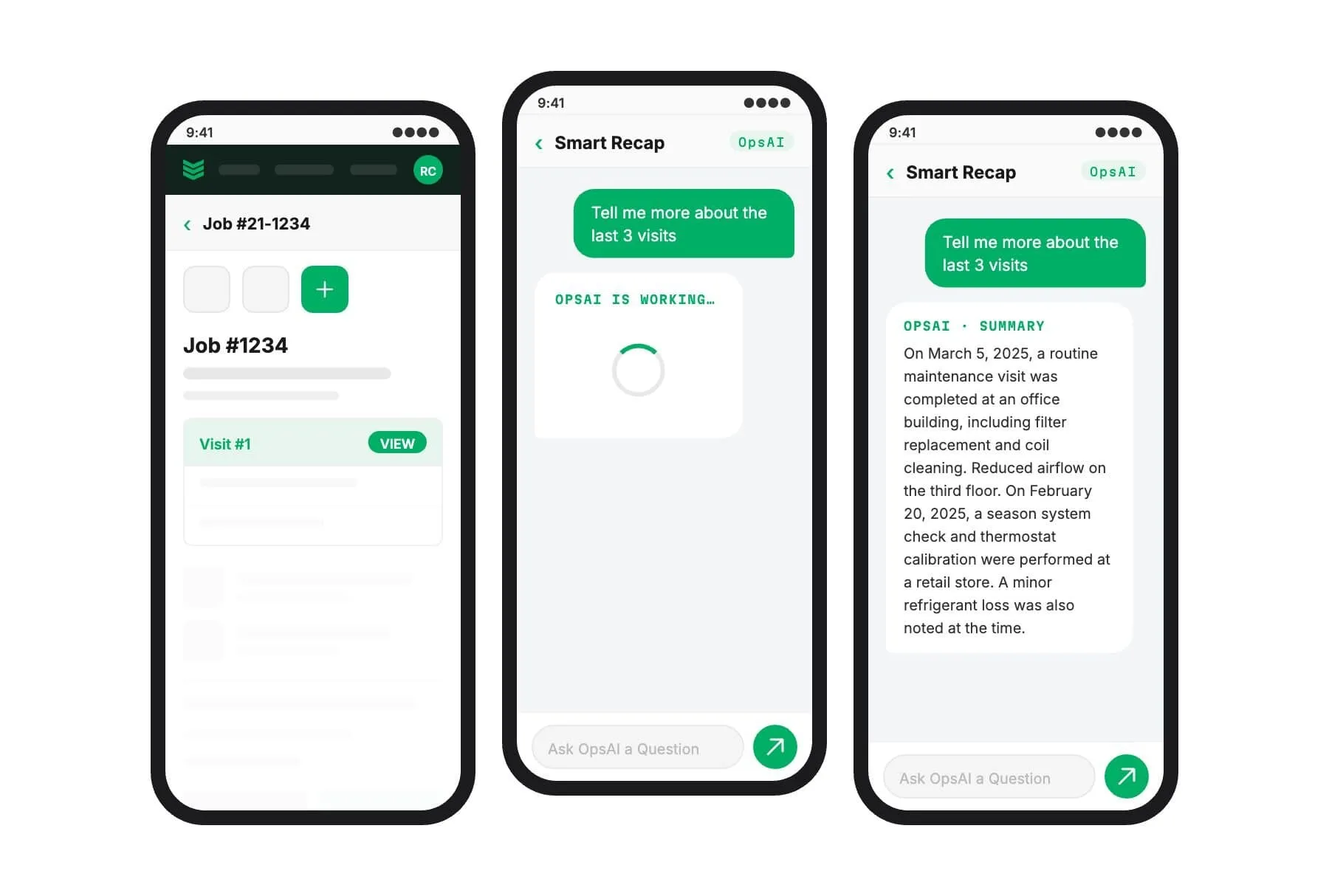
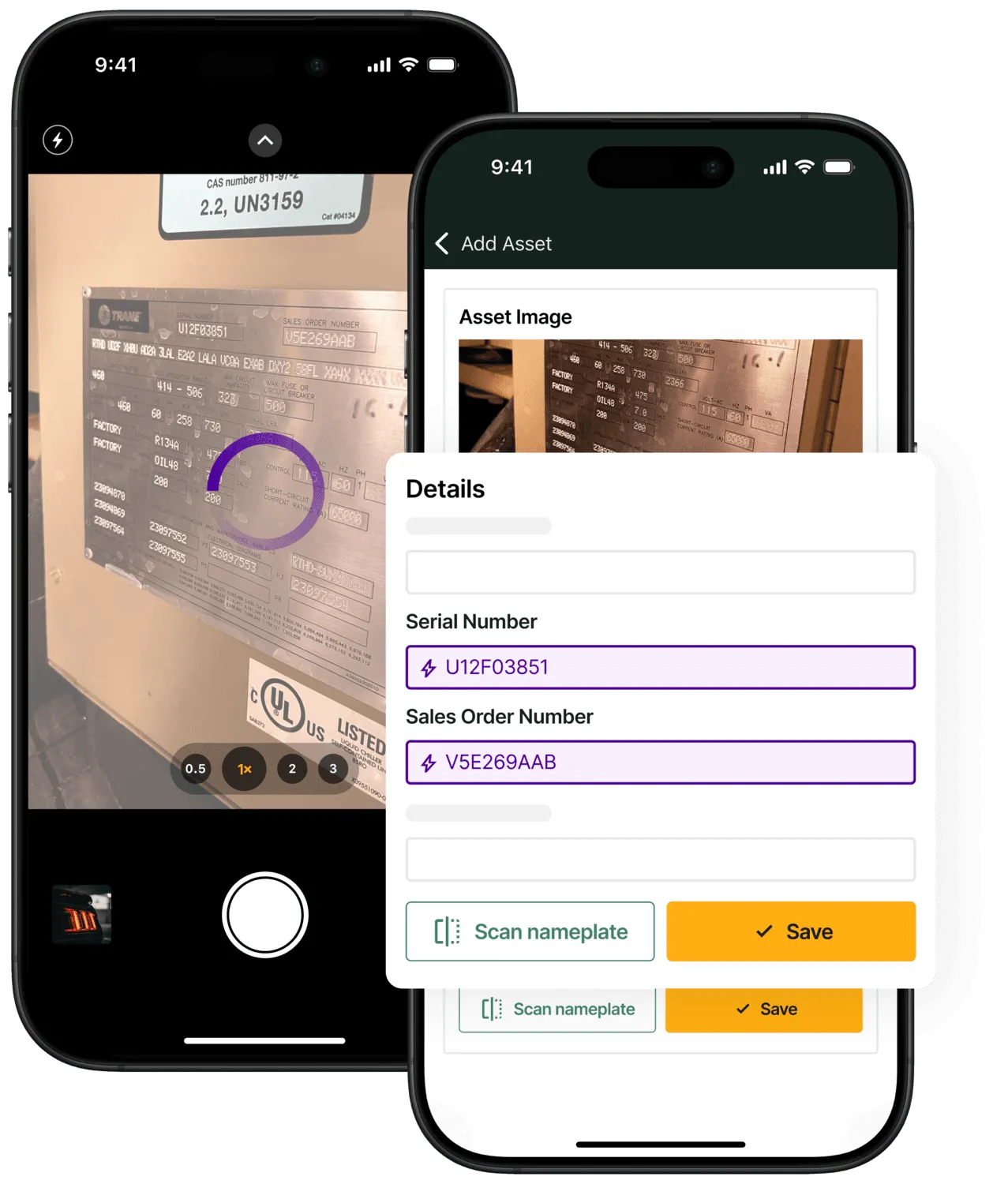
Nameplate capture lets techs point their mobile device at an asset nameplate and have the details pulled into the system for them. And now, it works even when connectivity drops.
- Scan first, sync later. Techs can capture equipment data with limited or no signal. BuildOps syncs it when they're back online.
- Cleaner asset records. Fewer typos and missing fields mean more accurate asset history — and stronger data for OpsAI to learn from over time.
- Faster field workflows. Instead of standing there keying in model and serial numbers, techs scan once and move on to the actual fix.
This is the compounding effect at work: every nameplate scanned and every visit completed adds signal to your operation. The longer you run BuildOps, the more OpsAI has to work with. It knows which jobs run over, which assets need attention, where patterns are forming. That intelligence doesn't come from a generic database. It comes from your team.
Built for How Commercial Crews Really Work — With AI That Speaks Contractor
These updates are part of a bigger push: making BuildOps the system of action where intelligence is built into the work, not tacked on after the fact.
- Less time hunting for context. OpsAI recaps the job or asset history so your field and project teams aren't stuck reading old reports just to get oriented.
- Less time re-typing data. Nameplate Capture cuts down on manual entry and keeps asset records consistent — giving OpsAI cleaner inputs to work from, even on sites with spotty coverage.
- More jobs done right the first time. When techs show up already knowing what's been happening — and the system isn't slowing them down — they can spend more of the day actually fixing problems.
For commercial contractors, time is the one thing you can't stock on a shelf. These features are designed to give some of that time back to your foremen, your techs, and your back office, while OpsAI quietly makes your data cleaner and your operations sharper with every job.
{{related-content-block="/resources/built-for-action"}}