What Changes When Purchase Orders Stop Living in Email
BuildOps can help commercial contractors scan and process purchasing documents automatically.

When a purchase order lives in email, someone has to open the attachment, pull out the details, tie them to the right job, and then re-enter that information for purchasing, receiving, accounts payable, and job costing.
It’s a time-consuming manual process, and it’s all too easy to key in a wrong number or overlook important details.
AI-native platforms like BuildOps can help commercial contractors scan and process purchasing documents automatically.
They can read vendor paperwork, extract details like line items, quantities, and pricing, and use that information to build the PO without all the manual entry.
Once that information is in the system, the software can keep it moving through receiving, AP, and job costing instead of making each team piece together the purchase history from unorganized email attachments.
Here’s how that shift changes the PO process from creation through receiving, billing, and job costing.
Manual PO Workflow vs. Connected PO Workflow
Build POs without retyping every detail
When purchasing documents come in by email, someone has to open the attachment, find the details needed for the PO, and key them into the system.
That can eat up hours over the course of a week, especially when one person is processing orders for several active jobs.
Every field they enter by hand is also another chance for a mistyped quantity, missed line item, or wrong price to create an overorder, delay, or cleanup later.
A commercial contractor platform with built-in AI takes that data-entry chore off your team.
It pulls the relevant information from the source document and uses it to populate the PO, so your staff can spend more time checking the order and less time typing it.
Your source document doesn’t have to be pristine or standardized for this to work. The system can process a foreman’s crumpled Home Depot receipt just as well as a standardized vendor invoice.
Keep every PO tied to the right project
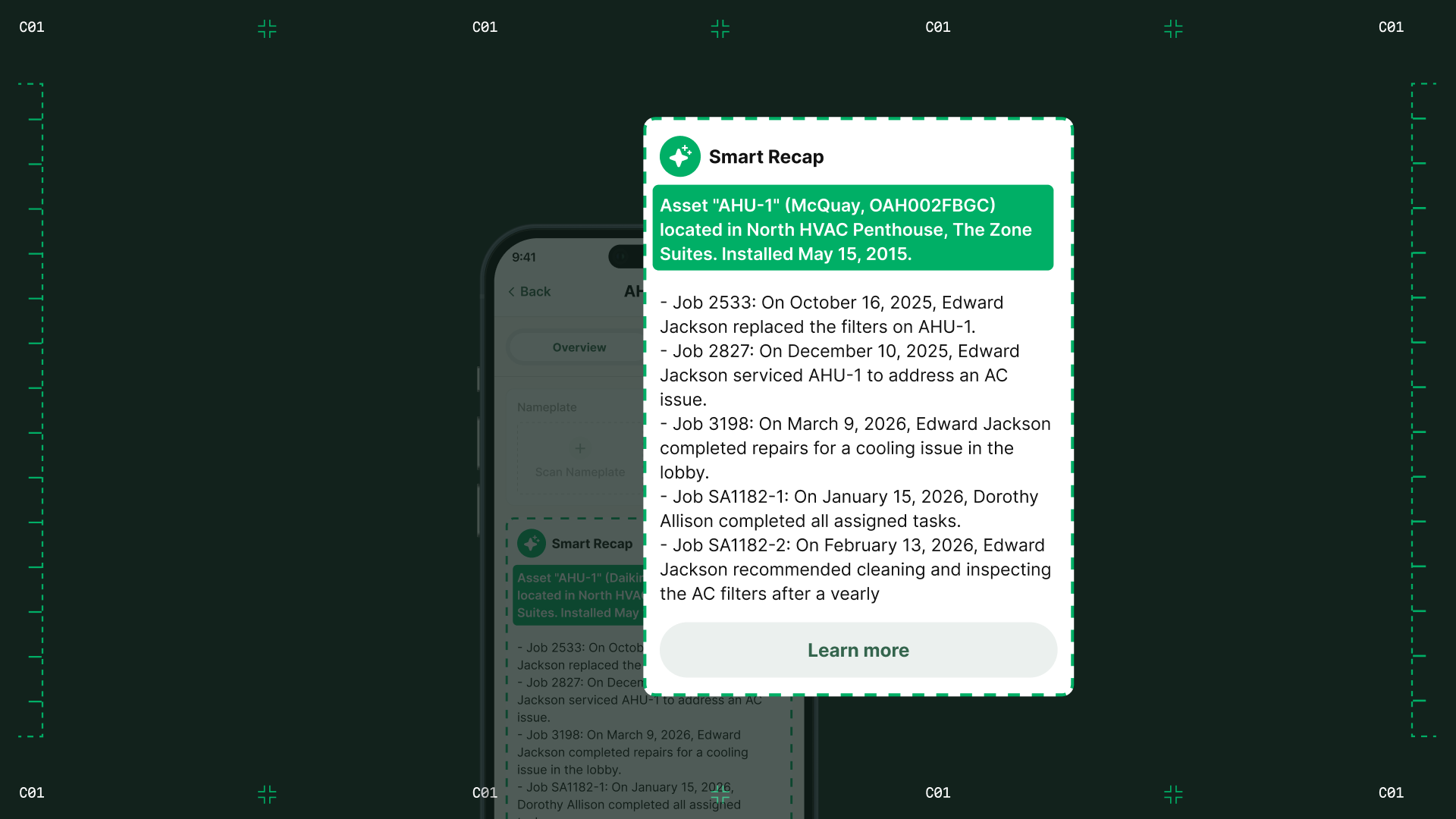
After the platform builds the purchase order from scanned documents, the PO can be assigned to the job it belongs to. That means the order shows up in the context of that project instead of living as a standalone record in purchasing.
Your PM can see what’s been ordered for the job, which vendor it’s coming from, and the cost tied to that order without digging through email attachments or asking purchasing for an update.
It also gives your team a clearer view of material commitments while the project is still underway. The result is a cleaner handoff into receiving and job costing, with less risk of charges landing on the wrong project.
Give receiving a clear record of the order
The project-level PO visibility becomes useful as soon as material starts arriving.
Commercial orders don’t always show up all at once. You may be dealing with partial shipments, backorders, substitutions, or split deliveries to the shop and jobsite over several days.
Because the PO is already in the system, the receiver has the original order to work from. They can compare delivered quantities and line items as the material comes in and record any differences right away.
If 20 valves were ordered and only 16 show up, the receiver can record 16 against the PO right then.
You get a current, accurate picture of what’s been delivered to the project, so you can catch shortages sooner, keep the job moving, and give AP a reliable record of what actually arrived.
Make vendor bills easier to verify
When a vendor bill comes in, AP needs to answer a simple question: Does this bill match what you ordered and what actually showed up?
In a traditional workflow, finding that answer can mean opening old emails, tracking down the PO, checking receiving records, and asking someone to explain any differences.
With connected software, those records are already in one place for AP to compare. If the vendor bills a different price or charges for material that never arrived, AP can spot the problem before approving the bill.
That gives you cleaner job-cost data, a more accurate view of project margins, and fewer surprises when you’re reviewing how the job is actually performing.

BuildOps brings the PO workflow together
Manual PO work doesn’t stop once the order is entered. The same information still has to stay accurate through receiving, billing, and job costing.
BuildOps gives commercial contractors one place to handle that process with less manual work and fewer disconnected records.
Here’s how BuildOps streamlines your purchase orders:
- Cuts PO entry by roughly 80% with AI scanning that populates PO details.
- Keeps PO, receipt, and bill records connected in one workflow.
- Checks ordered, received, and billed quantities before the bill posts.
- Keeps job-cost data cleaner by catching mismatches earlier.
Instead of spending time keying in documents and reconciling them later, your team can focus on the exceptions that actually need attention while you get a more reliable view of project costs.
Find the leak in your PO workflow
Here’s a quick way to see where your PO process is creating extra work.
Pull a handful of recent POs and follow each one from the original purchasing document through receiving and the vendor bill. Mark every place someone has to retype information, wait for another person to update the record, or reconnect the PO to a receipt or bill.
Those are the leaks. Once you can see where they happen, you can evaluate software based on whether it actually removes those handoffs and keeps the same PO information moving through the workflow.