Why Project Invoices Arrive Late (And How the Best Contractors Fix It)
Learn how top commercial contractors reduce project DSO by connecting field documentation, change orders, billing, and finance.
Completed work does not generate cash until it is documented, billed, approved, and paid. For commercial contractors, every gap between those steps puts pressure on working capital.
The Torque 2026 Commercial Contractor Benchmark Report shows how wide that gap can be. Across more than 1,500 commercial specialty contractors, the average project days sales outstanding (DSO) was 68.1 days. Best-in-class contractors brought that down to 28.7 days—a 58% faster cash cycle.
That difference is not just a collections story. It's an information connectivity story.
The contractors moving cash faster are not waiting until accounts receivable becomes a problem. They are tightening the process that comes before the invoice: field documentation, progress billing, change-order approvals, and billing visibility.
Project cash flow problems usually start before collections
DSO is a finance metric, but project DSO is shaped by operational decisions long before an invoice reaches the customer.
A progress bill cannot move forward when the billing package is incomplete. A change order cannot be billed when it is still waiting for approval. And finance cannot send a clean invoice when the field record is missing the details needed to support the work.
That is why project billing often slows down because of:
- Missing labor and field documentation
- Unsigned or unapproved change orders
- Incomplete lien-waiver packages
- Progress billing that is out of step with the schedule of values
- Completed work that has no clear owner in the billing process
By the time the issue reaches accounting, the team may have to retrace the job, reconcile labor and materials, or chase an approval that should have been completed earlier.
What looks like an accounts-receivable problem often starts as a documentation problem on the jobsite.
Documentation is part of the billing process
Daily reports, labor logs, material records, photos, and lien waivers are not just administrative paperwork. They are part of the financial record that supports the invoice.
When those details are captured as the work happens, project managers and finance teams can work from the same information. When they are captured late—or not at all—accounting has to reconstruct the job before billing can move.
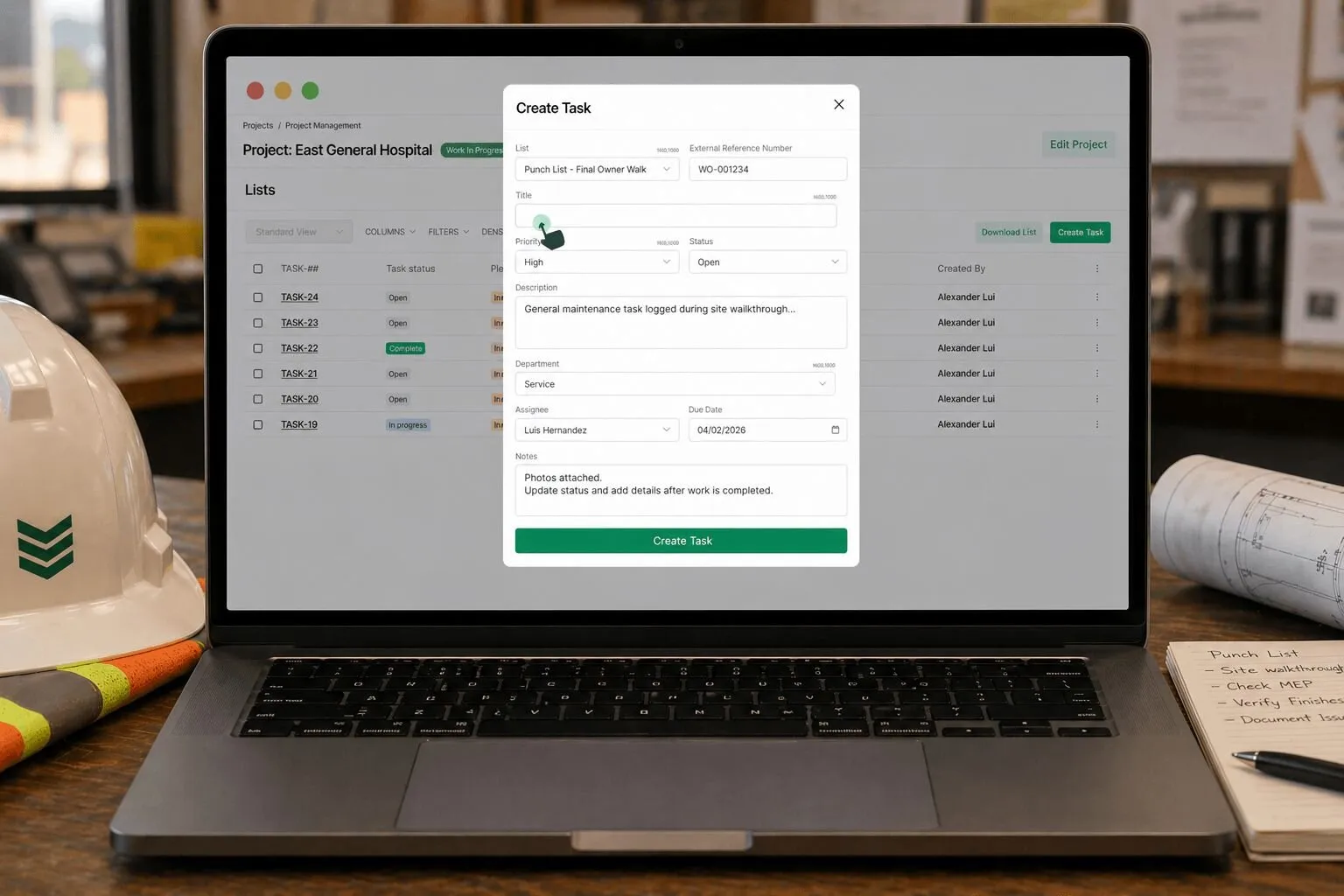
The BuildOps mobile app gives field teams a way to complete work orders, record hours, access project information, compile notes, and add photo and video documentation from the jobsite. That information connects field activity with the office instead of leaving billing teams to decode paperwork after the fact.
The goal is simple: make the billing record a byproduct of completing the work, not a separate project that starts after the work is done.
.png)
Change orders can quietly delay revenue
Change orders create another common gap between completed work and collected cash.
Additional work may begin before the scope change is fully documented or approved. Crews keep moving, but the supporting paperwork falls behind. Then the billing team reaches the end of the cycle with revenue that is earned operationally but not ready to bill.
Best-in-class contractors close that gap by making change-order discipline part of the daily workflow:
- Capture scope changes when they happen.
- Route approvals before the billing cycle closes.
- Keep approved changes aligned with the schedule of values and project progress.
- Give the project team a clear view of what is approved, pending, and blocking billing.
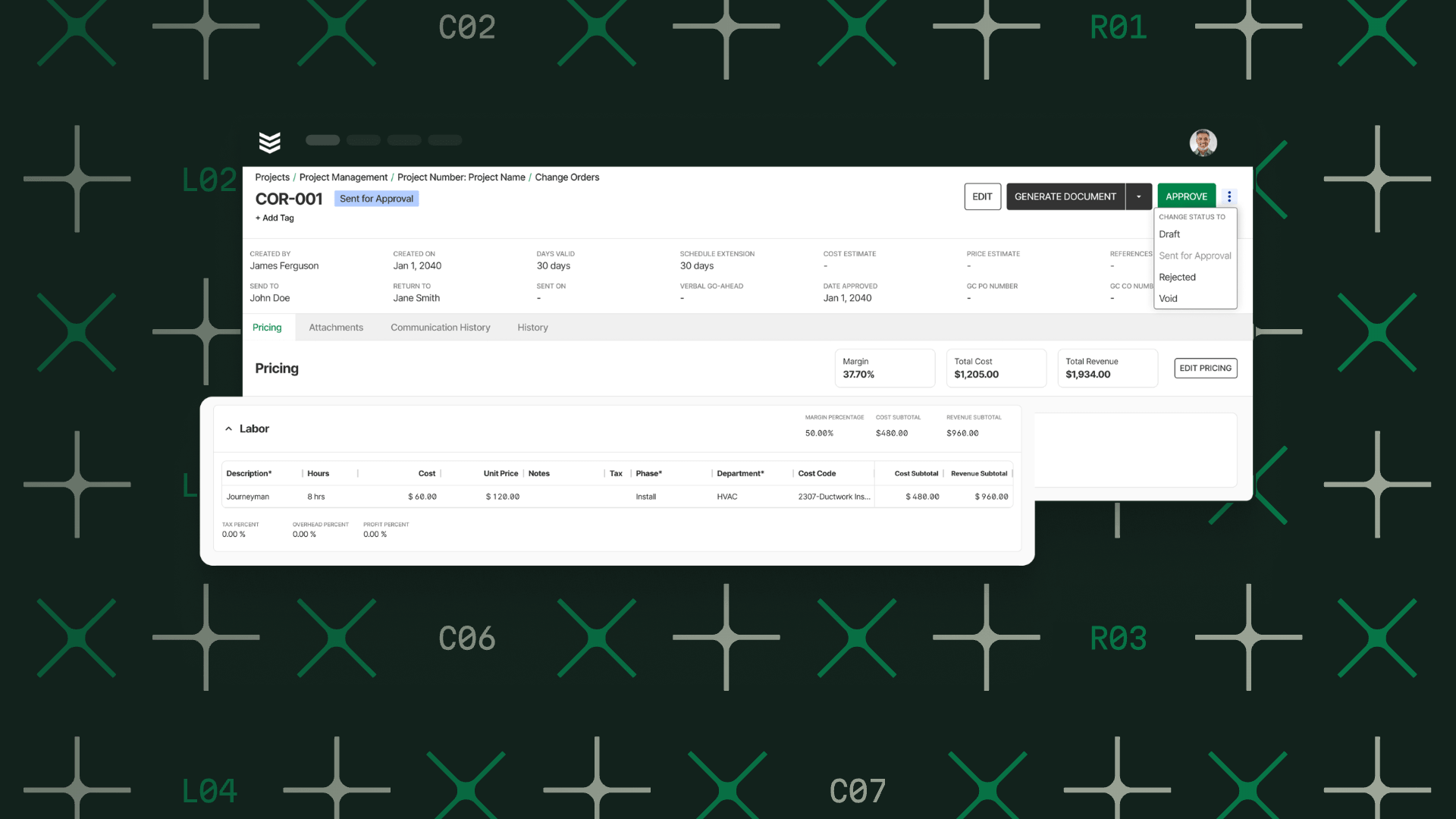
Projects on BuildOps connects project documents, field execution, procurement, change orders, and project financial visibility in one system. The point is not to add another place to check. It is to keep the information needed to bill tied to the project record.
Delayed billing creates an expensive cash gap
When billing trails completed work, contractors effectively finance the project with their own working capital. Payroll still runs. Materials still need to be purchased. Equipment and subcontractor costs still come due.
The benchmark puts the exposure in concrete terms: for a contractor with a $5 million project portfolio, moving project DSO from roughly 68 days to 29 days releases more than $530,000 in working capital.
That is a modeled example, but it shows why billing speed matters. The money is not new revenue. It is earned cash that becomes available sooner because less of it is tied up in unpaid project invoices.
That liquidity can give a growing contractor more room to:
- Purchase materials without stretching vendor terms
- Invest in equipment and hiring
- Reduce reliance on short-term borrowing
- Take on additional work with greater confidence
Better project visibility helps teams act before billing falls behind
You cannot fix a billing gap you cannot see.
BuildOps gives project teams a month-by-month view of billings, costs, profitability, budget performance, and over- or underbilling. Teams can use it to compare billing pace with cost pace, identify remaining unbilled work, review change-order status, and investigate projects where cost is running ahead of billing.
The BuildOps Financials workflow connects time tracking, procurement, invoicing, and project activity with the ERP finance teams already use.
The result is a tighter handoff from field execution to project management to finance:
- Field teams document completed work.
- Project teams monitor progress, costs, change orders, and billing status.
- Finance teams receive a more complete billing package.
- Leadership can see where cash is getting stuck before the problem compounds.
Use the right automation for the right billing workflow
Automation can remove manual work, but it has to match the type of work being billed.
For time-and-material service invoices, OpsAI can generate a customer-ready summary from job and visit documentation. The team can review, edit, and approve the summary before creating the invoice. Invoice Summaries are currently designed for time-and-material invoices—not quoted jobs, fixed maintenance jobs, or project invoicing.
These tools do not eliminate retainage, contractual payment terms, or customer approvals. They address the operational friction that keeps an invoice from being complete, sent, or easy to pay.
The bottom line
The contractors with healthier project cash flow are not relying on collections to solve a billing-process problem. They are building a workflow that keeps documentation current, change orders moving, project visibility clear, and billing connected to the work.
To work towards best-in-class, teams don't need to work faster everywhere. They need to find the points where information stops moving, and fix those handoffs first.
Download the full Torque 2026 Benchmark Report to compare your operation with the benchmarks and see where faster cash flow, stronger field productivity, and better operational leverage may be hiding.