BuildOps and NetSuite Integration for Contractors



Commercial and specialty contractors lose time when service work lives in one system and accounting lives in another. Double entry slows billing, muddies job costs, and leaves finance teams cleaning up records that should have synced automatically.
PE-backed and multi-OpCo contractors feel that pain faster because one weak handoff turns into many. BuildOps connects service management workflows with NetSuite so branches can run the work in one system while finance keeps a cleaner record in another.
This guide covers what syncs between BuildOps and NetSuite, how setup usually works, and what PE-backed, OpCo, and commercial specialty contractors should confirm before go-live.
Why NetSuite integration matters for commercial contractors
Commercial and specialty contractors need more than a simple invoice export when service, project, and purchasing workflows all affect the same job. A useful NetSuite integration keeps customer records, job activity, financial posting, and billing status tied together so office teams are not rebuilding the story after the work is already done.
PE-backed and multi-OpCo contractors need that handoff to stay consistent across branches, not just inside one office. A stronger connection between BuildOps and NetSuite helps leadership standardize how work reaches the books even when teams manage different jobs, customers, and purchasing activity.
Commercial contractors also need billing speed, not just cleaner books. BuildOps research shows that getting invoices out quicker can get you paid up to 5x faster. A connected workflow helps office teams review field activity sooner, send cleaner invoices sooner, and keep cash flow tied to real work instead of delayed paperwork.
NetSuite integration matters most for contractors that already trust NetSuite for accounting but need a stronger field-to-finance handoff. BuildOps fills that gap by giving operations teams a single place to manage job execution before the financial record posts into NetSuite.
{{related-content-block="/resources/invoicing-sweet-spot"}}
What syncs between BuildOps and NetSuite
BuildOps and NetSuite keep operations and accounting aligned by syncing the records commercial, specialty, and multi-OpCo contractors use every day. Customer and vendor records support two-way sync, while items, GL accounts, dimensions, classes, and tax codes sync where each system needs them so finance and operations work from the same financial structure.
Core sync coverage includes:
- Customers and vendors sync between BuildOps and NetSuite
- Items, GL accounts, dimensions, classes, and tax codes sync so billing and reporting follow the right financial structure
- Jobs, projects, service agreements, and maintenance jobs created in BuildOps become NetSuite projects
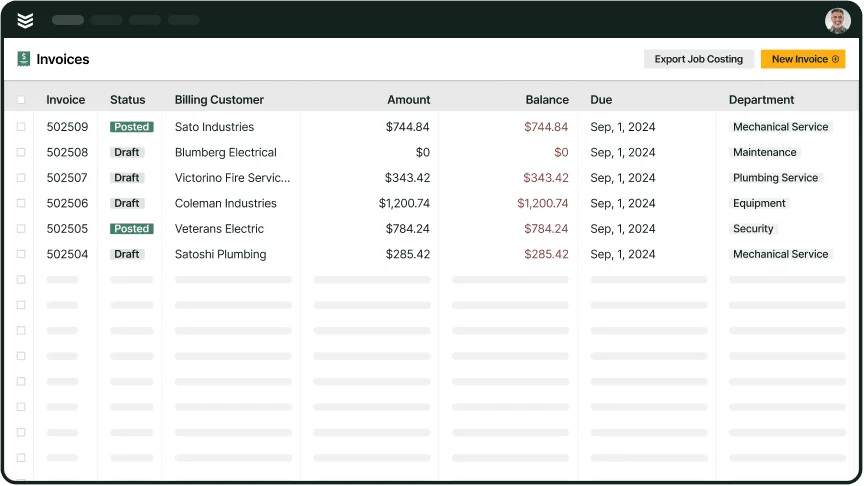
- Invoices, purchase orders, receipts, payments, and related AR activity can flow into NetSuite
- AP bills sync bi-directionally
- The BlueCollar SuiteApp supports WIP, budgets, schedule of values, and change orders, while cost codes and cost types import from NetSuite into BuildOps
Connecting NetSuite with BuildOps follows a structured rollout.
A typical connection process includes:
- Mapping records and financial structure
- Configuring project behavior
- Validating the sync in a sandbox
- Activating the live connection after testing is approved

One detail finance teams usually care about is how invoice and purchasing records reach the books. BuildOps keeps the operational record tied to the transaction, while NetSuite stays focused on accounting, reporting, and the final posted outcome.
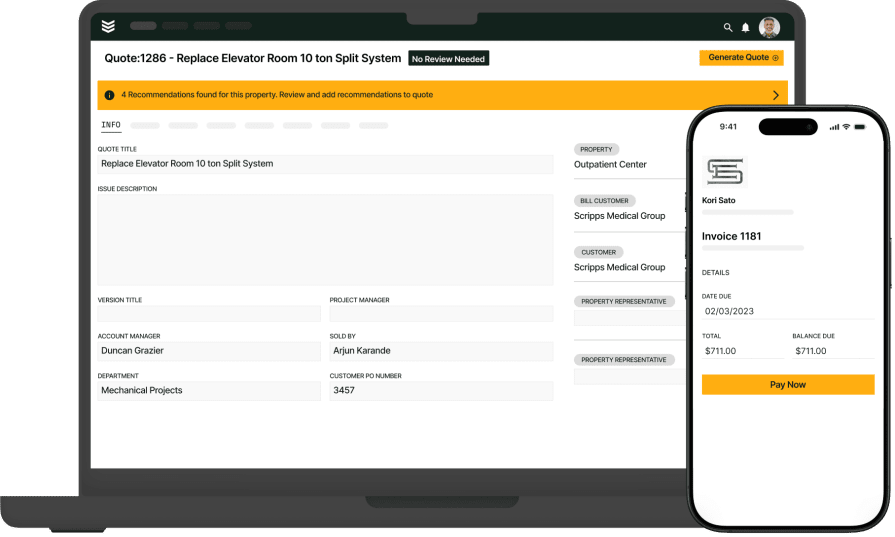
For contractors comparing systems, that’s where invoicing, procurement & inventory, and the technician mobile app matter far more than a basic accounting export.
How setup works and what finance teams need ready
NetSuite integrations usually go smoother when finance, operations, and implementation agree on the structure before live data starts moving. That matters even more for PE-backed and multi-OpCo contractors because one mapping mistake can spread across branches fast.
Finance teams should have these decisions ready before kickoff:
- Confirm which customers, vendors, items, tax codes, GL accounts, classes, departments, dimensions, and locations need to sync.
- Decide whether branches or OpCos will follow one shared mapping structure or approved variations by entity.
- Decide how BuildOps jobs, projects, service agreements, and maintenance work should map into NetSuite projects.
- Review posting rules for invoices, purchase orders, receipts, AP bills, and AR activity before live transactions start moving.
- Confirm SuiteTax is not enabled in NetSuite and note that NetSuite Job Costing and Project Budgeting is not supported in this setup.
- Validate the connection in sandbox first so the team can catch mapping, tax, and posting issues before go-live.
Who benefits most, and what to watch for
BuildOps and NetSuite are a strong fit for commercial and specialty contractors that want field activity, purchasing, and billing feeding into accounting without extra re-entry. The integration stands out even more for PE-backed and multi-OpCo teams that need a cleaner handoff from operations to the books across more than one branch.
It’s especially useful for:
- Finance teams that want invoices, payments, and AP activity moving into NetSuite with less manual cleanup.
- PE-backed and multi-OpCo leaders that want more consistent workflows across branches.
- Specialty contractors that need job costs, purchasing, and billing tied back to the same work record.
- Project-driven contractors that need deeper controls like WIP, budgets, schedule of values, and change orders through BlueCollar.
There are a few rollout details worth confirming early:
- Posting behavior depends on your NetSuite mapping and configuration.
- Branches and OpCos should align on record structure before go-live whenever possible.
- BlueCollar is required for deeper project accounting workflows, but not for standard service and maintenance setups.
- SuiteTax is not supported in this integration setup, and NetSuite Job Costing and Project Budgeting should not be used here.
- Sandbox validation should happen before go-live so finance can catch mapping, tax, and sync issues early.
When the setup is right, BuildOps becomes the system of action for the field while NetSuite stays the system of record for accounting. Sloan Mechanical shows what that can look like in practice, using BuildOps to run lean, keep work organized, and move quotes, billing, and scheduling faster across the business.
{{related-content-block="/resources/sloan-mechanical-build-ops"}}
For commercial, specialty, and PE-backed contractors that want a NetSuite integration with BuildOps to do more than pass invoices back and forth, BuildOps gives field, office, and finance teams one connected place to run the work while NetSuite stays the accounting system of record.
Because OpsAI is built into BuildOps, your team can cut busywork around notes, invoice prep, and data entry before invoices, purchasing, and project activity move into NetSuite.
Book a demo to see how the connection works for your operations.