What a Clean Field Service ERP Adoption Actually Takes

Key Takeaways
- A successful field service EPR software adoption roll out requires a clear plan in place that optimizes adoption rates, especially among field techs
- There are 6 core features you need to ensure your field service ERP has before committing to it
- Some of the key best practices for a field service ERP adoption include configuring the system to match your custom workflows, assigning an internal adoption lead, and treating your go-live date as the beginning of adoption—not then end
Switching ERP platforms mid-operation carries real risk. For businesses running field service management across HVAC, plumbing, electrical, refrigeration, fire protection, or mechanical services, the ERP sits at the center of every revenue-generating workflow — dispatching techs, tracking job costs, processing invoices, and managing service contracts.
A clean field service ERP software adoption tightens that entire operation while it’s being implemented. A rushed adoption creates duplicate records, broken billing, and a team that stops trusting the data on screen.
The difference between those two outcomes almost always comes down to preparation — knowing what to plan for, where adoption breaks down, and what your software needs to handle before you commit to a system.
This guide aims to help make your field service ERP software adoption as smooth as possible, so to do that, here's what we’ll talk about:
- A 5-step field service ERP software adoption plan
- 7 benefits of getting field service ERP software adoption right from the start
- 10 best practices to follow when adopting a field service ERP software
- How to choose a field service ERP solution your team will actually use
- The core 6 features a field service ERP software needs
Whether you run a crew of 20 techs or manage multiple service divisions across different trades, the adoption process follows the same core logic, and it all starts with a plan built around how field service work actually operates, not how a generic software rollout is supposed to go.
Let’s start with the steps needed to roll out your adoption.
A 5-step field service ERP software adoption plan
Most ERP rollouts fail before they ever go live. The date gets announced, then the hard work—data cleanup, workflow design, team alignment—gets delayed or ignored. In field service, that’s not an option. Your techs are rolling, dispatch is live, and billing is closing work orders every day. There is no pause button, and your software rollout has to respect that.
A solid plan does not need to be complicated. It needs to match how your operation actually runs. Here’s a plan that will help make the adoption smoother team-wide:
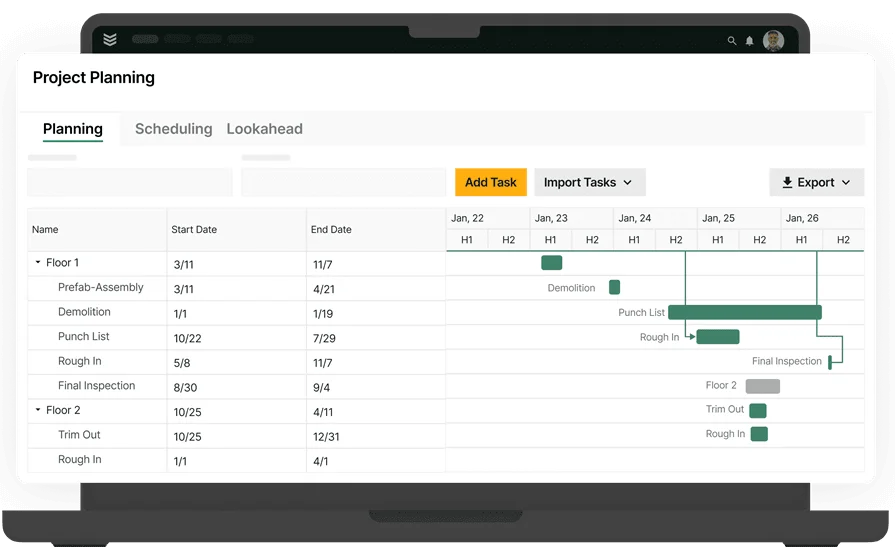
1. Audit your current workflows before you configure anything
Document how work moves through your business today — from first call to final invoice. That includes dispatch logic, parts and labor tracking, job costing, and billing.
Every trade runs differently. An HVAC shop handling preventive maintenance contracts operates nothing like a fire protection company managing inspection cycles and deficiency reports.
Your ERP needs to reflect your actual process — not a default template. Flag every manual handoff, every spreadsheet patching a gap, every point where data gets re-entered. Those are the problems your new system has to solve before go-live.
2. Define what success looks like in concrete terms
"Getting everyone on the new system" does not qualify as a success metric. Set targets tied directly to field operations — invoice cycle time, first-time fix rate, job costing accuracy, service agreement renewal visibility. When success has a number attached to it, the rollout has direction. Without that, it becomes a tech project instead of an operations improvement.
3. Pull your key people in during planning — not just training
ERP adoption collapses when it gets handed to a team with no say in the decision. Your lead dispatcher knows where scheduling breaks. Your senior techs know what job information they actually use on site. Your service manager knows which customer records to trust and which to question. Bring those people in early. They surface operational gaps no vendor demo catches — and their buy-in carries the adoption further than any mandate from the top.
4. Protect your job history and service agreement data
Two data sets carry the most migration risk for field service contractors: historical job records and active service agreements. Job history powers customer profiles, warranty tracking, and tech performance data. Service agreements drive scheduled work and recurring revenue. If those records land in the new system incomplete or misformatted, your team stops trusting what they see on screen — and working around the system becomes the default. Assign a data owner, audit records before migration, and validate everything before go-live.
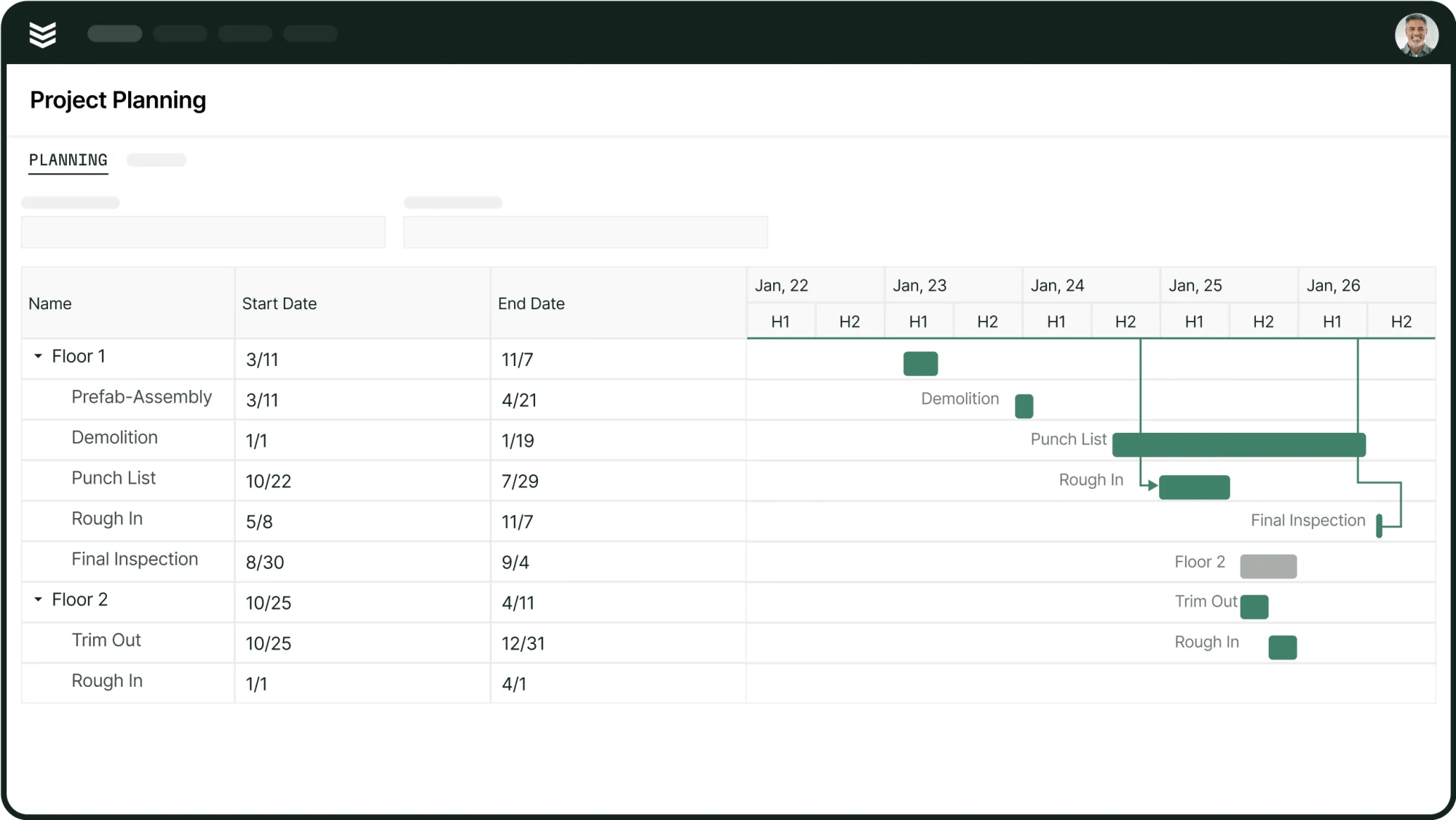
5. Schedule your rollout around job volume, not a calendar date
A go-live during peak season — summer for HVAC, heavy inspection cycles for fire protection — puts your team in a tough spot. They are learning new software while managing a full job load. Mistakes stack up fast. Start with office workflows: quoting, dispatching, invoicing. Stabilize those first, then bring techs onto the mobile side. Each phase needs a clear completion benchmark before the next one starts.
{{related-content-block="/resources/software-adoption-plan"}}
7 benefits of getting field service ERP software adoption right from the start
The case for ERP adoption in field service goes past software consolidation. When the platform fits your trade operation, it changes how your team executes work — from the dispatcher's screen to the tech's phone on site. Here is what a well-executed field service ERP software adoption puts within reach.
- Tighter scheduling across your entire crew: A unified ERP connects availability, skill set, location, and job priority in one view. Techs get assigned to the jobs they are qualified for, at times that make sense logistically. Field service scheduling software built into your ERP removes the guesswork that costs you response time and repeat dispatch.
- Faster job intake and fewer dropped tickets: Every service request — whether it comes in by phone, email, or customer portal — enters a single system and gets tracked from open to close. A field service ticketing system tied to your ERP keeps jobs from slipping through the cracks during high-volume periods, which matters most when your dispatchers are already stretched.
- Work order accuracy from dispatch to completion: When work orders live inside your ERP, every update — parts used, time logged, job notes — feeds directly into billing and job costing. Work order dispatch handled through the ERP means your office sees real-time job status without chasing techs for updates.
- Dispatch coordination that holds up under pressure: Multi-division contractors running HVAC, plumbing, and electrical simultaneously need dispatch logic that handles complexity without manual workarounds. Tying contractor dispatch management into your ERP gives your team a single source of truth — who is on what job, where, and what is next.
- Customer and contract data that stays current: Service agreements, site histories, equipment records, and customer contacts all live in one place and stay connected to active jobs. A contractor CRM embedded in your ERP means your team walks into every job — and every renewal conversation — with accurate context, not outdated notes.
- Real-time job costing without the reconciliation lag: Labor hours, materials, and subcontractor costs post to the job record as work happens. Your service managers see margin data before the invoice goes out — not weeks later during a review. That visibility protects profitability on every job, not just the ones you had time to audit.
- Shorter invoice cycles with fewer billing errors: When job data flows directly from the field into billing, the manual re-entry step disappears. Invoices go out faster, disputes drop because the supporting documentation is already attached, and cash flow tightens up across the board.
None of these benefits happen on their own. They show up when your team uses the system the way it was set up — and that comes down to how you run the adoption.
10 best practices to follow when adopting a field service ERP software
A clean adoption does not happen by accident. These are the practices that separate field service operations that get full value from their ERP from the ones still running half the business on spreadsheets six months post-launch.
1. Configure the system to match your trade workflows — not the other way around
Your ERP should adapt to your operation, not force your team to work around its defaults. Before your vendor finalizes configuration, walk them through your actual dispatch logic, your service agreement structure, and how your techs close out jobs in the field. The more specific you are upfront, the less rework you deal with after go-live.
2. Standardize your dispatch process before you go live
Dispatch is where ERP adoption either holds or breaks. If your team uses five different ways to assign and update jobs, no platform fixes that — it just digitizes the chaos. Lock down your scheduling and dispatching process first: how jobs get assigned, how updates flow back to the office, and how priority calls get handled. Then configure the ERP around that agreed-upon process.
3. Set billing rules inside the system from day one
Manual invoicing is one of the top reasons field service teams lag on cash flow. Build your billing rules — labor rates, material markups, service agreement billing cycles — directly into the ERP during setup. A field service invoicing guide gives your team a strong foundation for understanding what those rules should look like before you commit them to the system.

Our Invoicing Sweet Spot takes a deep dive into how billing speeds affect payment timelines, helping field service teams improve their invoicing so they always get paid on time — no more delays.
4. Train techs on the mobile side before the office goes live
Techs adopting a new mobile workflow during peak job volume leads to incomplete data and frustrated crews. Run mobile training sessions before the full launch — cover job acceptance, time logging, parts capture, and job close-out. When techs are confident in the field-facing side of the platform, the data flowing back to your office is cleaner from the start.
5. Use fleet visibility to validate your dispatch decisions
If your ERP connects to fleet dispatch software, use that data to verify your dispatch logic after go-live. Real-time vehicle location and route data will surface gaps between how you planned to dispatch and how it actually plays out — giving you a concrete basis to adjust, not just a gut feeling.
6. Keep your customer and site records clean from day one
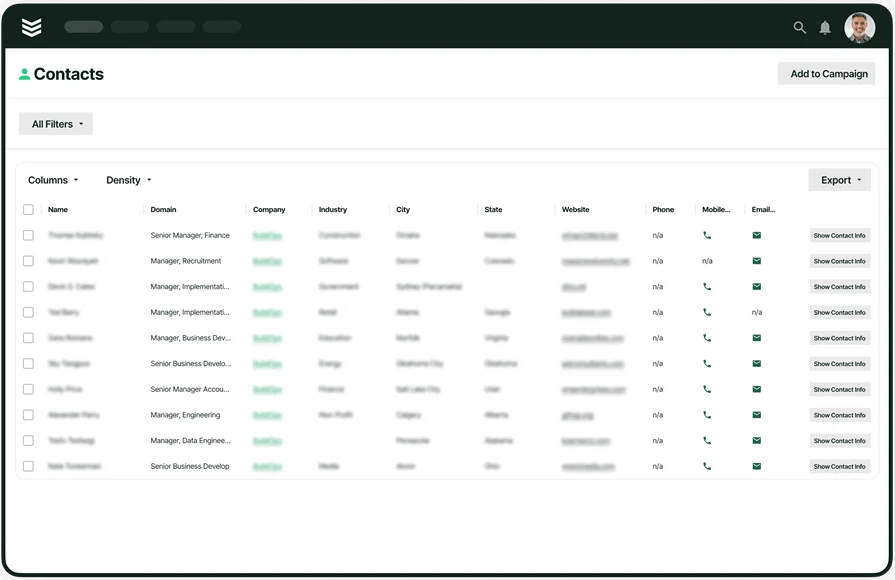
Duplicate customer accounts, missing site contacts, and outdated equipment records create problems that compound fast. Before migration, audit your customer data and assign someone to own record quality going forward. Field service CRM software embedded in your ERP keeps that data connected to active jobs and service history — but only if the underlying records are accurate.
7. Run your work order process end-to-end in the new system from the start
Do not let your team run parallel processes — old system for some jobs, new system for others. That split creates confusion and data gaps that take months to clean up. Commit to running work order management fully through the ERP from go-live. Partial adoption is one of the most common reasons field service businesses end up mid-migration for longer than planned.
8. Assign an internal adoption lead — not just an IT contact
Someone on your operations side needs to own the adoption day-to-day. That person handles team questions, flags configuration gaps, escalates issues to your vendor, and tracks whether usage metrics are trending in the right direction. An IT contact handles technical issues. An ops-side adoption lead keeps the team moving forward.
9. Review system usage data at 30, 60, and 90 days post-launch
Pull reporting on how your team is actually using the platform at each milestone. Which modules are being used consistently? Where are techs still going off-system? Where are dispatchers creating manual workarounds? Usage data tells you where the adoption needs reinforcement — and where the configuration needs adjustment.
10. Treat go-live as the beginning of adoption, not the end

The first week your team goes live on a new ERP is not the finish line. Usage habits, data quality, and workflow consistency all take time to stabilize. Build in a 90-day support window with your vendor, schedule regular check-ins with your team leads, and keep a running list of adjustments to address after the initial launch pressure settles.
How to choose a field service ERP solution your team will actually use
Not every field service ERP software actually handles the day-to-day of the field well. Some are retrofitted from general business platforms, while others cover the basics but fall apart at scale.
Before you commit to a system, run it through these filters to see if it will be a good match for your team:
- Trade fit: Does this platform handle the specific workflows your trade runs on — service agreements, inspection cycles, multi-site dispatch, or project-based billing? Does it support the compliance and reporting requirements specific to your industry?
- Field usability: Can your techs actually use the mobile side without a manual in their back pocket? Does the mobile app work offline when techs are in basements or facilities with no signal?
- Scalability: Does the platform handle multiple service divisions without breaking into separate silos? If you add 20 techs or a new trade division next year, does the system grow with you or require a new implementation?
- Integration depth: Does it connect cleanly with the accounting platform, parts suppliers, or customer portals you already use? Will your billing data sync to your GL automatically, or does someone still have to export and re-import?
- Features: Does the ERP include scheduling, dispatch, work order management, job costing, invoicing, and reporting in one system — or are those capabilities split across add-ons? Which core features come standard, and which require an upgrade?
Choosing an ERP for your field service operation is a long-term commitment. The platform you go live on shapes how your team works for years. Take the time to evaluate against your actual workflows — not a feature checklist from a vendor demo.
The core 6 features a field service ERP software needs
The feature list on a vendor’s site tells you what a platform claims to do. What really matters is how it performs when techs are stacked with calls, dispatch is juggling schedules, and the office is racing to close out work orders. These are the six capabilities that truly determine whether a field service ERP actually drives results—or just becomes one more system your team has to babysit.
1. Scheduling and dispatching
The way work gets assigned and tracked defines the pace of your entire operation. A reliable scheduling engin
e in your ERP connects tech availability, job priority, location, and skill set in real time — so dispatch decisions are based on data, not memory. Smart Dispatch software tied to that same system keeps every reassignment, delay, and status update visible to the office the moment it happens.
2. Technician mobile app

What your techs see and submit from the field determines the quality of every record that flows back to your office. A technician mobile app built into your ERP gives techs access to job details, customer history, equipment records, parts used, and time logs — all from their phone, with or without a signal.
3. Service agreements
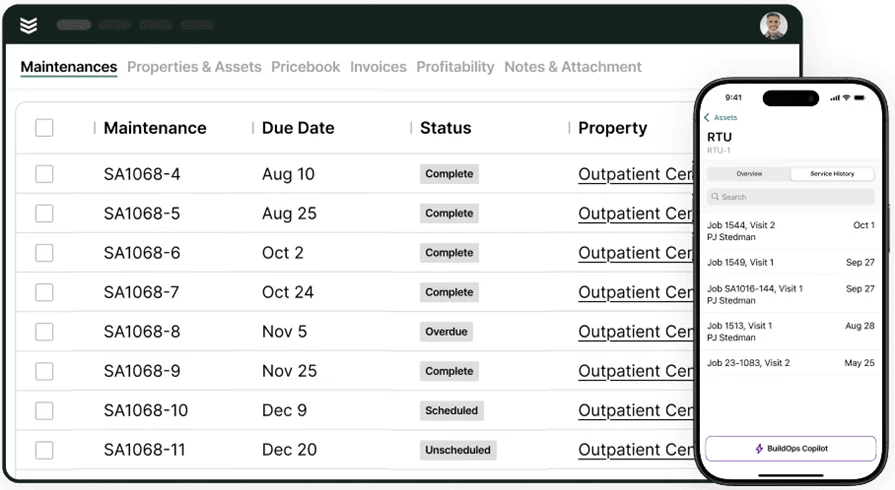
Recurring revenue in field service runs on service agreements — and managing them manually is where shops lose money fast. Service agreement tracking inside your ERP connects contract terms, scheduled maintenance visits, billing cycles, and renewal dates to each customer account. Your team sees what is due, when, and for which sites without digging through spreadsheets or calendar reminders.
4. Invoicing and payments

Every day a completed job sits without an invoice is a day your cash flow takes a hit. Invoicing built into your ERP pulls labor, materials, and job data directly from the work order — so invoices automatically generate from completed field work, not from a separate data entry step. Billing errors drop because the documentation is already attached.
Pairing that with integrated payments means your team collects in the field or at invoice close within the same system — cutting days off your receivables cycle without a separate platform in the mix.
5. Reporting
Having capable reporting inside your ERP turns job data, tech performance, billing activity, and service agreement status into dashboards your ops team and service managers can actually act on — not just review after the fact.
6. Field service CRM
Customer data in a field service business has a short shelf life if it lives in a separate system from your jobs. A field service CRM embedded in your ERP keeps every customer contact, site detail, equipment record, and job history connected — so your team walks into every call with full context, not a blank slate.
{{related-content-block="/resources/jolma-electric-buildops"}}
Field service ERP doesn’t just change your software — it changes how your whole operation runs: scheduling, field execution, agreement management, and cash flow from job to invoice. Every step can be a failure point or a force multiplier, and this guide focuses on the practices and features that keep adoption tight instead of falling apart.
The best contractors know go-live isn’t the finish line — it’s the starting line. Long-term success depends on clean data, consistent usage on every job, and a platform that supports your full workflow so you’re not held together by spreadsheets and workarounds.
Most field service ERPs stop short of that. BuildOps doesn’t. BuildOps unifies scheduling, dispatch, mobile, service agreements, invoicing, reporting, and CRM in a single platform built for commercial field service — so adoption sticks and performance scales.