Field Time Tracking App
Every hour tracked,
every job costed
Capture time on mobile the moment work happens, tied to the job, cost code, and crew, and visible to the office before anyone has to ask. No paper. No memory. No disputes.
Trusted by 1,500+ commercial contractors across North America















Time Tracking Simplified
Stop chasing timesheets.
Start trusting them

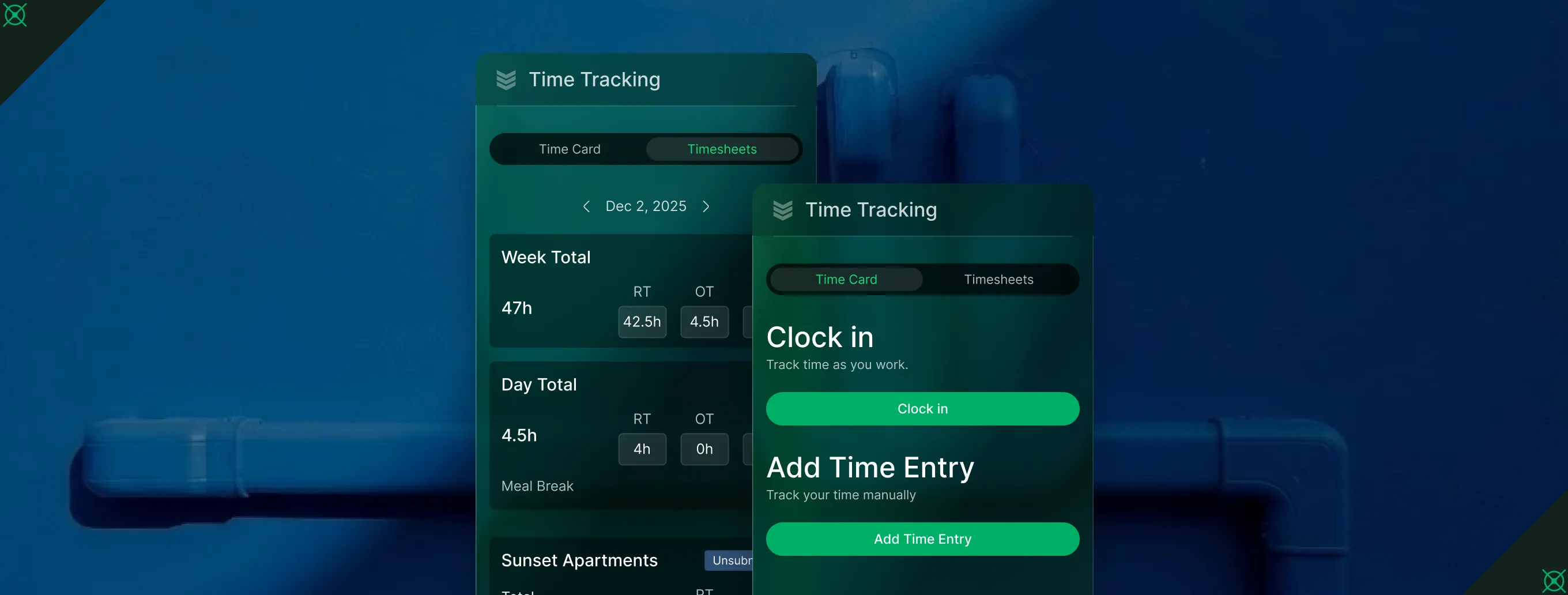
Job-tied time capture
Every hour logged ties to a job and cost code with no re-entry and no guessing.

Payroll-ready export
OT rules applied in bulk. Timesheets reviewed, approved, and ready for export to payroll.

Know who's on the clock
See who's clocked in, where they punched in, and on what job before payroll week starts.
From the Field to the Office
Time capture that works
When time is logged on mobile and tied to jobs, the office sees labor costs as they happen. No end-of-week reconstruction, no payroll surprises, no chasing techs for hours.
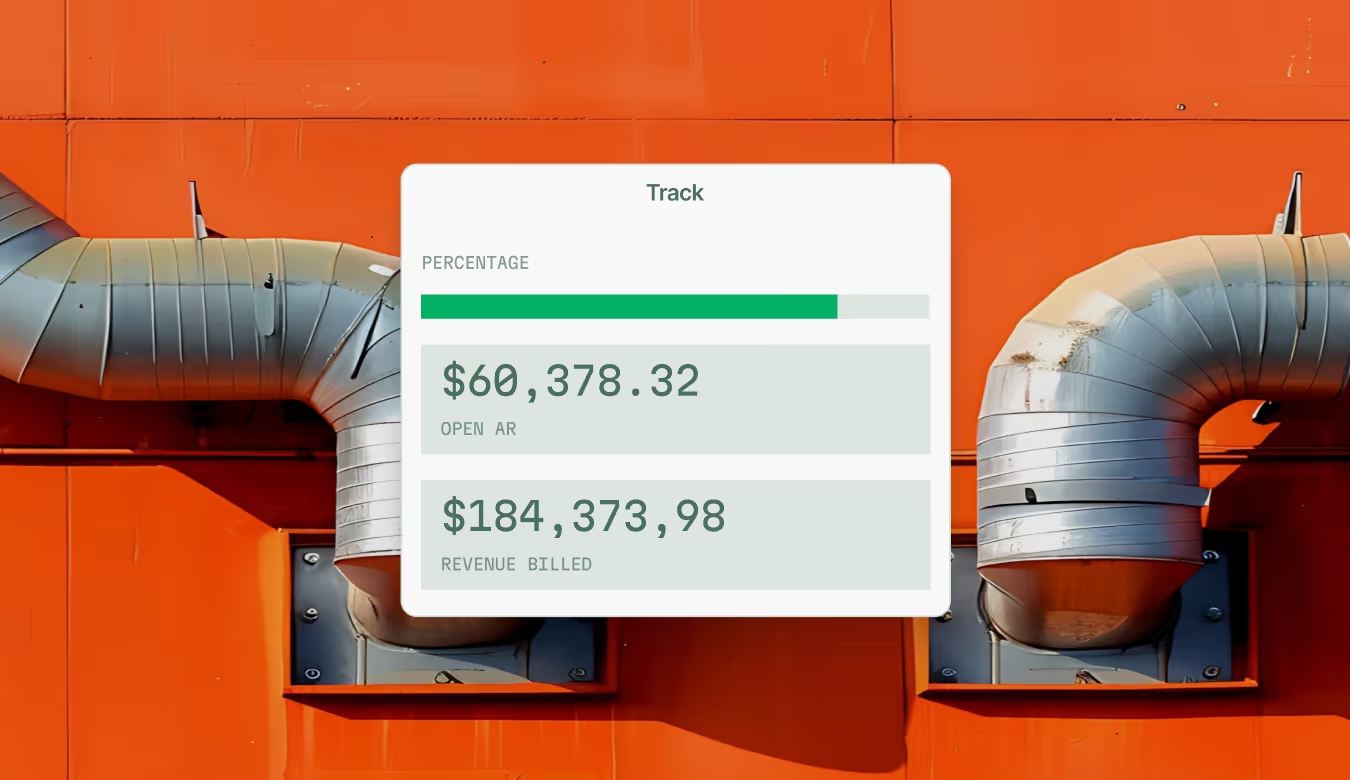
Track Time Where Work Happens
Bridge the gap between the field and the timesheet with time capture built for the pace and complexity of commercial trades.

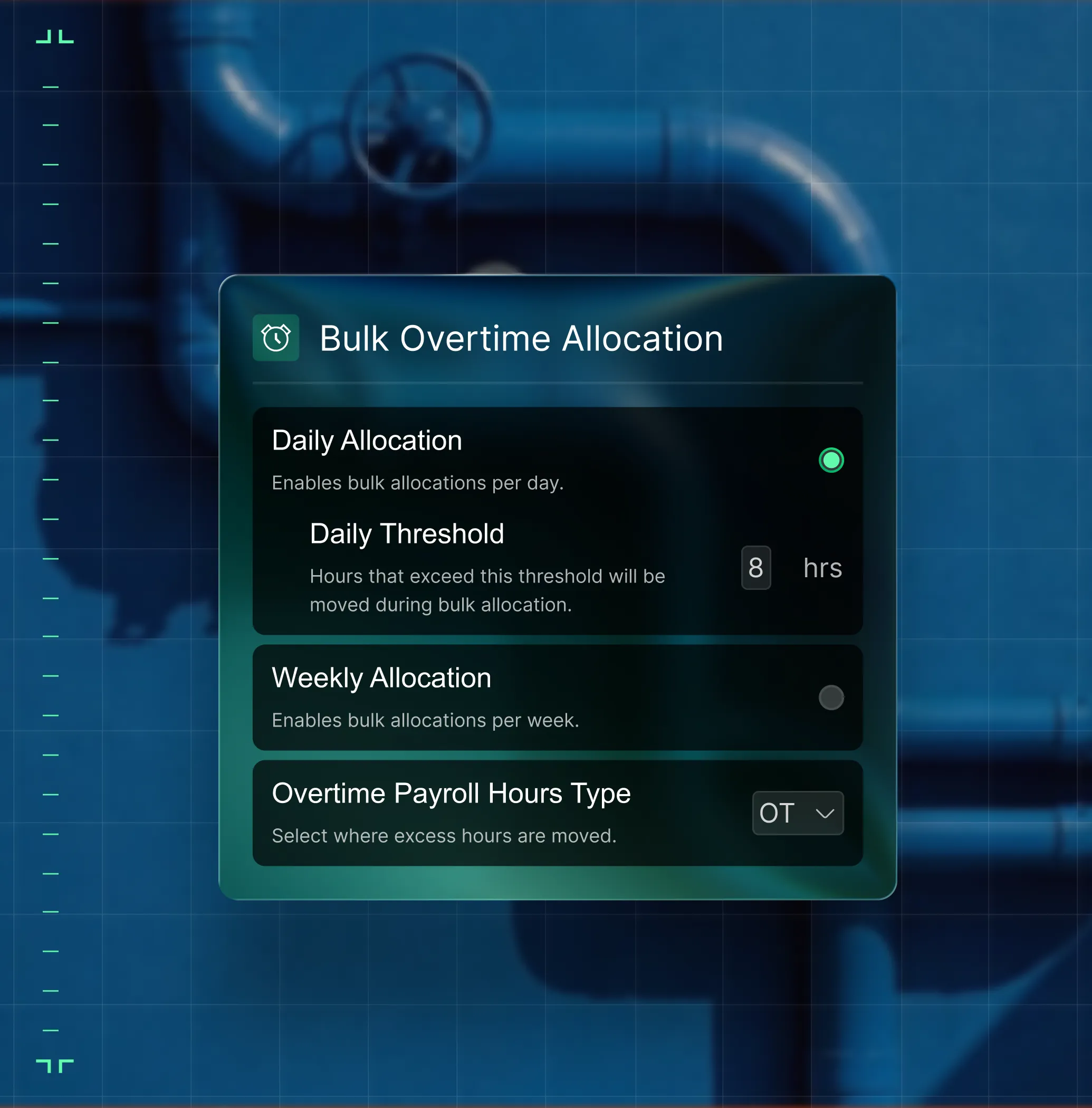
Overtime Allocation
Set daily and weekly OT thresholds once. Apply them in bulk across a full pay period without editing timesheets line by line.
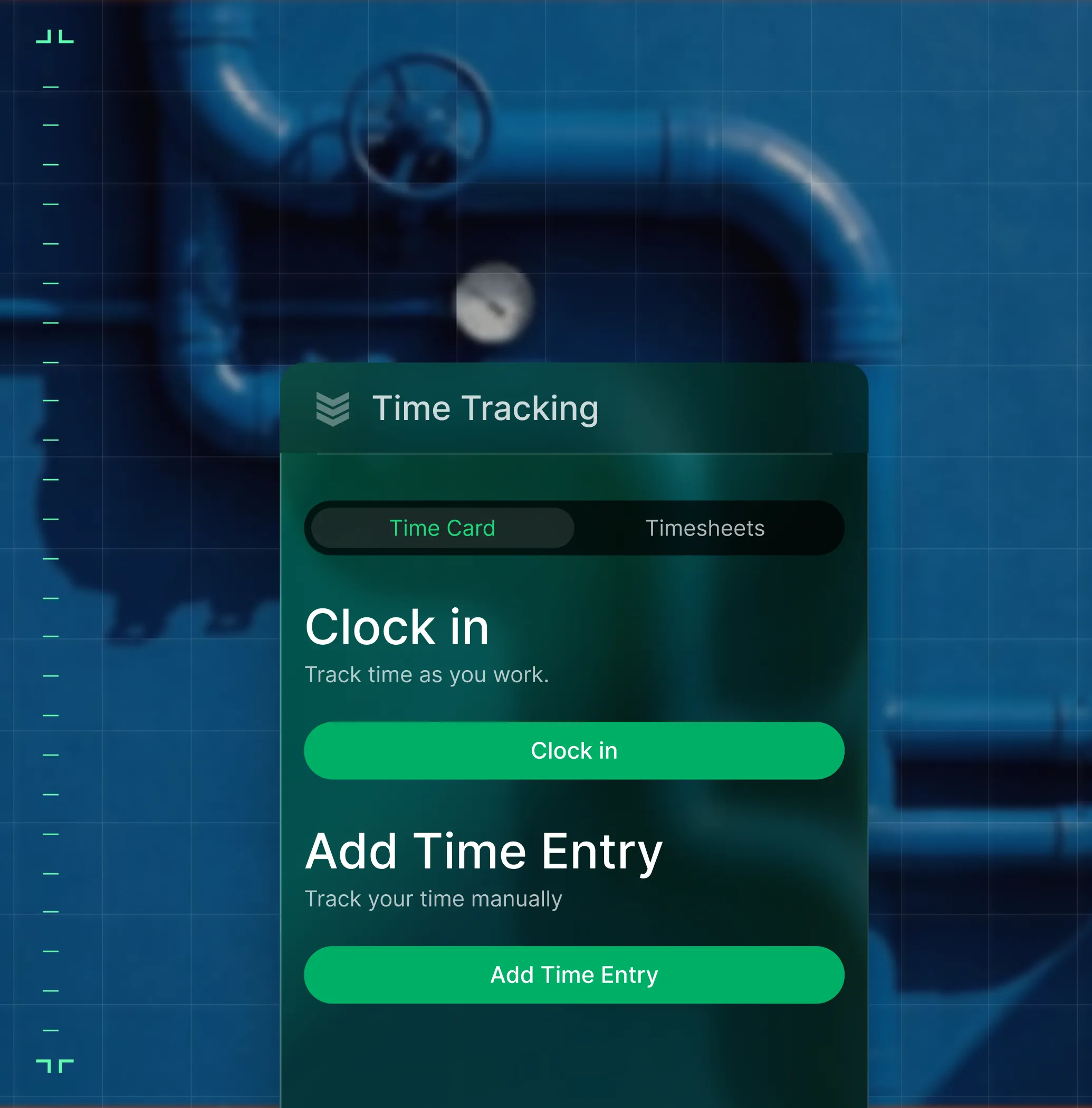
Mobile Time Entry
Techs and crew clock in on-site and log time to jobs and projects, right from the mobile app.
From Clock-In to Payroll Export
Same hours, same numbers, every team

"Labor costs tie to jobs and cost code. Payroll export takes hours, not days."
See labor costs by job and cost code, before month-end.

"My crew clocks into the project right from the app. Cost codes, phases, time entries — tracked without a daily report. I see what we're logging as the day runs."
Track crew time directly on projects — cost codes, phases, and break times included.

"I clock in, do the work, clock out. Done."
Log hours on mobile — tied to the job, no paperwork.

Proven Results
Real-world impact for commercial leaders


"We've seen an increase in day-to-day operations efficiencies that's going to add up to significant savings in time and energy over the course of a year."

"If we didn't have BuildOps and the additional cyber security they give our company, we would be dead in the water."

"The ability to produce reports either on an individual job basis, a quarterly basis, or a project basis is something we'd never seen before in other software that we've used."

"We've cut down in our receivables from about 120 days to 30 days on average."


"Before we knew it, we were seeing quicker turnaround times on job closeout and a huge improvement in the time it took for quotes to be accepted by our customers."


"With BuildOps, we feel like we can go after anything. The sky is the limit as far as the size of the project."
.webp)

"BuildOps gave us an all‑in‑one system for both service and projects. Once we saw that, it was a no‑brainer."

"With the integration of BuildOps and Sage Intacct, our accounting system, we've been able to speed up the time it takes for us to bill customers."


"Our consulting division increased 300% because we were able to free up more time from the office to help other customers."

![Service First Logo]](https://cdn.prod.website-files.com/69cad9cd3a5ef3196ea9bb65/69fa0ca0adc28a56d26717c9_Service%201st%20white.webp)
"Sometimes systems promise you the moon, then you use them and see the weaknesses. It's been the exact opposite with BuildOps. Everything we wanted it to do, it could do."
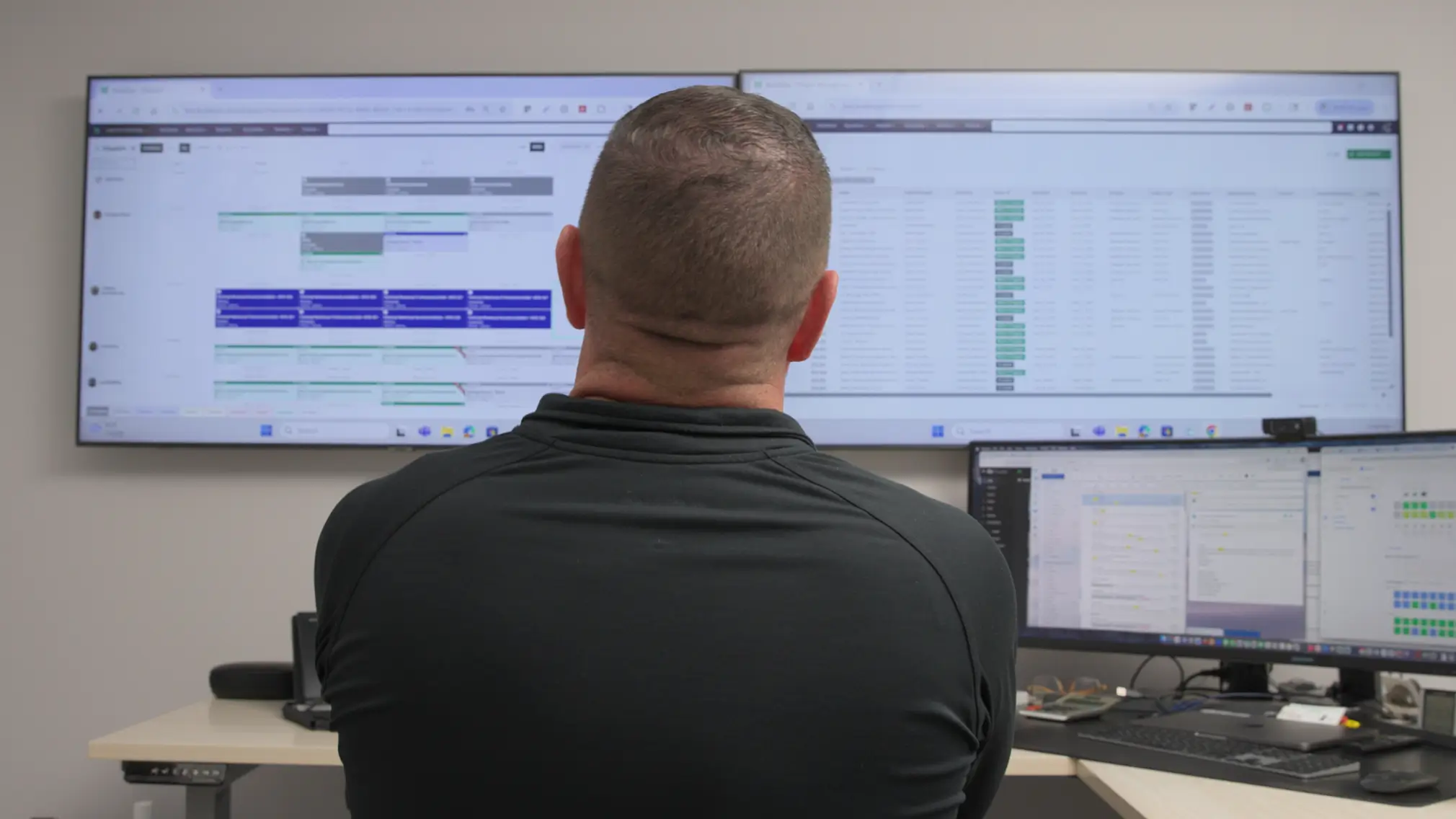

"We used to be two weeks behind on job costing. Now we're up to date daily."
What makes BuildOps different
Built from the ground up for contractors who run projects, service, and everything in between. Not adapted. Made for the work.
Commercial work isn't an add‑on
Most platforms started in residential and stretched to fit. BuildOps starts with the complexity of commercial work.
Run the work in one connected system
Field, office, finance, and sales — all in one place. No duct-taped tools, no double entry, no dropped balls.
OpsAI is built in, not bolted on
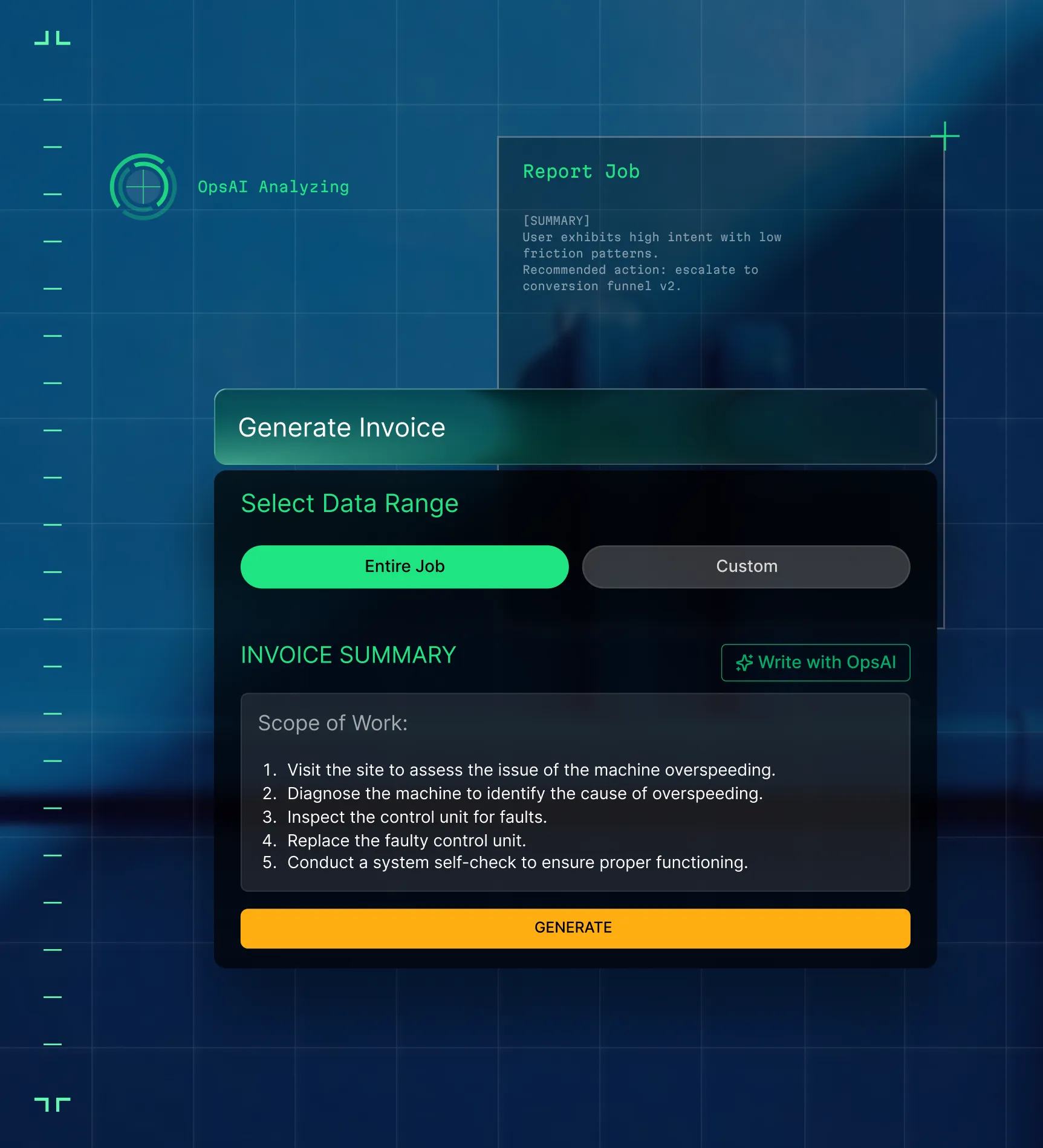
OpsAI is already in your workflows. It recaps the day, calls out risks, and gives every role a clear next step.
Every Hour Feeds the Whole Job
Time tracking is just
the beginning
Labor data feeds your invoicing, job costing, and project financials as word is recorded. Explore the other modules that turn time into financial clarity.

integrations
Your timesheets flow directly to payroll
Approved hours flow from BuildOps to your ERP, mapped to the right jobs, cost codes, and labor types, without manual re-entry. For contractors with certified payroll, prevailing wage, or union requirements, BuildOps exports clean, structured time data that plugs directly into the payroll system of your choice.





Common Questions
Your field service time app questions, answered
What is a field service time app?
A field service time app allows field technicians on jobsites to immediately and accurately track the time spent on the job using their phone or mobile device. They can add labor hours immediately after completing work so that no time is missed. Because the time is tracked in the app and then synced immediately, the time tracked can be leveraged by other roles in the company, adding hours as line items to invoices automatically, or linking to payroll for your field technicians.
What field service time app features matter most for commercial contractors?
For the complexity of commercial work, a field time app can’t just be a separate tool. By far, the most important “feature” is that time tracking is directly connected to other aspects of the entire field operation, as this is what helps keep commercial jobs and projects fully aligned with everything else that’s happening. Look for a field time app that has these features directly tied to time tracking:
- Technician Mobile App—Sync data instantly right from field to office, across all team members, in real-time.
- Scheduling & Dispatching—Optimize tech schedules based on skills and industry certifications, and proximity to jobsite, so techs spend more time on site and less time traveling.
- Invoicing—Invoices that can leverage labor hours tracked automatically.
- Reporting & Analytics—Create custom reports and dashboards based on field tech profitability.
- Integrations—With any other essential financial tools or your ERP. Most platforms should integrate with key tools used by field teams like QuickBooks, Sage Intacct, NetSuite, and Viewpoint.
- Project Financials—Connect field activity directly to the bottom line with real-time visibility into costs, billing, and margins to catch drift before it becomes a problem.
- Resource Planning—See every crew, every project, and everything you need in one platform where everything is connected to your project plans and your people.
What is the best field service time app for commercial contractors?
We think it depends most on the type of work you do.
For commercial field service teams in HVAC, electrical, plumbing, fire & life safety, and refrigeration, BuildOps is built specifically for you. It's the only field time app that was designed from day one for how commercial trades actually operate, connecting time tracking, quoting, service work, projects, financials, and AI in a single system.
For residential contractors focused primarily on home service and repair, tools like Jobber or Housecall Pro may be a better fit for simpler time tracking. Those platforms are designed around the residential workflow with shorter jobs and homeowner-facing features.
The key difference: residential tools weren't built to handle the complexity of commercial construction time tracking like multi-phase schedules, GC coordination, long-term margin scope tracking, or formal document control. If your work involves any of that, you need a commercial field time app that actually speaks the language of commercial projects.
Do you have any proof of BuildOps customers who improved operational efficiency with features like time tracking?
Of course we do! Using BuildOps, our customers have seen significant efficiency improvements including:
- Certified Fire saw service employee billable time increase from 75% to over 95%, monthly service billing rose 54%, and an incredible 250% increase in profit margins
- Jackson Mechanical saw a 100% increase in tickets handled with no headcount added, a 50% reduction in time taken to create a job and get it scheduled, and a 30% growth in revenue
- Service 1st went from 3-4 systems down to 1, saw 2x faster invoicing, and had a record year
- Layer One fixed their job costing process, saving 1 week of manual work every month
- Classic Electric unified their whole operation in a single platform, achieving 300% growth
- Jolma Electric saw a 50% leap in overall efficiency
There’s a clear reason why scaling commercial teams use BuildOps to track every labor hour.
How does BuildOps time tracking connect to my payroll and ERP system?
Approved time entries flow to your ERP mapped to jobs, cost codes, and labor types, with regular, OT, and double time separated and ready for export. BuildOps tracks and organizes the hours. For payroll calculation including complex OT, prevailing wage, union rules, and certified payroll, BuildOps exports structured time data that works with the payroll platform your business already runs. For QBO/QBD customers, time data exports via file for import into payroll, while complex OT rules may require manual adjustment on the QuickBooks side.
Can techs track time on BuildOps mobile while in the field?
Yes. Technicians and crew clock in and out on the BuildOps mobile app, tied to the job, cost code, and phase they're on. Time logs to the right job record so the office sees hours as they build. For project work, field teams can now track time directly on projects including cost codes, phases, and meal breaks without going through a daily report.
How does overtime allocation work in BuildOps?
You can set daily and weekly OT thresholds once in Labor Settings. BuildOps applies them in bulk across a pay period, so there’s no more editing timesheets line by line to split regular and overtime.
Does BuildOps support union and non-union crew time tracking?
BuildOps supports basic overtime thresholds and labor type assignments per employee, which works well for contractors with straightforward union and non-union crew structures.
For contractors who need certified payroll, prevailing wage calculations, or complex union rule sets, BuildOps exports clean, job-coded time data that integrates with payroll platforms built for that purpose.
Can I review and approve timesheets in bulk in BuildOps?
Yes. Supervisors review and approve time entries by employee and pay period. Approved hours lock and flow to payroll so corrections happen before export, not after. Unapproved, disputed, or reopened timesheets are visible across the team so nothing slips through before payroll closes.
How does time tracking connect to job costing and invoicing in BuildOps?
In BuildOps, every hour logged is tied to a job and cost code. Labor costs roll into job reports and T&M invoices so you see true profitability per job before the invoice goes out.