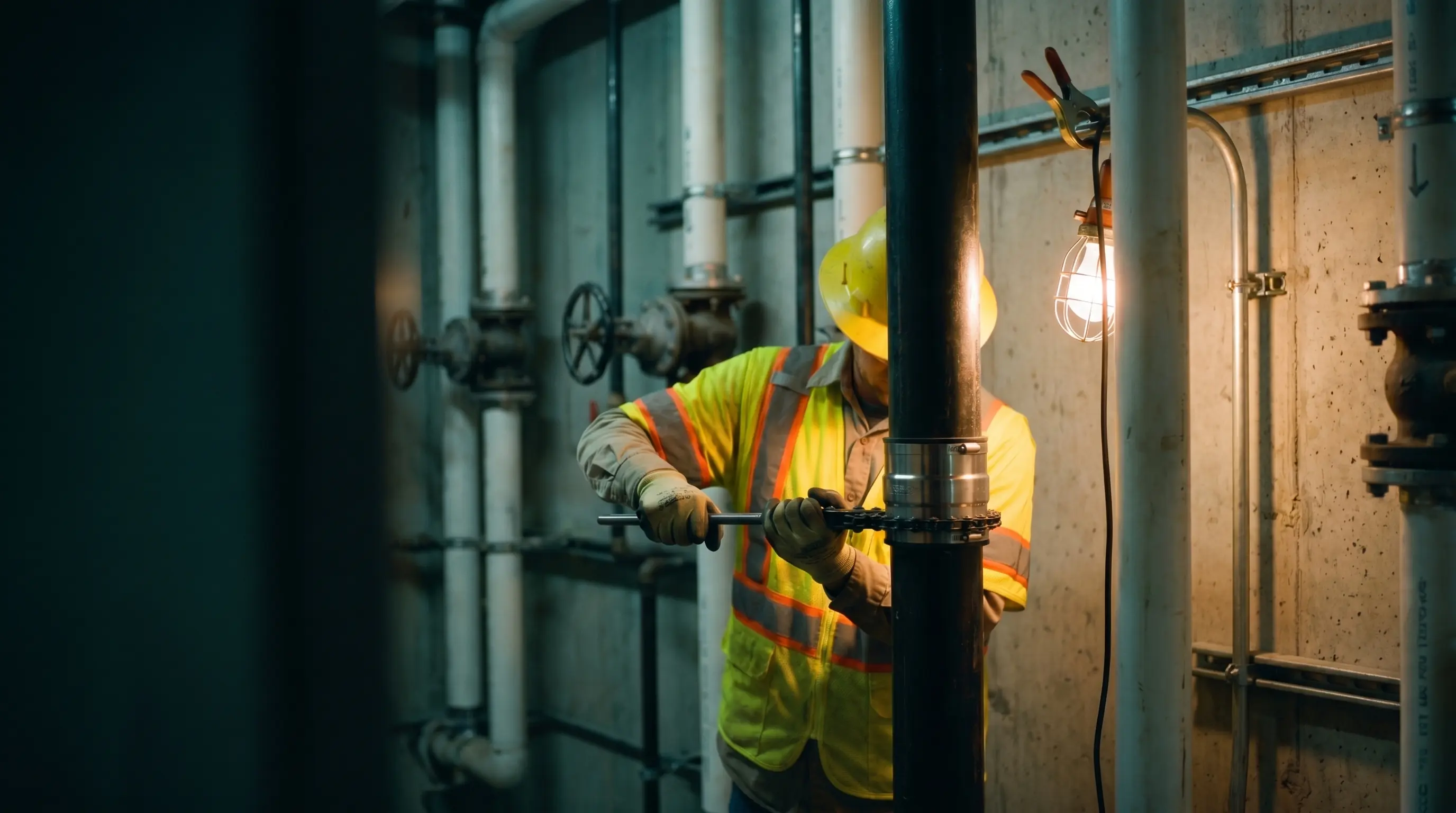
Plumbing
Built for the crews who keep it all flowing
From backflow preventers and water heaters to ground-up site utilities, BuildOps connects dispatch, service, and projects in one AI-native platform. Built for commercial plumbing, where emergency calls don't wait and every job touches code.
Plumbing Operations
Emergency calls and install jobs don't run themselves
TRUSTED BY





CALL TO CLOSEOUT
Your whole operation. Here
AI that already knows your business
OpsAI is built into BuildOps. It already knows your jobs, your crews, and your data. It handles the busywork, flags what matters, and keeps your team focused on the work that actually moves the needle.


Service that scales without slipping
More service work only pays off if margins hold and customers come back. BuildOps keeps every job on track from first dispatch to final invoice, so growth doesn't come at the cost of control.


Find, quote, and close more work
Good contractors lose deals not because they can't do the work, but because follow‑ups slip and quotes go cold. BuildOps keeps your pipeline moving so the right jobs don't get away.


.webp)


What makes BuildOps different
Built from the ground up for contractors who run projects, service, and everything in between. Not adapted. Made for the work.
Commercial work isn't an add‑on
Most platforms started in residential and stretched to fit. BuildOps starts with the complexity of commercial work.
Run the work in one connected system
Field, office, finance, and sales — all in one place. No duct-taped tools, no double entry, no dropped balls.
OpsAI is built in, not bolted on
OpsAI is already in your workflows. It recaps the day, calls out risks, and gives every role a clear next step.







Common Questions
Plumbing ops
questions, answered
What makes a plumbing service software a good fit for commercial contractors? What features should I look for?
If your plumbing business focuses on commercial jobs and projects, a plumbing service software should have core features that handle the complexity of that type of work. Here are the key things you should look for that enable commercial plumbing work:
- Built-in Backflow Tracking—You should be able to track backflow devices by property, with full history and up-to-date information on certifications and when they expire, and when the last inspection was done. Anyone on the team from field to office can pull this up, and contractors can update information in real time using their mobile app.
- Scheduled Maintenance—Schedule recurring maintenance visits, and tap into recurring revenue opportunities by making onsite recommendations for system improvements, and to fix issues before inspections come and it’s too late.
- Smart Dispatch & Schedule Assist—Commercial plumbing work comes with different types of contractors with different skills and certifications. A dispatch board that can suggest optimizations based on who has what skills, who’s available, or who is closest to the site for emergency calls keeps dispatching quick, clean, and correct.
- Customizable Workflows—Build your own templated workflows that match the type of commercial plumbing work and projects your team actually does. Use built-in forms that plumbing contractors work through step by step on the jobsite, so plumbing industry requirements and compliance are followed to the letter, and job work is closed out instantly when the workflow is completed.
- Real-time WIP Tracking—Labor, hours, materials, asset usage, everything you need across the length of a project is tracked and documented, living in the platform in real-time every day. You don’t wait until the project is done to realize you spent too much, because every day you have clean timelines and reports that show you how you’re tracking against even the most complex multi-site projects.
- Advanced Reporting & Custom Dashboards—Commercial plumbing work requires the ability to look at the smallest data point all the way to the big picture. In BuildOps, you can build your own reports using every single data input in the platform. Your dashboards, your way.
Does BuildOps integrate with the other plumbing tools & my existing ERP?
BuildOps integrates with the ERPs frequently used by plumbing service teams including Sage, Viewpoint, and Quickbooks. BuildOps syncs field data (time tracking, POs, invoicing, etc.) directly with your ERP's job costing and payroll modules. Data flows both ways, keeping financials accurate without manual re-entry.
BuildOps is an operational backbone for commercial plumbing teams to build on top of, no matter what other tools are in your tech stack.
What does the timeline for a BuildOps integration look like for commercial plumbing teams?
Most plumbing businesses are up and running on BuildOps within 8-12 weeks. We map your legacy data, configure custom workflows that match your specific plumbing operation and the work you do, and we train your crew—office staff and plumbing contractors alike. Our integration specialists will be with you every step of the way to help you build out your new operational architecture.
BuildOps was created specifically for commercial companies, and continues to be guided by input from plumbing business owners, dispatchers, and plumbing contractors.
How do commercial plumbing teams automate operations with OpsAI? Is OpsAI ready now?
OpsAI is ready for use right now, and isn’t just a chatbot or bolted on feature. It was built to truly understand and automate the work of commercial plumbing teams.
Our customers have seen results like 80% less data entry using our PO scanning tools, have saved hours every month using our Smart Dispatch and invoice automation, and love the ability to turn tech voice notes into structured field notes in seconds—all powered by OpsAI.
OpsAI learns from your plumbing jobs and project data to flag issues, identify recommended work, suggest next actions, and cut busywork, getting sharper with every visit. It turns your legacy system of record (showing you the history of what was done) into a modern system of action, guiding every team member from field to office on what steps to take next.
Here are the key ways OpsAI would help a commercial plumbing operation across different roles:
- On the Job: Sends the right plumbing contractor to the right job, briefs the foreman before the crew gets there, captures visit voice notes and turns them into work summaries, and summarizes daily reports from jobsites.
- In the Office: Turns visit notes into invoice summaries to close out billing faster, provides summaries and daily reports from jobsites, optimizes dispatch boards and scheduling based on which plumbing contractors have the skills needed for each job.
- For Finance Teams: Generates invoice summaries that customers can actually read and understand, matches bulk payments to open invoices, and pulls line items from PO photos.
- For Sales: Reads completed visit notes to look for replacement, repair, and upselling opportunities your team can act on in the future, and recommend to customers before someone else does.
- For Owners: Surfaces jobs, trends, and risks you might not catch before it’s too late, so you spend time making decisions, not looking for information.
How do I ensure high adoption rates of BuildOps with my plumbing contractors in the field?
The BuildOps platform was built so even the least tech-savvy plumbing contractor can use it effectively, and most team members become comfortable with BuildOps with only 1-2 training sessions. During implementation, we help you build the custom workflows your commercial plumbing business actually uses, so when your plumbing contractors are starting out with the platform, they’re learning how to actually use it for the exact scope of work they are going to do out in the field.
How does role-based access work in BuildOps? What can my contractors see vs office staff? How is the data secured?
Role-based permissions ensure your team only sees what they need to, and you are in full control of that. You can set permissions for plumbers, for dispatchers, for office admin, for leadership, for business owners—whatever you need. BuildOps is a platform where all the data is accessible to anyone, whether they’re using a desktop or using their phone, but you are in total control of who sees what.
Maybe you want to build a custom report for each plumbing contractor to see their individual job performance stats, but you want a different dashboard for leadership to compare job profitability for all of your plumbers. BuildOps lets you do that.
BuildOps is also SOC 2 compliant with enterprise-grade encryption for data in transit and at rest, so you can be assured: your data is secure, and your data stays yours.
Can BuildOps manage both high-volume plumbing service and complex commercial plumbing projects?
BuildOps was purpose-built from day one to handle commercial-scale work—we didn’t tack those features on later. In BuildOps, service work and project management all run on the same platform with shared data. The same board that dispatches your plumbing contractors to the jobsite talks to the dashboard that covers your recurring maintenance contracts. The boots on the ground plumber that’s flagging system deficiencies can instantly pull up the full service history for that location, and see what recommendations were already made and what work was done previously.
Everything lives in a central system built for the scale of commercial plumbing work, for recurring maintenance contracts, and for large-scale, multi-location projects, so each team member knows exactly how to take immediate action.
Can you point to any success for plumbing teams already using BuildOps?
Of course we can. Using BuildOps:
- Service 1st went from 3-4 systems down to 1, saw 2x faster invoicing, and had a record year
- Omnia Mechanical Group saw 75% faster receiveables processing
- Layer One fixed their job costing process, saving 1 week of manual work every month
- JBS Plumbing Services used Fleet tracking to notice no one was wearing their seatbelt, and brought that up from 0% to 90% compliance with just one message
There’s a clear reason scaling commercial plumbing teams trust BuildOps.
Why do commercial plumbing teams need a system of action like BuildOps over a system of record like my legacy tools and ERP?
Legacy systems and ERPs are a system of record, showing you what happened last month and leaving you to put the pieces together yourself. BuildOps isn’t a platform that records events—it's a system of action that understands commercial plumbing work so you can get more done.
BuildOps automates your entire commercial plumbing operation from end-to-end: quoting, dispatching, visit notes, PO scanning, invoicing, and more, all through a platform that is built to already understand commercial plumbing workflows out of the box without you prompting it.
Your legacy ERP is telling you what happened, and doesn’t understand your dispatch logic or plumbing workflows. BuildOps and OpsAI already understand it, so it can help each team member when taking their next action.
